
Amazon to Shopify Migration: How to Move Your Product Catalog (Without Losing Data)
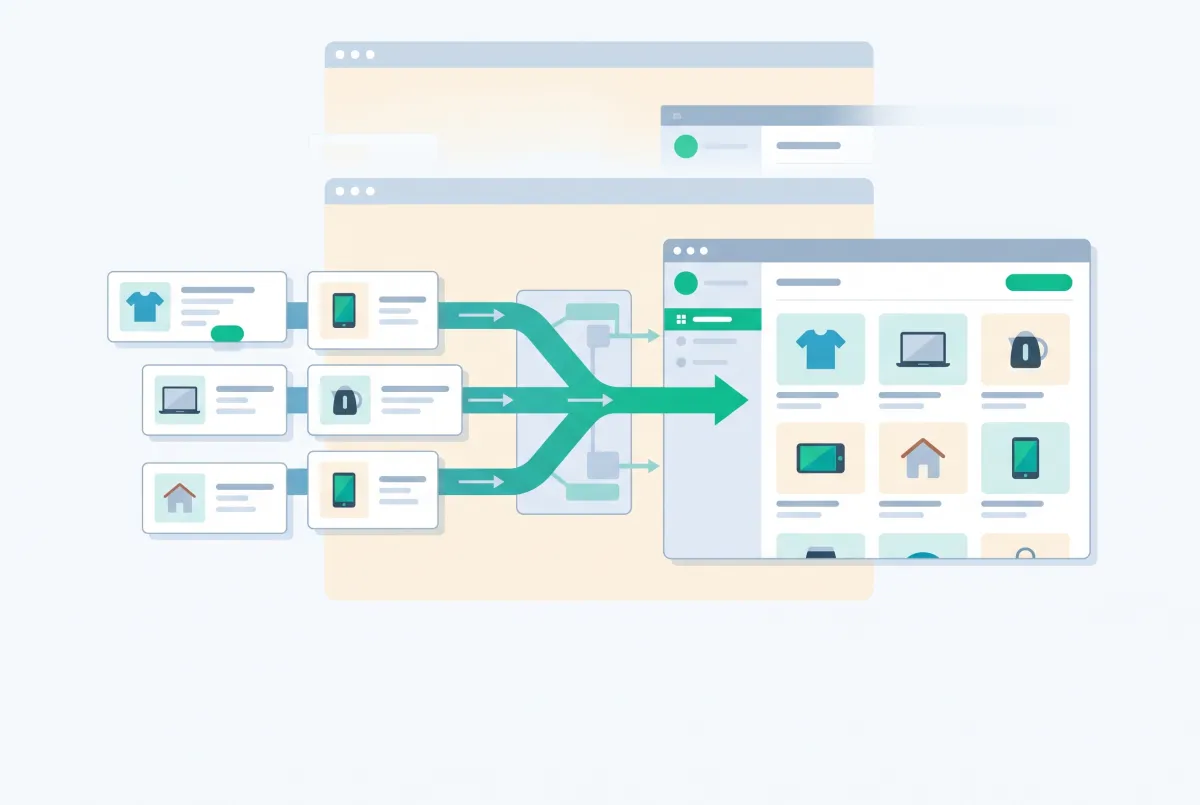
An Amazon to Shopify migration isn't really a data transfer. It's a translation job between two systems that model products in completely different ways, and the parts that break are almost never the parts merchants worry about beforehand.
Plenty of sellers are making this move. Amazon's active seller base fell from 2.4 million in 2021 to roughly 1.65 million by the end of 2025, and just 165,000 sellers launched their first product listing on Amazon.com that year, the lowest annual figure in a decade and a 44% drop from 2024.
This guide covers the technical side: what exports cleanly, what doesn't export at all, and where your catalog quietly loses data on the way across.
How Do You Export Your Amazon Product Catalog Before Migrating?
Your primary export is the Category Listings Report (CLR), found under Reports > Inventory Reports in Seller Central. Most accounts can't see it by default, so you'll need to open a case with Seller Support and ask for it to be enabled on your account.
The CLR returns the backend data Amazon holds on your listings: item name, product description, bullet points one through five, generic keywords, brand, and image URL fields. Request it in Excel format if Seller Central gives you the choice, because the plain-text version mangles columns the moment you double-click it open.
Here's the catch nobody warns you about. The report only reflects data you supplied to Amazon. If you built your business selling on existing ASINs that someone else created, your export comes back close to empty. The content on those detail pages was never yours.
Pull three other exports at the same time:
- All Listings Report for the full SKU, ASIN, price, and quantity list across your account
- Manage FBA Inventory for what's physically sitting in Amazon fulfillment centers
- Business Reports by ASIN for units sold and conversion rate, which tells you which products actually deserve a Shopify page
Don't migrate your catalog one to one. A lot of what sells on Amazon sells because of the algorithm, the Prime badge, and review trust you borrowed from the ASIN, not because the listing is good. Dumping 500 mediocre ASINs into Shopify gives you 500 pages with no reviews, no authority, and copy written for a bullet-point format instead of for Google. A curated subset of your best sellers, rewritten properly, beats a wholesale catalog dump on both SEO and conversion rate.
Once you've picked what's coming across, you're building a Shopify product CSV. The format is unforgiving about column names and row structure, and a single malformed option row can silently create duplicate products. Our guide on importing products to Shopify from a CSV file without errors walks through the failure modes before you hit the button.
The manual route works, but it's slow, and the CLR gives you text without reliably giving you every listing image. That's the specific gap that hurts: you end up opening 200 Amazon detail pages and right-clicking your way through a photo library you already own.
Tools exist for exactly this. Migratify pulls product titles, pricing, images, and variants directly from Amazon listings (plus Etsy, eBay, WooCommerce, and other platforms) into Shopify, with a free plan for limited migrations and a $14/month tier for unlimited ones.
For very large catalogs with complex metafield mapping, Matrixify remains the heavyweight. We compared the options in our roundup of the best Shopify migration apps.
How Do ASINs, SKUs, and Shopify Handles Map to Each Other?
They don't map cleanly, because they're solving three different problems. An ASIN identifies a product in Amazon's shared catalog, a seller SKU identifies your inventory inside your Amazon account, and a Shopify handle is a URL slug that identifies a page in your store.
Get this wrong and you'll spend the next year unable to answer "which Shopify order corresponds to which Amazon listing." Here's how the identifiers actually behave:
- ASIN: Amazon-wide, not yours, shared with every other seller on that detail page. A parent ASIN is a container. Each child ASIN is separately buyable.
- Seller SKU: unique within your Amazon account per marketplace, and often reused or duplicated across marketplaces after years of ad hoc naming.
- Shopify handle: unique per store, auto-generated from the product title in lowercase with hyphens if you don't set it, and used in the product URL.
- Shopify variant SKU: not enforced as unique. Shopify says SKUs in your admin should be unique and shows a warning on duplicates, but it will let you save them anyway.
The collisions that bite during import
Duplicate handles are the first problem. Two Amazon listings called "Organic Cotton T-Shirt Mens Crew Neck Black" and "Organic Cotton T-Shirt Mens Crew Neck White" generate near-identical handles, and Shopify resolves the conflict by appending a numeric suffix. You end up with /products/organic-cotton-t-shirt-mens-crew-neck-1 as a permanent URL. Decide your handle scheme before import, not after.
Duplicate SKUs are the second. If you reused the same SKU for a Shopify-bound product and an existing Amazon child, inventory-sync apps and 3PL integrations will merge quantities they shouldn't. Deduplicate in the spreadsheet, not in the admin.
The third problem is quieter. In the Shopify product CSV, changing data in an option value column deletes the existing variant IDs and creates new ones. Any app that stored a reference to those variants (reviews, subscriptions, bundles) loses the link.
Keep the ASIN somewhere queryable
Store the parent ASIN in a product metafield such as custom.amazon_asin. Product metafields are supported in Shopify's CSV import and export using the header format Name (product.metafields.namespace.key), so you can populate them during the initial import. Variant metafields are not supported in CSV, so child ASIN mapping has to go through the API, an app, or a maintained reconciliation sheet.
Tags work as a fallback, but they're messy at scale and they show up in filtering if you're careless. If you're already deep in tag cleanup, a bulk product editor makes the fix a batch job instead of a week of clicking.
How Do You Convert Amazon Parent/Child Variations into Shopify Variants?
Amazon child ASINs are independently buyable products with their own detail pages, images, and Buy Box. Shopify variants are not products, they're combinations of options under one product with one URL, so every variation family has to collapse into a single Shopify product.
Amazon's variation themes map onto Shopify's Option1, Option2, and Option3. Which themes you get depends on the category, and Amazon's variation relationships follow parentage rules that differ from one category to the next. Check yours before you map anything, and pull the parent SKU relationship column out of your CLR export while you're there.
The good news: Shopify raised the per-product variant ceiling from 100 to 2,048 for all merchants on October 15, 2025. The bad news hasn't changed. You still only get three option dimensions per product.
What to do when you have four or more attributes
Say you sell a phone case in Model, Color, Material, and Finish. Amazon handles that fine, but Shopify won't. You have four realistic options:
- Split by the least commercial attribute. Make Material its own product (with its own handle, images, and description) and keep Model, Color, and Finish as options. This creates more indexable pages, which is often a net SEO win.
- Demote an attribute to a metafield. If Finish never changes price or stock level, it belongs in a metafield rendered in the description, not in the variant matrix.
- Use a product options app for non-inventoried choices. Personalization, engraving, and add-ons don't need variants at all. Optionize adds unlimited custom option types on top of Shopify's three, with a free plan and a $9.99/month Pro tier, and it's Built for Shopify certified.
- Combined Listings, if you qualify. Shopify's Combined Listings app groups separate products under shared parent options, up to 60 products and three parent options per listing. It's available only on Plus and enterprise plans, so it's off the table for most sellers making this move.
Whichever path you take, option names must be spelled identically across every row of a variant family in the CSV. "Color" on one row and "Colour" on another creates two products. That's one of several messes covered in our guide to cleaning up product data after a Shopify migration.
What Happens to Your Images and A+ Content When You Move to Shopify?
Product images come across, since the CLR exposes image URL fields for listings you created and the files are publicly hosted. A+ Content does not come across at all, because Amazon provides no export path for A+ modules and the content sits under Amazon's Content Usage Terms rather than in a portable format you control.
Two practical notes on images. Shopify gives you far more image slots and alt-text room than Amazon's gallery does, so upload everything you have rather than trimming to Amazon's limits. Use the Variant image URL column in the CSV to attach the right photo to the right variant, otherwise every color shows the same hero shot.
Your Amazon image set is also the wrong set. Amazon forces a pure white background on the main image, and every seller optimizes into the same visual template. On your own store, lifestyle photography in the first slot usually converts better because there's no marketplace grid to stand out from.
Rebuilding A+ Content in Shopify
The infographic modules, comparison charts, and brand story blocks you paid a designer for have to be recreated. Three routes, in increasing order of effort:
- Paste the source images into the product description with the rich-text editor. Fastest, but it's a wall of images with no responsive behavior.
- Store the elements as metafields and render them in a theme section. Cleaner, reusable across products, and the content stays structured.
- Use a page builder app for flagship products only. Worth it for your top 20 SKUs, wasteful for the long tail.
Track down the original design files before you cancel anything. If your agency built those modules directly in the A+ Content Manager, the layered source may not exist anywhere.
How Do You Turn Amazon Bullet Points into Shopify Product Descriptions?
Rewrite them. Pasting your five bullets into Shopify's description field is the single most common mistake in this migration, and it produces pages that rank for nothing.
Amazon bullets are written for two audiences: Amazon's A9 search algorithm and a shopper skimming on mobile. That's why they're keyword-stuffed, ALL CAPS at the front, and written in fragments. Google evaluates the whole page for topical depth, readability, and whether it answers what the searcher actually asked.
A description that works on Shopify usually runs 300 to 600 words with this shape:
- Two sentences stating what the product is and who it's for
- Two or three short paragraphs on the specific problem it solves, using the language your customers use in reviews and support tickets
- A scannable spec list (dimensions, materials, compatibility, care)
- Two or three questions your support inbox gets weekly, answered inline
Your Amazon reviews are the best copy research you'll ever get for free. Read the three-star ones, note the words people repeat, and put those phrases in the description. Our guide to writing Shopify product descriptions that rank and convert goes deeper on structure, and the product page SEO checklist covers the title tags, schema, and internal links that surround it.
What Happens to FBA Inventory and Fulfillment When You Add Shopify?
Your FBA inventory can fulfill Shopify orders through Multi-Channel Fulfillment (MCF), which draws from the same physical pool as your Amazon orders. Amazon offers a free Multichannel Fulfillment app for Shopify that connects the two. MCF ships orders in unbranded packaging at no extra cost, and it operates across the US, UK, Canada, Germany, France, Italy, Spain, Japan, and India.
The economics changed this year and they're worth modeling before you commit. New MCF fees took effect January 15, 2026, with most single-unit orders rising $0.35 to $0.41 per unit, well above the $0.08 increase applied to standard FBA. A separate 3.5% fuel and logistics surcharge applies on top of MCF fees during peak season, which Amazon defines as October 15 through January 14.
Run the math per SKU, and run it twice: once at the standard rate and once with the peak surcharge applied. On a $22 product, MCF can eat a chunk of margin that Amazon's Prime-driven conversion rate used to justify. There's no Prime badge on your own store subsidizing that cost.
Preventing the oversell
One inventory pool feeding two demand channels goes wrong in a predictable way: Shopify sells the last three units at 9am while Amazon's sync updates at 9:20am. Two defenses that actually work:
- Hold a buffer on fast movers so Shopify never sees the true last unit. A five to ten unit buffer on your top 20 SKUs prevents most incidents.
- Build a Shopify Flow workflow that tags products and alerts you below a threshold. Flow is free on Basic, Grow, Advanced, and Plus.
Before launch, do a physical count against both systems. Numbers drift during any platform move, and our walkthrough on reconciling inventory counts after migrating to Shopify covers the reconciliation process step by step.
Does Your Amazon Brand Registry Protect You on Shopify Too?
No. Brand Registry's enforcement tools operate inside Amazon's stores, which means Transparency, Project Zero, and the Report a Violation tool do nothing for counterfeits on your Shopify store or anywhere else on the web.
What protects you off-Amazon is the underlying trademark, not the Amazon program built on top of it. Brand Registry requires an active registered trademark or a pending application from an approved government IP office, and that registration is the asset with legal force. If you enrolled with a pending application through Amazon's IP Accelerator, confirm the mark actually registered before you rely on it.
Going direct-to-consumer changes your exposure in three ways:
- Enforcement becomes yours. No Report a Violation button. You send DMCA notices, file marketplace complaints, and chase resellers yourself.
- You're the merchant of record. Chargebacks, refund disputes, and fraud screening land on you instead of Amazon's system absorbing them.
- Identifiers still matter. Copy your UPC, EAN, or GTIN values into Shopify's variant barcode field during import. You'll need them for the Google & YouTube channel and for relisting via Shopify Marketplace Connect, which is free to install and covers Amazon, eBay, Walmart, and Target Plus.
Register your trademark in every market where you plan to sell if you haven't already. It's the least glamorous line item in a migration budget and the one that saves you most.
Can You Bring Your Amazon Reviews Over to Shopify?
Not the actual review text, no. Amazon's Conditions of Use grant a limited license that excludes any collection and use of product listings or descriptions and any derivative use of Amazon content, and the reviews were written by customers who are Amazon's customers, not yours.
This is the single biggest asset you leave behind, and it matters more than most sellers expect. A February 2026 Clutch survey of 400 US consumers found that 96% check reviews before a first-time purchase, and 72% won't consider products rated below four stars. The same study found consumers trust Amazon reviews (73%) far more than brand-owned sites (46%), so you're not just starting from zero, you're starting from a lower trust baseline.
A realistic 90-day rebuild plan
- Week 1: Install a review app and turn on automated post-purchase requests, timed to land a few days after estimated delivery.
- Weeks 2 to 4: Email your owned customer list (people who bought through your site, signed up to your newsletter, or contacted support) and ask directly. Don't solicit through Amazon Buyer-Seller Messaging, which has its own communication rules.
- Ongoing: Prioritize photo and video reviews. The Clutch data showed buyers feel most confident when star ratings come with written feedback (43%) or photos (34%).
- Anywhere legitimate: Import reviews you genuinely own, from your own previous storefront, a Shopify store you're consolidating, or platforms whose terms permit it. Our guide on importing product reviews to Shopify covers what's allowed and what isn't.
One tactic that works without touching Amazon's content: screenshot nothing, but do quote your own aggregate performance in marketing copy if it's factually accurate ("over 4,000 units sold"). Sales counts are your data. Review text isn't.
How Do You Avoid SEO and Duplicate Content Problems If You Sell on Both Platforms?
You can't fix this with canonical tags, because you don't control Amazon's markup and Amazon won't point a canonical at your store. The only working strategy is genuine differentiation: your Shopify pages need content that doesn't exist on your Amazon listings.
Google doesn't penalize marketplace duplication the way merchants fear, but it does pick one version to rank. Guess which page wins on domain authority when your 400-word description is identical on both. Amazon does, every time.
What actually moves rankings on your own domain:
- Rewritten descriptions targeting long-tail queries Amazon listings never touch ("waterproof hiking boots for wide feet" instead of a bullet reading "WATERPROOF DESIGN")
- Buying guides, sizing pages, and comparison content that link into products, none of which can exist on Amazon
- Optimized collection pages, which frequently outrank individual product pages for category terms. See our guide to Shopify collection page SEO.
Handle your internal duplication too. Shopify themes from the Theme Store automatically add canonical tags, so /collections/boots/products/trail-x canonicalizes back to /products/trail-x without intervention. Tag-filtered collection URLs are the ones that leak, and fixing Shopify duplicate content covers how to contain them.
If you're moving off an existing web presence rather than starting fresh, the redirect and traffic-preservation work matters just as much. We cover it in how to prevent SEO traffic loss when migrating to Shopify.
What Should Your Amazon to Shopify Migration Plan Look Like?
Sequence it so the irreversible steps come last. A clean Amazon to Shopify migration runs roughly like this:
- Request CLR access, then export the CLR, All Listings Report, FBA inventory, and 12 months of Business Reports by ASIN.
- Rank SKUs by revenue and conversion rate, then cut the tail. Migrate your top performers, not everything.
- Lock your handle and SKU naming conventions in a spreadsheet before a single product enters Shopify.
- Map variation families to the three-option structure and flag every family that needs splitting.
- Import into a development store first. Test five variant-heavy products end to end.
- Rewrite descriptions, rebuild A+ modules, and set variant images for your priority SKUs.
- Connect MCF or your 3PL, buffer stock on fast movers, and physically count.
- Launch review collection on day one, not month three.
Print a full task list before you start, since the items people forget (tax settings, shipping profiles, email flows) rarely appear in product-focused guides. Our Shopify migration checklist covers everything to move before you switch. If you're also consolidating from other channels, the Etsy to Shopify migration guide and the Magento to Shopify migration guide handle those platform quirks.
The sellers who do this well treat it as a relaunch, not a transfer. The ones who struggle spend three weeks perfecting a CSV, import 600 products, and then wonder why a store full of Amazon bullet points isn't selling anything.

Migratify: Copy Products + AI
SponsoredProduct import made easier! Effortlessly migrate products from 100+ platforms.
Related Articles

How to Import Products from eBay to Shopify (3 Methods That Work)
Import products from eBay to Shopify with 3 methods that work: Seller Hub CSV, a URL importer app, or manual rebuild. Preserve titles, images, variants.

How to Import Products from Volusion to Shopify (3 Methods That Work)
Import products from Volusion to Shopify with 3 methods that work: remapped CSV, public URL import, or manual. Fix Handles, variants, and image paths.
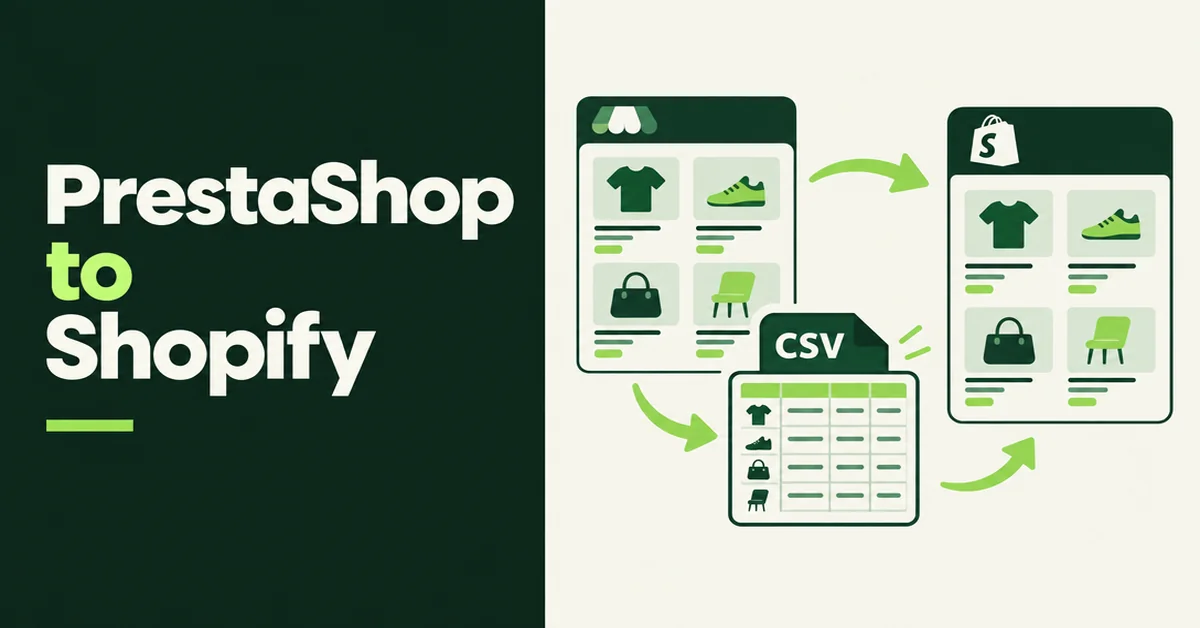
How to Import Products from PrestaShop to Shopify (3 Methods That Work)
Import products from PrestaShop to Shopify with 3 methods that work: remapped CSV, public URL import, or manual. Fix combinations, handles, and weights.
How to Import Products from AliExpress to Shopify (3 Methods That Work)
Import products from AliExpress to Shopify with 3 methods that work: Chrome extension apps, CSV bulk upload, or manual. Preserve titles, images, variants.

How to Import Products from Shopee to Shopify (3 Methods That Work)
Import products from Shopee to Shopify with 3 methods that work: Chrome extension apps, CSV bulk upload, or manual. Preserve titles, images, variants.
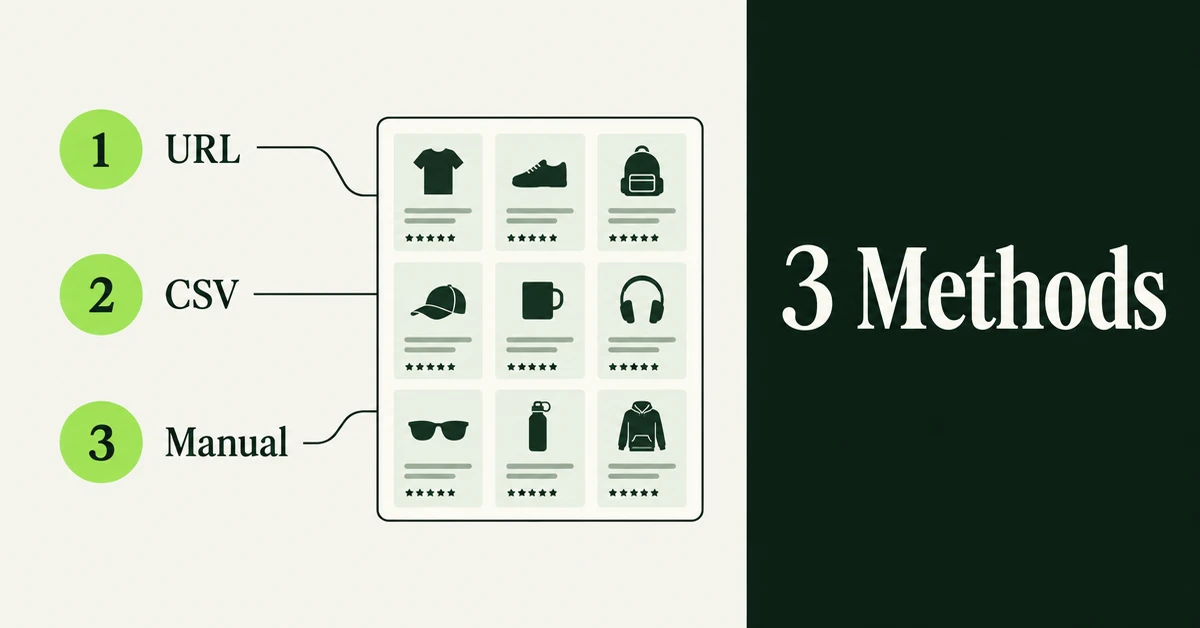
How to Import Products from Daraz to Shopify (3 Methods That Work)
Import products from Daraz to Shopify with 3 methods that work: URL import apps, CSV bulk upload, or manual copy. Preserve titles, images, and variants.