
How to Import Product Reviews to Shopify from Amazon, AliExpress, and More

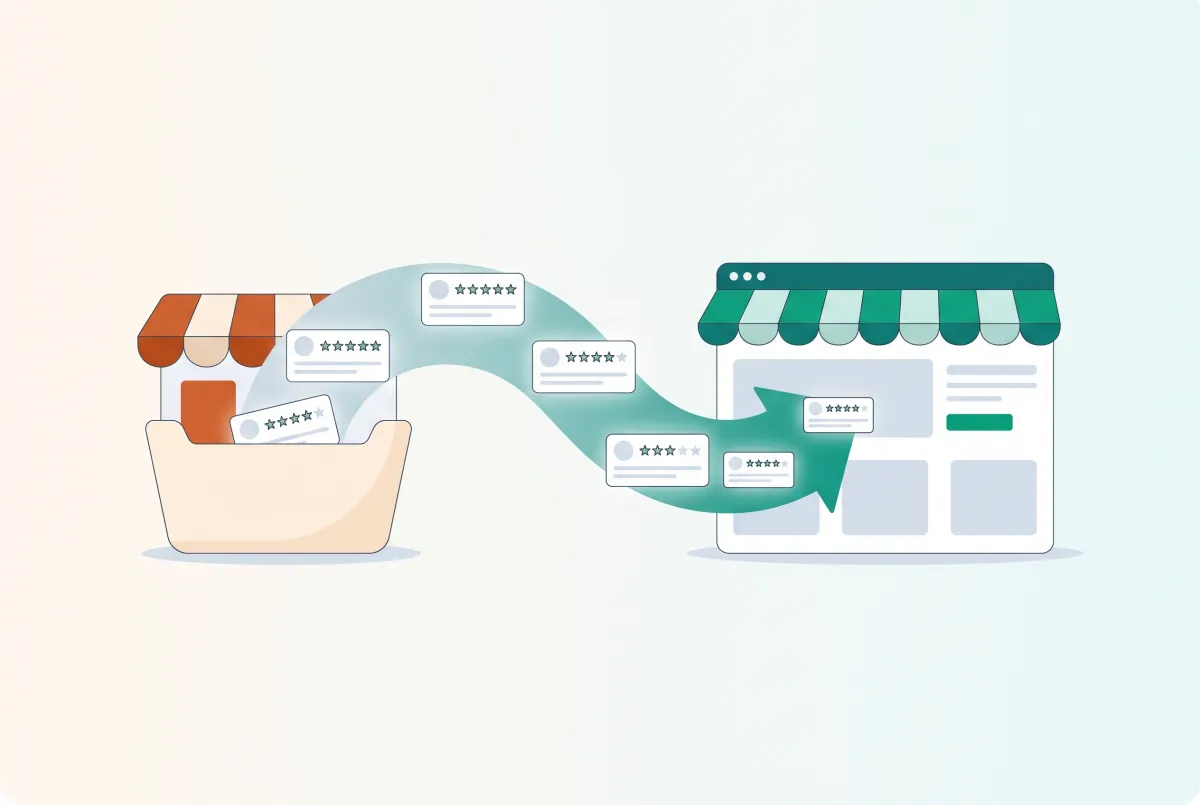
New Shopify stores face a brutal catch-22. Shoppers won't buy without reviews, but you can't collect reviews without sales. That's exactly why thousands of merchants import product reviews to Shopify from platforms like Amazon, AliExpress, and Etsy. It's the fastest way to build credibility on a fresh product page, and when done right, it can transform your conversion rates overnight.
Research from the Spiegel Research Center at Northwestern University found that products with just five reviews are 270% more likely to be purchased than products with no reviews at all. Five. That's all it takes to move the needle.
The question isn't whether you need reviews. It's how you get them on your pages fast without burning your reputation in the process.
Why Do Shopify Stores Import Reviews Instead of Waiting to Collect Them?
Stores import reviews because the alternative (waiting months to accumulate organic feedback) costs them sales every single day. A product page with zero reviews converts at a fraction of the rate of one with even a handful of ratings, and 75% of consumers read reviews regularly before making a purchase.
The math is simple. According to the Spiegel Research Center, displaying reviews on higher-priced products increases conversion rates by 380%. For lower-priced items, the lift is still a significant 190%. Every day your products sit without social proof, you're leaving money on the table.
There's also the compounding effect. Stores with 25 or more recent reviews earn 108% more revenue than average, while stores with 9 or more recent reviews earn 52% more. Reviews don't just reassure buyers; they directly correlate with revenue growth.
For a deeper look at this data, check out our breakdown of how product reviews increase Shopify conversion rates.
Importing reviews lets you skip the cold-start problem entirely. If you're selling a product that already has hundreds of reviews on Amazon or AliExpress, those reviews represent real customer experiences with the exact same item. Bringing them to your Shopify store gives new visitors the confidence they need to buy.
Which Platforms Can You Import Reviews From?
You can import reviews from nearly every major ecommerce platform, including Amazon, AliExpress, Etsy, eBay, Shopee, Lazada, Shein, Temu, and CJdropshipping. The specific platforms available depend on which import app you use, but the biggest marketplaces are universally supported.
Amazon and AliExpress are the two most common sources. Amazon reviews tend to be detailed and include verified purchase badges. AliExpress reviews often come with photos and videos, which can be particularly powerful on your product pages.
Major Platforms
- Amazon - Detailed written reviews, star ratings, verified purchase tags. The gold standard for review quality.
- AliExpress - High volume of photo and video reviews. Popular for dropshippers sourcing from Chinese suppliers.
- Etsy - Reviews with a personal touch. Useful if you're selling handmade or custom items that also exist on Etsy.
- eBay - Seller and product feedback. Less structured than Amazon but still valuable.
Emerging Platforms
- Temu - Growing rapidly, and its reviews are becoming a useful source for budget-friendly product categories. Most review apps haven't caught up yet, though WiseReviews already supports Temu imports.
- Shopee and Lazada - Essential if you sell products popular in Southeast Asian markets.
- Shein - Photo-heavy reviews, especially useful for fashion and accessories.
One critical warning for dropshippers: watch out for the "wrong product URL" problem. If you're importing AliExpress reviews, make sure you're pulling from the exact product listing you source from. Generic supplier pages often have reviews for multiple product variants, colors, and even entirely different items bundled under one listing. Importing those reviews creates a confusing mismatch that savvy customers will notice immediately.
What Are the Best Apps for Importing Reviews to Shopify?
The best apps for importing reviews combine broad platform coverage, photo/video support, and customizable display widgets. Your choice depends on whether you need basic one-time imports or ongoing review syncing across your catalog.
Before we get into specific recommendations, here's an important note: Shopify's own native Product Reviews app has been deprecated and is no longer available for new installations. If you're setting up a new store, you can't install it. You need a third-party solution.
Top Options for 2026
WiseReviews stands out for its platform coverage. It imports photo and video reviews from Amazon, AliExpress, Etsy, eBay, Temu, Shopee, Shein, Lazada, CJdropshipping, and more. The free plan covers up to 100 reviews, which is enough to seed your most important product pages.
Paid plans start at $9.95/month for up to 50,000 reviews and include auto-sync, so new reviews from your source platform get pulled in automatically. The customizable widgets let you match the review display to your brand's look.
If you want the Amazon path in minutes, this short walkthrough shows importing Amazon reviews into Shopify without building a CSV.
Loox focuses heavily on photo and video reviews. It's popular with brands that want a visual-first approach. The interface is clean, and the display widgets look polished out of the box.
Judge.me offers a generous free tier and solid import functionality. It supports importing from AliExpress and via CSV, and it includes SEO-friendly review snippets that can help your product pages rank. It's one of the most widely used review apps on Shopify.
Ali Reviews specializes in AliExpress imports specifically. If your primary product source is AliExpress and you want a straightforward import workflow, it's a solid choice. It lacks the broader platform support of WiseReviews but does its core job well.
How Do You Import Product Reviews to Shopify Step by Step?
The process takes about 10 to 15 minutes for your first product. Install your chosen review app from the Shopify App Store, locate the source product URL, configure your import filters, and let the app pull the reviews into your store.
Step 1: Install and connect the app. Go to the Shopify App Store, find your review import app (we'll use WiseReviews as the example), and click "Add app." Authorize the permissions it needs to access your product catalog.
Step 2: Find your source product URL. Navigate to the Amazon, AliExpress, or other marketplace listing for the product you want to import reviews from. Copy the full URL. Double-check that this is the correct listing for your exact product, not a similar one or a multi-variant page with unrelated items.
Step 3: Start the import. In the app's dashboard, select your Shopify product, paste the source URL, and configure your filters. This is where you make critical decisions about which reviews to bring over.
Step 4: Filter strategically. Don't just grab everything. Set a minimum character count (50+ characters works well) to filter out one-word reviews that add no value. Select reviews with photos when possible. And here's the part most guides skip: include some 3-star and 4-star reviews deliberately.
Step 5: Review and publish. Most apps let you preview imported reviews before they go live. Take the time to scan them. Remove any that reference the source platform by name ("great Amazon purchase"), mention shipping from China, or contain irrelevant content about a different variant.
Step 6: Customize the display. Configure the review widget's appearance, placement, and summary bar. A well-designed review section that matches your store's branding looks authentic. A generic widget screams "imported."
Can You Import Reviews via CSV Without an App?
Yes, you can import reviews using a CSV file, but the process requires more manual work and a compatible review app that accepts CSV uploads. There's no native Shopify feature for importing reviews via spreadsheet alone.
The CSV method works best when you're migrating reviews from another Shopify store, switching review apps, or consolidating reviews from multiple sources into a single format.
First, you need a review app that supports CSV import. Judge.me, Stamped.io, and several others accept CSV uploads. Each app has its own required CSV format, so check the documentation before building your spreadsheet.
A typical CSV structure includes columns for product handle, reviewer name, reviewer email, rating, review title, review body, and date. If you're pulling reviews from a marketplace manually, this means copying review text, star ratings, and reviewer names into a spreadsheet. It's tedious for more than a handful of products.
For stores managing large catalogs, this is also a good time to think about bulk product editing workflows that can save hours across your operations.
Upload the CSV through your review app's import interface. Most apps will validate the file and flag any formatting errors before processing. Common mistakes include wrong date formats, missing required fields, and product handles that don't match your Shopify catalog.
The CSV approach gives you maximum control over exactly which reviews appear on your store, since you curate every single entry. The trade-off is time. For stores with dozens of products, an automated app import will save you hours compared to the CSV method.
What Are the Legal and Ethical Risks of Importing Reviews?
The biggest legal risk is violating the source platform's Terms of Service. Amazon's ToS explicitly prohibits scraping or republishing their content (including reviews) without permission. Most other marketplaces have similar restrictions. This is the elephant in the room that the review import industry rarely discusses openly.
Practically speaking, enforcement is inconsistent. Amazon has sent cease-and-desist letters to some apps and largely ignored others. The risk is real though, and it scales with your store's size. A small store importing 50 reviews is unlikely to attract attention, but a large operation systematically scraping thousands of reviews creates a much bigger target.
Beyond legal exposure, there are ethical considerations that directly affect your business:
- Misleading customers. If you import reviews for a "similar" product rather than the exact same item, you're deceiving your buyers. A review praising a specific color or size that you don't sell erodes trust the moment someone reads it.
- FTC guidelines. The FTC requires that endorsements and testimonials reflect honest opinions. Importing reviews and presenting them as if they were written about your store specifically could attract regulatory scrutiny, especially if you modify the review content.
- Review attribution. Reviewers wrote their feedback for a specific platform and seller. Republishing their words on your store without their knowledge raises ethical questions, even if enforcement is rare.
The safest approach is to use imported reviews as a bridge strategy. Get initial reviews on your pages to build momentum, then invest in collecting genuine reviews from your own customers through post-purchase email sequences. Most review apps, including WiseReviews, include automated review request emails that help you build authentic social proof over time.
How Do You Make Imported Reviews Actually Help Your Conversions?
Imported reviews only improve conversions when they look authentic and follow the patterns real buyers trust. A wall of five-star reviews with generic praise actually hurts more than it helps, because shoppers have learned to spot manufactured social proof.
Here's the data that should change how you think about this. The Spiegel Research Center found that purchase likelihood peaks between 4.0 and 4.7 stars, then drops as ratings approach a perfect 5.0. Consumers are skeptical of flawless scores.
Importing five-star-only reviews is one of the worst things a new Shopify merchant can do. A product page with 47 reviews and a perfect 5.0 rating doesn't look trustworthy. It looks manufactured. Deliberately include a handful of honest 3-star and 4-star reviews when using any review importer.
A slightly imperfect rating with genuine mixed feedback will outperform a spotless one almost every time. Beyond the star rating strategy, here's how to maximize the impact of your imported reviews.
Prioritize photo and video reviews. Visual reviews are dramatically more persuasive than text alone. When filtering imports, favor reviews that include customer photos showing the actual product in use. These create a sense of authenticity that text reviews can't match.
Curate for specificity. Generic reviews like "great product, fast shipping" add almost nothing. Import reviews that mention specific features, describe how the product solved a problem, or compare it to alternatives. Specific details signal real customer experiences.
Mind the review dates. A product page showing 50 reviews all dated the same week looks suspicious. Some apps let you adjust or randomize dates on imported reviews. If yours doesn't, import in smaller batches over time to create a more natural-looking timeline.
Don't forget the SEO angle. Reviews contribute to on-page content and can influence search rankings. According to research compiled by Fera.ai, reviews have a 10.3% influence on Google search rankings. Importing detailed, keyword-rich reviews can help your product pages rank for long-tail search terms that buyers actually use.
Make sure the rest of your product page is optimized too. Reviews alone won't save a poorly structured listing. If you're looking to strengthen your product pages beyond reviews, consider adding custom product options that give shoppers more control over their purchase.
Collect your own reviews alongside imports. The goal isn't to rely on imported reviews forever. Set up automated post-purchase review request emails from day one. As your organic reviews accumulate, they'll blend with your imports and create a richer, more credible review profile.
Ninety-three percent of consumers say reviews influenced their purchase decisions. Give them enough real, varied feedback to make a confident choice, and your conversions will follow.

WiseReviews ‑ Reviews Importer
SponsoredImport Photo & Video Reviews from your favorite e-commerce platforms easily!
Related Articles

How to Import Reviews from AliExpress to Shopify (2026 Walkthrough)
Learn how to import reviews from AliExpress to Shopify the right way in 2026, with a video walkthrough, FTC compliance rules, and top import apps compared.

How to Import Reviews from Shopee to Shopify (3 Methods That Actually Work)
Learn 3 ways to import reviews from Shopee to Shopify, including a completely free method. Don't rebuild your social proof from scratch after migrating.
How to Migrate Product Reviews from Etsy to Shopify Without Losing Star Ratings
Star ratings vanish in most Etsy imports. Learn how to migrate product reviews from Etsy to Shopify with ratings, photos and rich snippets fully intact.

How to Import Trustpilot Reviews to Shopify (Step-by-Step)
Want to import Trustpilot reviews to Shopify? Learn the CSV export route, API access limits, and why a TrustBox widget won't help your product page SEO.
Finding the best Shopify review apps? We compare Judge.me, Loox, Yotpo, Okendo, and Stamped on actual pricing, page speed, features, and hidden costs.

How Product Reviews Increase Shopify Conversion Rates (And How to Get More of Them)
Product reviews can lift Shopify conversion rates by up to 380%. Learn how reviews, photos, and UGC turn browsers into buyers, with data to back it up.