
How to Add Custom Product Options to Your Shopify Store (Without Breaking Inventory)
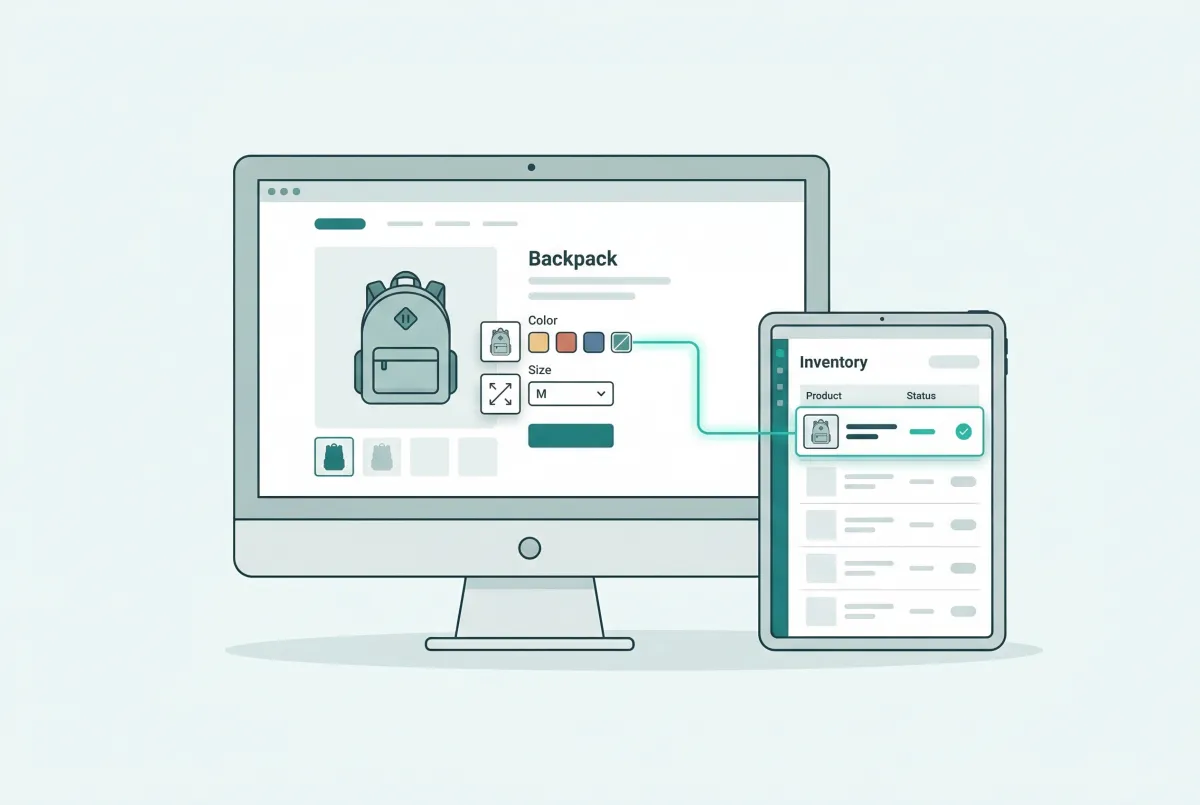
Adding custom product options on Shopify used to mean wrestling with a 100-variant ceiling. That changed in October 2025, when Shopify raised the limit to 2,048 variants per product. The update opens real possibilities for merchants who sell configurable goods, but it also raises new questions about when to use native options, when to reach for an app, and when line item properties are the smarter play. This guide breaks down all three approaches so you can offer the right level of customization without tanking your store's performance or confusing your customers.
What Is the Difference Between a Shopify Product Option and a Variant?
A product option is a category of choice (like "Size" or "Color"), while a variant is a specific combination of those choices (like "Large / Red"). Shopify creates one variant for every possible combination of your options, which is why three sizes and four colors produce twelve variants automatically.
This distinction matters because variants carry their own inventory counts, prices, and SKUs. Options alone don't. If you add a "Material" option with three values to that same product, your variant count jumps from 12 to 36.
Understanding this multiplication effect is the foundation of every decision you'll make about custom product options on Shopify. Think of options as the questions you ask the customer. Variants are every possible answer combination, each tracked independently in your inventory system. The moment you treat them as interchangeable, you'll run into stock tracking problems and fulfillment headaches.
What Are Shopify's Built-In Limits for Product Options and Variants?
Shopify now supports up to 2,048 variants per product, a massive jump from the old cap of 100. The company announced this change on October 15, 2025, and it applies to all Shopify plans.
Along with the higher limit, Shopify's engineering team delivered a 10x improvement in product creation speed at the 2,048-variant ceiling, and single-variant products now load 33% faster in the admin. These aren't just big numbers on a spec sheet. They mean you can actually use the expanded limit without your admin grinding to a halt.
Here's what you need to know about the current constraints:
- Variants per product: 2,048 maximum
- Options per product: 3 (this hasn't changed)
- Option values per option: Enough to reach 2,048 combinations across your three options
- Products per store: Varies by plan, but even Basic allows tens of thousands
The three-option limit is the real bottleneck for most merchants. You get Size, Color, and one more. If your product needs a fourth axis of customization (say, engraving text or gift wrapping), native variants can't handle it alone. That's where apps and line item properties enter the picture.
One underrated benefit of the 2,048-variant limit is product consolidation. If you previously split a single product into multiple listings to stay under 100 variants, you can now merge them. This consolidates your reviews, simplifies your catalog, and gives each product a stronger SEO footprint because link equity stops being scattered across duplicate pages.
How Do You Add Custom Product Options Natively in the Shopify Admin?
You add native options directly from the product editor in your Shopify admin under Products, then selecting the product and scrolling to the "Variants" section. Click "Add options like size or color" and define up to three option categories with their values.
Here's the step-by-step process:
- Go to Products in your Shopify admin
- Select an existing product or create a new one
- Scroll to the Variants section
- Click Add options like size or color
- Name your first option (e.g., "Size") and add the values (e.g., Small, Medium, Large)
- Click Add another option if you need a second or third
- Shopify generates all variant combinations automatically
- Set individual prices, SKUs, and inventory for each variant
For simple products with two or three options, this native approach works perfectly. A t-shirt with Size and Color? Done. A candle with Size and Scent? No problem.
You get full inventory tracking, individual pricing per variant, and no extra app costs. The native approach falls short when you need text input fields (like monogramming), file uploads (like custom artwork), or more than three option categories. Shopify's variant system was designed for predefined choices, not open-ended personalization.
When Should You Use a Third-Party App Instead of Shopify's Native Options?
You should reach for an app the moment you need more than three option categories, conditional logic between options, or input types that Shopify doesn't support natively (text fields, file uploads, date pickers, image swatches). These are hard limits in the native system, not something you can work around with clever setup.
Here are the clearest signals that you've outgrown native options:
- Your product needs four or more distinct customization axes
- Customers need to type in personalization text (names, dates, messages)
- You want to show or hide options based on previous selections
- You need visual swatches instead of plain text dropdowns
- Certain options should carry add-on pricing (like "add gift wrap for $5")
- Customers need to upload files (logos, photos, design mockups)
A good example: you sell custom jewelry. The customer picks a metal type (gold, silver, platinum), a chain length, a pendant shape, an engraving font, and then types their engraving text. That's five option categories plus a text input.
Native Shopify handles three categories with predefined values. You need an app. Optionize is built for exactly this scenario. It supports 16+ option types including text boxes, file uploads, color swatches, and date pickers, with conditional logic that shows or hides fields based on what the customer selects.
The free plan covers unlimited options, and the Pro plan at $9.99/month adds conditional logic and translations. For merchants selling personalized or configurable products, an app like this pays for itself quickly by reducing support tickets from confused customers. The wrong move is installing an app before you actually need one. If your products have two options with predefined values, the native system is faster, free, and fully integrated with inventory.
What Are the Best Shopify Apps for Custom Product Options in 2026?
The best app depends on your specific use case, not on who has the most reviews. After evaluating the landscape, three categories of option apps matter: simple customization, complex configuration, and bulk management. Pick based on what your products actually require.
Instead of ranking apps by popularity, here's a decision framework:
For Personalization and Add-Ons
If your main need is text engraving, gift wrapping, or add-on pricing, look for apps that specialize in line-item-level customization with clean UIs. Optionize fits here with its free tier for unlimited options and visual swatch support. The conditional logic in its Pro plan ($9.99/month) prevents customers from seeing irrelevant fields, which directly impacts completion rates on mobile.
For Complex Product Builders
Products like custom PCs, made-to-order furniture, or printed packaging need multi-step configurators with dependency rules. Look for apps that support nested option trees and real-time price calculation. These tend to run $15-50/month but save significant time versus managing dozens of separate product listings.
For Managing Options at Scale
If you have hundreds of products that share similar option sets, you need bulk option management. Applying "Size: S/M/L/XL" to 200 products one at a time isn't realistic. Apps with option templates and bulk-apply features solve this.
If you're also managing prices and descriptions across large catalogs, a tool like Edify helps with bulk product editing, including prices and collections with scheduling and undo support. Before installing anything, check three things: does the app work with your theme? Does it add significant page load time? And does the data flow into Shopify's order system cleanly?
How Do Custom Product Options Affect Your Conversion Rate and AOV?
Personalized product options reliably increase both conversion rate and average order value when implemented well. McKinsey's research shows companies delivering strong personalization generate 40% more revenue than those that don't. Separately, Epsilon's research found that 80% of consumers are more likely to buy from brands offering tailored experiences.
The revenue lift comes from two directions. First, customers who customize a product feel ownership before they buy, which reduces cart abandonment. Second, add-on options (gift wrapping, premium materials, rush shipping) create natural upsell opportunities that increase order value without feeling pushy.
Medallia's 2023 survey of over 3,600 consumers found that 61% are willing to spend more with companies that offer personalized experiences. That willingness translates directly into AOV when you give customers meaningful choices.
A "plain" coffee mug at $15 becomes a $28 order when the customer adds a custom name, picks a premium glaze, and selects gift wrapping. But here's the part most guides skip: personalization data is worth more than the immediate revenue bump.
A text field that captures "what should we engrave?" tells you more about your customer than your entire email list. You learn who's buying gifts (and when), what occasions drive purchases, and what language your customers use naturally. That information fuels smarter email segmentation, better ad targeting, and more accurate inventory forecasting. Merchants who treat custom options as a data collection mechanism, not just a UX feature, build a compounding advantage over competitors who only see the surface-level conversion lift.
What Is the Right Way to Use Line Item Properties for Personalization?
Line item properties are hidden fields attached to a cart item that capture custom input (like engraving text or special instructions) without creating new variants. They're the right tool when you need open-ended customer input that doesn't affect inventory tracking or pricing.
Unlike variants, line item properties don't multiply your inventory combinations. A variant for every possible engraving text is obviously impossible, but a line item property captures the text cleanly and passes it through to your order details and fulfillment workflow.
You can add line item properties using Shopify's Liquid templating. Here's what a basic implementation looks like on a product page:
- Edit your product template in your theme code
- Add an input field inside the product form with a name attribute formatted as properties[Your Label]
- The value the customer types gets attached to the line item when they add to cart
- The property appears in the cart, checkout, order confirmation, and order details in your admin
Line item properties work best for:
- Engraving or monogram text
- Gift messages
- Special delivery instructions
- Custom date requests
- Any free-text personalization that doesn't change the physical SKU
Styling line item property inputs to match your theme requires some code. The default implementation is functional but ugly. Most merchants end up using an app for the front-end presentation while the data still flows through as line item properties on the back end.
This gives you a polished customer experience without losing the simplicity of Shopify's native order data structure. One important detail: line item properties don't support conditional pricing natively. If "add engraving" should cost $5 extra, you'll need an app or custom JavaScript to adjust the price.
Does Adding More Options Always Help, or Can It Hurt Sales?
More options can absolutely hurt sales. The classic "jam study" by Iyengar and Lepper demonstrated this clearly: a display with 24 jam varieties attracted browsers but only 3% purchased, compared to 30% when the display offered just 6 options. That's a 10x difference in conversion rate from reducing choice.
The paradox of choice hits especially hard on mobile, where Shopify's 875 million buyers increasingly shop. Five dropdown menus on a phone screen is a nightmare. Each additional dropdown pushes the "Add to Cart" button further down the page and gives the customer another reason to bounce.
On desktop, the same five options feel manageable. On a 6-inch screen, they feel overwhelming. Here are practical rules of thumb for option quantity:
- 2 options: Almost always fine. Size and Color is the standard and customers expect it.
- 3 options: Works well if the third option is simple (like "Monogram: Yes/No").
- 4-5 options: Needs a stepped or conditional interface. Show them one at a time, not all at once.
- 6+ options: You're building a product configurator, not a product page. Consider a multi-step flow.
The goal isn't to minimize options; it's to minimize perceived complexity. Conditional logic helps enormously here. Show the engraving text field only after the customer selects "Yes" for engraving, and hide the "Chain Length" dropdown until they pick a necklace instead of a bracelet. Every hidden field is one fewer decision the customer faces on first load.
My strongest opinion on this: most Shopify merchants add options because competitors have them, not because customers asked for them. Before adding a single new option, check your support inbox. If nobody's asking for it, you're solving a problem that doesn't exist and creating friction that does.
Start with what customers request, then expand based on data. The stores that win aren't the ones with the most options. They're the ones that make choosing feel effortless.

Optionize Product Options
SponsoredUnlimited product options for your store. Easy, powerful customization.
Related Articles
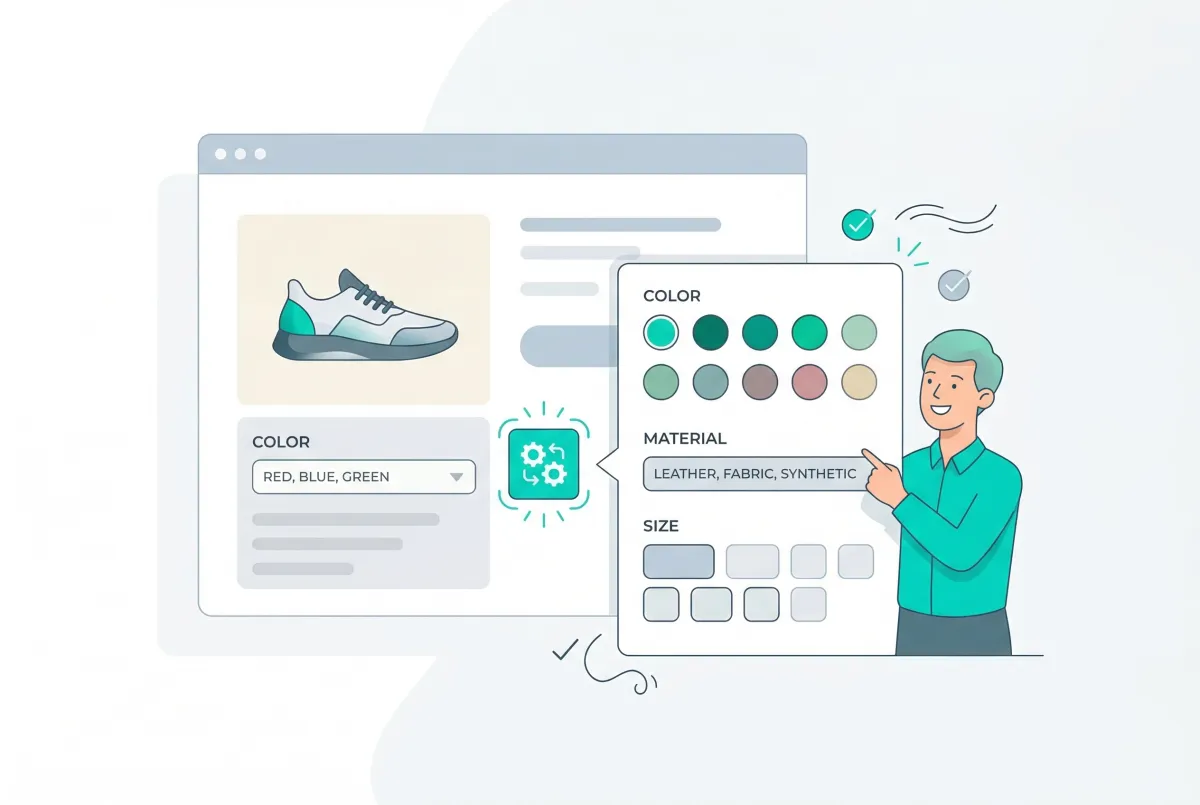
Shopify Product Options Limitations: What Merchants Can't Do Natively (And How to Fix It)
Shopify product options limitations block text inputs, file uploads, and conditional logic natively. Here is every restriction explained and how to fix it.

Best Shopify Product Option Apps Compared (2026): 8 Tools Tested
We tested the best Shopify product option apps of 2026 on pricing, features, and inventory syncing so you can pick the right one for your growing store.
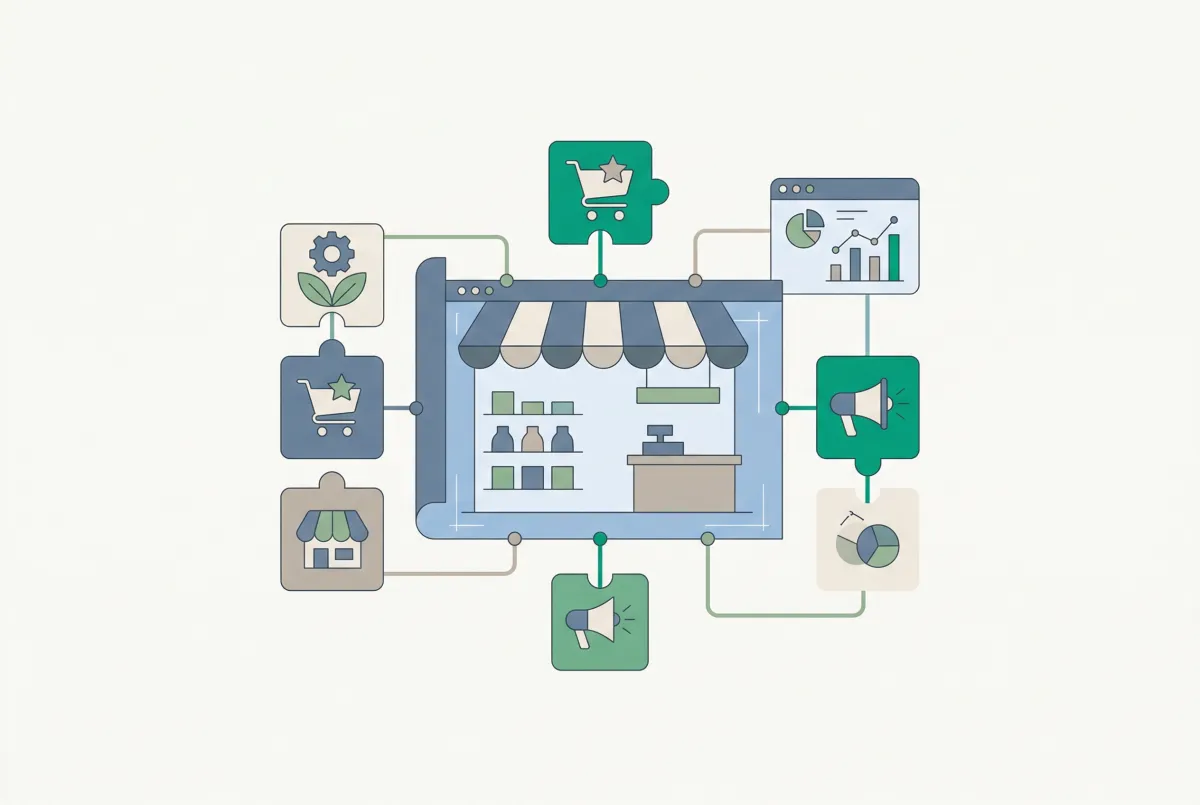
The Only Shopify Apps You Need When Setting Up a New Store in 2026
Looking for the right apps for setting up a new Shopify store? These four handle product migration, bulk editing, reviews, and custom options so you launch ready.
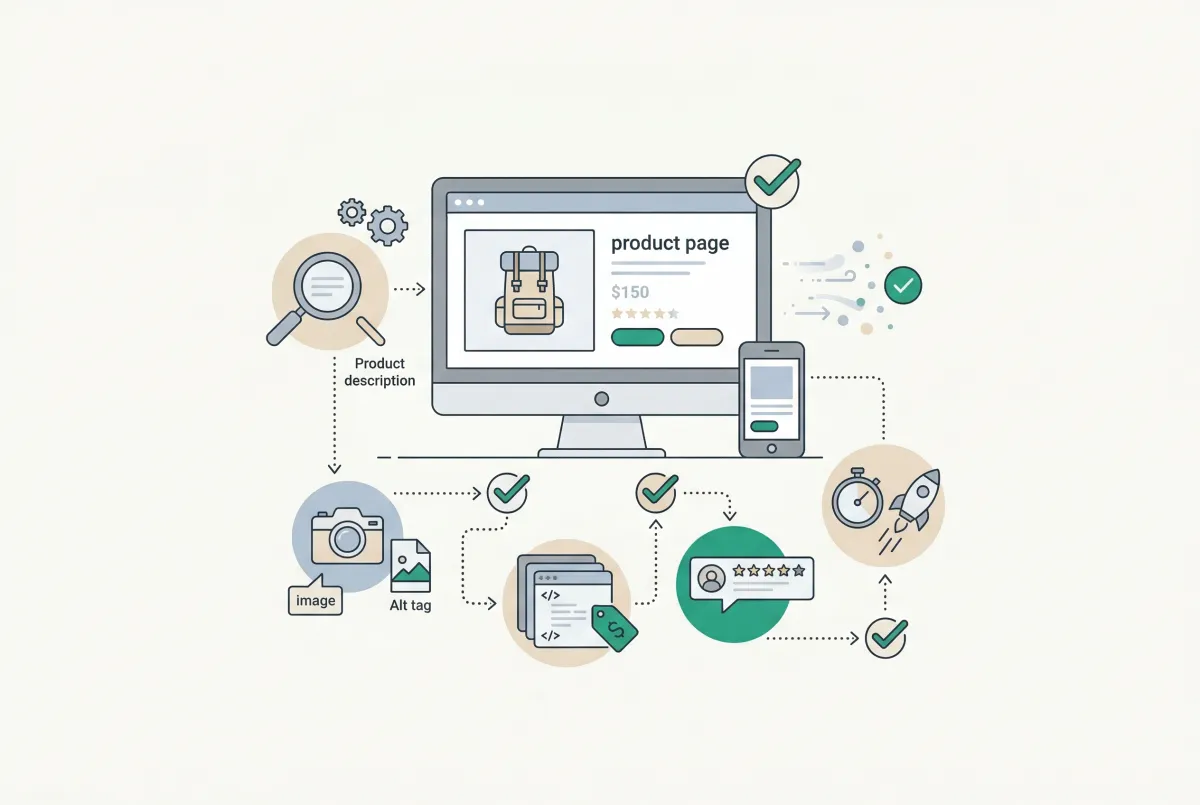
Most Shopify product pages are missing at least three core SEO elements. This 2026 checklist covers title tags, schema markup, images, and more.
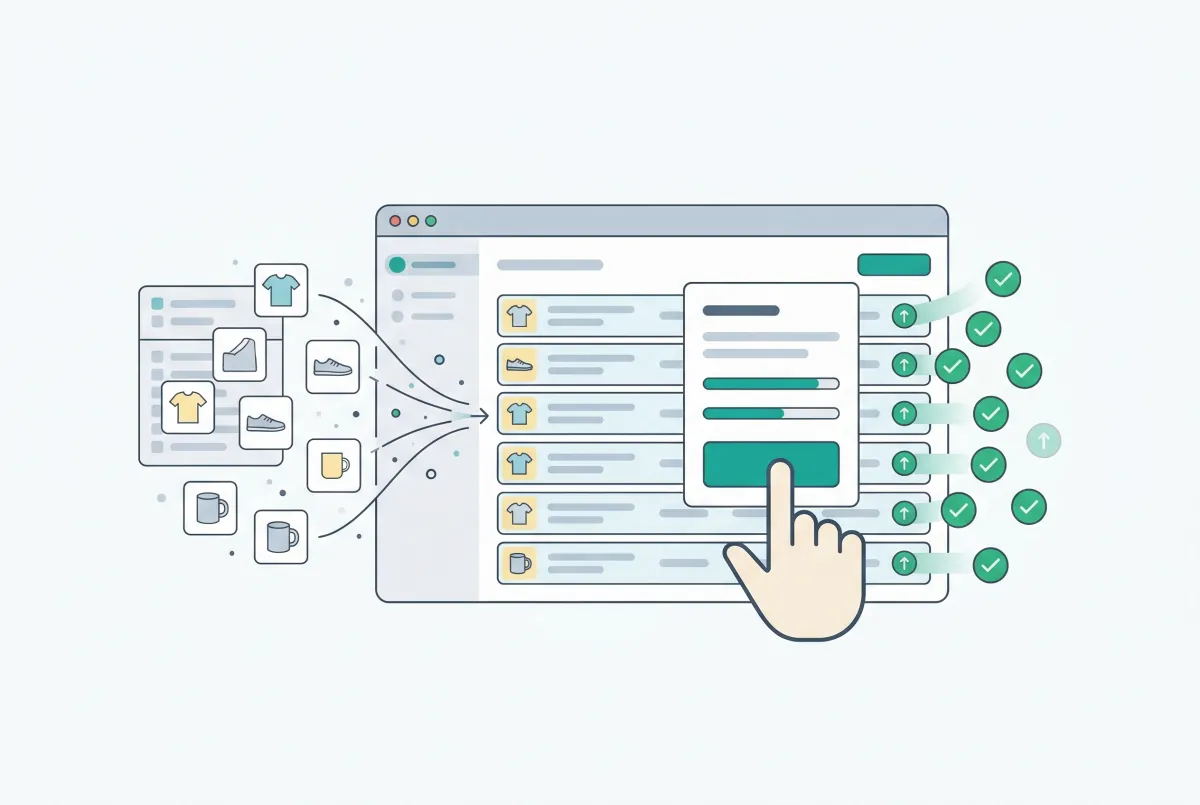
Shopify Bulk Product Editing: The Complete Guide to Updating Your Catalog Fast
Master Shopify bulk product editing with the native editor, CSV imports, and third-party apps. Update prices, tags, and descriptions across your catalog fast.

Learn to write Shopify product descriptions that rank on Google and convert shoppers into buyers. Includes SEO tips, copywriting frameworks, and examples.