
Shopify Collection Page SEO: How to Rank Your Category Pages in Google
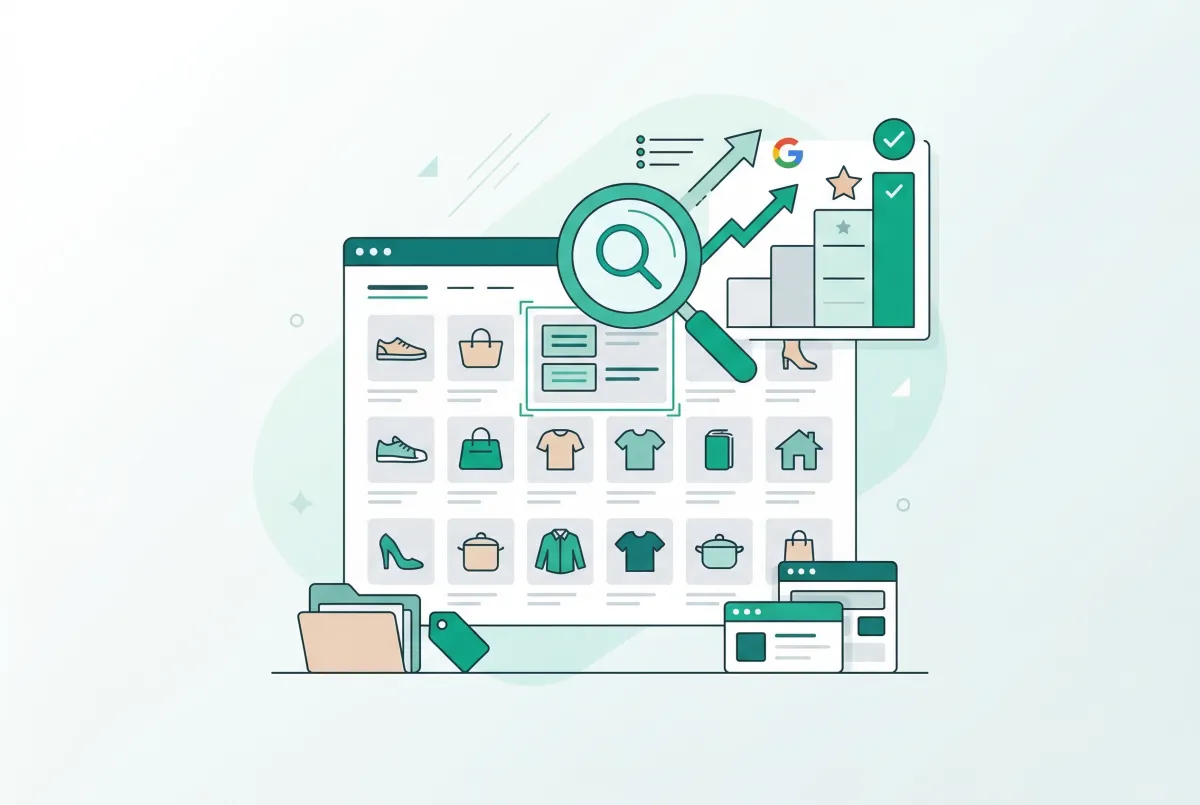
Most Shopify merchants pour hours into product pages and forget the pages that actually attract broader search traffic: their collections. Shopify collection page SEO is one of the highest-leverage activities you can do for organic growth, and almost nobody does it well. According to research from Reboot Online, 43% of all ecommerce traffic comes from organic Google search. Your collection pages are where that traffic should land.
Think about how people actually search. They don't type "blue merino wool crew neck sweater size medium" into Google. They search "men's wool sweaters" or "organic dog treats" or "waterproof hiking boots." Those broad, category-level queries match your collection pages, not your product pages. And yet most Shopify stores serve up a bare grid of product thumbnails with zero optimized text on those pages.
That's a massive missed opportunity. Here's how to fix it.
Why Do Shopify Collection Pages Have More SEO Potential Than Product Pages?
Collection pages target broader keywords with higher monthly search volume and stronger commercial intent. A single well-optimized collection page can rank for dozens of related search terms, while a product page typically competes for one very specific long-tail query.
The math is straightforward. Category-level keywords like "women's running shoes" get searched tens of thousands of times per month. A specific product keyword like "Nike Pegasus 41 women's black size 8" gets a fraction of that volume. When ecommerce category pages are properly optimized, they can drive up to 70% of a site's total organic visits.
Here's my honest take: most Shopify merchants obsess over product page SEO and leave their collection pages as blank grids with auto-generated titles. That's backwards.
Category-level keywords carry broader search intent, higher monthly search volume, and stronger purchase signals than most product-specific queries. If you only have time to optimize one page type this month, pick your collections. A well-written 150-word description and a deliberate title tag will do more for your organic traffic than rewriting every product description in your store.
Collection pages also serve as internal linking hubs. Every product listed on a collection page receives a link from it, and every collection linked from your navigation passes authority throughout your site. Google sees these pages as category-level indicators of what your store is about.
How Do You Do Keyword Research for Shopify Collection Page SEO?
Start with your existing collection names, then expand using Google's own suggestions and free keyword tools. The goal is matching each collection to a primary keyword that real shoppers type into search engines.
Open Google in an incognito window and type your collection's topic. Look at three things: the autocomplete suggestions that appear as you type, the "People also ask" box in the results, and the related searches at the bottom of the page. These are all real queries from real people.
A Simple Keyword Research Process
- List every collection in your store (including ones you haven't created yet but should).
- For each collection, search Google with the most obvious term and note autocomplete suggestions.
- Use a free tool like Google Keyword Planner, Ubersuggest, or Keywords Everywhere to check monthly search volume.
- Pick one primary keyword per collection. It should have decent volume and match what the collection actually contains.
- Note 3 to 5 secondary keywords (related terms, synonyms, longer variations) for each collection.
Don't overthink this. You're not trying to rank for "shoes." You're trying to rank for specific category terms that match your inventory: "vegan leather handbags," "organic baby clothes," "minimalist desk accessories." These mid-tail keywords are where Shopify stores win.
One thing to watch for: cannibalization. If two collections target the same keyword, Google won't know which one to rank. Each collection needs its own distinct primary keyword. Consolidate overlapping collections or differentiate them clearly.
How Do You Write a Collection Page Title, H1, and Meta Description That Actually Ranks?
Your collection's SEO title should include your primary keyword near the front, your brand name, and stay under 60 characters. The H1 (which Shopify auto-generates from the collection title) should be clear and keyword-rich without stuffing.
Shopify gives you separate fields for the collection title (used as H1) and the SEO title (used in search results). Use both. Your H1 can be slightly more descriptive for on-page context, while your SEO title should be tighter for Google's character limits.
Title Tag Formula
Use this structure: [Primary Keyword] [Qualifier] | [Brand Name]. For example: "Organic Dog Treats for Sensitive Stomachs | PawsNatural" or "Women's Waterproof Hiking Boots | TrailReady." Keep it under 60 characters so Google doesn't truncate it.
Meta Description Formula
Your meta description should follow a Problem/Value/Qualifier pattern in 150 to 155 characters. Example: "Finding safe treats for dogs with allergies is frustrating. Shop our vet-approved organic dog treats with free shipping on orders over $50."
Why does this matter so much? The #1 organic result earns an average CTR of 27.6%, while position 10 gets roughly 2.5%. A compelling title tag and meta description can bump your CTR even if you're not in the top spot, and Google notices when searchers consistently pick your result over higher-ranked competitors.
If you're managing dozens of collections, updating each one manually through Shopify's admin gets tedious fast. Tools like Edify let you edit collections in bulk, which saves serious time when you're rolling out SEO improvements across your entire catalog.
What Should a Shopify Collection Description Include for Maximum SEO Impact?
A strong collection description is 100 to 250 words of genuinely useful content that includes your primary keyword, secondary keywords, and information that helps shoppers make a buying decision. It should sit above or around the product grid, not hidden at the bottom where nobody reads it.
Most merchants either leave the description blank or write one generic sentence. Both approaches waste a ranking opportunity. Google needs text content to understand what a page is about, and a collection page with nothing but product thumbnails gives the algorithm very little to work with.
What to Include in Your Description
- What the collection contains and who it's for (1 to 2 sentences).
- What makes these products different from competitors (materials, sourcing, features).
- A buying guide element such as "not sure which size to pick?" or "here's how to choose between X and Y."
- Your primary keyword used naturally, plus 2 to 3 secondary keywords woven in.
- Aggregated review highlights pulling the best customer feedback about products in this category.
That last point is underused and powerful. Adding a line like "Rated 4.8 stars across 2,300+ reviews" or quoting a specific customer review gives your collection page unique content that product grids alone can't provide. It also builds trust with shoppers who are still in the comparison phase. If you want to learn more about using reviews strategically, our guide on how product reviews increase Shopify conversion rates covers the full playbook.
According to research from Charle Agency, pages with schema markup achieve 20 to 40% higher click-through rates. If your theme supports it (or you add it via a Shopify app), adding product and review schema to collection pages helps Google display rich snippets with star ratings and price ranges in search results.
How Does Internal Linking Between Collections Affect Your Rankings?
Internal linking distributes authority across your store and helps Google discover and understand every page. A deliberate internal linking structure between your collections is one of the simplest, most effective SEO tactics available, and 86% of ecommerce sites still don't do it well.
Think of your collections as a hierarchy. You might have a top-level "Women's Clothing" collection linking down to "Women's Dresses," "Women's Tops," and "Women's Outerwear." Each subcollection links back up to the parent and sideways to siblings. This creates a logical structure that both shoppers and search engines can follow.
Collection Architecture: How Many and How Deep?
There's no magic number, but a good rule of thumb is this: every collection should contain at least 8 to 10 products. If a collection has fewer than that, it probably doesn't deserve its own page. Merge it into a parent collection or use tags for filtering instead.
For most Shopify stores, a two-level hierarchy works well. Your main navigation links to top-level collections, and those collections link to more specific subcollections. Going deeper than two levels rarely helps and often confuses both shoppers and crawlers.
Here's a practical framework by store type:
- Apparel stores: Organize by gender, then by product type (Men's Tops, Women's Dresses), with optional seasonal or occasion-based collections.
- Food and beverage: Organize by product category (Coffee, Tea, Accessories), then by attribute (Single Origin, Flavored, Decaf).
- Home goods: Organize by room or function (Kitchen, Bedroom, Outdoor), then by product type within each.
Within your collection descriptions, link to related collections using descriptive anchor text. For example, your "Men's Dress Shirts" description might include: "Pair these with our tailored men's trousers for a complete look." That's a natural internal link that passes authority and helps shoppers browse. When you're updating collections in bulk, make sure your internal links stay consistent across all the pages you're editing.
What Technical SEO Issues Kill Shopify Collection Page Rankings (and How Do You Fix Them)?
The biggest technical SEO killers for Shopify collection pages are duplicate content from pagination, tag-based URL bloat, and faceted navigation creating thousands of crawlable but worthless URLs. Fixing these doesn't require a developer. You just need to understand what Shopify is doing behind the scenes.
A staggering 96.55% of all indexed pages receive zero organic traffic from Google. Many of those are junk URLs created by filters and pagination. Don't let your store contribute to that statistic.
The Tag-Based URL Trap
Shopify creates a new URL for every tag-based filter on a collection. If your "Women's Shoes" collection lets customers filter by "red," "blue," "leather," and "vegan," Shopify generates URLs like /collections/womens-shoes/red, /collections/womens-shoes/blue, and so on. Multiply that across all your collections and tags, and you can end up with hundreds or thousands of thin, duplicate pages that waste your crawl budget and dilute your collection page authority.
Shopify does add canonical tags pointing these filtered URLs back to the main collection page. That's helpful, but it's not a complete solution. Google still discovers and crawls these URLs, burning through your crawl budget.
How to Fix It
- Audit your tags: Remove tags you don't need. Every unnecessary tag creates potential URL bloat.
- Use robots.txt: Add rules to your robots.txt file to block crawling of tag-filtered collection URLs. The pattern is typically Disallow: /collections/*+* or similar.
- Check canonicals: Make sure your theme isn't overriding Shopify's default canonical tags. Some third-party themes break this.
- Avoid deep pagination: If a collection has 500 products across 20 pages, Google may never crawl the later pages. Consider limiting products per collection or using subcollections to keep page counts manageable.
Page Speed on Collection Pages
Collection pages load more assets than most other pages because they display many product images at once. Lazy loading images, using appropriately sized thumbnails, and minimizing app scripts on collection pages all help with load times. Check your actual collection page performance using Google PageSpeed Insights, not just your homepage.
One often-overlooked issue: apps that inject scripts on every page. If you have 15 Shopify apps installed, your collection pages might load JavaScript from all of them. Audit your apps and disable storefront scripts for any app that doesn't need to run on collection pages.
How Do You Track Whether Your Collection Page SEO Is Working?
Google Search Console is your primary tool for measuring collection page SEO performance. Look at three specific reports: Performance (filtered to collection page URLs), Coverage (to spot indexing problems), and Core Web Vitals (to catch speed issues specific to collection pages).
Set up Google Search Console if you haven't already, then follow this process monthly:
Step 1: Find Underperforming Collection Pages
In the Performance report, filter by pages containing "/collections/" in the URL. Sort by impressions (highest first). Look for pages with high impressions but low CTR, as these pages are showing up in search results but searchers aren't clicking. That usually means your title tag and meta description need work.
Step 2: Identify Ranking Opportunities
Filter the same report by queries. Find collection-related keywords where your average position is between 5 and 20. These are keywords where you're close to page one (or already on it) but not in the top spots. Improving the content, title, and internal linking for those specific collections can push them higher.
Step 3: Monitor Indexing
Check the Coverage report for any collection URLs marked as "Excluded" or "Error." Common issues include pages blocked by robots.txt accidentally, duplicate pages without canonical tags, and soft 404 errors from empty collections. Fix these before spending time on new content.
Step 4: Connect to Revenue
Pair Search Console data with Google Analytics (or Shopify Analytics) to see which collection pages generate actual revenue. A page ranking well but not converting might need better product curation, stronger descriptions, or a layout change. SEO traffic that doesn't convert is just a vanity metric.
Track these numbers monthly. SEO improvements take 4 to 8 weeks to show results, so don't panic if you don't see movement immediately after making changes. The merchants who win at Shopify collection page SEO are the ones who treat it as an ongoing process, not a one-time project.
If you have custom product options on your products, make sure those options don't create duplicate collection entries or confuse your collection filtering setup.
Getting your Shopify collection pages to rank takes focused effort, but the payoff is significant. Start with your highest-traffic collections, optimize titles and descriptions, build internal links between related categories, and clean up technical issues. Then track your progress in Search Console and iterate. Your collection pages are sitting on untapped organic traffic. Go claim it.
Related Articles
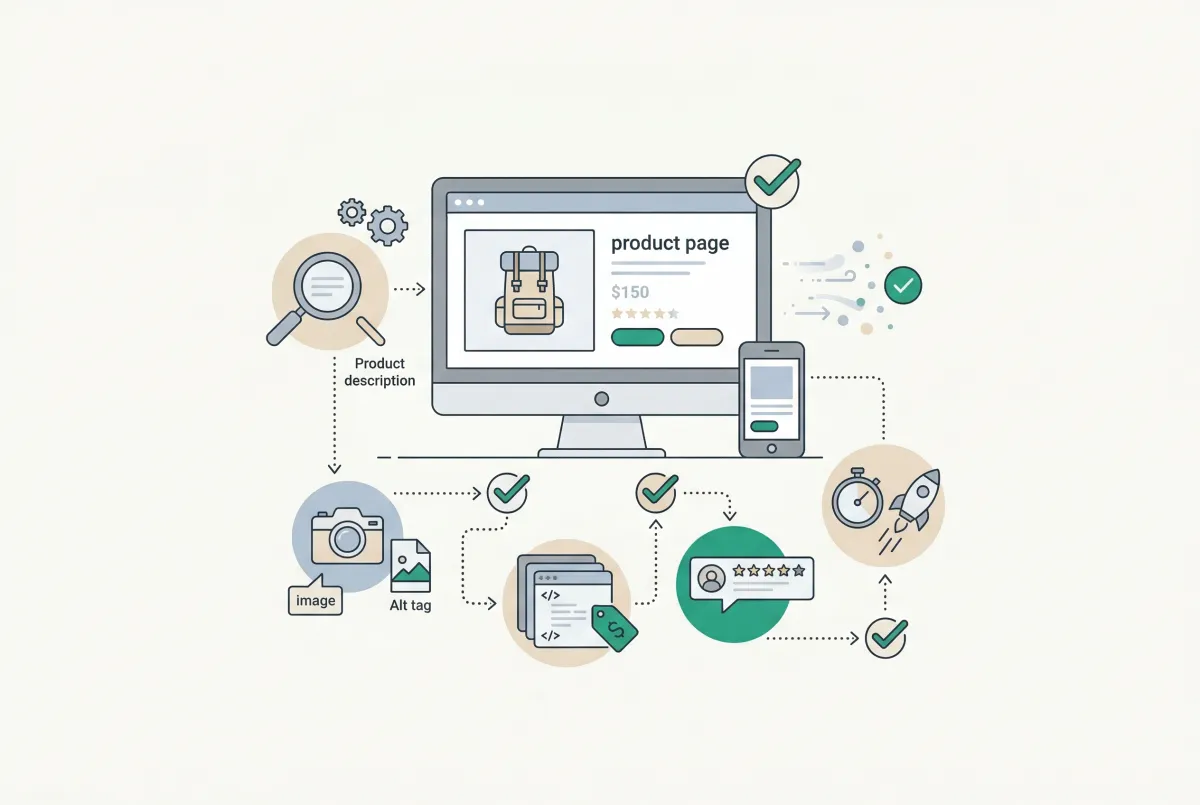
Most Shopify product pages are missing at least three core SEO elements. This 2026 checklist covers title tags, schema markup, images, and more.

Learn to write Shopify product descriptions that rank on Google and convert shoppers into buyers. Includes SEO tips, copywriting frameworks, and examples.
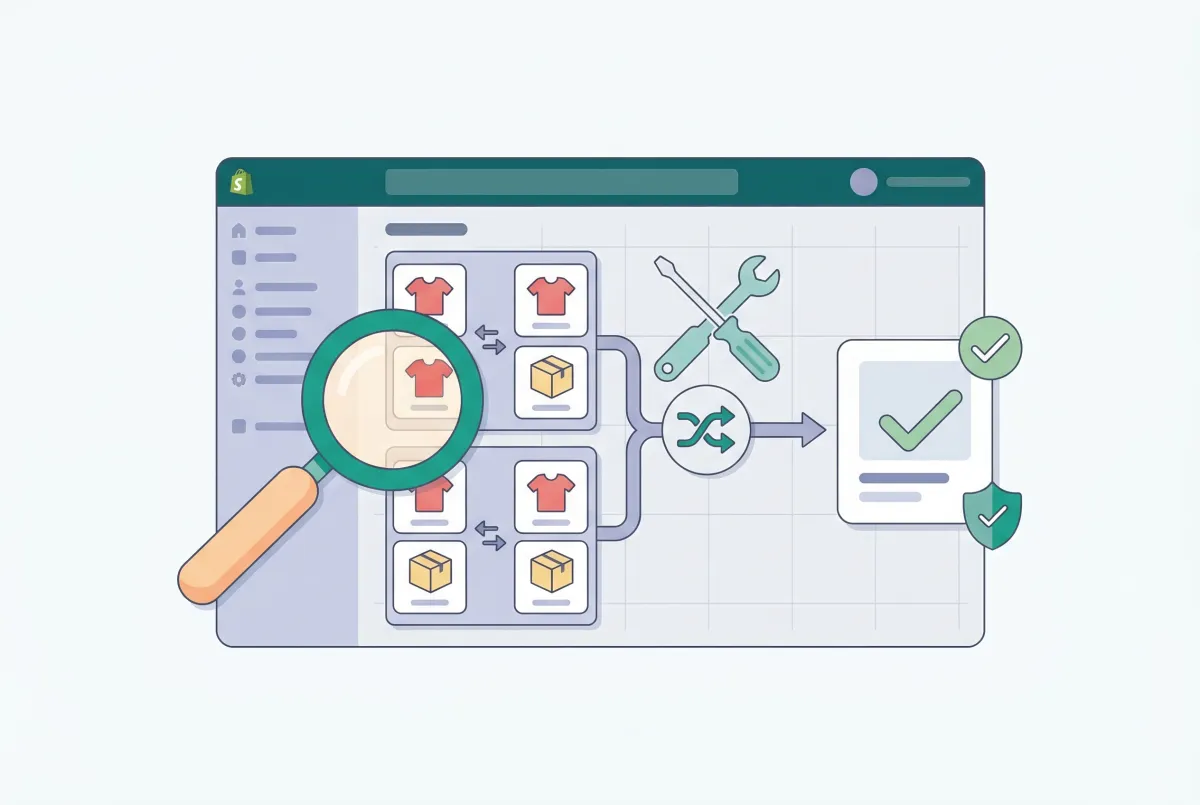
Learn how to find and fix the most common Shopify duplicate content problems, from collection URLs to tag pages, variants, and pagination. Rank higher.
How to Prevent SEO Traffic Loss Migrating to Shopify
Moving to Shopify? Learn how to prevent SEO traffic loss migrating to Shopify with a 301 redirect, sitemap, and Search Console checklist that protects rankings.
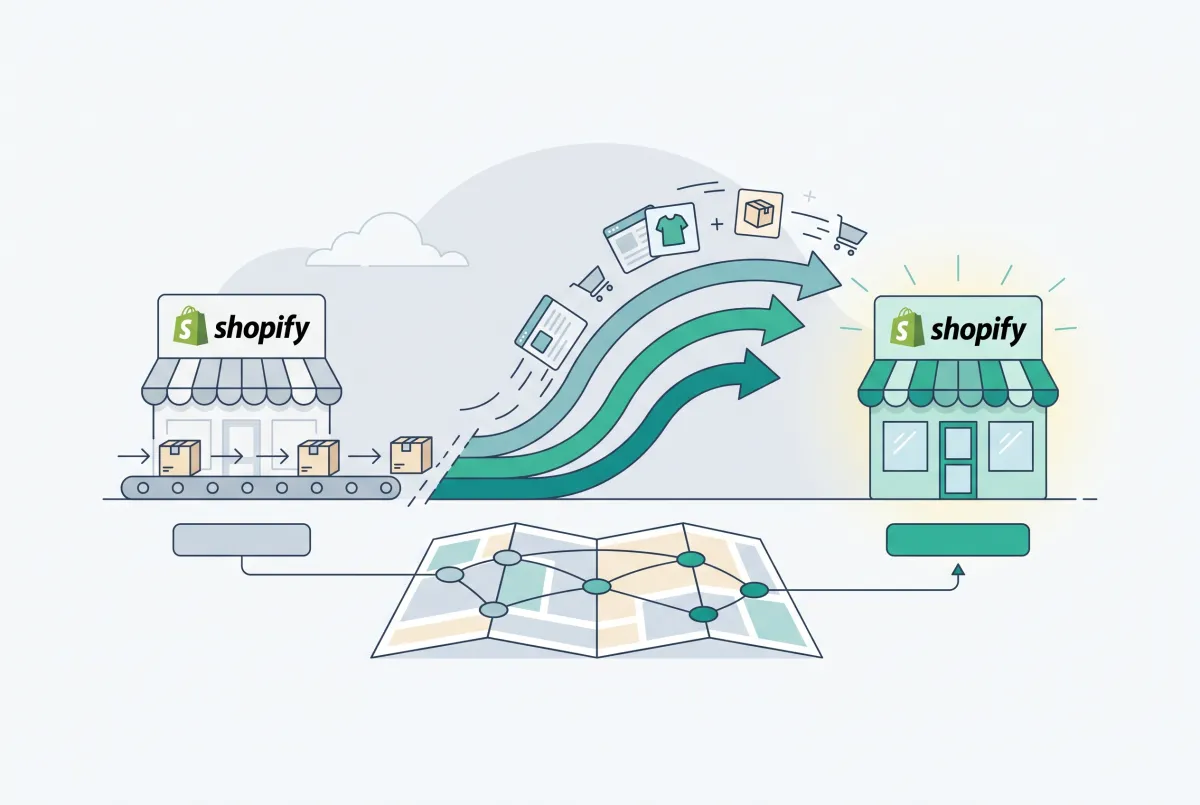
Migration traffic drops start with missed URLs. Learn how to set up 301 redirects after a Shopify migration, from redirect mapping to bulk CSV uploads.
Shopify Themes Comparison: Studio vs Impact vs Dawn vs Sense (Which One Fits Your Store?)
Shopify themes studio impact dawn sense comparison: real-world speed data, features, pricing, and which theme fits your store in 2026.