
Shopify Duplicate Content: How to Find It, Fix It, and Stop It Coming Back
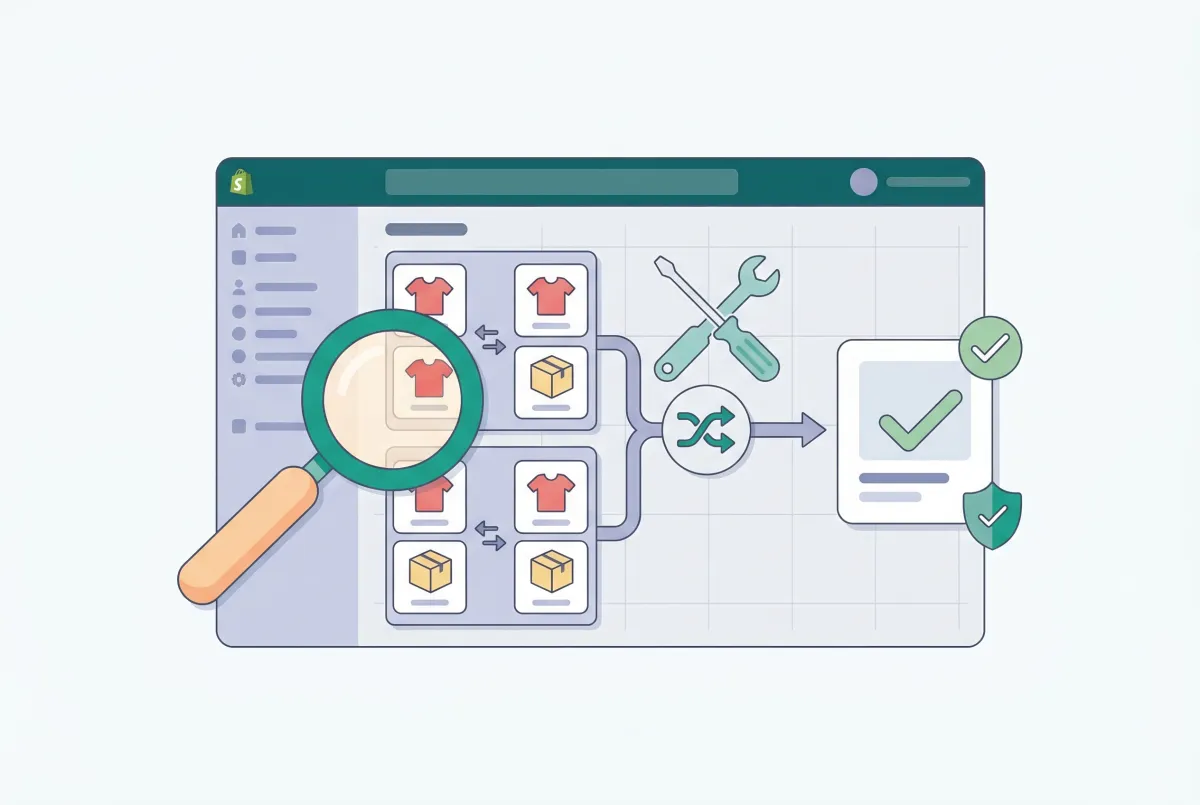
Shopify duplicate content is one of those problems that quietly tanks your rankings while you're busy optimizing product photos and writing ad copy. Organic search is the single largest traffic driver for most ecommerce stores, accounting for a significant share of ecommerce orders. If Google can't figure out which version of your product page is the "real" one, you're leaving a massive chunk of revenue on the table.
The frustrating part? Shopify creates most of this duplicate content automatically. You didn't do anything wrong. The platform's URL structure generates multiple crawlable paths to the same product, and unless you intervene, Google has to guess which one matters.
This guide walks you through exactly where Shopify duplicate content hides, how to find every instance in your store, and the specific fixes that actually stick. No vague advice. No "just install an SEO app and hope for the best."
What Is Duplicate Content and Why Does It Hurt Your Shopify Store's Rankings?
Duplicate content happens when substantially similar content appears at multiple URLs on your site. For Shopify stores, this means the same product page is accessible through several different web addresses, and Google has to pick one to index.
This isn't a penalty in the traditional sense. Google won't blacklist your store. But it will split your page authority across multiple URLs instead of consolidating it on one strong page. Think of it like splitting your marketing budget across five identical billboards on the same street.
The numbers are worse than most merchants realize. According to Reboot Online's ecommerce SEO research, 38.78% of high-visibility ecommerce sites suffer from duplicate content problems. And 53% of ecommerce websites have pages with missing canonical tags, with affected sites averaging 40.38% of pages lacking this element.
For Shopify specifically, the problem compounds fast. A single product listed in four collections with four variants can generate 21 separate crawlable URLs for one actual product page. Scale that to a 500-product store, and you could be looking at over 10,000 crawlable URLs for just 500 real pages.
Google's crawl budget isn't infinite. When it's wasted on duplicate pages, your new products and updated content take longer to get indexed.
How Does Shopify Automatically Create Duplicate Product Page URLs?
Shopify generates duplicate URLs through its collection-based routing system. Every time you assign a product to a collection, Shopify creates an additional URL path that includes the collection name.
Your product "Blue Running Shoe" doesn't just live at /products/blue-running-shoe. It also exists at /collections/mens-shoes/products/blue-running-shoe, /collections/running/products/blue-running-shoe, and every other collection you've added it to. Each of these URLs serves the exact same page with the exact same content.
Shopify does add a canonical tag pointing back to /products/blue-running-shoe, which is helpful. But here's where it gets tricky.
The Internal Link Problem Nobody Talks About
When you browse your store's collection pages, the product links inside those collections point to the collection-prefixed URLs, not the canonical /products/ URLs. So your "Men's Shoes" collection page links to /collections/mens-shoes/products/blue-running-shoe instead of /products/blue-running-shoe.
Here's my strong opinion on this: most Shopify merchants waste hours fiddling with canonical tags when Shopify already handles those automatically. The real fix is far more boring.
You need to change one line of Liquid code so your internal links stop pointing to collection-aware URLs. Canonical tags are a backup signal, and Google treats them as a "strong hint" only, not a directive. If every internal link on your store screams "this collection URL is the real page," no canonical tag will convince Google otherwise. Fix the links first. The canonical is just insurance.
Variant URLs Add Another Layer
Beyond collection URLs, Shopify appends variant parameters to product pages. A product with three size options creates URLs like /products/blue-running-shoe?variant=12345678, /products/blue-running-shoe?variant=23456789, and so on. If you're selling products with custom options and multiple variants, these parameter URLs multiply quickly.
One extreme case documented by Codersy found a Shopify store with just 158 products generating 380,000 URLs due to faceted navigation and filter parameters. That's an absurd ratio that destroys crawl efficiency.
How Do You Audit Your Shopify Store to Find All Duplicate Content?
Screaming Frog SEO Spider and Sitebulb will map every URL on your site and flag duplicates automatically. The free version of Screaming Frog handles up to 500 URLs, which works for smaller stores.
Set up your crawl with these specific checks enabled: duplicate page titles, duplicate meta descriptions, duplicate H1 tags, and canonical tag analysis. Once the crawl finishes, export the results and sort by the "Canonical Link Element" column. Any URL where the canonical points somewhere else is a duplicate that needs attention.
Google Search Console Check
Open Google Search Console and navigate to the "Pages" report under "Indexing." Look for pages marked "Duplicate without user-selected canonical" and "Duplicate, Google chose different canonical than user." These tell you Google found duplicates and is making its own decisions about which page to index.
Also check the "URL Inspection" tool for specific product URLs. Paste both the /products/ version and the /collections/.../products/ version of the same product. If Google has indexed the collection version instead of the canonical products version, your internal linking is overriding the canonical signal.
Manual Spot Check
Run a quick site search in Google: site:yourstore.com inurl:/collections/ inurl:/products/. This surfaces any collection-prefixed product URLs that Google has indexed. If you see dozens or hundreds of these URLs, you have a duplicate content problem that needs fixing immediately.
While you're auditing, check your product descriptions too. Stores that carry similar products often end up with near-identical descriptions across multiple listings.
If you need to update product descriptions in bulk, tools like Edify let you filter by collection or vendor and edit descriptions across your entire catalog without opening each product individually. Unique, differentiated product copy isn't just good for customers. It also helps Google distinguish between similar product pages.
How Do You Fix the Collection URL Duplicate Content Problem in Shopify?
The most effective fix is changing your theme's Liquid templates to output clean /products/ URLs instead of collection-prefixed URLs. This is a one-line change in most themes, and it eliminates the root cause rather than relying on canonical tags as a band-aid.
In your theme code, find the file that generates product links within collections. For Online Store 2.0 themes like Dawn, this is typically in your collection template's product card snippet. Look for code that uses {{ product.url }} within a collection context. Shopify's product.url is context-aware; when called inside a collection loop, it outputs the collection-prefixed path.
The Fix
Replace {{ product.url }} with {{ product.url | within: nil }} or simply use '/products/' | append: product.handle. Both approaches force the output to be the clean, canonical /products/product-handle URL regardless of context.
In Dawn and similar OS 2.0 themes, the file to edit is usually snippets/card-product.liquid or whichever snippet renders product cards within collection grids. Search for the anchor tag that wraps the product card and update the href attribute.
What About the Sitemap?
Shopify automatically generates your sitemap at /sitemap.xml. The good news is that Shopify's sitemap already lists only the canonical /products/ URLs. It does not include collection-prefixed versions.
So your sitemap is clean by default. The problem is entirely with internal links on your actual pages.
Robots.txt Considerations
Shopify's default robots.txt blocks some collection-filtered URLs with rules like Disallow: /collections/*+* and Disallow: /collections/*%2B*. But this only covers URLs with the "+" character from combined filter views.
It does not block the standard /collections/collection-name/products/product-handle pattern. You cannot edit Shopify's robots.txt directly through the admin (Shopify manages it), but you can add custom rules through the robots.txt.liquid template if needed.
What Other Shopify Duplicate Content Issues Should You Fix (Tags, Pagination, and Variants)?
Collection URLs are the biggest offender, but three other sources of Shopify duplicate content deserve your attention: tag-filtered pages, paginated collection pages, and variant parameter URLs. Each one creates crawlable URLs that compete with your primary pages for Google's attention.
Tag Pages
When customers filter a collection by tag, Shopify generates URLs like /collections/shoes/tag-name. These tag-filtered pages show a subset of the parent collection's products with the same collection page template. They're thin content by definition, since they contain fewer products and no unique copy.
The fix is to add a noindex meta tag to tag-filtered collection pages. In your theme's layout/theme.liquid or collection template, check if current_tags is present and inject <meta name="robots" content="noindex, follow">. This tells Google to follow the links on the page (so products still get discovered) but not to index the tag page itself.
Pagination
A collection with 200 products and a 24-product-per-page grid creates 9 paginated URLs. Shopify adds ?page=2, ?page=3, etc. These pages share the same title, meta description, and introductory content.
Shopify handles pagination canonicals correctly in most modern themes (each paginated page canonicalizes to itself, which is the right approach). But confirm this in your theme. The bigger concern is making sure your paginated pages include rel="next" and rel="prev" link elements. While Google has said they don't use these as ranking signals, other search engines still do, and they help crawlers understand page relationships.
Variant URLs
Variant parameter URLs (?variant=12345) are a growing problem for stores with large product catalogs. Shopify's default canonical tag on variant URLs points to the base product URL, which is correct.
But if your theme's JavaScript updates the browser URL when a customer selects a variant, search engines may discover and attempt to index these URLs through other means (like sitemaps from third-party apps or external links). The cleanest solution is to ensure your theme doesn't push variant URLs into the browser history. Use history.replaceState instead of history.pushState for variant selection, so the URL bar updates without creating a new crawlable history entry.
Shopify Markets and International Duplicates
If you're using Shopify Markets for international selling, each market can create a subfolder structure (/en-us/, /en-gb/, etc.) that duplicates your entire product catalog. Shopify handles hreflang tags automatically for Markets, which is the correct approach for international content.
Verify that your hreflang annotations are present and correct using the hreflang checker in Screaming Frog or Ahrefs. Missing or misconfigured hreflang can cause Google to treat your international pages as duplicates.
How Do You Verify Your Duplicate Content Fixes Are Actually Working?
Verification isn't a one-time check. It's an ongoing process that should become part of your monthly store maintenance. The fixes you implemented today can break tomorrow when a theme update overrides your Liquid changes or a new app injects collection-prefixed links.
Start by re-crawling your site with Screaming Frog immediately after making changes. Compare the new crawl data against your pre-fix baseline. You should see a significant drop in duplicate URLs, duplicate titles, and duplicate meta descriptions.
Google Search Console Monitoring
Check the "Pages" indexing report weekly for the first month after fixes. Watch for these improvements: the count of "Duplicate without user-selected canonical" pages should decrease, and the count of "Duplicate, Google chose different canonical than user" should drop to near zero.
Google recrawls pages at different rates, so give it 2 to 4 weeks before expecting full results. Use the URL Inspection tool to request re-indexing of your most important product pages. This nudges Google to recrawl those specific URLs with your new canonical and link structure in place.
Set Up Automated Monitoring
Schedule a monthly crawl in Screaming Frog (or use a cloud crawler like Sitebulb or ContentKing) that automatically flags new duplicate content. Theme updates, app installations, and even Shopify platform changes can reintroduce duplicate content.
Also worth noting: 86% of ecommerce brands lack properly optimized internal links. Fixing duplicate content through proper internal linking puts you ahead of the vast majority of your competitors. That's not a marginal advantage. It's a structural one that compounds over time as Google consolidates your page authority on the correct URLs.
Track Rankings for Affected Products
Pick 10 to 20 of your top-selling products and track their rankings for target keywords before and after the fix. Use Ahrefs, SEMrush, or even a simple Google Search Console performance filter for those specific pages. You should see ranking improvements within 4 to 8 weeks as Google consolidates signals onto your canonical URLs.
Products that were stuck on page two or three often jump to page one once Google stops splitting authority across duplicate URLs. That's the real payoff of this work. Not just cleaner technical SEO, but actual ranking improvements that translate into higher conversion rates and more organic revenue.
The merchants who treat duplicate content as a "set it and forget it" problem are the ones who end up back at square one after every theme update. Build the monitoring into your routine, and you'll stay ahead of the 38.78% of ecommerce sites still struggling with this exact issue.
Related Articles
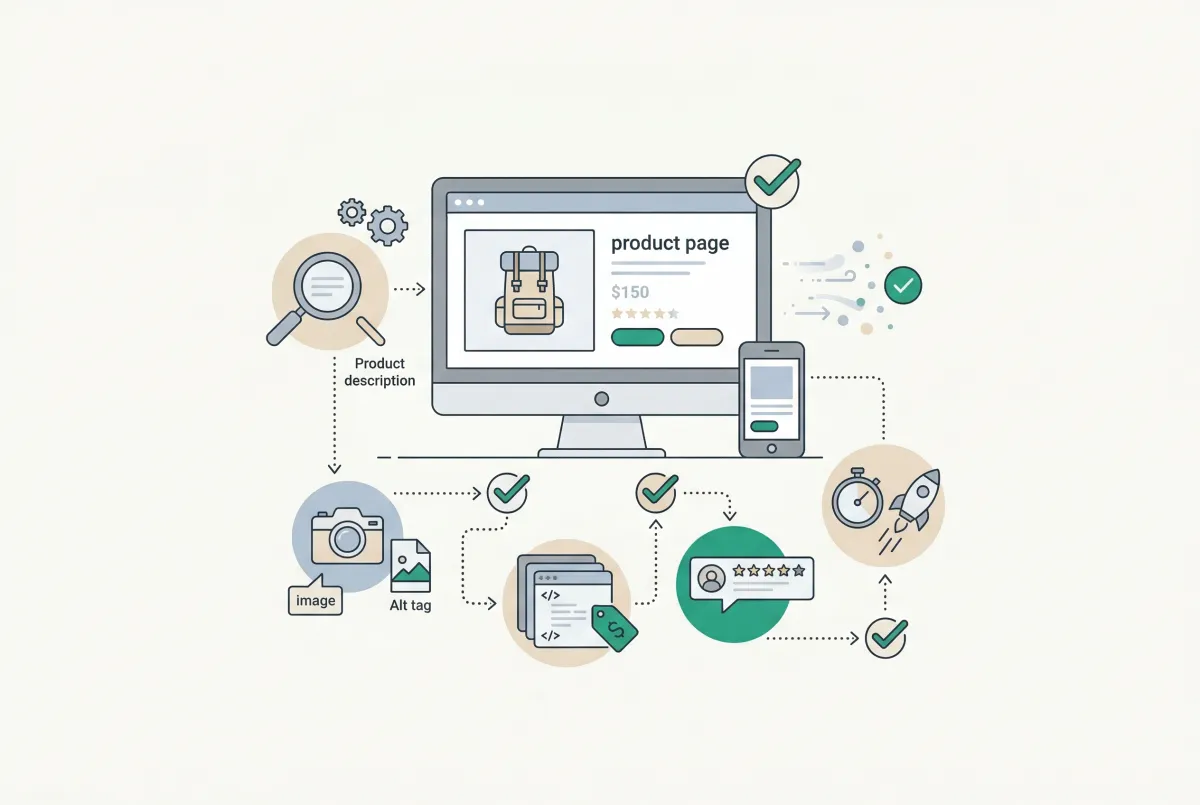
Most Shopify product pages are missing at least three core SEO elements. This 2026 checklist covers title tags, schema markup, images, and more.

Learn to write Shopify product descriptions that rank on Google and convert shoppers into buyers. Includes SEO tips, copywriting frameworks, and examples.
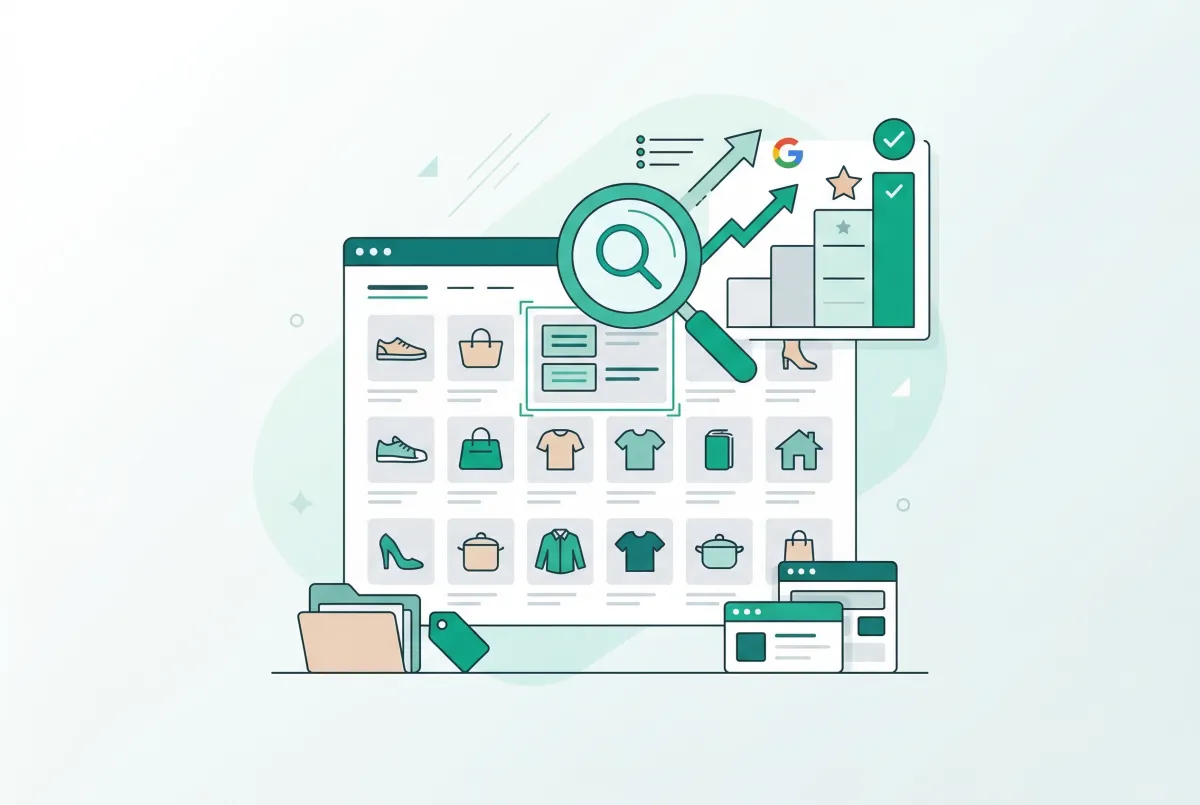
Most Shopify merchants overlook Shopify collection page SEO. This guide shows you how to optimize category pages and capture high-intent search traffic.
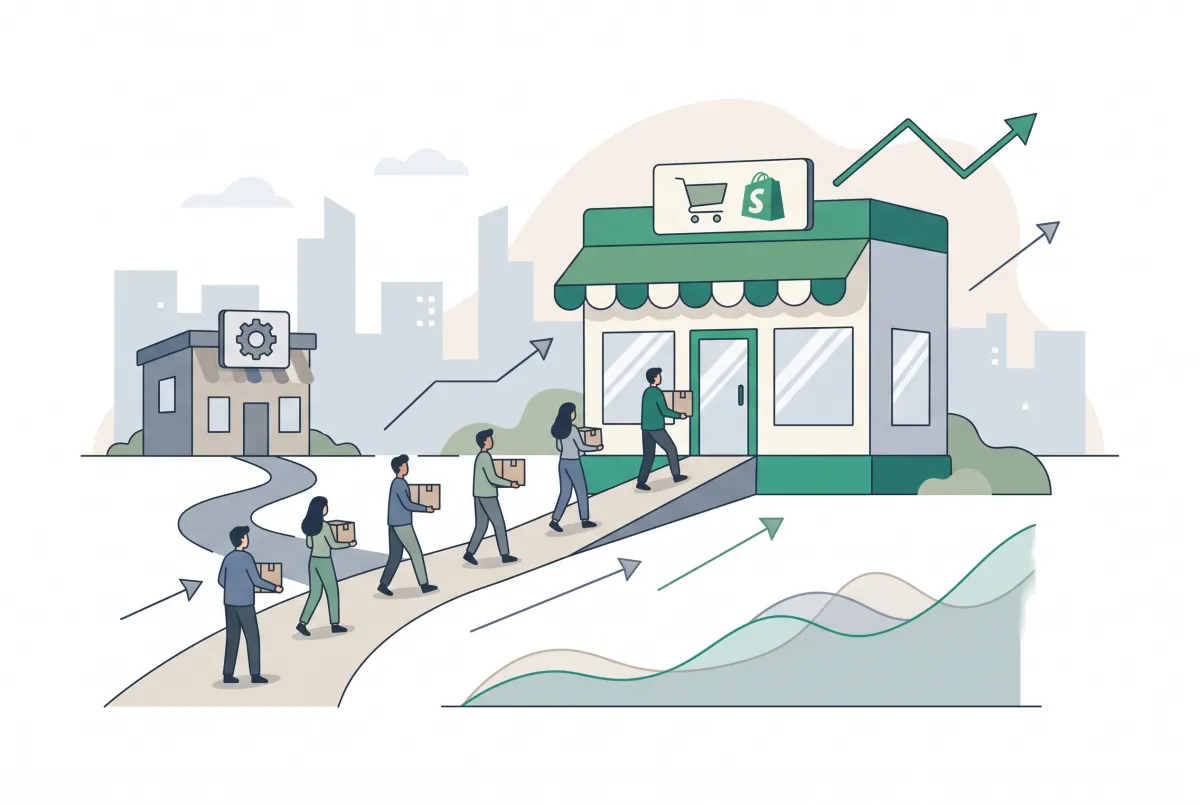
How to Prevent SEO Traffic Loss Migrating to Shopify
Moving to Shopify? Learn how to prevent SEO traffic loss migrating to Shopify with a 301 redirect, sitemap, and Search Console checklist that protects rankings.
How Product Reviews Boost Your Shopify SEO Rankings (And Why Most Merchants Ignore It)
Product reviews do more than build trust. They actively improve Shopify SEO rankings. Learn how UGC, rich snippets, and keywords drive organic traffic.
How to Clean Up Product Data After a Shopify Migration (Duplicates, Variants, Tags, and More)
Duplicate products, broken variants, orphaned metafields? Here's how to clean up product data after a Shopify migration, fast and without wrecking SEO.