
How to Sell on Meta Muse with Shopify (Agentic Storefronts Guide for 2026)
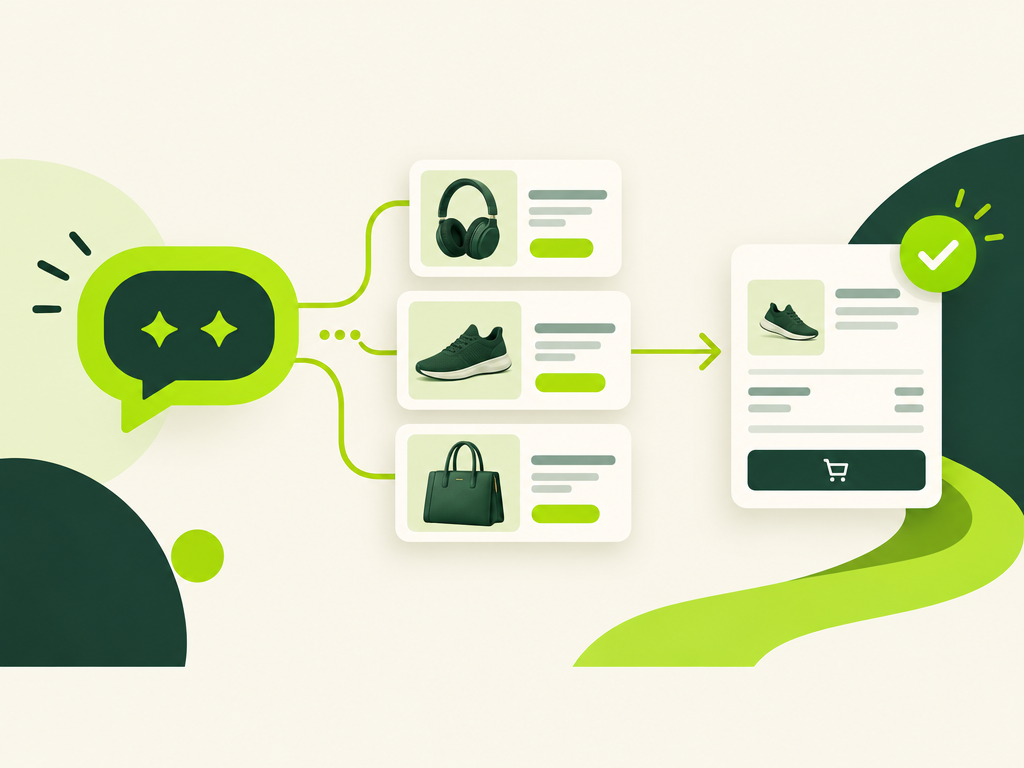
If you need to know how to sell on Meta Muse with Shopify, start in Sales channels, then Agentic. Meta Muse is Meta's personal AI agent for consumers. Shopify added Meta as an AI channel in Agentic Storefronts so Muse can discover products through Shopify Catalog and, for eligible merchants, buy through Meta's Shopify-powered direct checkout.
This is a merchant-facing sales-channel guide, not a back-office coworker setup. You are not installing Muse in admin, and you are not putting a Meta chatbot on your product page. You are making Catalog data clear, confirming eligibility, and choosing whether buyers finish inside Meta or on your online store.
What is Meta Muse, and how does it connect to Shopify?
Meta Muse is a personal AI agent that people message in the Muse app or WhatsApp. Meta's 8 September 2026 launch post describes Muse as an agent that does work on a person's behalf, including shopping, with approval before a purchase.
Shopify's agentic storefronts docs list Meta surfaces such as Muse alongside ChatGPT, Google AI Mode and Gemini, and Microsoft Copilot. Products reach Meta through Shopify Catalog. When direct checkout is on, customers can complete a Shopify-powered checkout without leaving the Meta experience.
That split matters:
- Discovery is Catalog (and other listing methods such as crawling). Muse searches structured product data to match a request.
- Purchase is either Meta's Shopify-powered direct checkout, or a redirect to your online store if you turn direct checkout off.
- Ownership stays with you. Orders land in Shopify admin with channel attribution. You fulfill, handle returns, and own the customer relationship.
Muse is the shopper's agent. Your job is Catalog quality, policies, market eligibility, and the two Meta toggles under Agentic. For the wider agent category, see our overview of AI agents for Shopify and smart automation. That piece is broader selling and automation. This one is Meta Muse as a discovery and checkout channel.
How do you sell on Meta Muse with Shopify Catalog and Agentic?
You usually do not install a special Muse app. Eligible products are shared with Meta through Shopify Catalog, and Shopify's Meta help page says you do not need to take extra steps for Catalog discovery on Meta.
Open Sales channels > Agentic and confirm Meta is listed. Leave Catalog access on unless you have a reason to stop sharing. Shopify's managing docs say Agentic is active by default for eligible stores, and "Allow Shopify to manage for me" can auto-enroll new channels. Turn that off only when you want per-channel control.
Eligibility for selling on Meta with direct checkout, per Shopify Help:
- You must sell to customers in the United States, Canada, or Mexico.
- Products must be eligible for Shopify Catalog.
- You must agree to the Shopify Agentic Storefronts Supplemental Terms of Service.
- Terms of service, Privacy policy, and Return and refund policy must be completed under Settings > Policies.
- For discoverability and purchase through shoppable ads, use the Facebook and Instagram by Meta sales channel with product syncing on in the Product feed section. That feed is separate from Agentic Catalog share, but Shopify says product data and policies should match what customers see on Meta.
Steps to review Meta Catalog access:
- From Shopify admin, go to Sales channels > Agentic.
- Deactivate Allow Shopify to manage for me if you need manual control.
- Click Meta.
- Activate or deactivate Shopify Catalog access.
- Click Save.
If you remove Catalog access for Meta, Shopify warns that products might still appear through web crawling and indexing. Removing Meta Catalog access does not stop Catalog on other platforms such as Shop. To hide a product more completely from AI channels, follow Shopify's hide-from-AI guidance on the Catalog discovery help page.
Also keep your Markets settings honest. If you list US, Canada, or Mexico as places you sell, shipping rates, duties messaging, and currency must match what a Muse buyer would see at checkout. A Catalog hit that fails at shipping is worse than not being recommended.
If you are still launching the shop, finish core setup first with a focused sprint such as how to set up a Shopify store in a day using AI, then come back to Agentic.
What is Meta direct checkout, and should you leave it on?
Meta direct checkout lets a customer start a purchase on a Meta surface such as Muse and finish without leaving Meta, using a Shopify-powered checkout. For eligible stores it is on by default. Shopify Help says it must stay active for products to be bought directly on Meta surfaces.
Verified details from Shopify's Selling on Meta page:
- Direct checkout is shown to customers based in the United States, Canada, or Mexico.
- There are no fees for selling in Meta's direct checkout beyond your standard payment processing fees.
- Shop Pay can display as a wallet or checkout option in Muse when available. You do not need a Muse-specific Shop Pay toggle. If Shop Pay is not used, customers can complete eligible purchases with another supported method.
- Shopify Functions for shipping, discounts, and cart/checkout validation run in Meta's direct checkout. Automatic discounts and discount codes are supported.
- If checkout needs information Meta cannot collect, the buyer is redirected to your online store checkout in a Meta in-app browser with the cart preserved.
Compare that to ChatGPT on Agentic Storefronts. Shopify documents ChatGPT as a discovery-focused referrer: the shopper still finishes on your online store checkout inside ChatGPT's browser or a new tab. Meta is different when direct checkout is on, because the buy can stay inside Meta. That is why pixel and analytics owners care more about the Meta toggle than the ChatGPT one.
If you deactivate direct checkout, products can still be discovered on Meta through Catalog, but buyers are sent to your online store to complete the order.
Unsupported in Meta's direct checkout (plan around these):
- Subscriptions, product bundles, customizable products, and B2B-only products
- Checkout blocks (Meta may render checkout differently from your store)
- Local delivery, pickup in store, and pickup points
- Requiring customers to sign in before checkout
- Google Analytics and custom client-side pixels (only server-to-server started/completed events fire)
That last point is the practical hot take: leaving direct checkout on is often right for conversion, but your paid media measurement may go dark on those checkouts because the storefront never loads. Align with whoever runs paid before you leave the default on.
Steps to change direct checkout:
- Sales channels > Agentic.
- Deactivate Allow Shopify to manage for me.
- Click Meta.
- Activate or deactivate Direct checkout.
- Click Save.
Stores on Shopify's Agentic plan follow different setup rules, and Shopify notes that direct checkout is deactivated by default on that plan. Check the Agentic plan setup docs if that is your plan.
Muse is not a Shopify app you install. Catalog gets you found. Direct checkout decides whether the buy finishes inside Meta or on your site. Product data quality is the real differentiator.
How do you make product data ready for Shopify Catalog and Muse?
Catalog is the structured product layer agents search. Shopify's Catalog overview says agents need clear titles, descriptions, categories, variants, images, price, and availability, not only marketing copy a person can skim.
When Muse shops Shopify, it searches Catalog for a match. The same Catalog already feeds other AI channels. You do not build a Muse-only feed. You make one Catalog-ready catalog.
Do this on hero SKUs first:
- Write titles a buyer would say out loud. Avoid keyword stuffing.
- Put color, material, size, fit, and use-case facts in options or category metafields, not only in a paragraph.
- Choose the most accurate product category so Shopify can structure attributes.
- Keep variants clean with clear option names.
- Keep price and inventory current. Stale stock is a failed Muse handoff.
- Put legal disclosures in the first 6,000 characters of the description, as Shopify notes for Meta.
If title, description, or category live in metafields or metaobjects, use Shopify Catalog Mapping. Path: Sales channels > Agentic, then Sources, then review how product data is sent to Catalog. You can map field sources and set custom variant grouping (Combined Listings by default, or title delimiter, metafield, or tag prefix). Changes process with a delay. Preview a few hero products before you Save.
Catalog Mapping is optional for many simple catalogs. Use it when your real attributes live in metafields, when titles use delimiters to fake variants, or when Combined Listings do not match how you want AI channels to cluster SKUs. Preview before Save. Mapping is an input to Catalog, not a ranking guarantee.
Do not build a Muse-only content team. The same structured facts help ChatGPT, Copilot, Shop, and Meta. Treat Muse as one more reader that arrived on 8 September 2026, not a new feed format.
Strong product pages still help storefront SEO and agent matching. Use our Shopify product page SEO checklist and product descriptions that rank and convert as the bar Catalog copy has to clear. Catalog inclusion does not guarantee a Muse recommendation. Each agent ranks results. Clear data is the lever you control.
What happens to Meta Muse orders in Shopify admin?
Orders placed on Meta surfaces are attributed to Meta and show in Shopify admin like other sales-channel orders. You remain the merchant of record. You manage fulfillment, returns, and customer service.
Shopify's agentic storefronts overview is explicit: you retain full ownership of the customer relationship and post-purchase experience, with channel or referrer attribution so you know where the order started.
Operational checklist after go-live:
- Filter or segment orders by Meta / Agentic attribution in admin reporting.
- Expect browser pixels and GA not to fire on Meta direct checkouts. Use Shopify order data and any server-to-server events Shopify documents.
- Match return and refund policy text to what Muse buyers saw. Incomplete policies are an eligibility issue.
- Watch unsupported product types. Bundles and subscriptions will not checkout inside Meta the same way simple catalog SKUs do.
One more ops note: third-party analytics pixels used for marketing attribution do not fire on Meta surface direct checkouts, because checkout happens on Meta rather than your online store. Shopify states this for any direct checkout completed outside your store. Plan reporting from Shopify orders, not from a browser session that never loaded.
Post-purchase still needs clear answers when shoppers message your store. That is storefront support, not Muse. For chat automation on your site, see AI chatbot for Shopify support and sales. Keep Muse and your store chatbot as different jobs.
How is Meta Muse different from Grok Bot, Jev AI, and storefront chatbots?
Meta Muse is a consumer shopping agent. Grok Bot and similar tools are back-office coworkers. Storefront chatbots answer visitors on your site. Mixing those three is how merchants waste a week.
- Meta Muse: the shopper's agent discovers Catalog products and may checkout on Meta. You prepare Catalog, policies, and Agentic toggles.
- Grok Bot: a named back-office teammate for research, copy, CSVs, and scoped Admin API work. See how to use Grok Bot with Shopify for store ops.
- Jev AI: calibrated back-office triage and store-ops workflows, not a Muse sales channel. See how to use Jev AI with Shopify.
- Storefront AI chat: lives on your theme, answers product and shipping questions on your domain. It does not replace Catalog syndication to Muse.
Keep Grok Bot and Jev AI for ops work that never touches Muse. They do not put products into Muse. Catalog and Agentic do.
Practical week-one plan:
- Confirm you sell to US, Canada, or Mexico markets you care about for Meta checkout.
- Complete policies and accept Agentic terms.
- Open Agentic, verify Meta Catalog access, decide on direct checkout with your analytics owner.
- Preview Catalog Mapping on 10 hero products. Fix options and metafields where color or size only lives in prose.
- Keep Facebook and Instagram product sync healthy if you run Meta shoppable ads.
- Fulfill Meta-attributed orders like any other channel. Do not wait for Muse to invent a new support stack.
Official sources to keep open while you work: Shopify's agentic storefronts overview, Selling on Meta, Catalog Mapping, and Meta's Introducing Muse newsroom post. Shopify's What is Shopify Catalog explainer is useful for the discovery mental model.
If your catalog is messy after a platform move, clean titles, variants, and tags before you chase Muse traffic. Channel readiness starts with product truth, not a new integration. A migration cleanup pass pays off across every Agentic channel at once.
Recheck Shopify Help after each Muse or Agentic update. Controls, supported surfaces, and market eligibility can change faster than a static blog post. Prefer the live Meta and Catalog pages over secondary summaries when you make a merchant decision.
Sell on Meta Muse with Shopify by treating Muse as another reader of Catalog plus an optional in-Meta checkout rail. Get the data and policies right once. Every AI channel Shopify turns on reads the same foundation.
Related Articles
How to Use Grok Bot with Shopify (Back-Office Guide for 2026)
How to use Grok Bot with Shopify for store ops: research, copy, and CSVs first, then a custom app token. Skip the admin login; use a scoped API token.
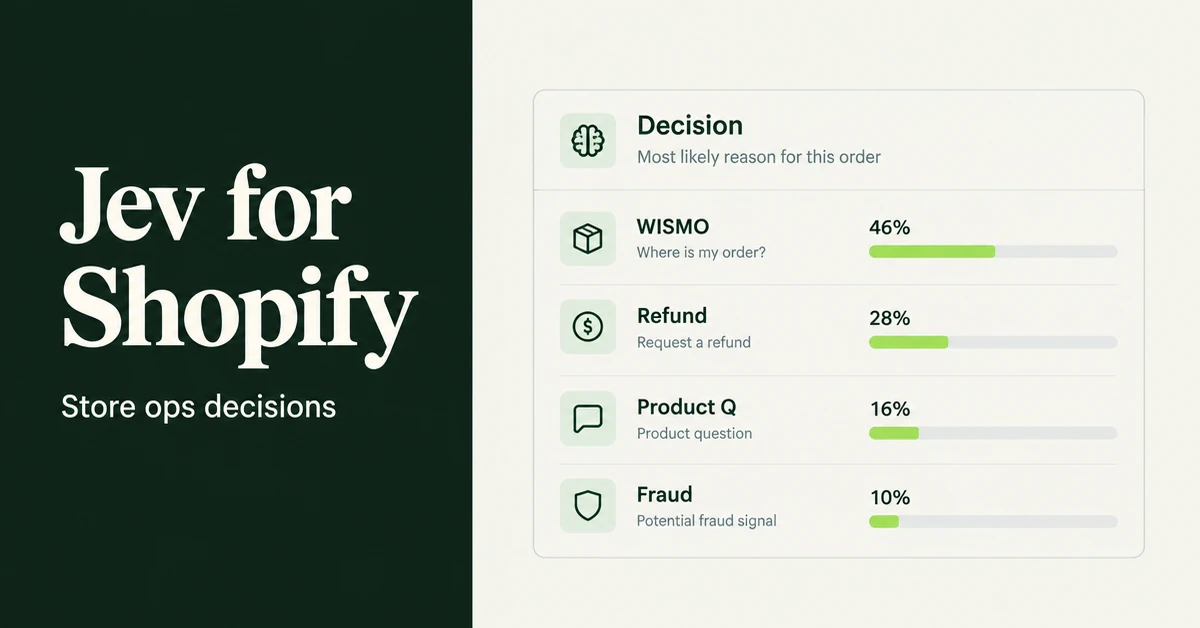
How to Use Jev AI with Shopify (Back-Office Guide for 2026)
How to use Jev AI with Shopify for store ops: route tickets, triage refunds, score review quality, and guardrail LLM agents with calibrated probabilities.
AI agents for Shopify are changing how merchants run their stores. Learn what they do, which tools are actually worth it, and how to start automating in 2026.
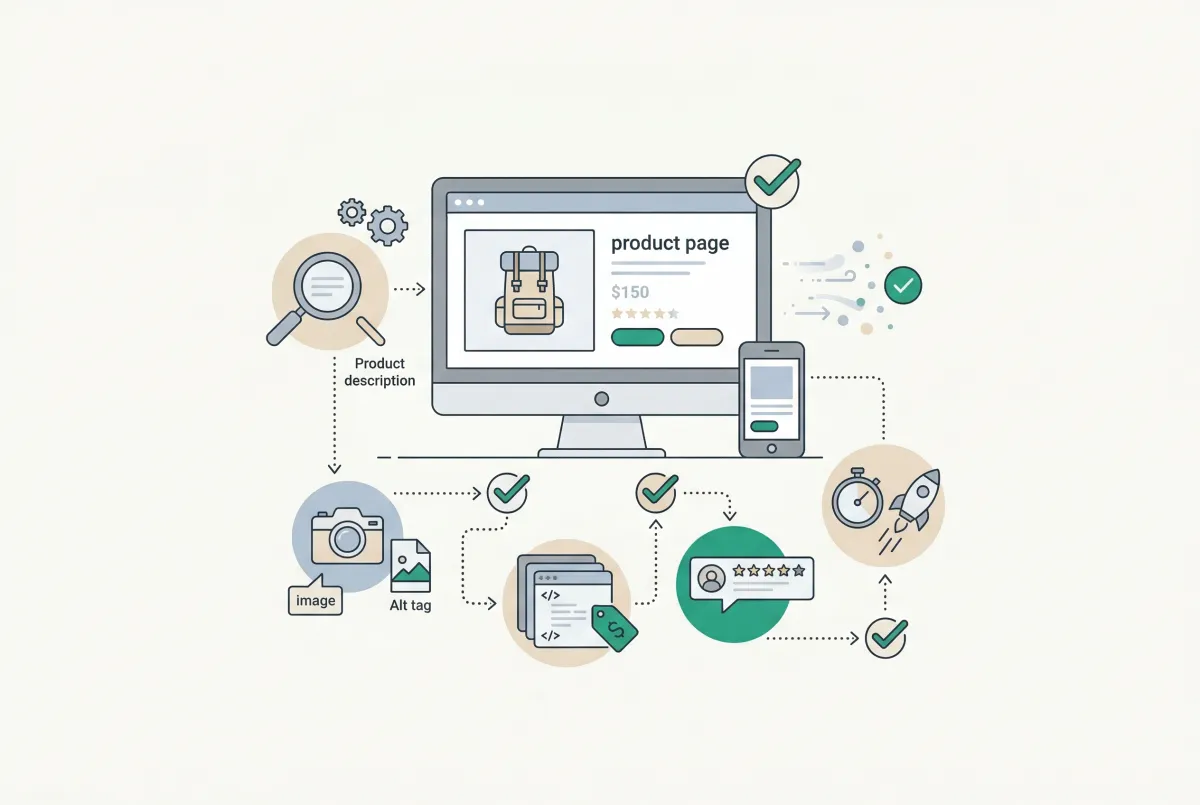
Most Shopify product pages are missing at least three core SEO elements. This 2026 checklist covers title tags, schema markup, images, and more.
How to Set Up a Shopify Store in a Day Using AI (Step-by-Step Guide for 2026)
Set up a Shopify store in a day with the help of AI. Here is the exact playbook for design, listings, SEO, and marketing, done by tonight.
AI Chatbot for Shopify: How to Automate Customer Support and Increase Sales
Learn how an AI chatbot for Shopify automates customer support, recovers abandoned carts, and boosts sales with 24/7 replies and smart product upsells.