
How to Set Up a Shopify Store in a Day Using AI (Step-by-Step Guide for 2026)
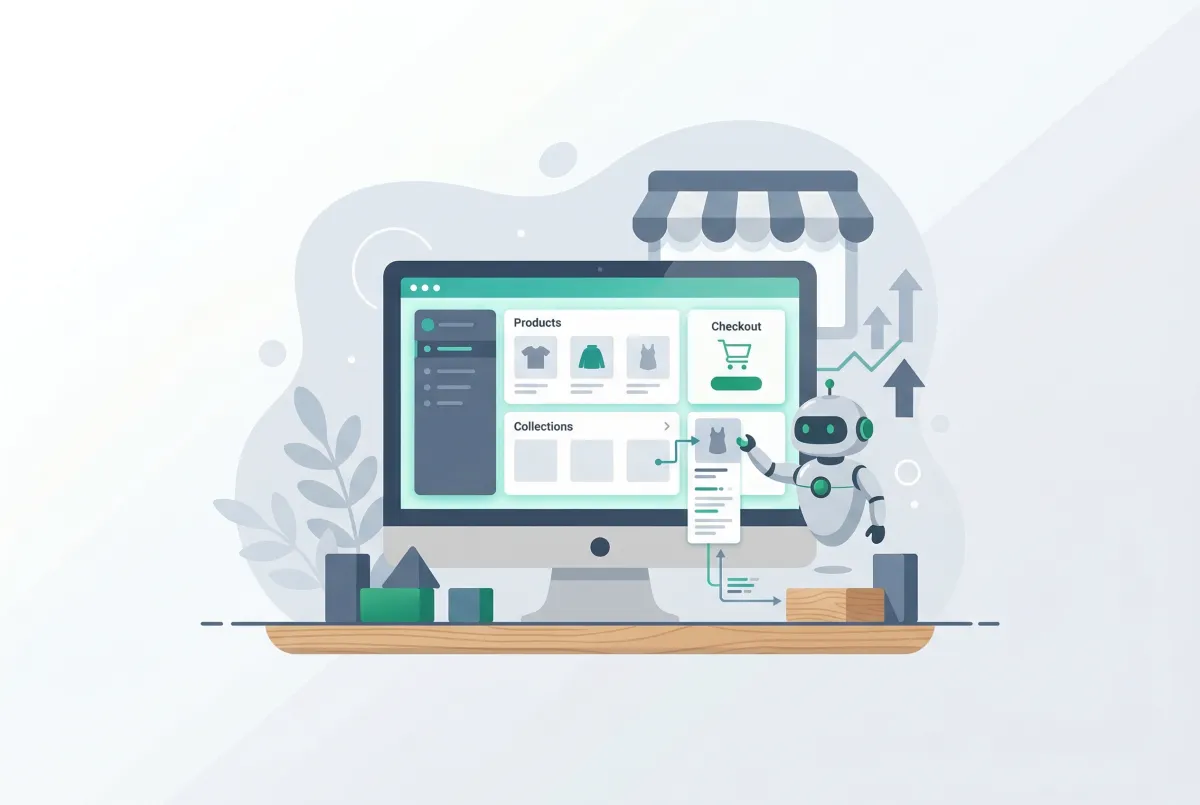
You can set up a Shopify store in a day with the help of AI, but only if you treat it as a focused sprint, not a shortcut. The typical store launch takes somewhere between 19 and 54 hours when you're doing everything manually, according to DoDropshipping's breakdown. AI tools can compress that timeline dramatically.
The catch? You still need to show up with a clear niche, real products, and actual opinions about your brand. AI handles the mechanical labor. You handle the decisions that make a store worth buying from.
This guide walks through the exact process for launching a functional Shopify store in a single 8-hour day using mostly free AI tools. No vague promises. Just a realistic playbook for merchants who want to move fast without building something that looks like it was assembled by a robot.
Why Does Setting Up a Shopify Store Still Take So Long Without AI?
Manual store setup is slow because every task requires creative output from scratch. Store design alone accounts for 6 to 22 hours of the total build, with theme selection, customization, and homepage layout eating the largest chunk of time. Add product descriptions, SEO metadata, and marketing assets on top of that, and you're looking at a multi-week project for a single person.
The bottleneck isn't technical complexity. Shopify's admin is genuinely intuitive. The real bottleneck is content creation: writing 50 product descriptions, crafting meta titles for every page, building email templates, and choosing brand colors and fonts. Each task is small individually, but they compound into a massive time sink.
Consider what a typical solo merchant faces: photographing products, writing copy that doesn't sound generic, configuring shipping zones, and building out navigation. Most merchants stall somewhere around product descriptions because the creative energy runs out before the catalog is finished. That's exactly where AI earns its place in the workflow.
Which AI Tools Should You Actually Use to Set Up a Shopify Store in a Day?
You need three tools to cover 90% of the AI-assisted work: Shopify Magic (built into your Shopify admin), ChatGPT's free tier for strategy and long-form content, and a free AI image generator for supplemental visuals. That's the minimal stack. Everything else is optional.
Shopify Magic is included free with every paid Shopify plan and handles product descriptions, email subject lines, and image editing across eight supported languages. It works directly inside your admin, so there's no copy-pasting between tools. ChatGPT handles the tasks Shopify Magic can't: writing your About page, drafting store policies, brainstorming brand voice, and creating your content calendar.
Here's what this actually costs for day one:
- Shopify Basic plan: $39/month (you need this regardless)
- Shopify Magic: $0 (included with your plan)
- ChatGPT free tier: $0
- Canva free tier (for quick graphics): $0
- Total AI tool cost on launch day: $0 beyond your Shopify subscription
If you're migrating products from another platform, Migratify lets you import products from over 100 platforms using just a URL. Its AI-powered Magic Edit feature can automatically clean up titles, descriptions, and tags during import, which saves hours of manual reformatting.
The free plan covers basic migrations, and paid plans start at $14/month for unlimited imports. Skip the urge to install 15 apps on day one. Every app you add is another thing to configure, another potential conflict, another monthly charge. Start lean.
How Do You Use AI to Build Your Shopify Store Design and Brand Identity?
Start with ChatGPT to define your brand foundations before touching the Shopify theme editor. Spend 30 minutes prompting it to help you articulate your target customer, brand voice, and visual direction. Ask it to suggest color palettes based on your niche and tagline options. This upfront clarity prevents the endless theme-tweaking loop that burns hours.
Once you have your brand direction, pick a Shopify theme that's close to your vision out of the box. Dawn (free) works for most stores. Don't customize heavily on day one: just change your logo, brand colors, fonts, and hero image, then write your homepage headline and subheadline using ChatGPT.
Here's my honest take on Shopify Magic for design work: it's solid for image background removal and basic touch-ups, but it won't design your brand for you. You'll still need a tool like Canva for social media graphics or anything requiring layout control. Magic is a time-saver, not a designer replacement.
The merchants who get stuck on design are usually perfectionists. Your store doesn't need to be beautiful on day one. It needs to be functional, trustworthy, and clear. Spend 2 hours max on design, then move on.
How Can AI Generate Product Listings, Descriptions, and Images at Speed?
AI can produce draft-quality product listings in seconds, but "draft-quality" is the key phrase. Shopify Magic generates descriptions directly in your product editor. You enter a few keywords or product features, and it returns a paragraph you can use or edit.
For a catalog of 20 to 50 products, this cuts description writing from a full day down to about 90 minutes (including your review and edits). The process works best when you give AI specific inputs. Don't just type "blue t-shirt" and expect magic. Feed it the material, fit details, the problem it solves, and who it's for.
The more context you provide, the less editing you'll do afterward. For a deeper look at writing descriptions that actually rank, check out our guide on how to write Shopify product descriptions that rank and convert.
A fact that should alarm every new merchant: across all Shopify stores, millions of products are listed with no description at all, according to Shopify's own blog. That's a direct SEO and conversion gap. Even an AI-generated description that you've lightly edited puts you ahead of competitors who left that field blank.
For bulk work on existing products, Edify lets you edit products, prices, tags, and descriptions in bulk with preview and one-click undo. If your catalog needs consistent formatting across dozens of listings, a bulk editor prevents the tedium of clicking into each product individually. You can learn more about efficient catalog management in our complete guide to Shopify bulk product editing.
If your products need custom options (size charts, engraving text, file uploads), set up Optionize during this phase. It supports 16+ option types with a generous free plan, and its AI can suggest option configurations for your product type. Getting options right on day one prevents customer confusion and support tickets later.
How Do You Set Up Shopify SEO in a Single Day Using AI?
SEO on launch day means nailing three things: meta titles, meta descriptions, and image alt text for every product and page. AI makes this achievable in one sitting. Use ChatGPT to batch-generate meta titles and descriptions using a consistent format, then paste them into Shopify's SEO fields.
Here's a workflow that actually works for a 30-product store:
- Export your product list (titles and key features) into a ChatGPT prompt
- Ask it to generate a meta title (under 60 characters) and meta description (under 155 characters) for each
- Review the output for accuracy and keyword inclusion
- Paste each one into the corresponding product's SEO section in Shopify admin
- Use Shopify Magic's image editor to add alt text to product photos
For collection pages, write unique descriptions that include your target keywords naturally. A collection page with a 100-word description outperforms one with just a title. ChatGPT can generate these in batches if you provide the collection names and the types of products they contain.
Our Shopify product page SEO optimization checklist for 2026 covers every field you should fill out. Use it as a reference during this phase to make sure you're not missing anything.
One thing AI won't do well: keyword research. ChatGPT can suggest keywords, but it doesn't have access to real search volume data. Use a free tool like Google Keyword Planner or Ubersuggest's free tier to validate which terms are actually worth targeting. Spend 30 minutes on keyword research before you start generating meta content.
What Marketing Foundations Can AI Help You Launch Before Your Store Goes Live?
Before flipping the store to live, set up three marketing foundations: a welcome email sequence, social media profiles with initial content, and a basic launch announcement. AI can draft all of these in under two hours.
For email, use Shopify Magic to generate subject lines (it's genuinely good at this) and ChatGPT for the email body copy. Create three emails: a welcome email with a discount code, an "our story" email sent 2 days later, and a product highlight email sent on day 5. This basic sequence runs on autopilot through Shopify Email and costs nothing until you exceed 10,000 emails per month.
For social media, use ChatGPT to write your bio, first 5 post captions, and a content calendar for your first two weeks. Don't try to be on every platform. Pick one (Instagram for visual products, TikTok for trending items, Pinterest for home and lifestyle) and do it well.
The adoption numbers back this approach. 77% of ecommerce professionals now use AI daily in 2025, up from 69% in 2024. And 83% of growing SMBs have already adopted AI, with 87% of those reporting it helps them scale operations.
Post-launch, your first 48 hours matter. Set up review collection immediately. WiseReviews can import photo and video reviews from platforms like Amazon, Etsy, AliExpress, and Shein if you're selling products that already have reviews elsewhere. Starting with social proof on day one dramatically improves conversion rates.
Our article on how product reviews increase Shopify conversion rates covers exactly why this matters and how to build momentum.
Also worth noting: Shopify reports that traffic from AI tools to merchant stores increased 7x since January 2025, with AI-driven purchases up 11x. This means your product data, descriptions, and structured content aren't just for human browsers anymore. AI shopping agents are reading your store too.
Well-structured, descriptive product listings make your store discoverable through these new AI-powered channels. For a look at how AI agents are shaping Shopify commerce, check out our piece on AI agents for Shopify and smart automation.
What Does a Realistic One-Day Shopify Launch Schedule Actually Look Like?
Here's the exact 8-hour schedule. It's tight but doable if you've already chosen your niche and sourced your products. If you haven't done that homework, add a day for those decisions. AI can't pick your niche for you.
Hour 1 (8:00 AM to 9:00 AM): Foundation
- Create your Shopify account and pick the Basic plan
- Choose a domain name (use ChatGPT to brainstorm if needed)
- Use ChatGPT to define brand voice, tagline, and color palette
Hour 2 (9:00 AM to 10:00 AM): Store Design
- Select and install your theme (Dawn or a free alternative)
- Upload your logo and configure brand colors and fonts
- Customize homepage sections: hero, featured collection, about snippet
Hours 3 to 5 (10:00 AM to 1:00 PM): Product Listings
- Add all products with photos and basic details
- Use Shopify Magic to generate descriptions for each product
- Review and edit every AI-generated description (never publish unedited)
- Set up collections and organize navigation
Hours 5 to 6 (1:00 PM to 3:00 PM): SEO Setup
- Do 30 minutes of keyword research using a free tool
- Batch-generate meta titles and descriptions with ChatGPT
- Add alt text to all product images
- Write collection page descriptions
- Set up Google Search Console and submit your sitemap
Hours 6 to 7 (3:00 PM to 4:00 PM): Essential Pages and Policies
- Use ChatGPT to draft your About page, Contact page, and FAQ
- Generate store policies (Shopify has templates; use AI to customize them)
- Configure shipping zones and payment gateways
Hours 7 to 8 (4:00 PM to 5:00 PM): Marketing Foundations
- Set up Shopify Email with a 3-email welcome sequence
- Create social media profiles and schedule first posts
- Install essential apps only (analytics, reviews, nothing else yet)
- Do a final review: test checkout, check mobile responsiveness, proofread
- Go live
This schedule assumes 20 to 40 products. If you have more than 50, add another half-day for product listings or use a bulk import tool to speed things up.
Here's the hot take most AI launch guides won't give you: a store that took 10 minutes to build looks like it took 10 minutes to build, and shoppers can tell. The merchants winning with AI-assisted launches aren't the ones who automated everything. They're the ones who used AI to handle the mechanical work so they could spend more time on the strategic decisions AI can't make.
Choosing a real niche, sourcing products people actually want, writing with a genuine point of view. The ones losing are the ones who let AI make those decisions too.
Your first 48 hours after launch: monitor your analytics for any broken links or missing images. Send your launch email, post on social media, ask your first customers for reviews, and respond to every inquiry within an hour. The AI did its job getting you here. Now the human work begins.
Related Articles

Shopify Canvas Explained: What Merchants Get From Sidekick's New Design Surface (2026)
Shopify Canvas explained for SMB merchants: what Sidekick's new design surface is, how it differs from the theme editor, and careful 2026 adoption tips.
How to Choose a Shopify Theme in 2026 (Speed, Apps, and Conversion Checklist)
How to choose a Shopify theme in 2026: follow this speed, apps, and conversion checklist so you shortlist demos, audit apps, and protect mobile sales.
The Only Shopify Apps You Need When Setting Up a New Store in 2026
Looking for the right apps for setting up a new Shopify store? These four handle product migration, bulk editing, reviews, and custom options so you launch ready.
Tinker by Shopify (2026): How to Use the Free AI Video Generator and Photo Tools
Tinker by Shopify is a free AI app for product videos and photos. Learn what its video tools make, the usage limits, and how to add clips to your store.
AI agents for Shopify are changing how merchants run their stores. Learn what they do, which tools are actually worth it, and how to start automating in 2026.

Shopify Themes Comparison: Studio vs Impact vs Dawn vs Sense (Which One Fits Your Store?)
Shopify themes studio impact dawn sense comparison: real-world speed data, features, pricing, and which theme fits your store in 2026.