
Shopify Product Options Limitations: What Merchants Can't Do Natively (And How to Fix It)

Shopify's product options system looks simple on the surface. You pick a size, a color, maybe a material, and you're done. But the moment you try to sell anything that requires real customization, the Shopify product options limitations hit you like a wall.
Engraving text, file uploads for custom prints, conditional option logic, per-option pricing? None of that exists natively. And while Shopify made headlines by raising the variant cap to 2,048, the restrictions that actually matter to most merchants haven't changed at all. This piece breaks down every native limitation, explains exactly how each one costs you money, and walks through the workarounds that actually hold up in production.
What Are Shopify's Native Product Option Limits, Exactly?
Shopify restricts every product to a maximum of 3 option fields and 2,048 variants. Those 3 options are limited to simple dropdown-style selectors with no support for text inputs, file uploads, image swatches, date pickers, or conditional display rules. That's the entire feature set.
To put this in context, if you sell a t-shirt with Size, Color, and Fit as your three options, you've already used every option slot available. Want to add a "Add gift wrapping?" checkbox or a "Custom name" text field? You can't. Not without a third-party app or custom code.
Here's the full list of native constraints:
- 3 options per product maximum. This has not changed since Shopify launched. Size, Color, and one more. That's it.
- 2,048 variants per product. Raised from 100 on October 15, 2025, which helps large catalogs but doesn't address option types.
- No text input fields. Customers can't type custom text (names, messages, monograms) into a product page natively.
- No file upload support. Custom print shops, engravers, and made-to-order businesses are left with no built-in way to collect artwork or logos.
- No conditional logic. You can't show or hide options based on previous selections.
- No per-option pricing. Adding $5 for gift wrapping or $10 for premium material requires variant-level workarounds.
- No image or color swatches. Shopify's native options are plain text dropdowns only.
These aren't edge cases. They affect nearly 2.8 million live Shopify stores worldwide, and the majority of merchants selling anything beyond basic apparel or accessories will run into at least two of these walls.
Does the 2,048 Variant Update Actually Solve the Problem?
No. The variant limit increase from 100 to 2,048 solved a real problem for large fashion and apparel brands managing hundreds of size/color combinations. But it did absolutely nothing for merchants who need more option types, custom fields, or conditional logic.
The 3-option cap per product remains unchanged. Here's my honest take: the 2,048 variant update was great news for large fashion retailers, and almost completely irrelevant to the majority of Shopify merchants.
If you sell personalized products, custom print items, or anything that needs conditional logic, a text field, or a file upload, Shopify's native options are just as limited as they were before October 2025. The variant count was never the real problem. The option type restrictions were always the actual barrier, and those haven't moved an inch.
The update also created work across the ecosystem. More than 6,500 Shopify app partners had to migrate to new GraphQL APIs to support the higher limit. Some apps still aren't fully compatible, which means merchants using products with more than 100 variants can experience broken functionality in older apps.
Consider a merchant who sells custom phone cases. They need: phone model (50+ options), case color (10 options), custom text input, and an optional image upload. The 2,048 variant cap handles the model/color matrix fine.
But the text input and image upload? Those still require workarounds because they aren't variant-compatible features at all. You can't create a variant for every possible combination of "Happy Birthday Sarah" and an uploaded photo.
What Features Does Shopify's Native Options System Completely Lack?
Shopify's options system is missing six categories of functionality that most competing platforms (or even basic form builders) include by default. Each missing feature forces merchants into workarounds that range from mildly annoying to genuinely sales-killing.
The gaps aren't small, either. They represent the core functionality that any business selling customizable products needs on day one.
Text Input and Textarea Fields
There's no native way for a customer to type custom text on a product page. Monogrammed jewelry, personalized gifts, custom signage, engraved items: all of these require free-text input.
Without it, merchants resort to "add a note to your order" at checkout (which most customers miss) or an awkward follow-up email asking for details after purchase.
File and Image Uploads
Print-on-demand shops, custom portrait artists, cake decorators, and promotional product companies all need customers to upload files. Shopify provides nothing here.
Merchants who try to work around this by asking customers to email files after ordering end up with mismatched orders, lost files, and frustrated buyers.
Conditional Logic Between Options
If a customer picks "Engraved" as their finish type, you probably want to show a text field for the engraving message. If they pick "Plain," that field should disappear. Shopify can't do this.
Every option shows for every customer, regardless of relevance. This clutters product pages and confuses shoppers who see fields that don't apply to their selection.
Per-Option Price Adjustments
Adding $5 for rush processing, $3 for gift wrapping, or $15 for a premium material? Natively, your only option is creating separate variants at different price points for every possible combination. With 3 options and dozens of values, this becomes unmanageable fast.
Image and Color Swatches
Shopify's built-in option selectors are text dropdowns. Showing a visual swatch of "Ocean Blue" versus "Navy" requires theme customization or an app. For any product where color matters (which is most physical products), plain text labels are a poor substitute for visual selection.
Option-Level Inventory and Rules
You can't set inventory levels per option value, restrict certain combinations, or create rules like "if customer selects Express Shipping, require a phone number." Shopify tracks inventory at the variant level only, and variants are limited to those 3 option fields.
How Do These Shopify Product Options Limitations Actually Hurt Sales?
The business impact of these limitations is measurable. McKinsey research found that companies excelling at personalization generate 40% more revenue from those efforts than average competitors. When your product page can't capture the personalization a customer wants, you're leaving that revenue on the table.
And the demand is real. According to industry research, 65% of consumers say they're more likely to stay loyal to a brand offering personalized experiences. Separately, 70% of retailers investing in personalization saw an ROI of at least 400%.
Here's how each limitation translates to lost revenue:
Abandoned customization attempts. A customer lands on your product page wanting to order a personalized gift. They see no text field, no upload option, and no way to specify what they want. They leave, and you never know they were there.
Lost custom orders. High-value custom orders (wedding favors, corporate gifts, bespoke items) require detailed specifications. If your product page can't collect those specs, you're either losing the sale entirely or spending hours on back-and-forth emails.
Missed upsell revenue. Without per-option pricing, you can't easily offer premium add-ons. Gift wrapping, rush processing, extended warranties, and premium materials are all upsell opportunities that require price adjustments tied to options.
Higher return rates. When customers can't clearly specify what they want during checkout, miscommunication happens. The wrong color, the wrong engraving, a size that doesn't match expectations. Returns cost you shipping, restocking time, and customer goodwill.
Diluted SEO from product splitting. Many merchants work around the 3-option limit by splitting one product into multiple listings ("Blue Widget," "Red Widget," "Custom Widget"). This creates duplicate content problems that hurt search rankings and dilute link equity across pages that should be a single, authoritative product listing.
What Are the Most Common Workarounds, and Why Do Most of Them Fall Short?
Merchants have been working around Shopify's option limits since the platform launched. Some approaches are better than others, but none of the free methods solve the problem completely. Here are the most common strategies and their trade-offs.
Splitting Products Into Multiple Listings
This is the most common free workaround. Instead of one "Custom Mug" with 5 options, you create 5 separate product listings: "Custom Mug, Blue," "Custom Mug, Red," and so on. It works technically, but it creates real problems.
Your product catalog bloats. Customers have to navigate between listings instead of configuring one product. Your SEO suffers because you now have multiple thin pages competing for the same keywords instead of one strong page.
And your inventory management becomes a headache because you're tracking the same physical product across multiple listings.
Using Line Item Properties via Theme Code
Shopify's Liquid templating language lets you add custom form fields to product pages using line item properties. A developer can add text inputs, checkboxes, and even file uploads to your product page. The data gets attached to the order as metadata.
The catch? Line item properties don't create variants. That means inventory tracking breaks down because Shopify's inventory system doesn't know the difference between a "Blue, Engraved" mug and a "Blue, Plain" mug. They're the same variant.
You also need a developer to implement and maintain this code, and it breaks whenever you switch themes.
Using the Cart Note or Special Instructions Field
Some merchants add a "Special Instructions" field at checkout and ask customers to type their customization requests there. This is free, requires no code, and is completely unreliable.
Most customers don't see the field. Those who do often provide incomplete information. You end up emailing back and forth to clarify details, which delays fulfillment and frustrates everyone involved.
Using Metafields for Extended Options
Shopify metafields let you store additional structured data on products. Some developers use these to extend the options system by creating custom product page sections. This approach is flexible and keeps data organized, but it requires significant development effort.
It also still doesn't solve the inventory tracking problem or provide features like conditional logic or pricing adjustments out of the box.
Each of these workarounds solves one piece of the puzzle while creating new problems elsewhere. The inventory tracking issue is particularly painful. If you're adding custom options without proper inventory integration, you're essentially flying blind on stock levels for your customized products.
How Does Optionize Fix Shopify Product Options Limitations Without Breaking Inventory?
The cleanest solution for most merchants is a dedicated product options app that extends Shopify's native system rather than working around it. Optionize is built specifically for this problem, and it addresses every limitation covered above while keeping inventory intact.
Optionize provides 16+ option types including text boxes, color and image swatches, file uploads, checkboxes, dropdowns, radio buttons, and date pickers. That covers the core functionality gaps in Shopify's native system: the text inputs, file uploads, and visual swatches that simply don't exist out of the box.
The conditional logic feature is where things get practical. You can set options to appear or disappear based on what a customer selects. Picked "Engraved" as your finish? The engraving text field shows up. Picked "Plain"? It stays hidden.
This keeps product pages clean and guides customers through configuration without overwhelming them with irrelevant fields on first load.
Price add-ons are handled directly within options on the Pro plan ($9.99/month). You can attach a price adjustment to any option value, so "Add gift wrapping (+$5)" or "Premium leather (+$20)" works without creating separate variants for every pricing combination. The customer sees the price update in real time.
What matters most for operations is the inventory angle. Unlike the line item property workaround (where custom data floats as order metadata with no inventory connection), Optionize works within Shopify's system in a way that preserves your ability to track what's being sold. You're not creating phantom variants or disconnecting custom orders from your stock counts.
The free plan includes unlimited options, live preview, custom CSS, and multi-currency support. The Pro plan at $9.99 per month adds conditional logic, price add-ons, translations, product linking, and priority support.
Setting it up doesn't require a developer, either. You configure options through the app's interface, assign them to products or collections, and they appear on your storefront. No theme code editing, and no breaking changes when you update your theme.
Instead of asking buyers to email you their customization details or navigate between split product listings, they configure everything on a single, clean product page. That's fewer abandoned carts, fewer support emails, and more completed orders.
If your product catalog needs more than basic size and color dropdowns, the native options system isn't going to grow into what you need. Shopify has shown no indication that text inputs, file uploads, or conditional logic are coming to the core platform. Building your customization workflow on a purpose-built tool is the practical path forward.

Optionize Product Options
SponsoredUnlimited product options for your store. Easy, powerful customization.
Related Articles
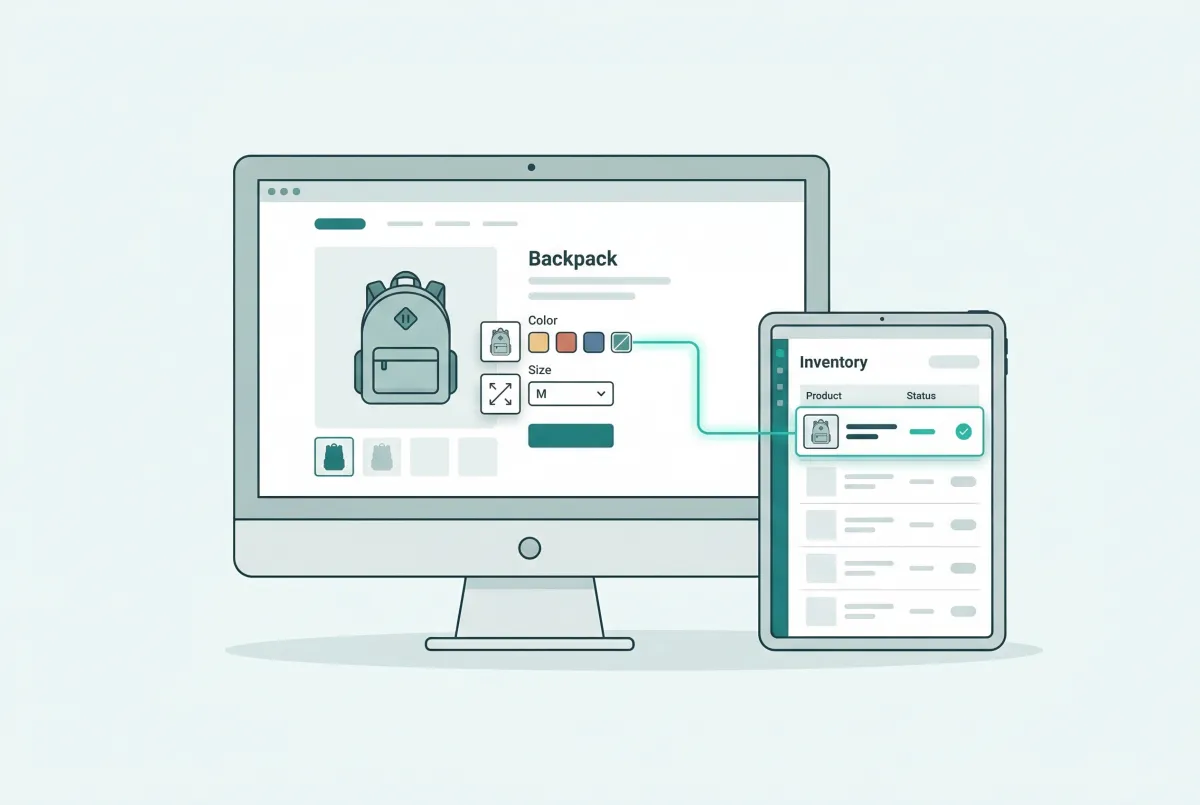
How to Add Custom Product Options to Your Shopify Store (Without Breaking Inventory)
Learn how to add custom product options to your Shopify store using native settings, apps, or line item properties, plus what the 2,048 variant limit means.

Best Shopify Product Option Apps Compared (2026): 8 Tools Tested
We tested the best Shopify product option apps of 2026 on pricing, features, and inventory syncing so you can pick the right one for your growing store.

Shopify Bulk Product Editing: The Complete Guide to Updating Your Catalog Fast
Master Shopify bulk product editing with the native editor, CSV imports, and third-party apps. Update prices, tags, and descriptions across your catalog fast.
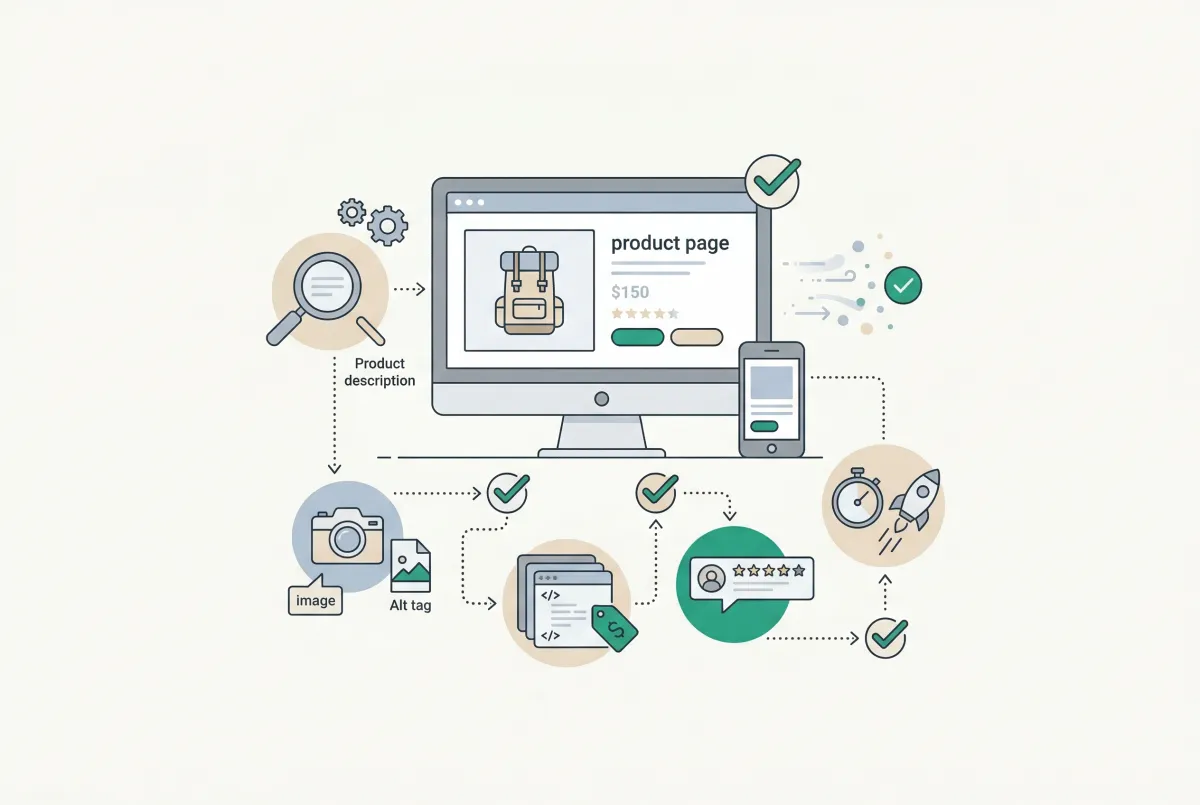
Most Shopify product pages are missing at least three core SEO elements. This 2026 checklist covers title tags, schema markup, images, and more.
The Only Shopify Apps You Need When Setting Up a New Store in 2026
Looking for the right apps for setting up a new Shopify store? These four handle product migration, bulk editing, reviews, and custom options so you launch ready.

Learn to write Shopify product descriptions that rank on Google and convert shoppers into buyers. Includes SEO tips, copywriting frameworks, and examples.