
Tinker by Shopify (2026): How to Use the Free AI Video Generator and Photo Tools
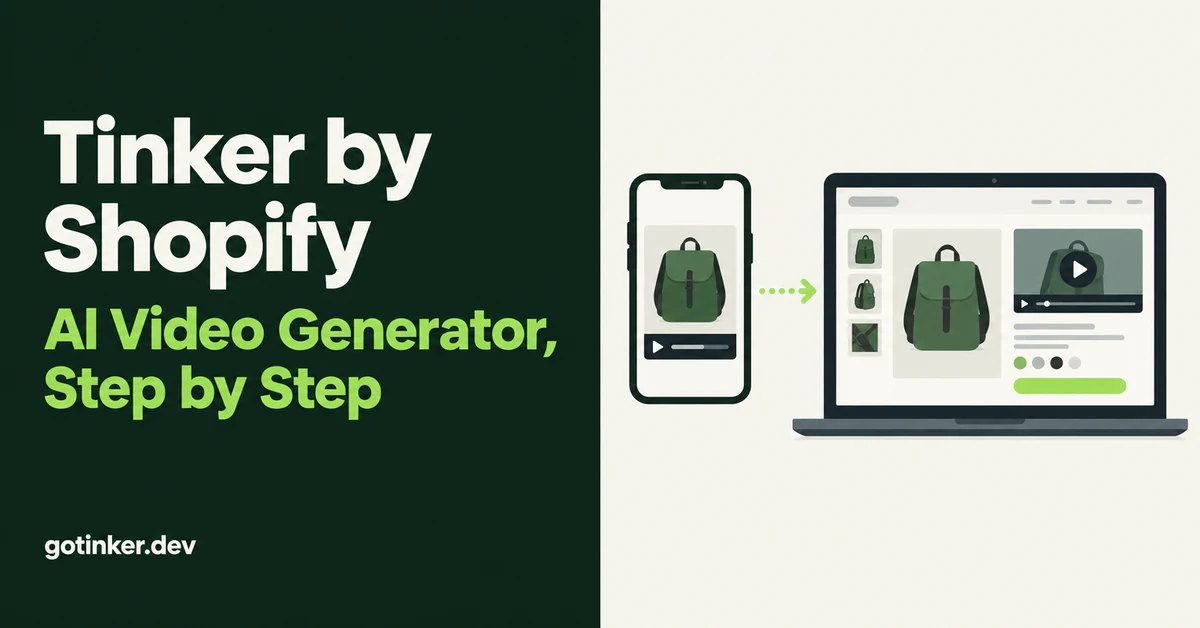
Tinker by Shopify is a free mobile app with 100+ AI tools, and its video tools are the part many merchants search for first. You pick a tool by outcome, such as a looping product video or an 8-second rap ad, add a product photo or a short description, and Tinker handles the prompting. This guide covers what the Tinker AI video generator can make in 2026, how to get a clip onto your Shopify product page, and the limits and rules worth knowing before you post anything.
Shopify launched Tinker on March 26, 2026 as a free app for iOS and Android. Video is a good place to start with it. In Wyzowl's 2026 video marketing survey, 63% of video marketers said they had used AI video tools to create or edit marketing videos, and 85% of people said a video had convinced them to buy a product or service.
What Is Tinker by Shopify in 2026?
Tinker by Shopify is a free AI creative app for phones that bundles 100+ single-purpose tools for images, videos, logos, and product photography. Instead of a blank prompt box, you browse tools by what you want to make, and each tool shows examples so you know what it will produce.
Under the hood, Tinker routes your request to models from several AI companies. Shopify's announcement names OpenAI, Google, and Anthropic, and the Google Play listing adds Black Forest Labs, xAI, and Kling. You never pick a model yourself. When a newer model ships, Tinker swaps it in behind the same tool.
Three details matter for store owners:
- You do not need a store to use it. Tinker's site says you can create an account with your email or sign in with your existing Shopify account.
- It is phone-first. Tinker's site lists iOS 15 or later and Android 10 or later. Apple's App Store listing currently shows iOS 16.4 or later, so check the listing on your own phone before you plan around an older device.
- It keeps context. Shopify says the app uses your previous creations to keep visual and brand continuity, which helps when you make a batch of assets for one product line.
Tinker's listings describe saving, downloading, and sharing your creations, not publishing them to your store. Plan to upload anything you keep to Shopify as normal product media.
Is Tinker by Shopify Actually Free?
Yes, Tinker is free to download and use, but it is not unlimited. Both the App Store and Google Play listings now say Tinker is "free with monthly usage limits that refresh automatically."
That wording matters for heavy users. Tinker does not publish an exact cap for each tool, so if you plan a launch week around it, generate your video drafts early in the monthly cycle and keep a backup plan for the last few clips.
Two more signals are worth watching. Google Play now shows an "In-app purchases" label on the listing, and Tinker's Terms of Service include a section on fees for paid subscriptions. Neither means you will be charged today. It does mean "free forever with no limits" is no longer a safe promise to repeat to a client or teammate.
What Can the Tinker AI Video Generator Make?
The Tinker AI video generator is not one tool. It is a set of short-form video tools, each built for one job, and the best one for a Shopify store is usually Product Morph Video.
Tinker's site and Shopify's own AI video roundup name three video-specific tools:
Product Morph Video
Tinker's site says Product Morph Video creates loopable product morph videos. Shopify's own description of the app talks about turning a product image into a social media video and 360-degree product views. This is the tool to use for a product page, because a short loop shows shape, angle, and finish without asking the shopper to press play on a long clip.
Rap Ad Creator
Tinker's site describes this tool as making 8-second rap music video ads. It is built for social feeds, not product pages. Use it to test whether a playful angle gets more clicks than your usual creative.
Selfie Vlog Generator
This tool creates selfie-style vlog videos from a prompt. It can mock up a founder-style talking clip for a social post. Be careful here: a realistic AI person talking about your product needs a clear AI label on platforms like TikTok, which we cover below.
Hot take: the most useful video tool in Tinker is the least exciting one. A looping Product Morph clip on your product page earns its keep every day, while an 8-second rap ad is a fun test that rarely belongs anywhere near your checkout.
How Do You Make a Product Video With Tinker, Step by Step?
Start with one clean product photo and the Product Morph Video tool. Add the photo, describe the motion or setting you want in plain words, then review and refine the result before you download it.
Here is a workflow that fits most small catalogs:
- Install Tinker and sign in. Download it from the App Store or Google Play and sign in with email or your Shopify account.
- Pick your source photo. Use a sharp, evenly lit shot of the real product on a plain background. AI video tools copy what they see, so a blurry or cluttered photo produces a blurry or cluttered clip.
- Open Product Morph Video. Look at the examples on the tool so you know what kind of motion it produces.
- Add your photo and describe what you need. Keep it short and concrete, such as "slow turn on a white table, soft daylight." Tinker writes the long technical prompt in the background.
- Queue more than one version. The App Store listing says you can queue up multiple generations at once and come back to finished results, so start two or three variations for each product.
- Check the product, not just the motion. Compare every frame with the real item. Look for wrong colors, extra buttons, warped logos, or label text that changed.
- Refine or regenerate. Tinker lets you refine until the result matches what you want. Fix the prompt instead of accepting a clip that misrepresents the product.
- Save and download. Save the keeper to a project, download it to your phone, or share it by link to get feedback from a partner before it goes live.
Label text deserves extra attention. Shopify's launch story quotes Allie Beauty Protein founder Yukiko saying normal generative AI tools "can't catch the characters accurately," and for a supplement brand the label holds required nutrition information. If your packaging has text a shopper relies on, check it in the video frame by frame.
How Do You Add a Tinker Video to Your Shopify Product Page?
Download the clip from Tinker, then upload it to the product's Media section in Shopify, just like a photo. You can do the whole thing on your phone with the Shopify app.
First, confirm the file fits Shopify's rules. Per Shopify's product media requirements, uploaded product videos can be up to 10 minutes long, up to 1 GB, and up to 4K (4096 x 2160 px), in .mp4, .mov, or .webm format. A short Tinker clip is well inside those limits.
On desktop:
- From your Shopify admin, go to Products.
- Click the product you want to edit.
- In the Media section, click Upload new and select the video, or drag and drop the file into the section.
- Drag the video into the position you want. The first media item is the main one shown on collection pages, the cart, and checkout, so most stores keep a photo in that first slot and place the video second or third.
- Save the product.
On mobile: open the Shopify app, go to your products, tap the product, tap + in the Media section, then tap the image icon to add the video from your phone's photos.
A few product page habits make the clip work harder:
- Keep one clip per product to start. A single loop near the top of the gallery beats five clips nobody scrolls to.
- Pair it with real proof. AI visuals look polished, but photo reviews from real customers show what the product looks like in an ordinary home.
- Do not let video replace copy. Google still reads text. Keep a full description and run the page through our Shopify product page SEO checklist.
- Watch your plan's media limits. Shopify caps total videos and 3D models by plan and limits uploads to 1,000 videos a week, so a bulk video project needs a quick count first.
Which Tinker Photo Tools Are Worth Using Alongside Video?
Product Studio Shot and the product image tools are worth using first, because they produce the stills your video sits next to. Clean studio images for the main slot plus one Tinker loop gives a small store a complete gallery without a photoshoot.
The tools Tinker lists for stills include:
- Product Studio Shot for professional studio product photography.
- Product images from ideas for concept images when you only have a description.
- High-fashion editorial photography for lookbook-style images.
- Virtual Try-on Generator, which tries on outfits virtually from your photos. It is a creation tool for you, not a shopper-facing try-on feature on your store.
- Social Media Ad Generator for social media ads.
The savings can be real for a new brand. In Shopify's launch story, Loire jewelry founder Lena faced professional photography at $50 per shot in the US, or $100 to shoot one pair of earrings from two angles. She generated over 150 images for her website in her first month with Tinker.
If you are building a store from scratch, Tinker fits into the same sprint as your copy and setup. Our guide to setting up a Shopify store in a day using AI covers the rest of that launch checklist, and writing product descriptions that rank and convert covers the words that sit next to your new visuals.
What Rules Should You Check Before Posting Tinker Videos?
Check three things before a Tinker clip goes public: that it shows the real product honestly, that you have not stripped any AI markers, and that you follow the labeling rules of the platform you post on. Most problems come from skipping the first one.
Honesty first. An AI video that shows a different color, size, or finish than what ships is a returns problem waiting to happen. Tinker's Terms tell users to evaluate output for accuracy, with human review where appropriate, before using or sharing it.
Leave AI markers alone. The same Terms prohibit removing, obscuring, or tampering with watermarks, metadata, or other data that identifies content as AI-generated. Do not run exports through tools that scrub metadata.
Follow platform labels. TikTok's AI-generated content policy requires creators to label AI-generated content that contains realistic images, audio, or video, and TikTok may label content automatically when it carries Content Credentials. A Selfie Vlog clip with a realistic person should always carry the label.
Two more Terms details are easy to miss:
- Your output may not be unique. Tinker's Terms say other users may receive similar output. Do not build a trademark or a signature brand asset on a raw generation.
- Shopify gets a broad license to your content. The Terms grant Shopify a license to host and use your inputs and outputs to run and improve the service, and note your content may appear publicly on Tinker. Avoid uploading unreleased products you need to keep secret.
When Should You Use a Different AI Video Tool Instead of Tinker?
Use a different tool when you need long videos, desktop editing, or talking presenters at scale. Tinker is built for short, template-driven clips made on a phone, and Shopify's own AI video generator roundup lists its cons as mobile-only access, a narrower feature set than dedicated video editors, and a focus on short clips rather than long-form video.
Tinker is a good fit when:
- You need product page loops and quick social tests.
- You want to try many creative directions before paying for anything.
- You work from your phone and do not have a design team.
Look elsewhere when:
- You are editing real footage, such as cutting an interview or tutorial into clips.
- You need presenter or avatar videos in many languages.
- Your brand rules demand frame-level control over color, type, and timing.
- You produce dozens of videos a week and the monthly usage cap would stall you.
For the rest of your AI stack after launch, including copy, photos, and admin work, see how to use AI to run a Shopify store in 2026. If your bigger question is page layout rather than assets, our explainer on Shopify Canvas and Sidekick's design surface covers that side.
The short version: Tinker by Shopify is a low-cost way to see whether video helps your product pages at all. Make one honest loop for your best seller, put it second in the gallery, and judge it by what it does for that page before you scale it across the catalog. Wyzowl's survey found 89% of consumers say video quality affects their trust in a brand, so a weak clip can do more harm than good. Ship only the ones you would be happy to defend.
Related Articles

How to Use AI to Run a Shopify Store in 2026 (Copy, Photos, and Admin)
How to use AI to run a Shopify store after launch: write copy, generate product photos, then stop doing titles, tags, CSVs, and email drafts yourself.
How to Set Up a Shopify Store in a Day Using AI (Step-by-Step Guide for 2026)
Set up a Shopify store in a day with the help of AI. Here is the exact playbook for design, listings, SEO, and marketing, done by tonight.

Shopify Canvas Explained: What Merchants Get From Sidekick's New Design Surface (2026)
Shopify Canvas explained for SMB merchants: what Sidekick's new design surface is, how it differs from the theme editor, and careful 2026 adoption tips.
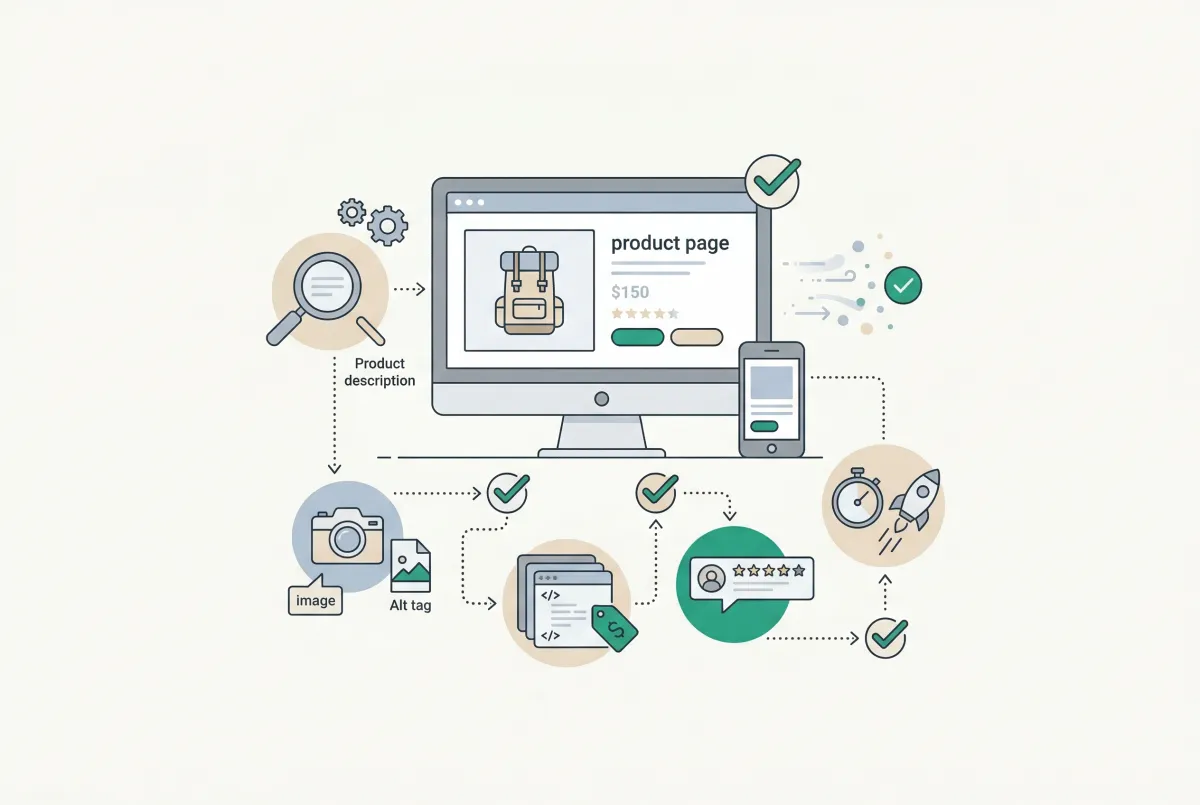
Most Shopify product pages are missing at least three core SEO elements. This 2026 checklist covers title tags, schema markup, images, and more.

Photo Reviews vs Text Reviews: Which Drive More Shopify Sales? (Data-Backed Answer)
Debating photo reviews vs text reviews for your Shopify store? Photo reviews convert up to 106% better, but not always. Here is the real data to decide.

Learn to write Shopify product descriptions that rank on Google and convert shoppers into buyers. Includes SEO tips, copywriting frameworks, and examples.