
The Only Shopify Apps You Need When Setting Up a New Store in 2026
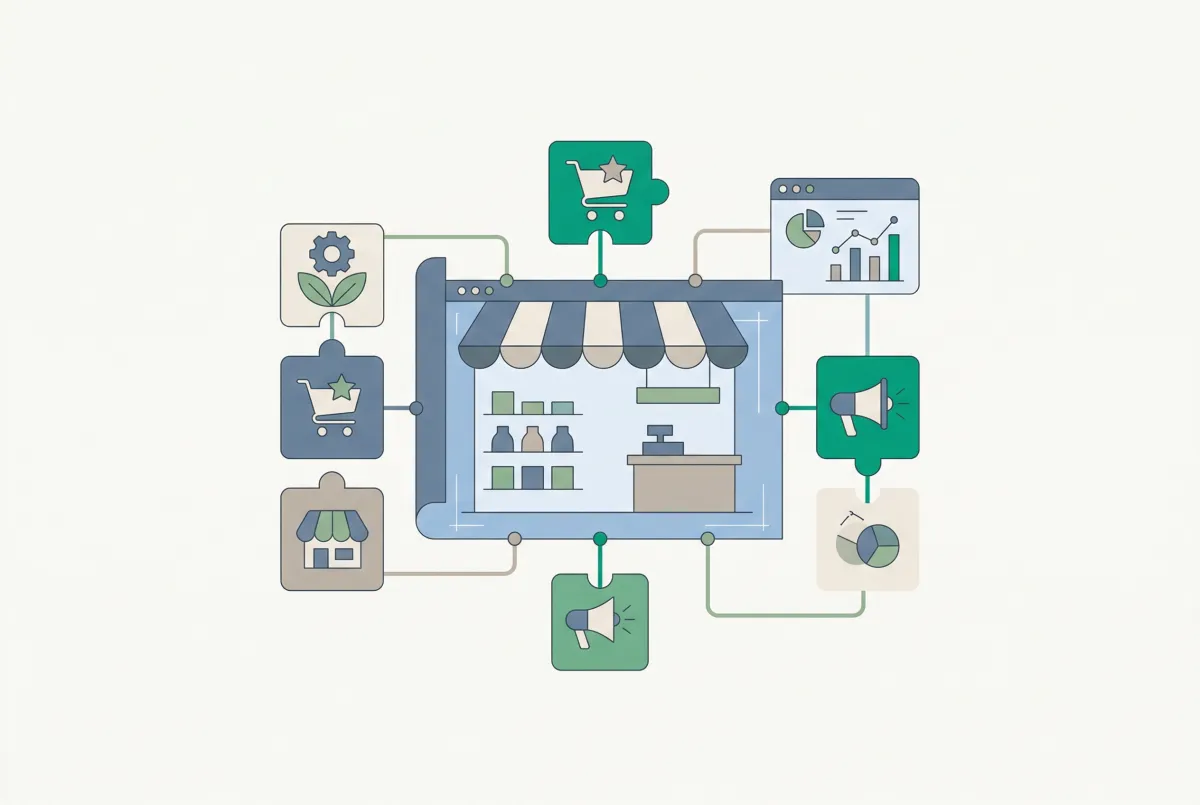
Most "essential Shopify apps" lists are useless to new store owners. They assume you already have products loaded, reviews collected, and a store that's ready to sell. The reality? The apps for setting up a new Shopify store that actually matter on day one are the unglamorous plumbing tools that get your products in, clean them up, add social proof, and make them sellable. You can't market a store that isn't ready for customers.
87% of Shopify merchants use apps to enhance their store, with the average merchant installing six. But new store owners don't need six random apps. They need the right four, installed in the right order, at the right time. This article walks you through exactly that, from product migration to custom options, so you can set up your Shopify store and launch with confidence.
Why Do Most New Shopify Stores Underestimate the Role of Apps at Launch?
Because they confuse "apps" with "nice-to-haves." New merchants hear advice about email marketing, upsells, and loyalty programs before they've even imported a single product. That's backwards. The apps you need before launch handle operational basics, not marketing.
Shopify's core platform is solid. It handles payments, shipping, and basic product management just fine. But there are four specific gaps that almost every new store runs into: getting products in from another platform, fixing those products in bulk, proving to customers you're trustworthy, and offering the product options your catalog actually needs.
Here's my hot take: the four apps that matter most before launch are never the four apps anyone writes about. Klaviyo and Privy can wait. Your store needs plumbing before it needs paint. If your product data is messy, your listings have no reviews, and customers can't pick the options they want, no amount of email marketing will save you.
Shopify stores grew 18% year-over-year as of Q4 2025, which means more competition. Launching fast matters, but launching ready matters more. The four-app workflow below covers each stage of getting your store from empty to sellable.
How Do You Get Your Products Into Shopify Without Starting from Scratch?
You use a migration app that pulls your existing product data (titles, descriptions, images, variants, prices) from your current platform directly into Shopify. Manual re-entry is the single biggest time waste for new store owners, and it's completely avoidable.
If you're coming from WooCommerce, Etsy, BigCommerce, Magento, or even Amazon, your product data already exists somewhere. The question is how to move it without losing information or spending weeks on data entry. Our complete Shopify migration guide covers the full process, but the app choice is the most important decision you'll make.
What to Look for in a Migration App
Not all migration tools work the same way. Some require CSV exports and manual mapping, which means downloading files, reformatting columns to match Shopify's template, and uploading them back in. Others let you paste a product URL and pull everything in automatically. The second approach saves you hours and eliminates the formatting errors that plague CSV imports.
Migratify: Copy Products + AI handles this by letting you import products from over 100 platforms using just a URL. Paste a product page link, and it pulls the title, description, images, variants, and pricing into your Shopify store. Some platforms block scrapers with captchas. Shopee and AliExpress fall into that category, so Migratify includes a Chrome extension that gets around them.
What makes Migratify particularly useful for new stores is its AI-powered "Magic Edit" feature. After importing, you can automatically rewrite product titles and descriptions to match your brand voice, so imported listings don't look like copy-paste jobs from your old platform. The free plan covers limited migrations with 5 monthly AI credits, while the Standard plan at $14/month unlocks unlimited migrations.
If you're migrating from a specific platform, we've written detailed guides for WooCommerce to Shopify and Etsy to Shopify migrations too.
What Is the Fastest Way to Fix Imported Products in Bulk Before You Go Live?
A bulk product editor. Imported products almost always need cleanup: inconsistent titles, missing tags, incorrect pricing, or descriptions that don't match your brand. Editing them one by one takes 2 to 3 minutes per product. For a catalog of 500 items, that's over 25 hours of manual work.
Shopify's built-in bulk editor handles basic field changes, but it gets painful fast with larger catalogs. You can't chain multiple edits, preview changes before applying, or schedule edits for a specific time. For anything beyond 20 or 30 products, you need a dedicated tool.
Why Bulk Editing Matters Before Launch (Not After)
Fixing products after you go live means customers see your mistakes. Inconsistent pricing, typos in titles, missing tags that break your collections. These problems hurt conversions from day one. The smart move is to clean everything up before a single customer visits.
Edify is a free bulk product editor built specifically for this kind of pre-launch cleanup. You can filter products using AND/OR conditions (by collection, vendor, tag, price range, or any other field), then chain multiple edit actions into a single task. Change the vendor, update the price, and add tags, all in one operation across hundreds of products.
The preview feature is worth highlighting. Before any edit goes live, you see exactly what will change, with old and new values side by side. If something looks wrong, you fix it before it touches your store. And if you do make a mistake, every edit is logged with one-click undo.
Our bulk product editing guide covers workflows and strategies in more detail. Edify also includes scheduled edits with auto-revert, which you probably won't need at launch but becomes incredibly useful once you start running sales and promotions.
How Do You Add Social Proof to a Brand-New Store With No Existing Reviews?
You import them. The cold-start problem is real: 93% of consumers say online reviews influence their purchase decisions, and a product with just five reviews is 270% more likely to be purchased than one with none. A brand-new store with zero reviews is fighting an uphill battle from the moment it opens.
If your products already have reviews on Amazon, AliExpress, Etsy, or another platform, those reviews are an asset you should bring with you. Leaving them behind is like moving to a new house and throwing away all your furniture.
The Cold-Start Problem (and How to Solve It)
New stores face a trust gap. Customers want to buy from stores that other people have already bought from. Without reviews, you're asking visitors to take a leap of faith, and most won't. This is why product reviews directly increase Shopify conversion rates.
WiseReviews solves this by importing photo and video reviews from platforms like Amazon, AliExpress, Etsy, Shopee, Temu, eBay, and more. You bring over the social proof your products have already earned, so your new store doesn't start at zero.
The app supports importing reviews with photos and videos (not just text), which matters because visual reviews convert significantly better than text-only ones. Our guide on importing product reviews to Shopify walks through the full process platform by platform.
Beyond importing, WiseReviews also sends automatic review request emails after purchase, so once you start making sales, you're building organic reviews alongside your imported ones. The free plan covers up to 100 reviews and 10 monthly emails, which is more than enough for a new store. The Standard plan at $9.95/month bumps that to 50,000 reviews and 5,000 monthly emails as you grow.
One thing worth mentioning: don't just import every review you can find. Pick the ones with photos, detailed feedback, and 4 or 5 stars. Quality matters more than quantity for building trust.
What Happens When Shopify's Native Variant System Is Not Enough for Your Products?
You hit a wall. Shopify allows up to 3 variant options per product (like size, color, and material) with a maximum of 100 variant combinations. That works fine for simple products. But if you sell anything with custom text fields, file uploads, date pickers, or more than 3 option types, you need a product options app.
36% of shoppers prefer customized products, and nearly half will wait longer for an item tailored to them, according to Deloitte. If your products need customization and you can't offer it, you're losing sales to competitors who can.
When Do You Actually Need Custom Options?
Custom options aren't just for "custom" businesses. If you sell any of these, you probably need them: jewelry (engraving, chain length, stone choice), apparel (custom sizing, monograms), gifts (personalized text, gift wrapping), food products (allergen selections, portion sizes), or printed materials (upload your own design, choose paper type).
Optionize Product Options gives you unlimited product options with 16+ field types, including text boxes, color swatches, image swatches, file uploads, date pickers, checkboxes, and dropdowns. The free plan covers unlimited options with live preview and custom CSS. The Pro plan at $9.99/month adds conditional logic (show or hide options based on previous selections), add-on pricing, and translations for international stores.
The conditional logic feature deserves attention. Say you sell phone cases with optional screen protectors. You'd only want to show the screen protector option after the customer selects their phone model. Conditional logic makes that possible without cluttering your product page with irrelevant options.
For a deeper look at implementation, check out our guide on adding custom product options without breaking inventory. Optionize also uses AI to speed up option creation across dozens or hundreds of products. Instead of manually configuring each product, you describe what you need and the AI generates the option set for you.
In What Order Should You Install These Apps When Setting Up Your Shopify Store?
Order matters. Install them in the sequence you'll actually use them, and each step builds on the one before it. Here's the workflow that makes the most sense for apps for setting up a new Shopify store.
Step 1: Migrate Your Products
Install Migratify first. You can't edit, review, or customize products that don't exist in your store yet. Import everything from your current platform and use the AI editing feature to clean up titles and descriptions during the import process.
Step 2: Bulk Edit and Clean Up
Install Edify next. Go through your imported products and fix the things that migration tools can't: standardize your pricing structure, add missing tags for collections, update product types, and make sure your descriptions are consistent. Preview everything before applying changes.
Step 3: Import Reviews
Install WiseReviews after your products are clean. Import reviews from the platform you're migrating from. Match reviews to the correct products (this is easier when your product data is already organized from Step 2). Set up the review request email for post-launch.
Step 4: Add Custom Options
Install Optionize last. Now that your products are imported, cleaned up, and have reviews attached, add the custom options that Shopify's native system can't handle. Configure your option sets, test the conditional logic, and make sure everything displays correctly on your product pages.
The Full Timeline
This entire workflow can be done in a single weekend for a store with a few hundred products. Migration takes a few hours (depending on catalog size), and bulk editing takes an hour or two if your filters are set up well. Review importing is mostly automated. Custom options can be configured in batches using option sets.
The key principle: don't install all four apps on day one and try to use them simultaneously. Work through them sequentially, because each step depends on the previous one being complete. Rushing through migration and skipping the cleanup phase is the most common mistake new merchants make, and it creates headaches that compound once your store is live and customers are browsing.
A store that launches with clean products, real reviews, and proper customization options doesn't need a miracle marketing campaign. It just needs traffic.
The difference between a store that converts from day one and one that struggles for months usually isn't the theme, the logo, or the ad spend. It's whether the products are actually ready to sell. These four apps handle that, and everything else you install after launch is a bonus.
Related Articles

Best Shopify Apps for Developers to Set Up Client Stores Fast
Discover the best Shopify apps for developers who build client stores fast. Bulk editors, migration tools, review importers, and options apps covered.
How to Set Up a Shopify Store in a Day Using AI (Step-by-Step Guide for 2026)
Set up a Shopify store in a day with the help of AI. Here is the exact playbook for design, listings, SEO, and marketing, done by tonight.

Shopify Themes Comparison: Studio vs Impact vs Dawn vs Sense (Which One Fits Your Store?)
Shopify themes studio impact dawn sense comparison: real-world speed data, features, pricing, and which theme fits your store in 2026.
How to Add Custom Product Options to Your Shopify Store (Without Breaking Inventory)
Learn how to add custom product options to your Shopify store using native settings, apps, or line item properties, plus what the 2,048 variant limit means.
Finding the best Shopify review apps? We compare Judge.me, Loox, Yotpo, Okendo, and Stamped on actual pricing, page speed, features, and hidden costs.

How to Set Up Live Chat and AI Customer Support for a New Shopify Store (2026 Checklist)
Learn how to set up live chat and AI customer support for a new Shopify store, step by step, with the best AI app to automate support around the clock.