
The Shopify Store Migration app is Shopify's free, first-party importer for product and customer data. It is not a one-click replatform. US retail ecommerce hit $1,233.7 billion in 2025, so a lot of merchants are moving catalogs right now, and a lot of them install this app expecting the whole store to follow.
This page is the boundary map. It covers what the official app imports in 2026, what it leaves behind, the steps to run it, and the leftover jobs you still have to finish by hand. If you want the whole project plan, use our complete step-by-step guide to migrating to Shopify. If you want a ranked list of third-party tools, that is a different post.
What does Shopify's official Store Migration app actually import?
It imports product records and customer records. That is the official scope, restated on both Shopify's 2026 Store Migration guide and the App Store listing.
On the product side, Shopify lists titles, descriptions, variants, standard and compare-at prices, inventory levels, images, SKUs, and barcodes. On the customer side, it lists names, email addresses, phone numbers, and billing or shipping addresses.
You can get that data in two ways. Upload a CSV exported from the old platform, or connect the source account for a guided transfer on supported platforms. Shopify's listing notes that some platforms do not export every field in a compatible format, so you should expect small edits in admin after the import lands.
Treat a successful import as "the catalog and the address book arrived." Do not treat it as "the store moved." Collections, menus, theme, orders, and search data are a separate project.
What does the Shopify Store Migration app not move?
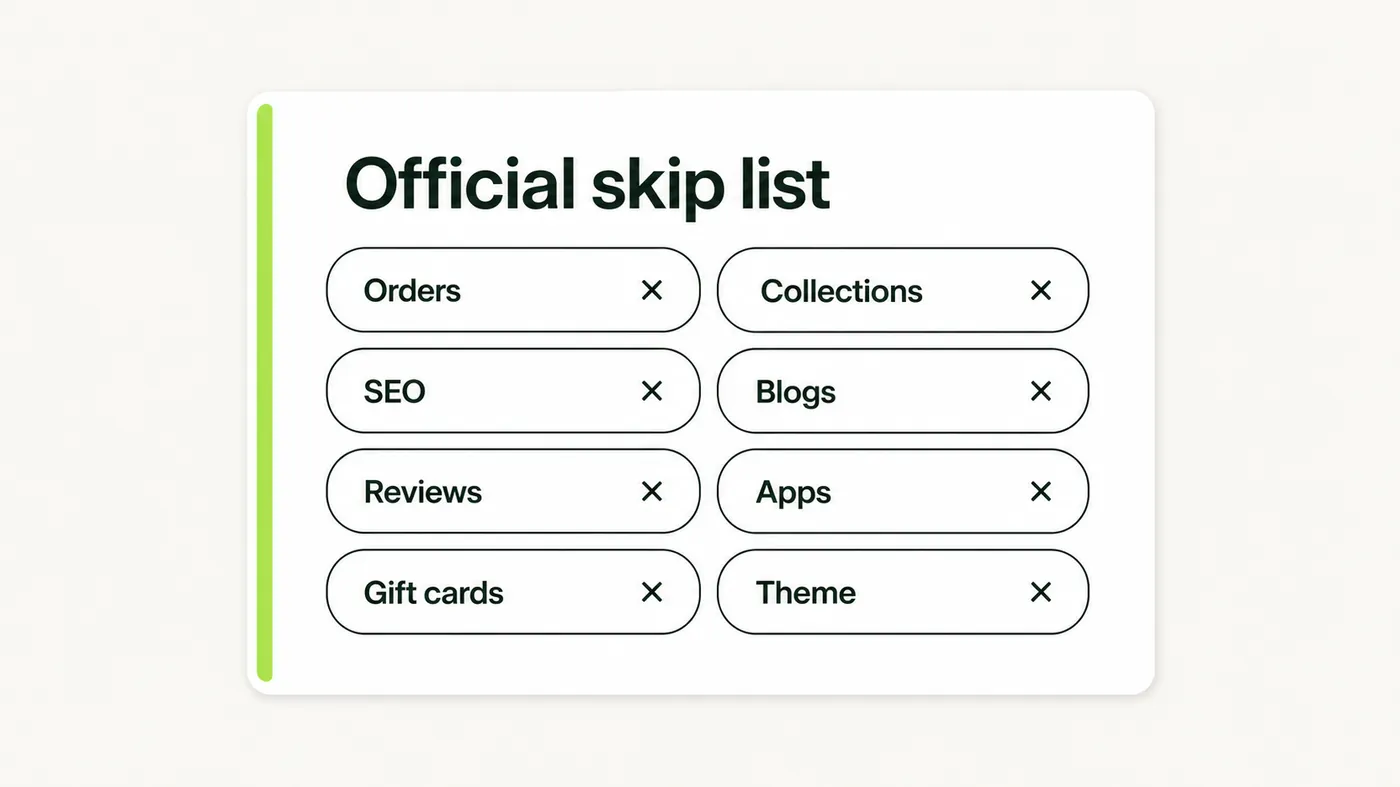
The official skip list is longer than the import list. Shopify's own table says the app does not import orders or order history, collections, navigation menus, SEO data, blog posts and pages, reviews, or existing integrations and apps.
That gap matters more than the feature names. A store that has been live for two years is mostly those leftover objects: the URLs Google already ranked, the reviews on product pages, the order history your support team searches, and the theme customers actually recognize.
Here is the official skip list, plus the nearby objects Shopify documents elsewhere as out of scope for this app:
- Orders and order history. Shopify's Migrate to Shopify help guide routes historical orders to other migration apps or the Order and Transaction APIs, not to Store Migration.
- Collections and navigation menus. Product records can arrive ungrouped. You rebuild collections and menus in Shopify admin.
- SEO data, URL redirects, meta fields, and canonical tags. Shopify says these are not handled by the app and need manual setup after import.
- Blog posts and pages. Policies, about pages, and the blog need a copy-paste, a page/blog importer, or a partner.
- Reviews. Star ratings do not ride along with the product import. Plan a separate review import.
- Integrations and apps. Payment gateways, ERPs, email tools, and subscription apps are reconnected in Shopify, not transferred.
- Gift cards, certificates, and store credits. Shopify's migrate guide lists these under other migration apps or the Gift Card API, not under Store Migration.
- Themes and storefront design. The same help guide treats design as a later step: pick and customize a Shopify theme. Your old theme file does not port.
- Customer passwords. Shopify cannot accept imported password hashes. Customer import docs say you invite people to create a new password after the records land.
- Inventory by location, and location-specific prices. The app sets a product's price to the highest price it finds and does not import inventory split by location. You fix locations after import.
- More than three product options. Shopify's WooCommerce migration notes (and the Square, Amazon, and eBay versions) say products with more than three options will not have those extra options imported.
Metafields and custom attributes are not on Shopify's import list for this app. Do not assume size charts, care notes, or Magento-style attributes survived. Open a sample of products and look.
Here is the uncomfortable read of Shopify's own marketing. The Store Migration headline talks about moving without losing data or SEO rankings. The feature table on that same page says SEO data is not imported. Use the app for what it is: a free product-and-customer importer with a store-sized name. Budget the SEO, reviews, orders, and theme as separate work, or the name will fool you twice.
Which platforms can you import from with the official app?
Shopify currently lists eight sources: Square, WooCommerce, Etsy, Wix, Amazon, eBay, Clover, and Lightspeed R/X (Vend). If your catalog lives on one of those, the official app is a reasonable first pass for products and customers.
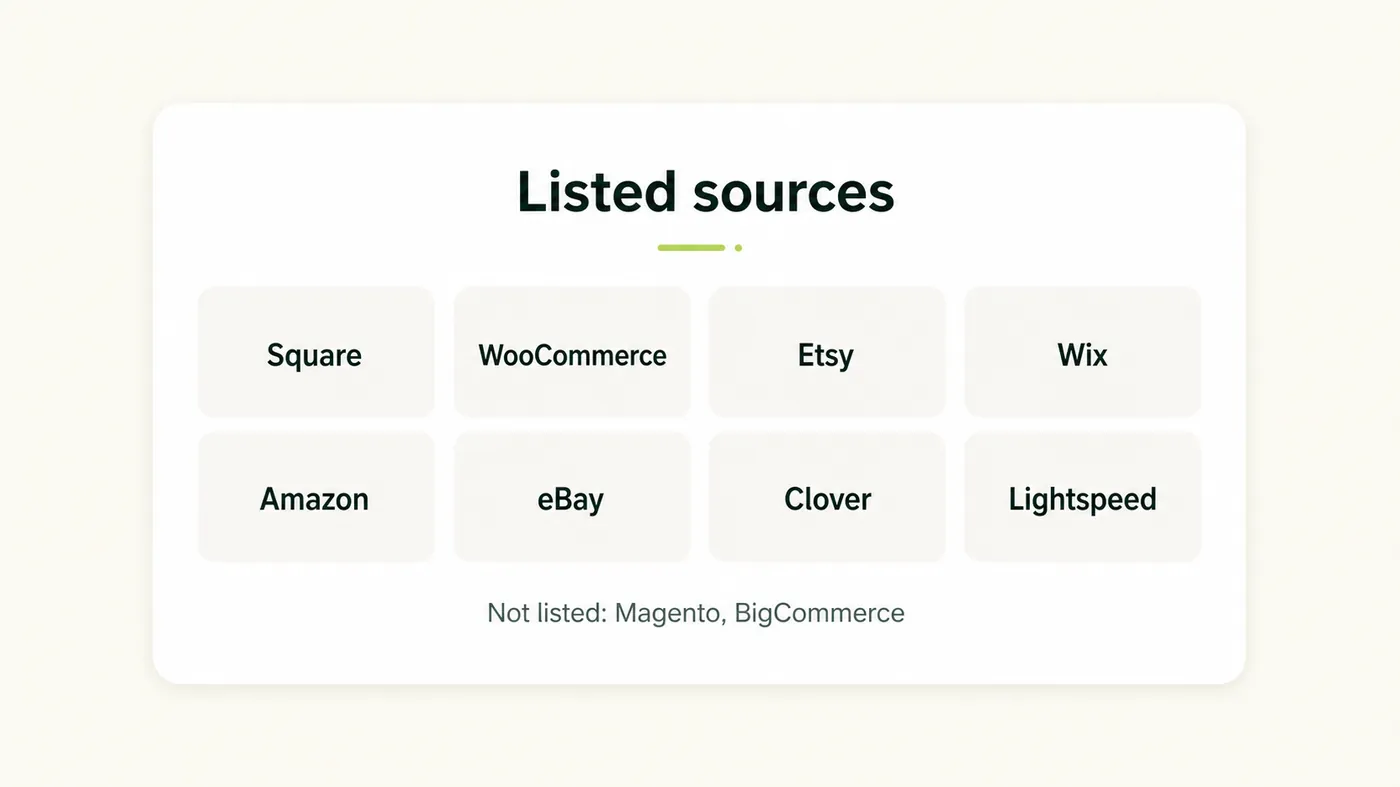
If your catalog lives on Magento, BigCommerce, Squarespace, PrestaShop, a custom site, or any other platform, Store Migration will not connect it. Shopify's help center points those merchants to CSV imports, third-party migration apps, a partner, or a custom API job.
That is also the only leftover job a product-URL importer can honestly take. Migratify copies product titles, descriptions, images, variants, and prices from a public URL, including BigCommerce and other public catalogs the official app does not list. It does not import customers, orders, or reviews, so it does not close the rest of the official skip list.
For a source the official app already supports, stay inside Store Migration first. Adding a second product importer on the same catalog is how you create duplicate SKUs.
How do you use the Store Migration app without wrecking the catalog?
Install the free app from the Shopify App Store, pick the source platform, then either upload that platform's CSV or connect the account. Shopify's 2026 walkthrough is six moves: install and pick source, export, prep the file, import, validate, then fix errors.
Do the prep work before you click Import. Duplicate SKUs, mixed variant names, and dead image URLs become Shopify problems the second they land, and they are cheaper to fix in a spreadsheet than in admin.
Before you import
- Create the Shopify store and leave it password-protected. Do not point the live domain yet.
- Export a full backup from the old platform and store it somewhere the old host cannot delete.
- Freeze catalog edits. No new products, no price changes, no one quietly renaming variants during the export.
- Export products and customers from the source using that platform's own CSV tools. Shopify's Square and WooCommerce notes tell you to upload those files without rewriting the headers.
- If you are using a generic CSV instead of a platform export, normalize headers, variant rows, image URLs, and weights so they match what Shopify expects. Our notes on importing products to Shopify from a CSV file cover the usual breakage.
- Keep the old site online and publicly reachable. Shopify often pulls product images from live URLs, and missing images are a listed common import error. If you shut the old host down first, those fetches fail.
Run the import
- Install Store Migration and choose Square, WooCommerce, Etsy, Wix, Amazon, eBay, Clover, or Lightspeed R/X (Vend).
- Upload the product CSV, or connect the source account if that path is offered.
- Decide whether new products should publish to the online store. For a first pass, draft or hidden is safer than live.
- Start the import and wait for the in-app report. Shopify says a basic file takes a few minutes. Large catalogs take longer.
- Import customers after products, not before. Shopify's migrate guide wants products first, then customers, then any historical orders you bring in with a different tool, so line items can attach to real product and customer records.
Validate before you touch anything else
Open the import report, then spot-check the catalog by hand. Shopify flags duplicate SKUs, missing images, and shipping weights as common failures. Reviews on the official listing also describe partial transfers, titles without images or prices, so do not trust a green progress bar.
- Check 20 products across categories, including every product with more than one variant.
- Confirm prices, compare-at prices, SKUs, barcodes, and inventory counts against the old store.
- Click every image on those 20 products. A missing file is cheaper to catch now.
- Scan customers for duplicate emails and missing marketing consent.
- If a product had four or five option axes on the old platform, confirm whether Shopify dropped the extras.
Fix errors in admin or with a corrected re-import before you build collections, redirects, or ads on top of bad records.
Why don't passwords, reviews, or SEO data come with the import?
Because they are not product rows, and Shopify will not treat them as product rows. Passwords are encrypted outside Shopify, reviews usually live in another app, and SEO data is a mapping job the official importer does not run.
Passwords are the support-ticket machine. Shopify's customer CSV has no password column you can fill. After import, those people exist as customer records, not as logged-in accounts. Send a launch email that says the store moved and they need to activate or reset. If you stay silent, week one is "my login is broken" tickets.
Reviews are separate social proof. The official app does not attach stars to the products it just created. Export reviews from the old platform or the old review app, then import them into a Shopify review app. Our walkthrough on importing product reviews to Shopify covers the usual source formats.
SEO is the expensive miss. Shopify URLs are fixed (/products/, /collections/, /pages/, /blogs/). Old WooCommerce, Magento, or Wix paths will 404 unless you build a redirect map. The official app will not do that map. Use our guide to setting up 301 redirects after a Shopify migration after you know the new handles, and carry title tags and meta descriptions across by hand or with a spreadsheet tool. Skipping this is how a free import turns into months of lost organic traffic.
What leftover work is still sitting there after the official importer finishes?
Most of the store. Products and customers were the mechanical slice. Theme, collections, menus, redirects, reviews, orders, gift cards, taxes, shipping, and apps are still empty or default.
Work through leftovers in this order so you do not decorate a broken catalog:
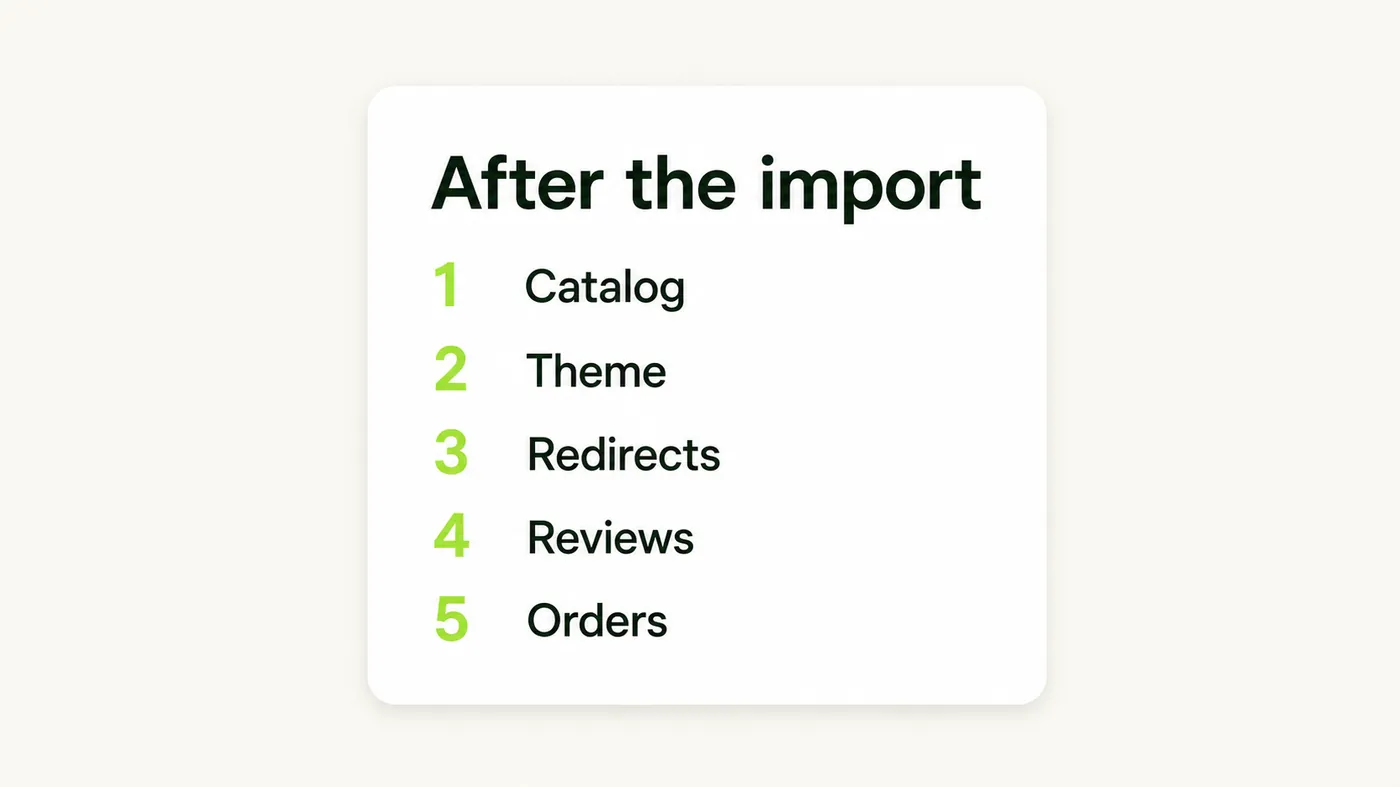
- Catalog cleanup. Fix variants, weights, missing images, and option drop-offs. Then build collections. The official app does not create them.
- Theme and pages. Install a Shopify theme, recreate the homepage, and paste shipping, refund, and about pages. Your old theme will not appear.
- Redirects and metadata. Map every indexed old URL to the new Shopify URL, then import the map. Recreate meta titles and descriptions you actually ranked for.
- Reviews. Import them only after product handles are stable, or you will attach stars to the wrong products.
- Orders, if you need them. Use a third-party migration app or the Admin API. Shopify has no native order CSV upload in admin. Import products and customers first so those orders can attach.
- Locations, taxes, shipping, and payments. Split inventory by location, rebuild tax rules, connect carriers, and turn on a payment provider. None of this arrives from Store Migration.
- Customer activation. Send account invites in batches. Do not blast 40,000 activation emails in one hour.
- Apps. Reinstall reviews, email, subscriptions, and inventory tools. Old plugins do not convert.
Print the longer punch list from our Shopify migration checklist. The official importer finishes in minutes to hours. The leftover list is why Shopify's own blog still says most full migrations take less than three months, not three clicks.
If you later need a third-party tool for orders, blogs, or a platform Store Migration does not list, compare those jobs in our 2026 store migration apps comparison. Pick the tool for the leftover object, not a second product importer you do not need. If both stores are already on Shopify and you only need the catalog, use our walkthrough on how to migrate products from one Shopify store to another.
When both stores are already on Shopify and you need more than products, use our complete Shopify store duplicate checklist for theme, customers, apps, and settings.
When should you skip the official Store Migration app?
Skip it when the thing you care about is not products and customers, or when your source is not one of the eight listed platforms. The app is free and fast for a simple WooCommerce, Wix, Etsy, Square, or marketplace catalog. It is the wrong first click for a Magento rebuild, a BigCommerce move, or any store whose value is order history and organic URLs.
Use Store Migration when most of this is true: you are on a listed source, the catalog is straightforward, you can live without imported orders on day one, and you will build redirects and the theme yourself. Use a CSV-only path when you already have a clean product file and do not want another app in the middle. Use a dedicated migration app or a partner when you need orders, blogs, metafields, or a source Shopify does not list.
Do not run Store Migration and a full-store migration app against the same catalog "just to be safe." You will duplicate products, split inventory, and spend the next week deleting copies. Pick one product path, finish it, then handle the skip list as named leftover work.
If the leftover pile includes subscriptions, gift card liabilities, or a custom checkout you cannot recreate, stop and get a scoped quote. That is a migration service conversation, not an importer setting.
The official app is worth installing. Just read the skip table before you read the name on the icon. Products and customers can move this afternoon. The store you promised customers is the week after that.

Migratify: Copy Products + AI
SponsoredProduct import made easier! Effortlessly migrate products from 100+ platforms.
Related Articles

How to Migrate to Shopify: The Complete Step-by-Step Guide for Online Stores
Planning to migrate to Shopify? Avoid data loss, broken SEO rankings, and costly downtime with this complete step-by-step migration guide for merchants.

Shopify Store Migration Apps Compared in 2026: Free App vs LitExtension, Cart2Cart, Matrixify, Migratify
Shopify store migration apps compared in 2026: free Store Migration vs LitExtension, Cart2Cart, Matrixify, and Migratify. Pick by what each actually moves.

Shopify Migration Checklist: Everything to Move Before You Switch Platforms
Use this complete Shopify migration checklist to move products, customers, orders, SEO data, and apps without losing sales when you switch platforms today.
Migration traffic drops start with missed URLs. Learn how to set up 301 redirects after a Shopify migration, from redirect mapping to bulk CSV uploads.

Magento to Shopify Migration: The Complete Step-by-Step Guide for 2026
A Magento to Shopify migration for 2026: compare tools, map configurables to variants, import reviews via CSV, reset passwords, and upload 301 redirects.

WooCommerce to Shopify Migration: Step-by-Step Product Transfer Guide
Planning a WooCommerce to Shopify migration? This step-by-step guide covers product transfer, CSV cleanup, SEO protection, and avoiding data loss.