
How to Import Etsy Reviews to Shopify With WiseReviews (Video Walkthrough)

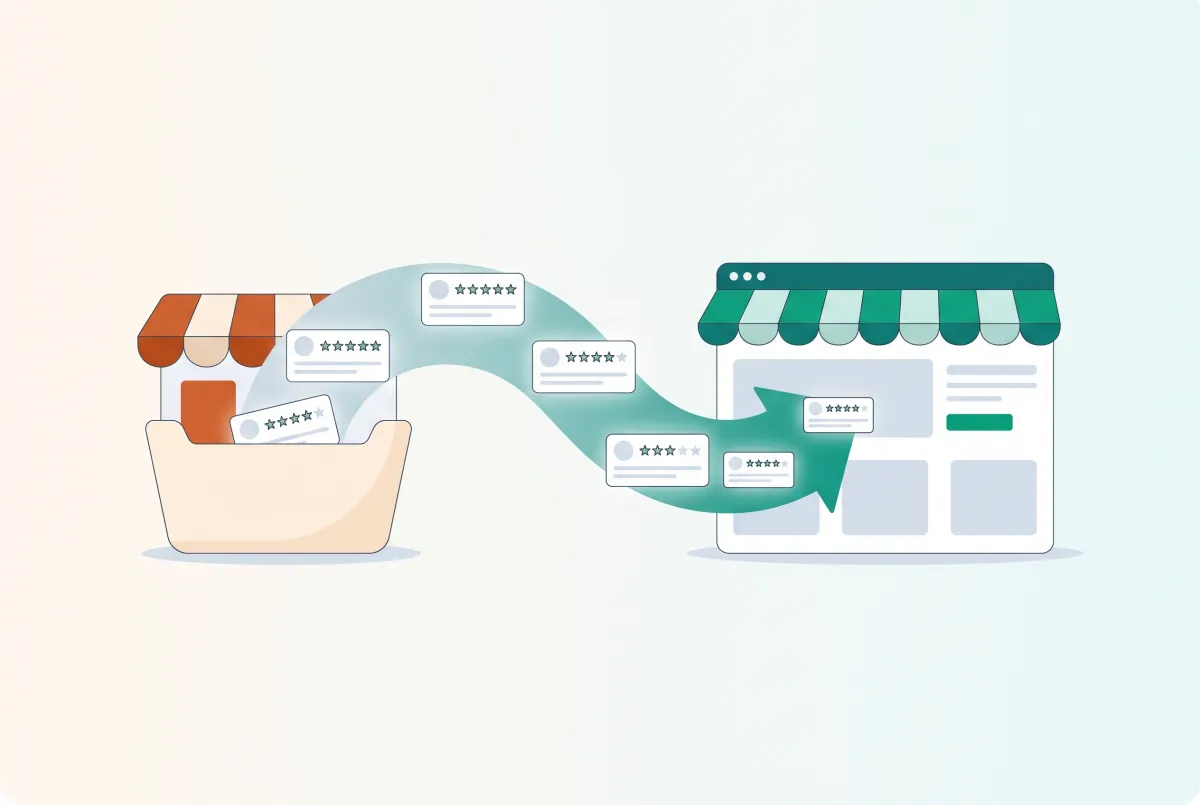
You've spent years collecting five-star reviews on Etsy: real names, real dates, honest feedback from paying customers. Launch a brand-new Shopify store, though, and none of that comes with you. Every product page starts at zero, which is exactly why so many sellers look for a fast way to import Etsy reviews to Shopify before their store even opens.
The good news is you can do this in about two minutes, no CSV export or support ticket required. The video below walks through the entire process using an app called WiseReviews.
Why Should You Move Your Etsy Reviews to Shopify?
Reviews are the fastest way a new store earns trust, and the research backs that up hard. 95% of consumers read reviews before buying, so a product page sitting at zero reviews reads as a red flag even when the product itself is proven. That's the entire case for why you'd want to import Etsy reviews to Shopify instead of starting from a blank page.
That gap hits hardest right after a migration. Your Etsy shop might have hundreds of reviews built up over years, but a fresh Shopify store shows none of it unless you bring it over. Shoppers landing on that empty page have no way to know your Etsy reputation exists at all.
There's also a practical reason review count matters early: it's what separates a store that looks like a real business from one that looks like it opened yesterday. Zero reviews and four detailed, five-star reviews send completely different signals, even on an identical product. Trust is everything in those first few weeks after launch.
What Do You Need Before You Import Etsy Reviews to Shopify?
You need three things: the WiseReviews app installed on your Shopify store, the product page you're importing reviews for already created, and the URL of the Etsy listing those reviews live on. That's genuinely the whole list. No API keys, no exported spreadsheet, no digging through Etsy's seller dashboard settings.
One thing worth flagging before you start: only import reviews from your own Etsy listings, and only if your buyers agreed to have their feedback shown publicly when they left it. WiseReviews includes a permission confirmation step for exactly this reason, and it's not just a formality. Reviews are customer content, not yours to redistribute without a reasonable basis for using them.
It also helps to decide your product mapping ahead of time. If one Etsy listing covers what's now split across three Shopify products (different variants, different SKUs), figure out which reviews go where before you start importing, rather than guessing product by product as you go. A few minutes of planning here saves you from re-doing the import later.
How Do You Import Etsy Reviews to Shopify With WiseReviews?
Open WiseReviews from your Shopify admin and click Import Reviews. The whole workflow runs inside your admin, so there's no separate tool to log into.
- Pick the Shopify product the reviews belong to.
- Paste the Etsy listing URL, copied straight from your browser's address bar. This is the only piece of information the app actually needs from you.
- Let it read the listing. WiseReviews pulls the review count and star average automatically, no manual entry.
- Choose how many reviews to bring over. You can take all of them or select a smaller batch.
- Confirm you have permission to use the reviews, then click import.
That's the entire process. No export file, no CSV formatting, no waiting on a support ticket to get your data released.
How Long Does It Actually Take?
Realistically, about two minutes per product once you know where the Etsy listing URL lives. The app reads the listing the moment you paste the link and immediately shows you the review count it found, so there's no waiting around wondering if it worked.
Compare that to the manual alternative: screenshotting reviews off Etsy, retyping the text into a review app's admin panel, and re-entering names and dates by hand. For a listing with even a dozen reviews, that's an hour of copy-paste work per product, and it's the kind of tedious task that makes migrations drag on for weeks instead of days. Automating it isn't just convenient. It's the difference between actually doing the migration and putting it off indefinitely.
What Do Imported Reviews Look Like on Your Storefront?
Each imported review keeps its original star rating and the date it was actually written, not the import date. That detail matters more than it sounds: a review dated three years ago reads as long-term proof, while a batch of reviews all dated the same day looks suspicious to anyone paying attention.
On the storefront, shoppers see reviewer names, star ratings, and written feedback exactly as they appeared on Etsy. It's your existing reputation, just running on a different platform. Our guide on migrating Etsy reviews without losing star ratings goes deeper into how that rating math carries over across a full catalog, not just one product.
Should You Import Every Review or Just the Best Ones?
Here's a mildly unpopular take: importing every review you've ever gotten isn't automatically the right move. A five-star average built on four specific, honest reviews beats one built on twenty generic ones, because shoppers can smell copy-paste testimonials from a mile away.
If your Etsy listing has a handful of vague one-liners mixed in with detailed, glowing feedback, curate. Bring over the reviews that mention specific details: sizing, use case, shipping speed, whatever makes a real buyer sound like a real buyer. Quality reads as more credible than quantity, especially on a brand-new product page.
There's no wrong number here. A product with three or four well-written reviews and a genuine five-star average will usually outperform one with fifteen mediocre reviews dragging the average down to 4.2. Import selectively, and you can always go back and add more later as new reviews come in on Etsy.
What Other Platforms Can You Pull Reviews From?
Etsy isn't the only source WiseReviews supports. It also pulls reviews from Amazon and eBay, which matters if you're consolidating a multi-platform seller history into one Shopify store. If you sell across more marketplaces, our guides on importing reviews from Amazon and AliExpress and importing reviews from Shopee cover the platform-specific quirks.
And reviews are only half the migration story. If you're moving your actual product catalog off Etsy too, not just the reviews, our full Etsy to Shopify migration guide covers listings, and our walkthrough on exporting your Etsy customer list covers the people who already bought from you. Most sellers making this move are doing it for the same reason: Etsy's combined listing, transaction, and payment fees can reach 10 to 13% of every sale, while owning your own Shopify store means you keep your customer data and your margins.
Reviews do more than build trust at the point of sale. They're also a quiet SEO asset: our breakdown of how product reviews affect Shopify SEO rankings and our data on how reviews increase Shopify conversion rates both cover why this two-minute import is worth doing on day one, not month six.
Your Etsy reputation took years to build. Moving it to Shopify shouldn't take more than the ten minutes it takes to watch the video above and click through the same five steps. Find WiseReviews on the Shopify App Store to get started.

WiseReviews ‑ Reviews Importer
SponsoredImport Photo & Video Reviews from your favorite e-commerce platforms easily!
Related Articles
How to Migrate Product Reviews from Etsy to Shopify Without Losing Star Ratings
Star ratings vanish in most Etsy imports. Learn how to migrate product reviews from Etsy to Shopify with ratings, photos and rich snippets fully intact.
Etsy to Shopify Migration in 2026: How to Move Your Products Without Losing Listings
Plan an Etsy to Shopify migration in 2026: move products with CSV or Store Migration, protect SEO, and rebuild reviews without the usual day-one panic.

Learn how to import product reviews to Shopify from Amazon, AliExpress, Etsy, and more. Step-by-step guide with app recommendations and best practices.

How to Import Reviews from Shopee to Shopify (3 Methods That Actually Work)
Learn 3 ways to import reviews from Shopee to Shopify, including a completely free method. Don't rebuild your social proof from scratch after migrating.

How to Import Reviews from AliExpress to Shopify (2026 Walkthrough)
Learn how to import reviews from AliExpress to Shopify the right way in 2026, with a video walkthrough, FTC compliance rules, and top import apps compared.
Finding the best Shopify review apps? We compare Judge.me, Loox, Yotpo, Okendo, and Stamped on actual pricing, page speed, features, and hidden costs.