
How to Export Your Etsy Customer List to Shopify (Step-by-Step)
Can You Actually Export Your Etsy Customer List to Shopify?
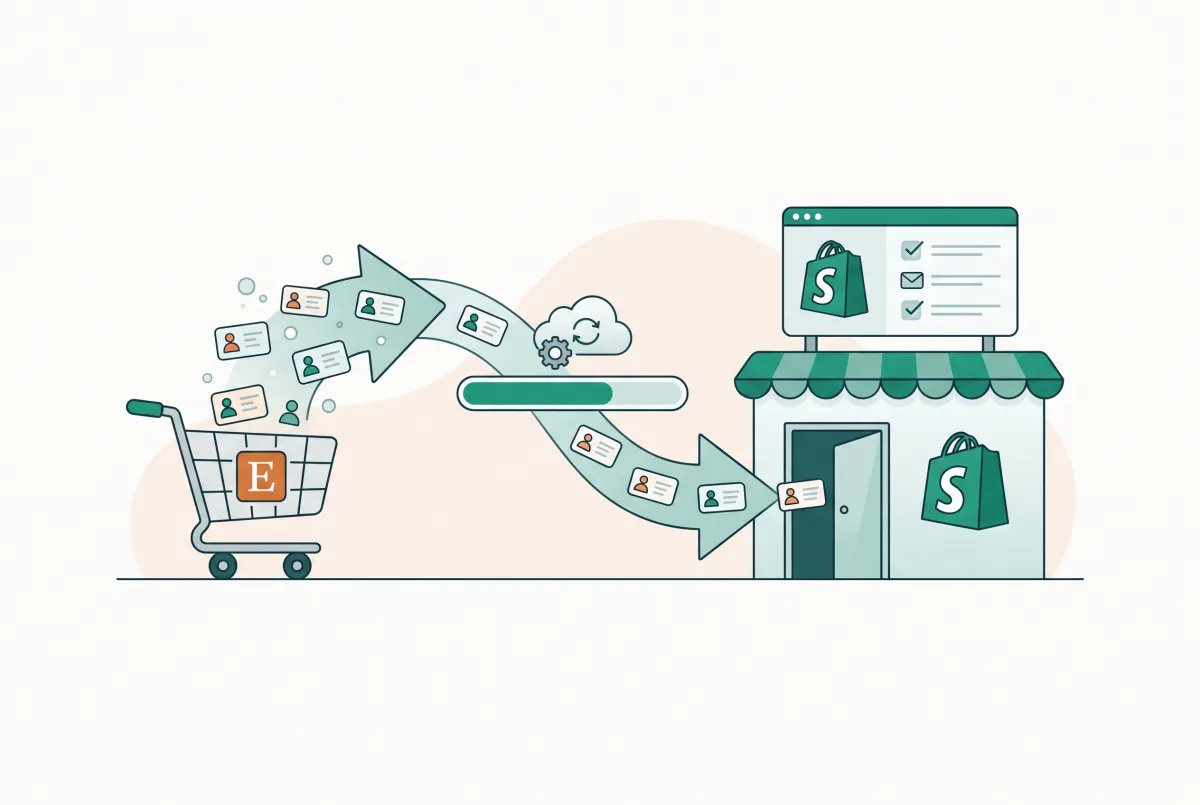
Not the way most guides promise. When you try to export your Etsy customer list to Shopify, you'll find Etsy never hands you the one field that matters: your buyers' email addresses. Etsy withholds them on purpose.
What you can export is order and shipping data. That's names, addresses, order totals, and item details, all sitting in a CSV. It's useful for records and fulfillment. It is not a marketing list.
Here's the uncomfortable truth. The real problem isn't "how do I export my Etsy customer list." It's that you never owned that list in the first place.
Sellers who wait until migration day to start collecting emails are already too late, because every past sale was a missed opt-in that Etsy quietly kept for itself.
That distinction matters because most sellers searching this topic are already mid-migration, not planning ahead. They've decided to leave Etsy, they want their buyers to follow them, and they assume a download button somewhere will hand over a ready-to-use email list. It won't. What follows is the accurate version: what the CSV actually contains, how to move what's real, and how to legally rebuild the email relationship Etsy never let you have.
This piece is one slice of a bigger move. If you're planning the full switch, start with our complete step-by-step guide to migrating to Shopify, then come back here for the customer-data part that everyone gets wrong.
What Data Does Etsy's "Download Data" CSV Really Include?
Etsy's export gives you order and shipping fields, but no buyer email. The Orders CSV includes columns like Ship Name, Ship Address, City, State, Postcode, and Country, alongside order date, item titles, sale value, shipping cost, and fees. The buyer's email address is simply absent, as Craftybase's breakdown of the Etsy CSV confirms.
So you get enough to reprint a shipping label. You don't get enough to send a "we've moved" email.
This is where nearly every competing article trips up. They treat "exporting your customer list" and "exporting your order CSV" as the same thing. They aren't.
One is a spreadsheet of transactions. The other is a permission-based relationship you can actually market to. Confusing the two is how sellers end up buying a migration app expecting a real email list and getting a spreadsheet of shipping addresses instead.
It mirrors a pattern we see across platforms. Some fields just don't survive a move, which is exactly what happens with WooCommerce data that gets lost during a Shopify migration. Etsy takes it a step further and never exposes the email at all, on any plan, at any tier.
Why does Etsy do this? Money and control. Etsy hosts more than 5.6 million active sellers as of Q1 2026, up 4% year over year.
That scale only holds together if buyers keep transacting inside Etsy's own messaging and checkout, instead of sellers quietly rebuilding their audience elsewhere. Letting every seller walk off with their buyers' inboxes would gut that leverage. So the email stays locked behind the platform, by design, not by oversight.
What you can pull from the CSV
- Buyer display name and shipping name
- Full shipping address (street, city, state, postcode, country)
- Order date, order ID, and item titles
- Sale value, shipping charged, and Etsy fees
- Coupon codes and payment status
What you can't
- Buyer email address
- Marketing consent status
- Any reliable way to contact past buyers off Etsy
How Do You Download Your Etsy Order Data (Step-by-Step)?
You download it from Etsy's Shop Manager under the Settings menu. The whole thing takes about two minutes per file, and Etsy lets you grab it by month or by full year.
Follow these steps:
- Open Shop Manager from your Etsy dashboard.
- Click Settings, then Options.
- Select the Download Data tab.
- Under "Order Item Data" or "Orders," pick the month and year you want, or leave the month blank to pull a whole year.
- Click Download CSV and save the file somewhere you'll find it.
Grab both the "Orders" and "Order Items" files if you want line-item detail. Orders gives you one row per order. Order Items breaks it down per product, which helps if you're also rebuilding your catalog.
If you sell across multiple years, download each year separately rather than trying to pull one giant file. Etsy's export tends to time out or truncate on very large date ranges, and smaller yearly files are easier to check for missing rows before you import anything downstream.
Speaking of the catalog, don't run these downloads in isolation. Pull your listing data at the same time so you only touch Etsy once. Our guide on moving your Etsy products and keeping your listings intact walks through the product export that pairs with this order export.
Once you've got the file, treat it like the customer data it is. Store it somewhere access-controlled, not a shared drive open to your whole team, and delete local copies once the import is confirmed. Shipping addresses and order history are still personal data under most privacy laws, even without an email attached, so the same "collect only what you need, keep it only as long as you need it" principle that applies to marketing lists applies here too.
How Do You Import That Data Into Shopify's Customer List?
You reformat the Etsy CSV to match Shopify's customer template, then import it under Customers. The catch is that Shopify needs an email or phone number to create a marketable contact, and your Etsy file has neither.
So what actually imports? Names and addresses. That gives you customer records for reference and for matching against future orders. It does not give you a list you can email, because there's nothing in the email column.
Here's the process:
- Download Shopify's sample customer CSV from Customers > Import customers by CSV > Sample CSV.
- Map your Etsy columns to Shopify's: Ship Name splits into First Name and Last Name, and the address fields map to Address1, City, Province, Zip, and Country Code.
- Leave the Email column blank if you have no consented emails, or add only addresses you've legitimately collected with permission.
- Set "Accepts Email Marketing" to no for anyone who hasn't opted in.
- Upload the finished file under Customers > Import customers by CSV.
If you've never wrangled a Shopify CSV before, the same formatting rules that trip up product uploads apply here. Our walkthrough on importing to Shopify from a CSV without errors covers the encoding and column quirks that cause most failed imports.
One common snag: Etsy sometimes lists the same buyer under slightly different name spellings across orders, which creates duplicate customer profiles on import. Sort your CSV by shipping address before uploading, and merge obvious duplicates manually so your Shopify customer count reflects real people, not repeat rows.
Importing addresses without emails isn't pointless. It seeds your customer records so that when a past buyer finds your Shopify store and checks out, Shopify can match the order to an existing profile instead of creating a duplicate.
Is It Against Etsy's Rules to Tell Buyers About Your New Store?
Using Etsy Messages to push buyers to your Shopify store can absolutely break Etsy's rules, especially if you add a discount. Etsy's Off-Platform Transactions policy prohibits sellers from exchanging personal contact info or external URLs through Messages, and it specifically bans offering discounts or incentives to buy through another website or channel.
Read that twice. The "hey, use code MOVE20 on my new site" message that half of Etsy sellers fire off? That's the exact behavior the policy names. It can get your shop suspended.
This is the gap almost no competitor article warns you about. They'll happily tell you to "just message your customers," with no mention that doing it wrong can cost you the shop you're trying to leave.
So how do you announce a new store without lighting a match? You keep it off Etsy's owned channels.
Your packaging, your own website, and organic search are fair game. Redirecting the traffic you've already earned is one of the safest plays, and we break it down in redirecting Etsy traffic to Shopify without losing your SEO rankings.
My blunt advice: don't try to be clever inside Etsy Messages. The upside is a handful of clicks. The downside is a dead shop. That math never works.
How Can You Legally Build a Real Email List Before You Leave Etsy?
You build it by collecting consent at the moments Etsy can't police: inside your package and on your own website. Every order you ship is a chance to earn an opt-in that belongs to you, not the marketplace.
This matters more than the export ever will, because email is still the highest-return channel in retail. Industry-wide, email marketing returns about $42 for every $1 spent, rising to roughly $45 per $1 for ecommerce.
The same source found that automated emails drove 37% of all email-generated sales in 2024 while making up only about 2% of total sends. A list you own is a compounding asset. A locked Etsy account is not.
Four compliant ways to build that list:
- Packaging inserts. Add a small card thanking the buyer and inviting them to join your list for early drops or a first-order perk on your own site. This lives in the physical package, outside Etsy's Messages system.
- QR codes. Print a QR code on the insert that points to a signup page on your domain. Buyers scan, opt in, and now the email is yours with clear consent.
- Post-purchase popups on your Shopify store. Once traffic lands on your own site, a signup offer at checkout or on the thank-you page captures emails with a documented opt-in.
- A branded newsletter link in your own bio and site footer. Anywhere you control, not Etsy's messaging tools, is fair territory.
Whatever you collect, respect the rules. Under CAN-SPAM, U.S. businesses aren't required to get opt-in consent before adding recipients to a list, but every message needs a clear opt-out that you honor within 10 business days.
Violations can cost up to $53,088 per individual email, so a working unsubscribe link isn't optional. And if any of your buyers are in the EU, GDPR flips the model entirely: you need explicit consent before you email them at all, and you need a record of when and how that consent was given.
Keep that consent record even after you leave Etsy. If a buyer opted in through a packaging insert or a post-purchase popup, note the date and the method in your Shopify customer notes. It's the difference between a defensible list and a guess if anyone ever questions how you got their email.
Which Shopify Apps Can Automate Etsy Customer/Order Migration?
A few apps can automate the CSV grunt work, but none can invent emails Etsy never shared. This is the part sellers most need to hear before paying for a tool that promises a "complete" customer migration.
Some sync apps quietly insert placeholder emails so that order records import cleanly into Shopify. Those placeholders aren't real, mailable addresses.
If you push them into your marketing list and start sending, you're emailing dead inboxes at best and risking spam complaints at worst. Ask any migration vendor point-blank whether the emails they move are real or generated, and ask to see a sample record before you buy.
A short checklist before you hand over payment details to any migration app:
- Does it clearly state, in its own documentation, whether it moves customer emails or only order/shipping fields?
- If it does move emails, where do they come from, since Etsy doesn't expose them through its own API either?
- Does it import a sample batch you can inspect before committing to the full migration?
- Does support answer the "real or placeholder email" question directly, or dodge it with marketing language?
Vendors who answer plainly are the ones worth paying. Vendors who get vague are telling you something too.
For product migration specifically, tools do a solid job. Migratify: Copy Products + AI pulls listings, titles, prices, images, and variants from Etsy and 100-plus other platforms straight into Shopify. It's built for catalog transfer, not customer emails, which is honestly the right way to think about it.
Move your products with an app, and build your email list yourself with the opt-in methods above. No tool can shortcut consent you never collected.
If you'd rather compare the field before committing, we tested and ranked the leading options in our roundup of the best Shopify migration apps in 2026. And if manual CSV work sounds like a weekend you'll never get back, a done-for-you route may fit better. Weigh that against cost in choosing a Shopify migration service without costly mistakes.
Here's the honest hierarchy. Use apps to move products fast. Use a CSV import to seed customer names and addresses for order matching.
Use packaging inserts and popups to build the email list that Etsy was never going to give you. Do those three things in that order and your Shopify store starts with a real, owned audience instead of a spreadsheet full of strangers you can't reach.
Related Articles
Etsy to Shopify Migration: How to Move Your Products and Keep Your Listings
An Etsy to Shopify migration requires more than moving products. Use this checklist to transfer listings, protect your SEO, and launch your store right.

How to Redirect Etsy Traffic to Shopify Without Losing SEO Rankings
Moving off Etsy? Learn how to redirect Etsy traffic to Shopify without losing your SEO rankings using 301 redirects, backlink recovery, and smart timing.
How to Migrate Product Reviews from Etsy to Shopify Without Losing Star Ratings
Star ratings vanish in most Etsy imports. Learn how to migrate product reviews from Etsy to Shopify with ratings, photos and rich snippets fully intact.
How to Migrate to Shopify: The Complete Step-by-Step Guide for Online Stores
Planning to migrate to Shopify? Avoid data loss, broken SEO rankings, and costly downtime with this complete step-by-step migration guide for merchants.
Shopify Store Migration App: What It Does Not Move in 2026
The Shopify Store Migration app imports products and customers only. See what it does not move in 2026, plus how to run the official importer correctly.

Shopify Migration Checklist: Everything to Move Before You Switch Platforms
Use this complete Shopify migration checklist to move products, customers, orders, SEO data, and apps without losing sales when you switch platforms today.