
Best Shopify Product Option Apps Compared (2026): 8 Tools Tested

What Are Shopify Product Option Apps and Why Do You Need One?
Shopify product option apps let you add custom input fields to your product pages that native variants can't handle: free text boxes, file uploads, color swatches, date pickers, and conditional menus that change based on what a shopper picks. They sit on top of your existing catalog and capture customization details before the item hits the cart.
Think engraving text on a necklace. A logo upload for a printed hoodie. A "choose your delivery date" field for a cake. Native Shopify handles none of that cleanly, which is why the App Store's Custom products category alone lists roughly 496 apps built to fill the gap.
The reason merchants care goes straight to revenue. Companies that offer a personalized buying experience can generate 40% more revenue according to McKinsey research, and 81% of consumers say they're ready to pay extra for personalized apparel and footwear. Options are how you charge for that willingness.
Here's the honest framing before we go deeper. This comparison is written by GoTinker, not by any of the vendors below. Almost every "best product options app" article that ranks on Google is published by one of the apps it reviews, which is a bit like asking a barber if you need a haircut. We tested these on pricing, features, inventory behavior, and setup so you get a neutral read.
Why Can't Shopify's Native Variants Handle Complex Product Options?
Native variants only work for predefined, countable combinations like size and color. The moment you need open text, a file, conditional fields, or a price bump on a single choice, the built-in system runs out of road.
Shopify recently raised its product variant limit from 100 to 2,048 variants per product, a change that required more than 6,500 app partners to migrate their code. That update quietly solved a real pain point for stores with large size or color matrices. If your catalog is a shirt in 12 colors and 8 sizes, you no longer hit the old ceiling.
But variants still can't do a few things. Every combination has to be a discrete SKU you define in advance, so "engrave any name" is impossible because there are infinite names. Variants also can't accept a file, show or hide fields based on a previous answer, or add a flat surcharge without creating a whole new variant row.
This is the core distinction. Variants are for inventory you physically stock. Options are for information you collect. When a merchant tries to force personalization into the variant system, they end up with a bloated catalog that's miserable to manage, which we cover in depth in our guide to Shopify product option limitations.
There's also the three-option cap to remember. Native Shopify lets you group variants under a maximum of three option names, like Size, Color, and Material. Need a fourth axis of choice? That's another job the built-in system can't do without an app.
Which Shopify Product Option Apps Are Worth Installing in 2026?
Eight apps stood out after testing on features, pricing transparency, ratings, and how cleanly they set up. They range from free swatch tools to a $59-a-month visual configurator, so match the tool to the job rather than the biggest feature list.
To keep the comparison fair, every app below was installed on a fresh Shopify development store, configured with at least one text field, one file upload, and one price add-on, and tested through a full checkout. Ratings, review counts, and prices reflect live App Store listings at the time of writing. App pricing changes often, so treat the numbers here as a snapshot and double-check the listing before you commit to a monthly charge.
Globo Product Options, Variant
Globo is the volume leader and the safest default for most stores. It holds a 4.9-star rating across more than 4,600 reviews, which is a lot of merchants voting with their wallets. The free plan covers unlimited option sets, unlimited products, and 15 option types including swatches, with no watermark.
Paid tiers are Premium at $9.90/month (price add-ons, file uploads up to 20MB, multi-language) and Advanced at $19.90/month (live-preview personalizer, edit options in cart, POS support, 30-plus option types). Shopify Plus stores pay more. It's the most reviewed option on this list, and the free tier is unusually generous.
Easify Custom Product Options
Easify is the value champion for stores that need conditional logic without paying for it. Its free plan includes 15 option types, unlimited orders, and conditional logic, which most rivals lock behind a paywall. It sits at 4.9 stars across roughly 2,800 reviews.
Pro is $9.99/month (28 option types, price formulas, multi-file upload), Premium is $19.99/month (live preview personalizer, expanded uploads), and there's a $99.99/month Enterprise tier with done-with-you onboarding. If your budget is zero but your product needs "if X then show Y" logic, start here.
Optionize Product Options
Optionize is a lighter, cleaner option for merchants who want unlimited customization without a steep learning curve. The free plan covers unlimited options and option sets, live preview, custom CSS, and multi-currency support, which is a solid base for a small catalog. It carries a 4.5-star rating.
The single Pro plan runs $9.99/month and adds conditional logic, add-on pricing, product linking, translations, and priority support, with a 7-day free trial. Where it earns its keep is made-to-order work: text fields, image and color swatches, file uploads, and date pickers across 16-plus option types. If you're a solo founder who wants one flat paid tier instead of a confusing pricing ladder, Optionize is worth a look alongside Globo and Easify.
Variant Option Product Options by Relentless Apps
Relentless is known for responsive support and a straightforward feature set. It rates 4.6 stars over 600-plus reviews. The free Starter plan is capped at a single product, so it's really a trial rather than a long-term free tier.
Basic is $9.99/month for unlimited products and options, and Advanced is $19.99/month, which adds conditional logic and price add-ons. Pricing mirrors Globo and Easify almost exactly, so support quality and interface preference become the tiebreakers.
Infinite Product Options by ShopPad
Infinite Options is a long-running favorite with a big install base, rated 4.7 stars across roughly 2,450 reviews. It bundles conditional logic, add-on products, and native bundles into one plan. There's no free tier though.
The Essential plan is $12.99/month with a 14-day trial. That's a couple dollars more than the free-plan crowd, and the lack of a free option makes it a harder sell for a brand-new store testing the waters. Established stores that want a mature, stable app will feel at home.
PC Custom Product Options by Product Customizer
This one has been around since 2012 and rates 4.7 stars across almost 1,000 reviews. The free plan handles basic fields, like text, radio buttons, dropdowns, and checkboxes, on unlimited products, which is fine for simple personalization.
Basic Customizer is $8.90/month (file upload, date picker, swatches, templates) and Premium Customizer is $18.90/month (conditional logic, upcharge pricing). It's the cheapest paid entry point in this group by a few cents, and the tiering is easy to reason about.
SC Product Options by Shop Circle
SC Product Options runs under Shop Circle, the company behind a small portfolio of Shopify catalog and merchandising tools. It rates around 4.6 stars and leans toward larger stores. Pricing starts higher: Basic at $14.99/month and Premium at $39.99/month, with the upsell pricing and conditional logic living on that top tier.
You're paying a premium for the Shop Circle ecosystem and support infrastructure. For a small store, the value is thinner than Globo or Easify. For a bigger operation already using other Shop Circle apps, the integration story matters.
Kickflip Product Configurators
Kickflip is the outlier, and the only true visual configurator here. It's rated 4.4 stars across 130 reviews and lets shoppers build a product live, watching layered images update as they pick materials, colors, and components. This is what you want for custom furniture, sneakers, or jewelry where seeing the result drives the sale.
It's also the most expensive by a wide margin. Kickflip starts at $59/month and adds a per-sale transaction fee that ranges from 1.95% down to 0% depending on volume. If you sell high-ticket custom goods, the visualization can pay for itself. If you just need a text field for a monogram, it's massive overkill.
How Do These Apps Compare on Pricing and Free Plans?
The entry-level pricing clusters tightly: most paid plans start between $8.90 and $12.99/month, and the "advanced" tier with conditional logic and add-on pricing usually lands around $18.90 to $19.99/month. The real difference is what the free plan gives you and how quickly a visual configurator diverges from the pack.
Here's the pricing at a glance, entry paid plan first:
- PC Custom Product Options: Free tier, then $8.90 (Basic) and $18.90 (Premium).
- Globo Product Options: Free tier, then $9.90 (Premium) and $19.90 (Advanced).
- Easify Custom Product Options: Free tier, then $9.99 (Pro), $19.99 (Premium), $99.99 (Enterprise).
- Optionize Product Options: Free tier, then a single $9.99 Pro plan.
- Variant Option Product Options: Free (1 product), then $9.99 (Basic) and $19.99 (Advanced).
- Infinite Product Options: No free tier, $12.99 (Essential).
- SC Product Options: $14.99 (Basic) and $39.99 (Premium).
- Kickflip: From $59/month plus a 1.95%-to-0% per-transaction fee.
Notice what happens at the free end. Globo, Easify, Optionize, and PC Custom Product Options all give you a working free plan, and Easify even includes conditional logic for free. That's rare and genuinely useful for a bootstrapped store.
Now the hot take. Most merchants don't need a $20 to $30 a month options app at all if their catalog only needs simple size and color choices. After the jump to 2,048 variants, Shopify's native system already covers standard variant display, and bolting on a third-party app just to show color swatches is solving a problem that mostly no longer exists.
These apps earn their money on conditional logic, file uploads, and made-to-order personalization, not basic variant swatches. Install one because you sell customizable products, not because a listicle told you to.
If pricing add-ons are your main reason for installing an app, spend an hour first on your underlying strategy. A poorly priced upsell option loses money even when shoppers select it, so read our breakdown of Shopify pricing strategies for maximum profit before you set your surcharge amounts.
Will a Product Options App Break Your Inventory Tracking?
Usually not, but only because most option apps don't touch inventory at all, and that's a double-edged sword. Custom options are typically saved as line item properties, which means they show on the order but never deduct stock or create a SKU. No competitor comparison seems to mention this, and it's the single most important thing to understand before you install.
Say you sell a candle with a "scent" option built through an app. The order tells you the customer chose lavender, but your lavender stock count doesn't move, because to the app it's just text attached to one generic candle SKU. If you actually hold separate inventory per scent, that's a real problem.
You have two paths. Use native variants when a choice maps to physical stock you count, and use app options when a choice is information or a made-to-order attribute. Mixing them wrong is how stores oversell. We walk through the exact setup in adding custom product options without breaking inventory.
Some apps bridge the gap by linking an option to a real variant or a separate add-on product that carries its own SKU. Globo and Infinite Options both support add-on products, which do track stock. That's the right pattern when your "option" is a physical add-on like a gift box you keep in the warehouse.
Multi-location sellers need extra care. If you fulfill from several warehouses, an option that fails to map to a tracked variant can quietly break your allocation logic. Our guide to managing inventory across multiple locations explains how Shopify decides which location fulfills an order, and why untracked options can throw that off.
Before you go live, place one test order using every option combination you plan to offer, then check three places: the order detail page, the packing slip, and your inventory report. If the scent, size, or engraving text doesn't show clearly in all three, staff will fulfill orders wrong even when the app itself works exactly as designed.
Which App Is Right for Your Store's Size and Use Case?
The right pick depends on catalog complexity and budget, not brand recognition. Here's the scannable version, because no vendor-written comparison ever gives you a clean "if you're X, pick Y" answer.
- Brand-new store on a zero budget: Globo or Easify free plan. Both give real functionality without a card on file, and Easify includes conditional logic for free.
- Solo founder wanting one simple paid tier: Optionize. A single $9.99 Pro plan means no agonizing over which of three tiers you need.
- Made-to-order shop (engraving, monograms, custom text): Easify, Optionize, or Globo Advanced. You want file uploads, text fields, and add-on pricing together.
- Store that lives on conditional logic: Easify free or any Advanced tier around $19/month. Test the logic builder before committing.
- High-ticket visual custom products (furniture, sneakers, signage): Kickflip. The live visual builder is the whole point and can lift conversion on expensive items.
- Established store already in the Shop Circle ecosystem: SC Product Options, for the integrations, not the price.
- Store selling physical add-ons that need stock tracking: Globo or Infinite Options with add-on products, so the extras carry real SKUs.
A quick gut check if you're stuck between two similar-priced apps: install both on a duplicate development store, build your most complex option set in each, and time yourself. The app that takes fewer clicks and fewer support-doc lookups to replicate your real product is the one your future self will thank you for, regardless of which one wins on paper.
Product options also play well with bundling, and that's where the revenue math gets interesting. Product bundles lift average order value 20% to 35% on average for Shopify stores, with intentional bundling driving up to a 55% lift in the best cases. With global ecommerce AOV sitting around $150 in late 2025, an options-driven add-on strategy is one of the cheaper ways to nudge that number up.
If you manage a large catalog and need to roll options out across hundreds of products, the options app is only half the story. You'll also want a fast way to update prices and assignments in bulk, which is why many stores pair an options app with a dedicated editor. See our complete guide to Shopify bulk product editing for that side of the workflow.
What Should You Check Before Installing a Product Options App?
Check six things before you commit: theme compatibility, page-speed impact, inventory behavior, migration cost, support responsiveness, and total cost. Skipping these is how merchants end up reinstalling three different apps in a month.
Theme compatibility. Confirm the app supports app blocks in Online Store 2.0 themes. Older apps that inject code the hard way are more likely to break when you switch themes or during a Shopify update. If you're theme-shopping too, our catalog workflow guide pairs well with a modern 2.0 theme.
Page-speed impact. Every options app loads scripts on your product page, and that's page weight nobody warns you about. Run your product page through a speed test before and after installing. If a swatch tool tanks your load time, the conversion you gain from options can be erased by the conversion you lose to slowness.
Inventory behavior. Decide upfront whether each option needs stock tracking, then confirm the app handles it the way you need. Test one real order end to end and check that the order, the customer note, and the stock count all behave.
Migration cost. Options built in one app rarely transfer to another. If you outgrow your first pick, you're often rebuilding option sets by hand across your whole catalog. That switching cost is real, so try to choose well the first time rather than app-hopping.
Support responsiveness. Product option setups get fiddly, especially conditional logic and cart display. Message the app's support with a question before you install and see how fast and how usefully they reply. Relentless Apps and Easify both get repeat praise for this in their reviews.
Total cost. The sticker price on the pricing page is rarely the full cost. Add up the monthly fee, any Shopify Plus surcharge, and payment-related fees like Kickflip's per-transaction cut, then multiply by twelve to see the real yearly number. A $9.99/month app is $120 a year, which is trivial for a store doing six figures in revenue but real money for a side-hustle shop still finding its first hundred customers. Match the spend to your current stage, not your five-year plan.
One more practical tip. Uninstall cleanly. Some options apps leave leftover code in your theme after removal, so if you test several, ask each vendor how to fully remove their snippet. A tidy theme is a fast theme.
Product options are a conversion lever, not a checkbox to tick because everyone else has one. If you're stacking your store's toolkit, treat options the same way you'd treat reviews or bundling: install when the feature solves a specific problem, measure the result, and cut what doesn't earn its rent. For the review side of that toolkit, our comparison of the best Shopify review apps follows the same tested, neutral approach as this one, and if editing at scale is your bottleneck, the best bulk product editor apps compared covers the other half of catalog management.

Optionize Product Options
SponsoredUnlimited product options for your store. Easy, powerful customization.
Related Articles
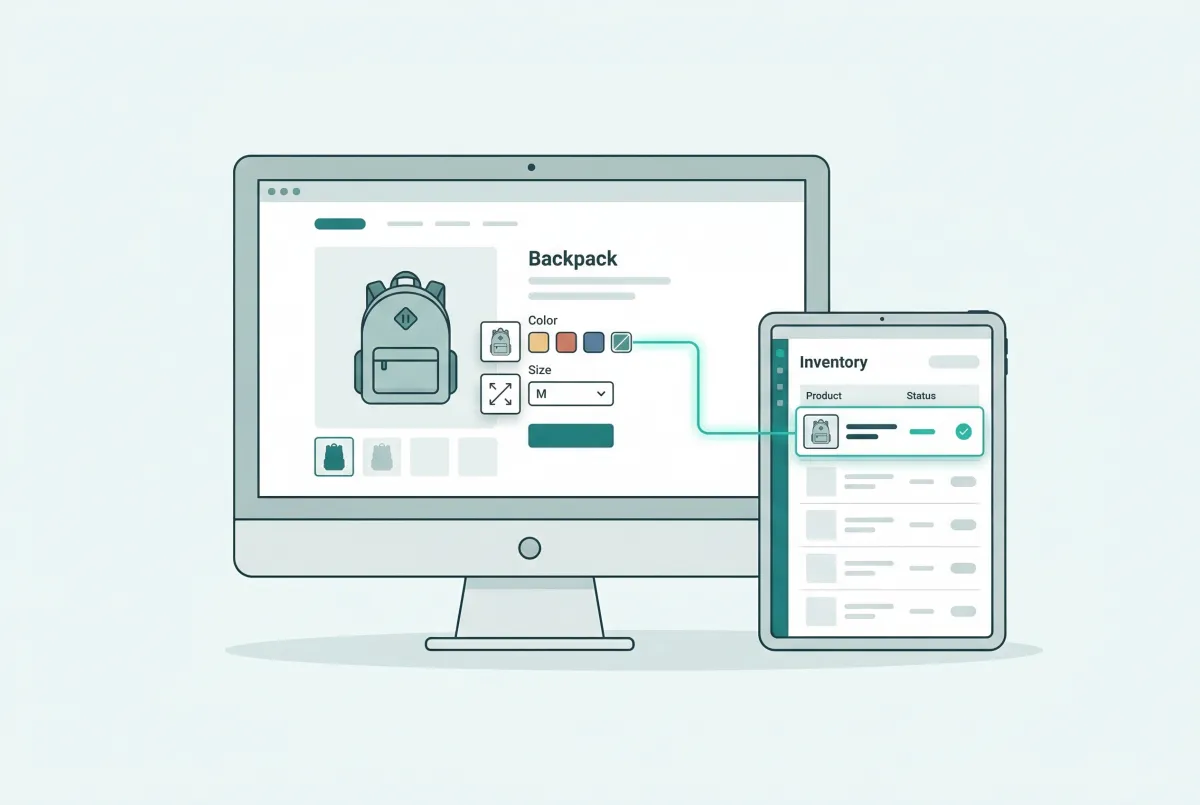
How to Add Custom Product Options to Your Shopify Store (Without Breaking Inventory)
Learn how to add custom product options to your Shopify store using native settings, apps, or line item properties, plus what the 2,048 variant limit means.

Shopify Product Options Limitations: What Merchants Can't Do Natively (And How to Fix It)
Shopify product options limitations block text inputs, file uploads, and conditional logic natively. Here is every restriction explained and how to fix it.
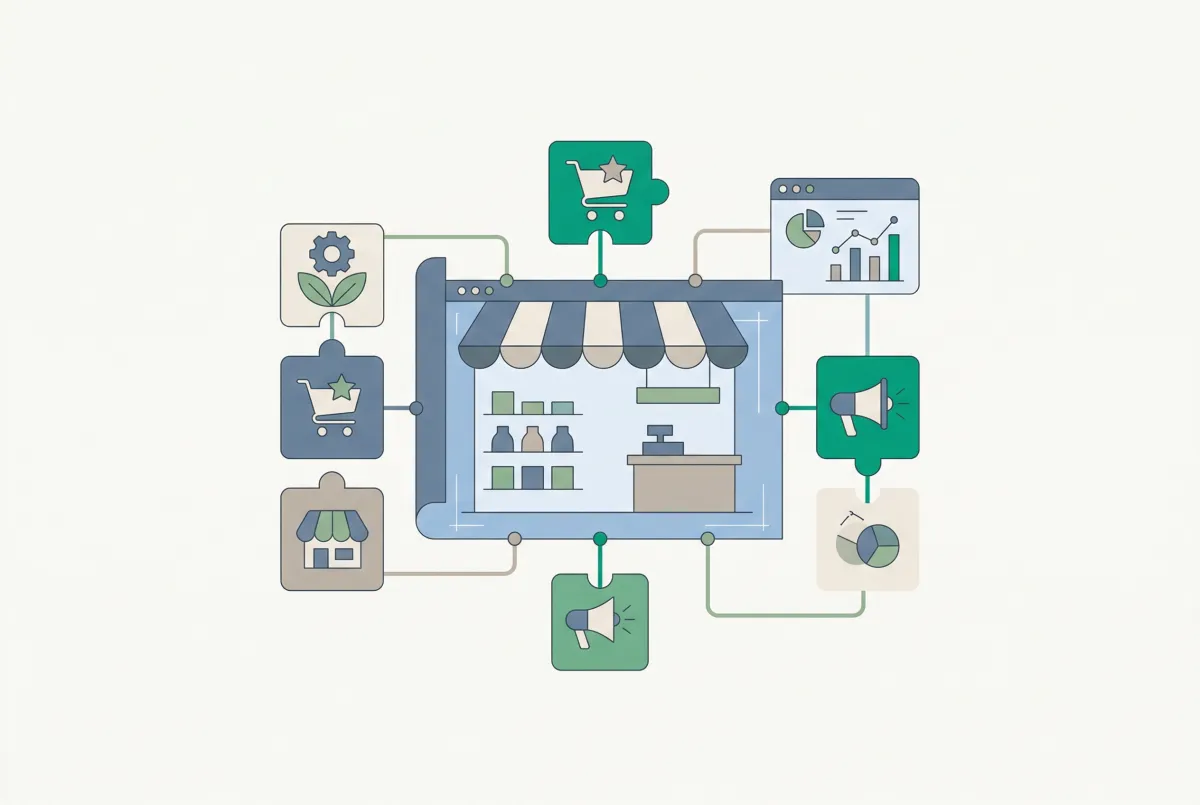
The Only Shopify Apps You Need When Setting Up a New Store in 2026
Looking for the right apps for setting up a new Shopify store? These four handle product migration, bulk editing, reviews, and custom options so you launch ready.
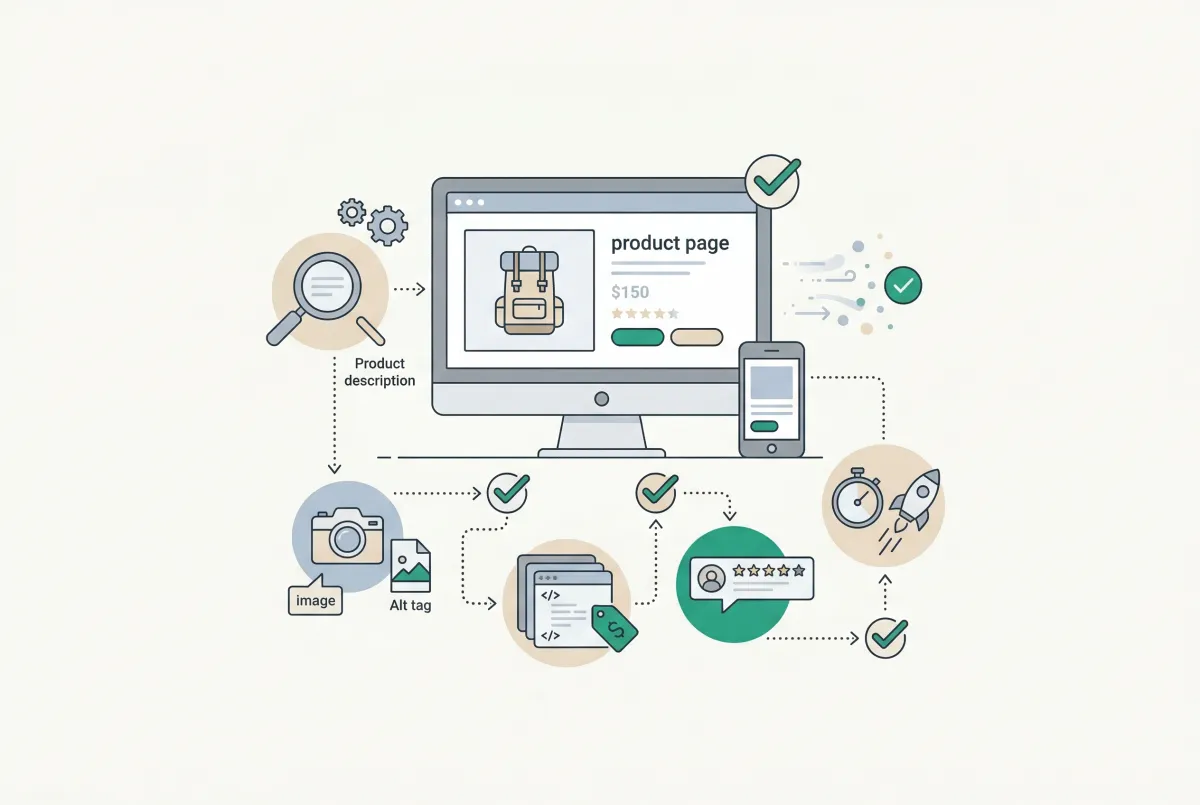
Most Shopify product pages are missing at least three core SEO elements. This 2026 checklist covers title tags, schema markup, images, and more.
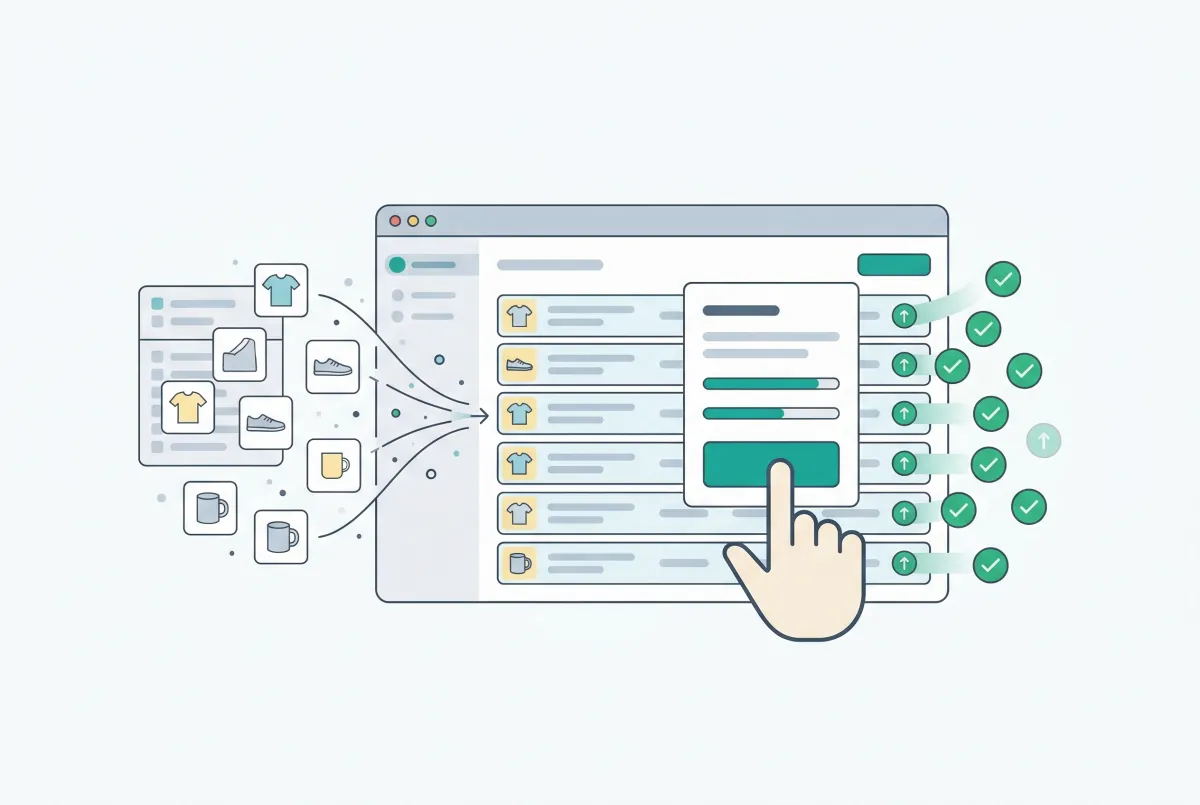
Shopify Bulk Product Editing: The Complete Guide to Updating Your Catalog Fast
Master Shopify bulk product editing with the native editor, CSV imports, and third-party apps. Update prices, tags, and descriptions across your catalog fast.
Finding the best Shopify review apps? We compare Judge.me, Loox, Yotpo, Okendo, and Stamped on actual pricing, page speed, features, and hidden costs.