
Shopify Canvas Explained: What Merchants Get From Sidekick's New Design Surface (2026)
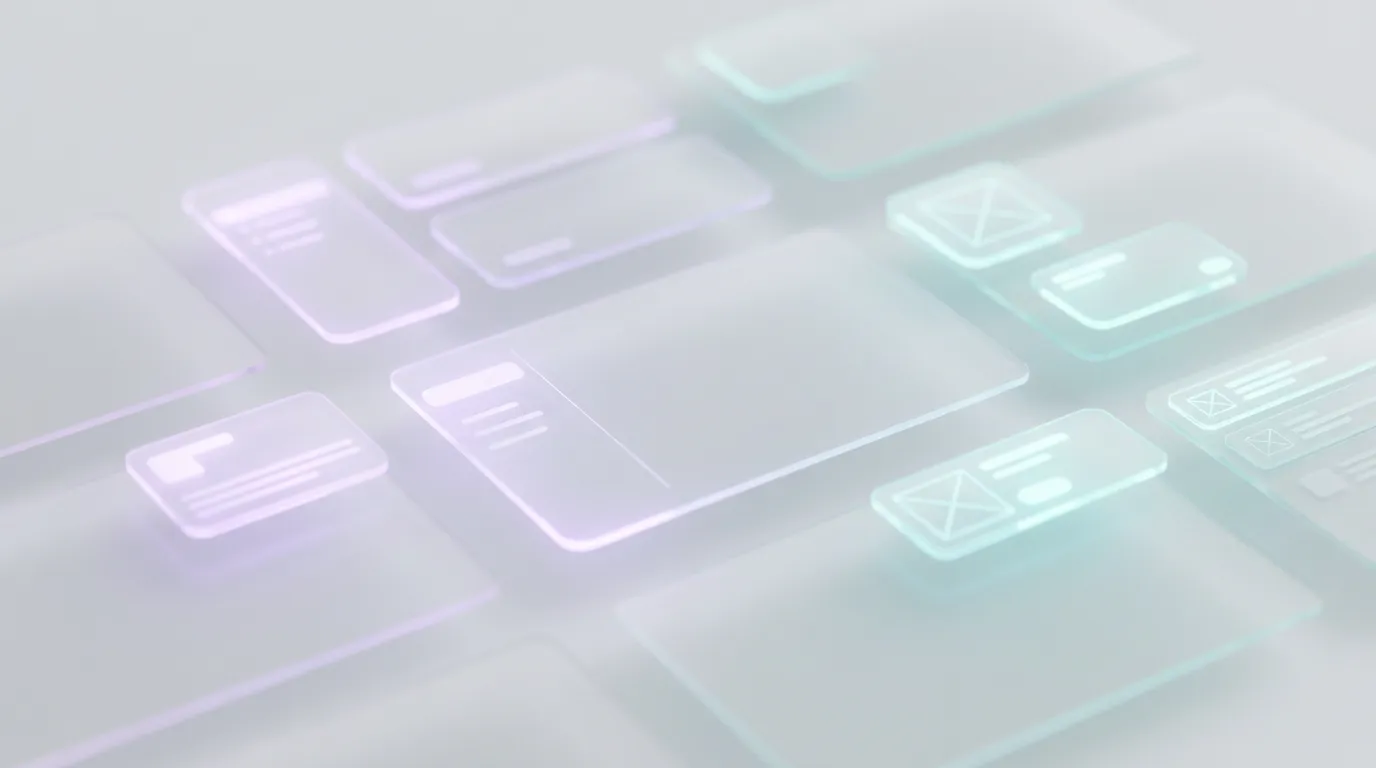
Shopify Canvas is a new visual design surface where merchants build and iterate on their online store together with Sidekick, Shopify's AI agent. It is rolling out to merchants over the coming days after Shopify's October 1, 2026 announcement, and Shopify is clear that it is early and not a full replacement for the existing Online Store theme editor yet (Shopify, Introducing Canvas).
If you run a Shopify SMB store and have been hearing "Canvas" mixed with older Theme Store rumors, this guide sticks to what Shopify actually shipped: what Canvas is, who it is for, how it relates to Sidekick and themes, what it does not claim to replace, and how to use it without overcommitting your live theme on day one. The goal is a clear merchant brief, not a hype cycle recap.
What Is Shopify Canvas?
Canvas is a workspace that turns your whole online store into a pannable, zoomable design surface you edit with Sidekick. Instead of hopping page by page through a settings panel, you can see key templates laid out together, move across them to judge how the store feels as a whole, then zoom into details to change them (Shopify).
You are not editing a static mockup. Shopify describes Canvas as a render of the real theme code Sidekick is changing, with interactive previews, animation, and the ability to check pages with different products, collections, and screen sizes. You can still click elements to edit them directly, or talk to Sidekick in chat while changes land in Canvas in real time.
In short: Canvas is the visual stage. Sidekick is the coding and design partner working on that stage. The product pitch is that anyone, whatever their design experience, coding skills, or budget, can move closer to a bespoke store without defaulting to "hire a developer or live inside theme settings forever" (Shopify).
How Does Canvas Work With Sidekick?
Canvas and Sidekick are meant to share one design. Sidekick proposes approaches, asks questions, takes feedback, and carries earlier design decisions forward so you are not restating brand preferences every prompt. As Sidekick builds, it can inspect screenshots of its own work and refine before handing results back to you (Shopify).
That loop sits on top of Sidekick's existing theme coding work. Shopify says Sidekick has been writing code for some time, generating apps, building custom theme sections, and making more than twenty-five million edits to themes in the first half of 2026. Canvas is the surface that makes those more ambitious, store-wide changes easier to see and steer. Shopify also says theme architecture has been simplified so Sidekick can navigate templates and files, make coordinated changes, validate code, and review how changes look on Canvas.
Sidekick itself is Shopify's built-in AI assistant in admin. Shopify's Sidekick product page states it is included with your Shopify plan, with features and usage limits that vary by plan, and that you start by opening the purple glasses icon in admin (Shopify Sidekick). Shopify Help groups Sidekick with other AI-powered tools and reminds merchants to review AI outputs before trusting them (Shopify Help, AI-powered tools).
Before Canvas, Sidekick already had theme customization in the Online Store editor: describe a change in natural language, or click a section and ask Sidekick to adjust it, on themes editable in the theme editor (Shopify Changelog, Customize your theme with Sidekick). Canvas extends that collaboration into a full-store visual workspace rather than only the classic editor chrome.
Who Is Canvas For, and When Is It Available?
Canvas is for Shopify merchants who want a more custom storefront without treating "bespoke" as the hardest path, and it is rolling out over the coming days after the October 1, 2026 announce. Shopify frames it for entrepreneurs who arrive with a vague brand feel or a pixel-perfect mockup, then react to Sidekick's concrete proposals inside Canvas until the vision matches (Shopify).
Shopify has not published a separate Canvas price on that announce page. Treat Canvas as a native Shopify design surface tied to Sidekick rather than a Theme Store app with its own subscription. Confirm what your admin actually shows, because rollout timing can differ by shop. If Canvas is missing, keep shipping with the theme editor and Sidekick chat. Do not pause a launch waiting for a surface that may still be en route to your store.
Ben Sehl, Director of Product at Shopify and co-founder of Kotn, said that building Kotn years ago still took about two weeks to get a rough store working even with coding skills, while today an entrepreneur on Shopify can build a fully custom store in about twenty minutes that is "head and shoulders" above that earlier result. Read that as Shopify's product vision and a founder anecdote, not a guaranteed SLA for your catalog, apps, or brand constraints (Shopify).
How Is Canvas Different From the Theme Editor, Themes, and AI Store Builder?
Canvas is a new design surface for Sidekick-led store building. The classic Online Store theme editor remains. Shopify says Canvas is not replacing the existing editor yet, that things will change quickly, and that gaps still need to close (Shopify).
That matters for day-to-day ops. You should still know how to pick and pilot a theme on an unpublished copy, especially if Canvas is not in your admin yet or you need a rollback. Our 2026 Shopify theme checklist and the Studio vs Impact vs Dawn vs Sense comparison still apply when you shortlist foundations before you invite Sidekick to redesign pages.
Canvas is also not the same product as Shopify's AI Store Builder. The AI Store Builder is the prompt-based flow that generates personalized store designs from a short business description so you can explore templates faster (Shopify AI Store Builder). Canvas is the collaborative workspace for working with Sidekick on the real theme code across the store. Use the Store Builder when you need starting options. Use Canvas when you are iterating a live design with Sidekick in context.
Canvas is not Hydrogen, and the announce does not position it as a headless migration path. If you need a Hydrogen or custom storefront team, that is still a different project. Canvas is about Online Store theme work made more visual and more AI-assisted. Agencies and freelancers still have a role for brand systems, complex app integrations, and performance budgets. Canvas lowers the floor for custom look and feel. It does not automatically remove the need for a specialist when your store has unique Liquid, multi-market complexity, or conversion experiments that require careful measurement.
Ignore older rumor headlines that treated "Canvas" as an unconfirmed Theme Store killer. The shipped product is the Sidekick design surface described in Shopify's news post. Speculation about killing third-party themes is not what the announce claims, and Shopify explicitly keeps the existing editor in place for now.
What Can Merchants Actually Do in Canvas First?
Start with reviewable, reversible work on an unpublished theme copy whenever possible. Good first jobs match what Shopify describes: store-wide feel changes, coordinated template updates, and section-level redesigns where you can see home, product, and collection together before you publish.
Practical first prompts that fit an SMB workflow:
- Ask Sidekick for two design directions that match your brand words (for example calm clinical, or loud streetwear), then pick one and refine inside Canvas.
- Request a homepage and product page pass that keeps your existing review, size chart, and trust blocks intact.
- Preview the same product template with your heaviest SKU and your sparsest SKU so empty states do not surprise you.
- Check mobile and desktop views for sticky add-to-cart reachability before you publish.
If you are still assembling a new shop, Canvas sits after niche, catalog, and payments fundamentals. Pair it with a launch sprint like our guide to setting up a Shopify store in a day with AI, then use Canvas for the design iteration layer rather than as a substitute for product sourcing and policy pages.
For weekly ops after launch, Canvas does not replace copy, photo, and admin busywork tools. Sidekick can help with theme changes, while Shopify Magic, ChatGPT, and Tinker still cover descriptions and visuals. See how to use AI to run a Shopify store in 2026 and the Shopify Tinker app overview for those jobs.
Also separate Canvas from page builders you may already pay for. Third-party visual builders still exist for merchants who need app-driven PDPs today. Canvas is Shopify-native collaboration with Sidekick on theme files. Do not uninstall a page builder solely because Canvas appeared in a news feed. Wait until Canvas covers the templates and blocks you rely on, then compare unpublished copies.
If your store uses a heavily customized theme with private Liquid and app blocks, tell Sidekick what must stay. Austin Knight, design director at Shopify, notes that guiding Sidekick toward good design decisions required theme-specific design contracts, curated patterns, and opinionated eval data so Sidekick can propose tasteful directions merchants can react to (Shopify). Your job as the merchant is still to reject directions that fight your catalog density, photography style, or conversion layout.
What Should You Watch Out for During the Early Rollout?
Shopify itself says Canvas is early, not a full editor replacement yet, and that gaps remain. Plan for incomplete coverage of edge-case theme features, apps that inject storefront UI, and workflows you still need the classic editor for (Shopify).
Review every Sidekick change before it hits customers. Shopify Help warns that AI outputs can contain errors and that you should refine through conversation and review changes before you apply them (Shopify Help). That rule is sharper when Sidekick can coordinate edits across many theme files.
Keep a rollback plan. Duplicate the live theme before ambitious redesigns. Publish only after you walk the product-to-cart path on a phone. If metrics dip, restore the previous theme. Canvas makes big changes easier; it also makes it easier to ship a tasteful but conversion-hostile layout if you skip QA.
Watch app and script weight. A Sidekick redesign that looks clean in Canvas can still inherit heavy review widgets, popups, and pixels. Theme choice and app audit still matter. If you want a quick read on what competitors run, the free Shopify theme detector helps you spot niche patterns without copying a bloated stack.
Hot take: Canvas will not make every Shopify store look unique by itself. Sidekick already ships tasteful defaults. Merchants who bring brand judgment, reject the median AI look, and protect mobile conversion will pull ahead. Everyone else will look polished and forgettable.
How Should SMB Merchants Adopt Canvas Without Betting the Store?
Adopt Canvas as a design partner workflow, not as a one-click rebrand of production. Use Sidekick for options, use Canvas to see the whole store, then publish only what survives mobile QA and a short metrics watch.
A cautious 7-day plan:
- Confirm Canvas appears in your admin. If not, keep using the theme editor and Sidekick chat until rollout reaches you.
- Duplicate your live theme. Work on the copy only.
- Write three non-negotiables (mobile sticky ATC, review block, shipping promise) and tell Sidekick not to remove them.
- Ask for a homepage and product-page redesign direction, then iterate in Canvas until the feel matches your brand words.
- Preview with real products, real collections, and mobile widths.
- Publish during a low-traffic window, watch add-to-cart and checkout reach for 48 hours, and keep the previous theme ready.
That process keeps Shopify's promise in proportion. Canvas opens the aperture on store design. It does not remove merchant judgment, theme fundamentals, or the need to review AI code before shoppers see it.
Document what Sidekick changed. Export or duplicate the theme after a successful pass so you have a known-good snapshot. If a later prompt drifts, you can restore without reconstructing chat history. Keep a short note of prompts that worked (brand words, "do not remove reviews," mobile sticky cart) so staff can reuse them.
Train staff permissions the same way you train Sidekick. Sidekick respects admin permissions, and every staff member uses it based on what they can already access (Shopify Sidekick). A VA who should not publish themes should not get a path to apply Canvas redesigns to production either.
Finally, reconnect design work to merchandising. A prettier store that still has blank descriptions, missing alt text, or thin collections will not convert. Canvas helps you see design across pages. It does not fill your catalog. Finish product data and proof (reviews, shipping promises, return policy) in parallel so the redesign has something honest to frame.
If you want the official primary source, start with Shopify's announce and then open Sidekick in admin when Canvas lands for your shop. The rest is taste, QA, and knowing when to keep the classic editor for jobs Canvas still cannot cover.
Related Articles
How to Choose a Shopify Theme in 2026 (Speed, Apps, and Conversion Checklist)
How to choose a Shopify theme in 2026: follow this speed, apps, and conversion checklist so you shortlist demos, audit apps, and protect mobile sales.
Shopify Themes Comparison: Studio vs Impact vs Dawn vs Sense (Which One Fits Your Store?)
Shopify themes studio impact dawn sense comparison: real-world speed data, features, pricing, and which theme fits your store in 2026.
How to Set Up a Shopify Store in a Day Using AI (Step-by-Step Guide for 2026)
Set up a Shopify store in a day with the help of AI. Here is the exact playbook for design, listings, SEO, and marketing, done by tonight.
How to Use AI to Run a Shopify Store in 2026 (Copy, Photos, and Admin)
How to use AI to run a Shopify store after launch: write copy, generate product photos, then stop doing titles, tags, CSVs, and email drafts yourself.

Shopify Theme Detector: Find Out What Theme Any Store Is Using (Instantly and Free)
Use GoTinker's free Shopify theme detector to instantly find what theme any store is using. Paste a URL and get the answer in seconds. No login needed.
Shopify Tinker App: 100+ Free AI Tools for Product Photos, Videos, and More
Need pro product photos but can't afford a studio? Shopify Tinker gives you 100+ free AI tools for product photos, videos, logos, and social ads.