
How to Choose a Shopify Theme in 2026 (Speed, Apps, and Conversion Checklist)
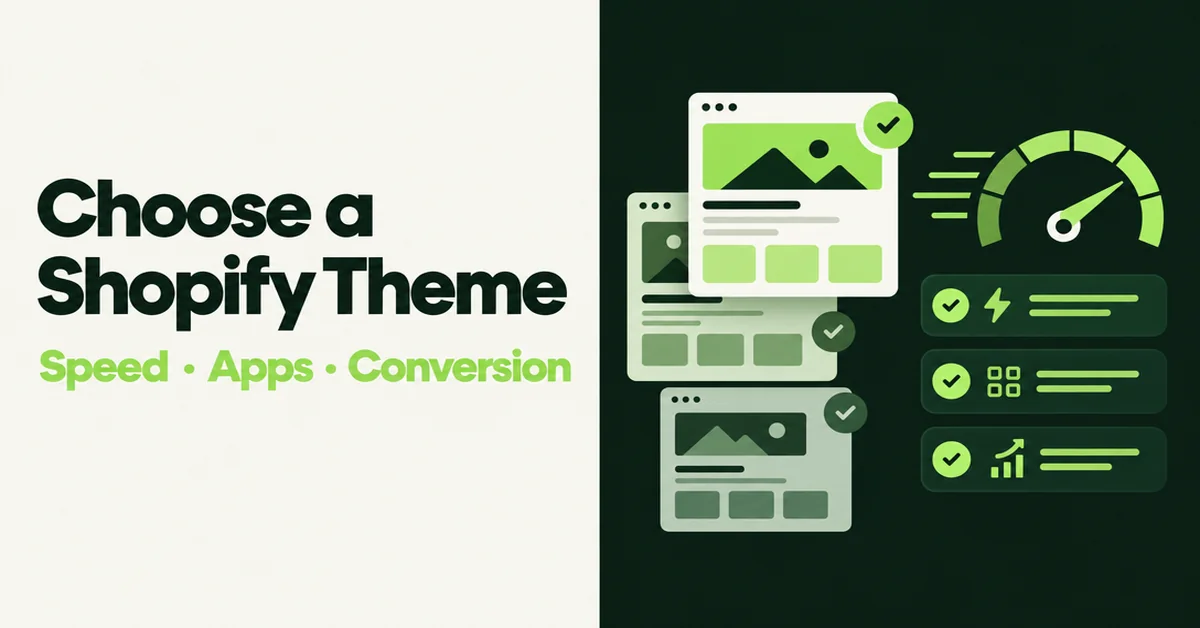
If you need to know how to choose a Shopify theme in 2026 without guessing from pretty demos, use a speed, apps, and conversion checklist before you pay. Shortlist three themes that fit your catalog, test each demo on mobile PageSpeed, then try your real products on an unpublished copy. This guide walks that process so you pick a theme that sells, not just one that looks good in the Theme Store.
Why Does Theme Choice Matter More Than Demo Screenshots?
Your theme sets mobile layout, how apps inject scripts, and how fast the product page becomes usable. Shopify's 2026 storefront analysis found that for every 100 milliseconds slower a store's Largest Contentful Paint (LCP) runs, conversion tends to be about 3.5% lower, and stores at 2.5s LCP show roughly 30% lower conversion than stores at 1.5s LCP (Shopify, Store Speed and Conversion, Apr 2026).
Mobile is where most of the traffic lands. Contentsquare's 2026 data, cited by Shopify, puts mobile at about 70% of ecommerce traffic while desktop still converts higher (about 3.4% vs 2% on mobile) (Shopify, Mobile vs Desktop Conversion Rates, Aug 2026). A theme that looks polished on a desktop demo can still crush thumb-friendly product pages.
Nearly 80% of Shopify stores already pass Core Web Vitals in Chrome field data, among the stronger platform baselines (Shopify). The theme you pick either protects that advantage or burns it with heavy sections and a bloated app stack. Interaction speed matters too. In the same Shopify study, every 32 milliseconds slower Interaction to Next Paint (INP) tends to drop conversion by about 1.5% (Shopify). Laggy filters and slow add-to-cart buttons are theme and app problems, not checkout problems.
Global conversion still sits in the low single digits for many stores. Dynamic Yield's figure cited by Shopify puts average global ecommerce conversion near 2.69%, so even a small product-page lift compounds across paid and organic traffic (Shopify). Theme choice is one of the few decisions that touches speed, trust layout, and app weight at the same time.
What Should You Lock Before You Browse the Theme Store?
Write three to five non-negotiables before you open demos. Typical locks for SMB catalogs: Online Store 2.0 sections on every template, app blocks on product and cart, sticky add-to-cart on mobile, filters that work with your option set, and a homepage you can rebuild without a developer.
Also write what you sell and how people buy. A 30-SKU brand story store needs different collection density than a 2,000-SKU parts catalog. If you already compared specific free and paid options, keep that research handy when you shortlist. Our Studio vs Impact vs Dawn vs Sense comparison is useful after this checklist, not instead of it.
- Catalog size: under 100 SKUs, 100 to 500, or 500+
- Must-have native features: mega menu, quick buy, lookbooks, size charts, video
- Hard apps: reviews, subscriptions, upsells you will not remove
- Budget: free only, Theme Store paid (usually one-time), or custom later
- Team skill: theme editor only, light Liquid help available, or agency support
If you skip this step, every demo will look "fine" and you will buy on mood. Non-negotiables turn the Theme Store into a filter instead of a scroll trap.
How Do You Shortlist Themes Without Falling for Demo Photography?
Filter the Theme Store by industry and catalog size, then ignore hero imagery for the first pass. Open each candidate's listing for update history, OS 2.0 support, and whether product, collection, and cart templates accept app blocks. Drop any theme that has not shipped updates in the last year unless you have a developer on retainer.
Build a shortlist of three. For each, save the official demo URLs for home, product, and collection. You will score those URLs on speed next. If you want a quick read on what competitors run, the free Shopify theme detector helps you see patterns in your niche without copying their stack blindly.
Prefer themes built as Online Store 2.0 JSON templates with sections everywhere. Vintage or heavily locked layouts fight every promo, localization pass, and A/B test you run later. Check whether key merchandising blocks are sections you can move, not hard-coded homepage rows.
Read the theme changelog for the last few releases. Look for OS 2.0 fixes, checkout compatibility notes, and performance work. A pretty theme with a quiet changelog is a future support ticket.
How Do You Choose a Shopify Theme With Speed Tests Before You Buy?
Run each demo's home, product, and collection URLs through PageSpeed Insights on the mobile tab. Shopify's Theme Store bar for submissions is a minimum average Lighthouse performance score of 60 on mobile across those three page types, plus a minimum average accessibility score of 90 on desktop and mobile (Shopify Partners, How to Test Themes). Treat 60 as a floor for demos, not a target for your live store.
Record LCP, INP signals when shown, and total third-party script weight. A clean demo that barely clears 60 will usually get worse after review widgets, popups, and pixels. Shopify's own guidance is blunt: themes, apps, and custom code are among the biggest storefront performance factors after the platform baseline (Shopify Enterprise, Ecommerce SEO Audit).
When two demos are close, prefer the one with fewer autoplay videos, fewer stacked carousels, and clearer image sizing. Those patterns often show up as layout shift and long main-thread tasks once your own media library is attached.
Hot take: demo PageSpeed is a trap if you treat it as the whole decision. The merchants who win pick a theme that fits the catalog, then ruthlessly cut apps that duplicate theme features. That is where real LCP and INP gains hide after launch.
How Do You Check Conversion Features on Mobile?
Walk the product-to-cart path on your phone, not only in a desktop browser. Confirm add-to-cart stays reachable with one thumb, variant selectors do not jump the layout, and trust signals (reviews, shipping promise, payment icons) appear before the fold on a mid-range device.
Map built-in theme features to your funnel. Sticky add-to-cart, quick buy, image zoom, and native upsell blocks can replace separate apps. Every app you avoid is JavaScript you do not ship. Because mobile already converts lower than desktop in the Contentsquare benchmarks Shopify cites, mobile product-page friction is the first place a "beautiful" theme quietly loses money (Shopify).
Write a one-page funnel map before you judge features:
- Collection: filters, sort, quick view, clear price display
- Product: media gallery, variants, shipping note, reviews block, add-to-cart
- Cart: editable quantities, shipping estimate, upsell that does not block checkout
- Post-purchase trust: returns copy and payment icons visible without a hunt
If reviews are part of your proof stack, make sure the theme's product template accepts a review app block without custom Liquid. Pair that with solid product-page structure from our Shopify product page SEO checklist.
When Should You Prefer Free Themes Over Paid Themes?
Choose free when you are still proving product-market fit, your catalog is simple, and you can live without mega menus or shop-the-look sections. Dawn and other Shopify-maintained free themes stay updated with platform changes and start lean. That matters while you are still changing offers weekly.
Choose a paid Theme Store theme when you would otherwise stack three or more monthly apps to get navigation, quick buy, and merchandising blocks the paid theme already includes. Do the math on twelve months of app fees versus a one-time theme price. Paid is not automatically faster. It can be faster in the wild when built-in sections replace third-party scripts.
Skip custom theme work until revenue, brand constraints, or catalog complexity clearly outgrow Theme Store options. Custom only pays when a half-point conversion lift or a unique UX is worth the build and maintenance. For most SMB stores under that bar, a well-chosen Theme Store theme plus a tight app list beats a custom build that ships late.
Also price your time. A free theme that needs twenty hours of Liquid edits is not free. A paid theme that matches your non-negotiables out of the editor often wins on calendar days to launch.
How Do You Pilot a Theme With Your Real Catalog Safely?
Install the top two candidates on unpublished theme copies. Upload your logo, brand colors, and at least ten real products with real images and variant sets. Check long titles, multi-option variants, and sparse SKUs. Demo photography hides truncation, awkward empty states, and slow image galleries.
Keep the live theme untouched until the unpublished copy passes a short QA list: product page on mobile, collection filters, cart drawer or page, search results, and a test checkout with Shopify's Bogus Gateway. Keep a rollback window of a few days after you publish the new theme so you can restore the previous one if metrics dip.
During the pilot, watch three numbers for 48 to 72 hours after publish if you already have traffic: mobile add-to-cart rate, mobile checkout reach, and Shopify Web Performance LCP for product templates. If add-to-cart falls while desktop holds, the theme's mobile product template is the first place to look.
After you switch, re-check Core Web Vitals in Shopify's Web Performance reports and trim apps that the new theme made redundant. If you are still assembling the rest of a new store, our guide on setting up a Shopify store in a day covers the non-theme checklist around payments, shipping, and launch content.
If your catalog is moving onto Shopify from another platform at the same time as a theme decision, finish product import QA before you obsess over section polish. Clean titles, variants, and images make theme pilots honest. Broken imports make every theme look worse than it is. Our CSV product import guide covers the structural checks that should happen before a theme bake-off.
How Should You Audit Apps Before You Switch Themes?
List every installed app that injects storefront JavaScript. For each one, write the job it does and whether the new theme already covers that job with a native section or app block. Shopify's performance guidance calls out unused apps and heavy third-party tags as common INP killers after the platform baseline is already strong (Shopify, Store Speed and Conversion).
Run this pass before you publish the new theme, not after. Merchants often keep the old review popup, the old mega-menu app, and the old sticky-cart app "just in case." That stacks duplicate scripts on the same product page. Disable the duplicates on the unpublished theme copy and re-test mobile add-to-cart.
Keep apps that own data you cannot recreate quickly: review history, subscription logic, loyalty balances. Replace presentation apps first. Presentation is what themes are for.
What Checklist Should You Run Before You Commit?
Use this final pass on your shortlist. Score each item pass or fail. A theme with two fails on speed or mobile conversion is out, no matter how good the demo looks.
- OS 2.0 sections and app blocks on product, collection, and cart
- Mobile PageSpeed on demo home, product, and collection above the Theme Store floor, with headroom for apps
- Update history in the last 12 months and clear support docs
- Native features that replace at least one paid app you already need
- Mobile product-to-cart path usable with one thumb
- Your real products look correct on an unpublished copy
- Total cost of ownership counted as theme price plus required apps for 12 months
- Accessibility basics: readable contrast, keyboard-reachable menus, labeled form fields on contact and cart
When two themes tie, pick the lighter one that still covers your non-negotiables. You can always add a section. You cannot easily delete performance debt after Black Friday traffic arrives.
Theme choice is a process, not a mood board. Lock the job, shortlist three, measure mobile speed, walk the purchase path, then pilot with real products. That is how to choose a Shopify theme in 2026 without paying twice for the same lesson.
Related Articles
Shopify Themes Comparison: Studio vs Impact vs Dawn vs Sense (Which One Fits Your Store?)
Shopify themes studio impact dawn sense comparison: real-world speed data, features, pricing, and which theme fits your store in 2026.
Shopify Theme Detector: Find Out What Theme Any Store Is Using (Instantly and Free)
Use GoTinker's free Shopify theme detector to instantly find what theme any store is using. Paste a URL and get the answer in seconds. No login needed.
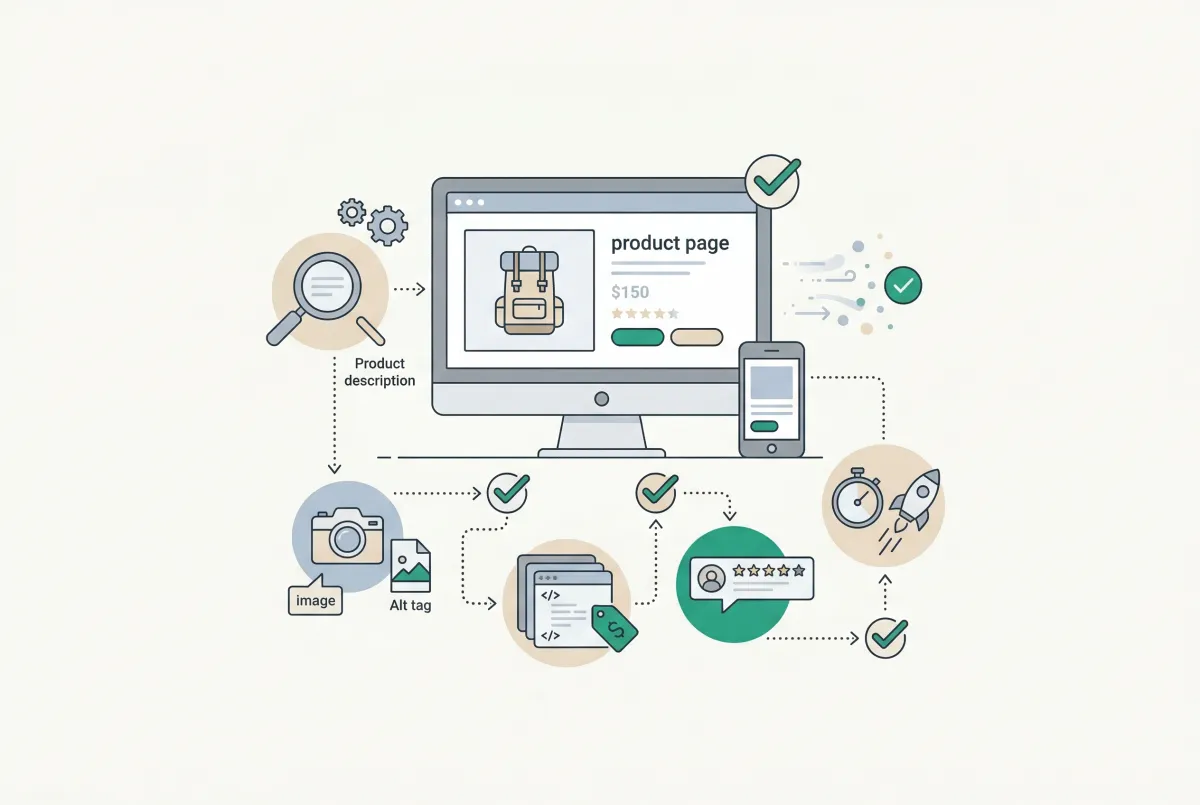
Most Shopify product pages are missing at least three core SEO elements. This 2026 checklist covers title tags, schema markup, images, and more.
How to Set Up a Shopify Store in a Day Using AI (Step-by-Step Guide for 2026)
Set up a Shopify store in a day with the help of AI. Here is the exact playbook for design, listings, SEO, and marketing, done by tonight.
How to Import Products to Shopify from a CSV File (Without Errors)
Learn how to import products to Shopify from a CSV file without errors. Covers formatting, variants, images, and detailed fixes for every common issue.
The Only Shopify Apps You Need When Setting Up a New Store in 2026
Looking for the right apps for setting up a new Shopify store? These four handle product migration, bulk editing, reviews, and custom options so you launch ready.