
Shopify vs WooCommerce in 2026: Fees, Features, and When to Switch
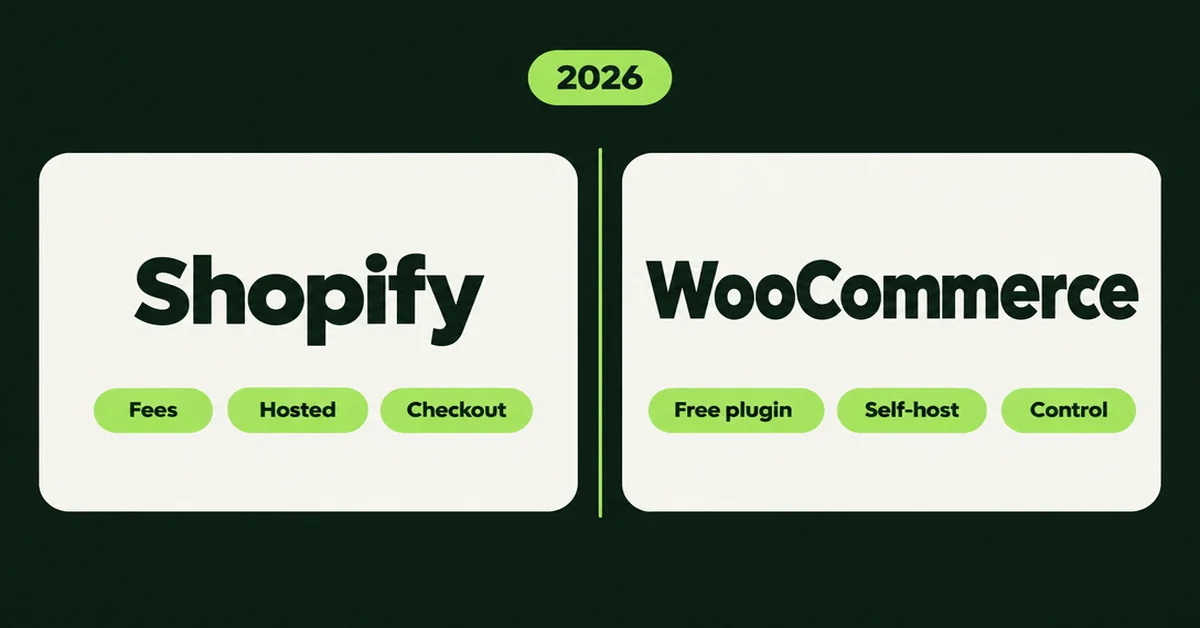
The Shopify vs WooCommerce debate is not about which logo looks nicer on a homepage. It is about whether you want a hosted store you rent, or a WordPress stack you own and maintain. Both can sell. They charge you in different places, and they break in different ways.
WooCommerce still lists 7+ million active installations on WordPress.org. Shopify keeps absorbing merchants who are tired of plugin conflicts and hosting tickets. Cart2Cart's March 2026 report logged 241 real migrations that month, with Shopify as the destination in 103 of them, and 56 of those coming from WooCommerce alone. That is not a random trickle. It is the top migration path in that sample.
This page is the stay-versus-switch call. It is not a second product-transfer how-to. If you already decided to move, use the linked migration guides. If you are still deciding, stay here.
WooCommerce is not free once you pay for hosting, plugins, and someone to keep WordPress patched. Shopify is not expensive until you stack apps and skip Shopify Payments. Pick the stack you will actually maintain.
What is the real fee difference in Shopify vs WooCommerce?
Shopify sells a monthly plan that includes hosting. WooCommerce gives you a free plugin and makes you assemble the rest. The sticker prices look like opposites. The monthly cash often lands closer than either side admits.
Shopify's public pricing page (checked September 2026) lists Basic at $39 USD/month billed monthly or $29 USD/month billed yearly. Grow is $105/$79. Advanced is $399/$299. Plus starts higher. Online standard card rates with Shopify Payments are 2.9% + 30¢ on Basic, 2.7% + 30¢ on Grow, and 2.5% + 30¢ on Advanced. Skip Shopify Payments and Basic adds a 2% third-party transaction fee on top of your gateway. Grow and Advanced lower that surcharge.
WooCommerce's own pricing page is blunt: the core platform is free with 0% platform fee and no revenue share. Hosting for most stores sits at $25 to $350 per month. Extensions run about $29 to $299 per year each. Card processing still applies. WooPayments is cited there at roughly 2.50% to 2.90% + 30¢ depending on region and method. There is no extra WooCommerce fee for using Stripe, PayPal, or another gateway.
Work a simple US store at $10,000/month GMV and a $50 average order (200 orders), before apps or plugins:
- Shopify Basic with Shopify Payments: about $39 plan + (2.9% × $10,000) + (30¢ × 200) ≈ $389.
- Shopify Basic with a third-party gateway at 2.9% + 30¢: plan + gateway + 2% Shopify surcharge ≈ $589 before you negotiate anything.
- WooCommerce: say $40 hosting + $20 amortized plugins + the same 2.9% + 30¢ gateway ≈ $410, with no platform surcharge. Swap in $150 managed Woo hosting and paid security and the gap flips.
Yearly Shopify billing changes the math. Basic at $29/month drops that same $10,000 GMV scenario to about $379 with Shopify Payments. That is competitive with a lean Woo stack. It is not competitive with a Woo store that somehow runs on $10 shared hosting and zero plugins. Those stores exist. They are also the ones that page you when the host throttles PHP during a flash sale.
Hidden costs sit on both sides. Shopify merchants often underestimate recurring apps (reviews, subscriptions, upsells, wholesale). WooCommerce merchants often underestimate developer retainers, premium extensions, and the security stack that keeps a public WordPress install honest. Build a twelve-month total, not a launch-week screenshot.
The lesson is ugly and useful. WooCommerce wins on paper when hosting stays cheap and you never pay a developer. Shopify wins when you value a predictable plan and you stay on Shopify Payments. The moment you bolt on five paid apps or five paid plugins, both stacks get expensive for different reasons.
Who handles hosting, security, and updates?
Shopify handles hosting, SSL, PCI scope for its checkout, and platform updates. WooCommerce hands you the keys: you pick the host, patch WordPress, and own the blast radius when a plugin update breaks checkout on a Friday.
That split is the real operational difference. On Shopify you are not SSHing into a server at midnight. On WooCommerce you can pick Cloudways, Kinsta, WP Engine, or a bare VPS, tune PHP, and scale hardware to a sale. You also inherit malware scans, backup drills, staging workflows, and the person who knows which plugin is fighting which other plugin.
Shopify is Level 1 PCI DSS compliant for stores on the platform, which is why most SMBs never think about card data scope. WooCommerce can be PCI-compliant too, but compliance travels with your host, your plugins, and how you handle cards. "Free plugin" does not mean "free security team."
Uptime and speed follow the same split. Shopify includes a global CDN and a platform SLA culture. WooCommerce speed is whatever your host, cache plugin, image pipeline, and theme allow. A well-tuned Woo store on good managed hosting can feel excellent. A neglected one feels like 2014.
Updates are the quiet killer. WordPress core, WooCommerce core, the theme, and a dozen extensions do not update themselves into harmony. Shopify updates the platform under you. You still update apps and themes, but you are not juggling PHP versions to keep checkout alive.
If your team already runs WordPress well, WooCommerce's ops burden is familiar. If your team is two founders and a VA, Shopify's managed stack usually costs less in nights than a "cheap" VPS that nobody monitors.
Which platform wins on checkout and conversion?
Shopify usually wins on out-of-the-box checkout speed and conversion for SMBs. WooCommerce can match or beat it with custom work, but that work is neither free nor automatic.
Shopify markets a locked, optimized checkout and Shop Pay. An external study Shopify published found its overall conversion rate outpaces other platforms by an average of about 15% (and up to 36% in like-for-like samples). Treat that as a vendor-sponsored study, not gospel. Still, for a lean store, a fast hosted checkout is a real product, not a marketing line.
WooCommerce checkout is a plugin stack. You can redesign it, add fields, and route odd B2B flows. You can also ship a slow theme, three conflicting checkout plugins, and a 12-field form that tanks mobile conversion. Control without discipline is just a longer abandonment report.
If checkout customization is a hard requirement (complex VAT, heavy upsells, nonstandard B2B approval), WooCommerce or Shopify Plus are the serious lanes. If you want Shop Pay and a checkout you do not babysit, Shopify's standard plans are the shorter path.
How much control and customization do you actually get?
WooCommerce wins on raw control. Shopify wins on curated speed. Neither is "more powerful" in the abstract. They are powerful at different jobs.
WooCommerce sits on WordPress. Themes, custom post types, and PHP plugins let you rebuild almost anything. That is why agencies love it for catalogs with weird rules. It is also why a five-year-old Woo store can feel like archaeological dig when the original developer disappears.
Shopify is closed-platform by design. Themes and apps cover most SMB needs. Liquid, Online Store 2.0, and a huge app store get you far. Hard checkout surgery and some enterprise features still push you toward Plus. Variant architecture matters too: Shopify allows up to 2,048 variants per product with a 3-option ceiling, which is enough for most catalogs and still forces redesigns for hyper-configurable goods.
Content and SEO are often sold as a WooCommerce slam dunk because "WordPress is for blogging." In 2026 that gap is narrower than blog posts from 2019 claim. Shopify's blog and SEO fields are adequate for most stores. WooCommerce still wins if your content engine is a full editorial WordPress site glued to commerce. If your blog is twelve posts and a buying guide, either platform is fine.
Ownership is the emotional argument that never shows up in a fee table. On WooCommerce the database is yours. You can export, self-host, and leave. On Shopify your data is exportable, but the operating environment is not something you zip onto a USB stick. For some founders that ownership is non-negotiable. For others it is a romantic story they tell while paying a developer to keep the romance online.
When should you stay on WooCommerce?
Stay on WooCommerce when ownership, custom logic, or an existing WordPress operation is the asset. Do not leave because a SaaS ad told you plugins are evil.
Stay, or stay as the primary stack, when most of these are true:
- You already have a competent WordPress host, staging, and someone who patches on a schedule.
- Your catalog or checkout needs rules that would force Shopify Plus or a pile of apps.
- Content marketing is a real WordPress CMS workflow, not a thin blog afterthought.
- You sell in payment markets or with gateway setups where a third-party Shopify surcharge would sting and Shopify Payments is not available.
- Your margins depend on negotiating processor rates and paying 0% platform take on top.
Stay also if a migration would torch custom plugins you cannot replace for six months. A painful Woo store that still prints money is often better than a pretty Shopify theme with broken wholesale pricing.
A practical test: write last quarter's hosting + plugin + developer hours in one column, and a Shopify plan + likely apps + your time in another. If Woo is only "cheaper" because you are unpaid labor, you are not comparing platforms. You are hiding a salary.
When does Shopify win the Shopify vs WooCommerce choice?
Shopify wins when speed-to-stable-storefront matters more than owning the server. It wins for teams that want commerce work, not infrastructure work.
Move Shopify to the center when several of these show up together:
- Plugin conflicts, PHP upgrades, or hosting tickets are eating selling time every month.
- You want Shop Pay, POS, and a single admin without wiring five systems by hand.
- Your migration peers are already leaving: WooCommerce was the largest single source in Cart2Cart's March 2026 sample (56 of 103 Shopify-bound jobs).
- You will use Shopify Payments and stop paying a third-party platform surcharge.
- You need a theme and app ecosystem your non-technical staff can operate.
Shopify also wins the "I need this live before peak season" race. A competent Shopify build for a normal catalog is usually faster than a clean Woo rebuild. That does not make Shopify best overall. A heavily customized B2B Woo shop with negotiated payment rates can still beat a Basic plan buried in app fees.
If you are comparing Shopify with other SaaS options too, read our Shopify vs BigCommerce comparison and our Etsy vs Shopify fees and traffic breakdown. Different starting points. Same rule: match the platform to the job, not the loudest homepage claim.
What changes if you switch from WooCommerce to Shopify?
You gain a hosted admin and a new URL map. You lose automatic transfer of everything that lived in WordPress: passwords, many custom fields, reviews, and plugin logic. Plan the move as a project, not a button click.
This page will not walk CSV columns. That job already has URLs. Start with the Shopify migration checklist, then the WooCommerce to Shopify product transfer guide, and read what product data gets lost on the way before you freeze the old store.
For the catalog itself you have three common lanes: Shopify's CSV import, a full migration service, or a URL-based product importer. A tool such as Migratify can copy product content from public product URLs (title, description, images, variants, price, SKU, tags) into Shopify. It does not move customers, orders, or reviews. Free is capped at 5 products total. Paid plans remove that import cap. For a roundup of options, see the best Shopify store migration apps.
Budget the unglamorous parts: 301 redirects, theme parity, tax and shipping rules, review import, and a parallel-run window. Customer passwords will not migrate as usable logins. Reviews will not ride along inside a product CSV. Gift cards and subscriptions need their own plan. That is why the checklist exists.
Run both stores in parallel until Shopify checkout, shipping rates, and analytics match what you expect. Place real test orders. Spot-check your top revenue SKUs. Only then point the domain and start the redirect map in earnest.
Do not cancel Woo hosting on launch day. Do not celebrate a clean product count while checkout still points at a plugin you left behind. The merchants who look smart six weeks later are the ones who treated the switch as an operations project, not a weekend redesign.
Related Articles

WooCommerce to Shopify Migration: Step-by-Step Product Transfer Guide
Planning a WooCommerce to Shopify migration? This step-by-step guide covers product transfer, CSV cleanup, SEO protection, and avoiding data loss.
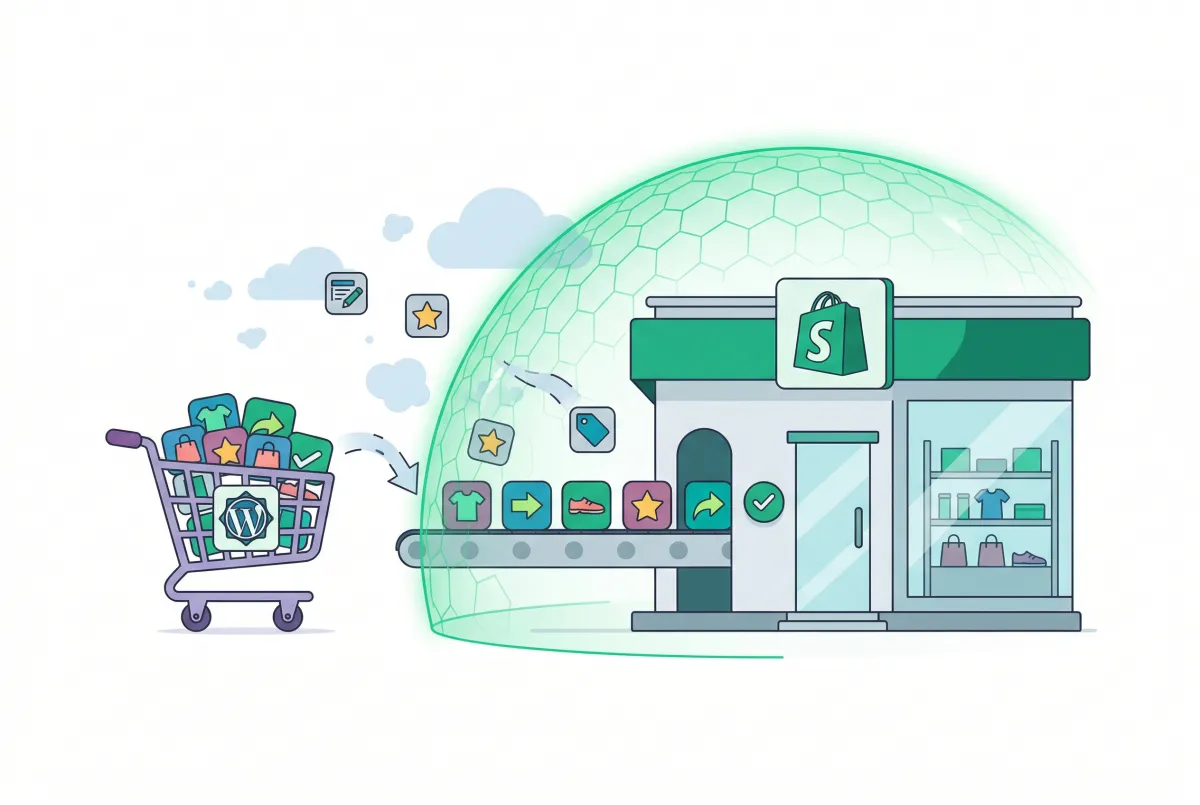
Migrate Products from WooCommerce to Shopify: The Data That Gets Lost (And How to Protect It)
Planning to migrate products from WooCommerce to Shopify? Here is which fields vanish, what limits break your catalog, and how to audit the result.

Shopify Migration Checklist: Everything to Move Before You Switch Platforms
Use this complete Shopify migration checklist to move products, customers, orders, SEO data, and apps without losing sales when you switch platforms today.

Shopify vs BigCommerce (2026): An Honest Comparison for Store Owners Who Actually Have to Choose
Shopify vs BigCommerce compared side-by-side: pricing, fees, SEO, apps, and who each platform actually suits in 2026. Make the right call for your store.

Etsy vs Shopify in 2026: Fees, Traffic, and When to Move
Compare Etsy vs Shopify in 2026: current fees, who actually sends you traffic, and when handmade sellers should stay on Etsy, add Shopify, or fully move.

Best Shopify Store Migration Apps in 2026: Tested, Compared, and Ranked
Not all Shopify store migration apps handle SEO, orders, and reviews the same way. Compare the top-rated tools so you migrate without losing any data.