
Shopify Themes Comparison: Studio vs Impact vs Dawn vs Sense (Which One Fits Your Store?)
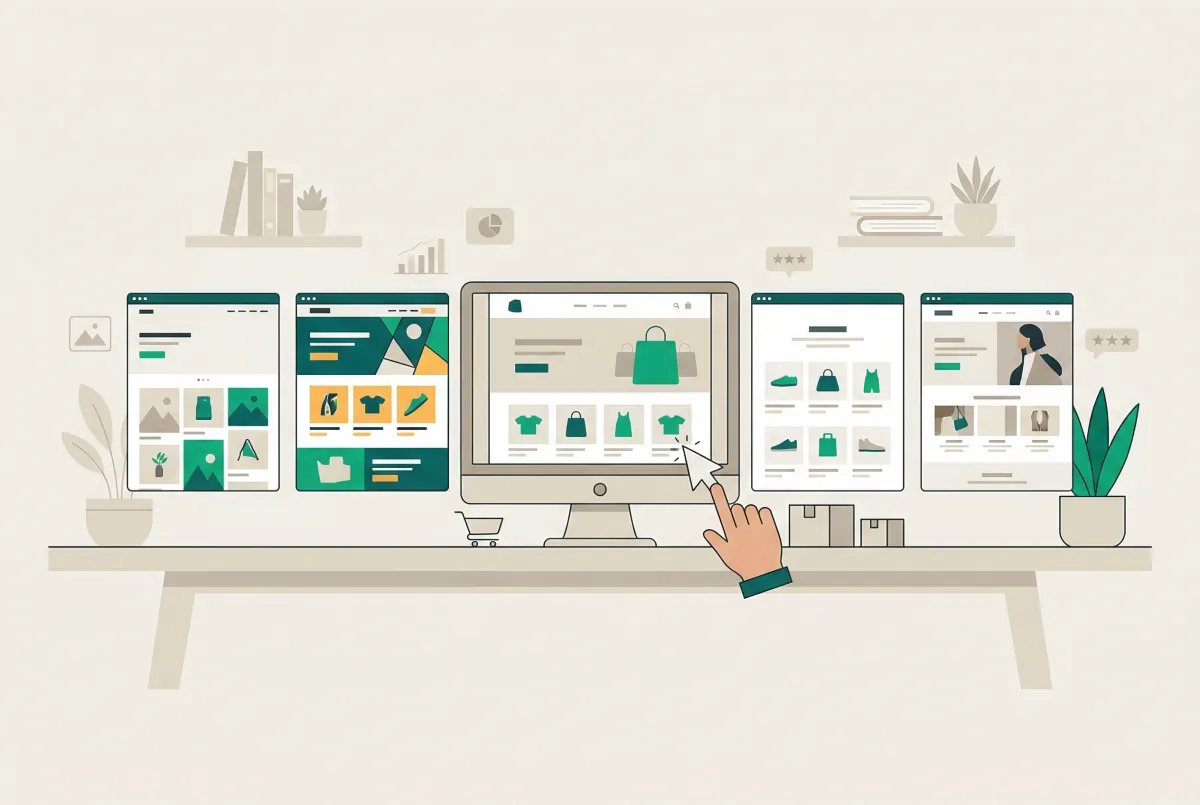
Choosing a Shopify theme feels simple until you're three hours deep into demo stores, second-guessing every decision. Dawn, Sense, Studio, and Impact are four of the most talked-about options in 2026, and a proper shopify themes studio impact dawn sense comparison reveals that picking the right one depends far more on your catalog, your brand, and your growth stage than most "best theme" articles admit. This guide breaks down what actually matters so you can stop browsing and start building.
What Are the Key Differences Between Dawn, Sense, Studio, and Impact?
The biggest differences come down to three things: design philosophy, built-in features, and price. Here's how they break down. Dawn is Shopify's lightweight reference theme, built for speed and simplicity. Sense targets beauty, wellness, and detail-heavy products with soft gradients and curved elements.
Studio caters to artists, galleries, and creative brands with bold typography and colorful accents. Impact is the only paid option here ($400 one-time), built by Maestrooo for high-volume stores that want premium features baked into the theme itself.
Dawn ships with the essentials: quick buy, image galleries, product videos, cross-selling sections, and a clean grid layout. It's the foundation Shopify built Online Store 2.0 around, and it shows. Everything works. Nothing surprises you.
Sense expands on that foundation with extensive product detail layouts, swatch filters, and a design language that works particularly well for skincare, jewelry, and similar categories where customers need to understand ingredients, materials, or specifications before buying. The mega menu and enhanced search come standard.
Studio takes a completely different approach. It's designed for stores that sell art, handmade goods, or curated collections. You get collection-based navigation, artist profile sections, lookbook layouts, and gallery-style presentation. The visual experience is intentionally bold and editorial.
Impact bundles features that most themes require third-party apps to achieve: mega menus with images, before-and-after product sliders, shop-the-look sections, quick buy from collection pages, and a sticky add-to-cart bar. That feature density is the core value proposition, and it's why 71 of the top 1,000 Shopify stores run Impact according to Craftberry's theme statistics research.
Which Shopify Theme Is the Fastest, and Does It Actually Matter for Sales?
On a clean install, Dawn is the fastest of these four themes with a 92/100 mobile PageSpeed score and 1.8-second LCP. But clean-install scores are borderline useless for real store decisions. The moment you install a review app, an email pop-up, a live chat widget, and a few tracking scripts, that 92 drops to somewhere between 30 and 45.
Here are the clean-install mobile PageSpeed scores and LCP times from Thunder PageSpeed's testing:
- Dawn: 92/100 PageSpeed, 1.8s LCP
- Sense: 86/100 PageSpeed, 2.1s LCP
- Studio: 70/100 PageSpeed, 2.9s LCP
Studio's lower score isn't a bug. It's a consequence of parallax effects, scroll-triggered transitions, and custom cursor animations that create the editorial feel the theme is known for. Those visual features come with weight.
Here's what most comparison articles miss entirely: Core Web Vitals pass rates on real stores tell a very different story than PageSpeed scores on demos. Shopify's own performance data shows these CWV pass rates across live stores:
- Impact: 91.5% of stores pass CWVs
- Studio: 88.8% pass
- Dawn: 84.6% pass
- Sense: 82.2% pass
Read that again. Impact, the heaviest theme by feature count, outperforms Dawn in real-world Core Web Vitals.
How? Because Impact's built-in features replace third-party apps that inject their own JavaScript. Fewer external scripts means cleaner performance where it counts.
Speed does affect revenue. A Deloitte study found that a 0.1-second improvement in load time can boost retail conversions by 8.4%. And with the majority of ecommerce traffic now coming from mobile devices, those milliseconds compound quickly.
My honest take: Dawn's reputation as the "fastest Shopify theme" is technically accurate on a clean install and actively misleading in practice. Merchants obsessing over theme speed are optimizing the wrong variable. Pick the theme that fits your brand and catalog, then audit your app stack. That's where the real speed gains are hiding.
What Type of Store Is Each Theme Actually Built For?
Each theme serves a specific type of merchant, and using the wrong one creates friction you'll feel every time you customize. Dawn works best for general-purpose stores with straightforward product catalogs. If you sell 20 to 500 products across a few clean categories, Dawn stays out of your way and lets the products do the talking.
Dawn is used by approximately 283,000 active Shopify stores according to EachSpy's tracking data, making it the most popular theme on the platform. That popularity comes from versatility. It works for apparel, electronics, home goods, food, and basically anything that doesn't need a highly specialized visual presentation.
Sense
Sense shines for stores where product details drive the purchase decision. Think skincare brands listing 15 ingredients, jewelry stores explaining gemstone certifications, or supplement companies breaking down nutritional facts. The extensive product detail layouts, testimonial sections, and soft visual design create trust for products that customers want to research before buying.
Studio
Studio is purpose-built for creative brands, artists, and curated marketplaces. If your store feels more like a gallery than a shop, Studio's collection-based navigation, artist profiles, and lookbook sections make sense. It's the right choice for print shops, handmade goods, fashion lookbooks, or any brand where the visual story matters as much as the product itself. Just know the performance cost going in.
Impact
Impact targets established brands doing real volume. The shop-the-look sections work for fashion and lifestyle brands selling complete outfits or room setups. Before-and-after sliders are perfect for skincare, fitness, or home renovation products. The built-in mega menu with images handles catalogs of 1,000+ products without requiring a separate navigation app.
If you're building a new store and still validating your product-market fit, a premium theme is premature. Start with Dawn or Sense, prove the concept, then upgrade when your revenue justifies it. For a complete walkthrough on launching quickly, check out our guide on how to set up a Shopify store in a day using AI.
How Do the Customization Options Stack Up in This Shopify Themes Comparison?
All four themes support Shopify's Online Store 2.0 architecture, meaning you can add, remove, and rearrange sections on any page without touching code. The difference is how many sections and blocks each theme gives you to work with, and how opinionated the design system is.
Dawn offers the most flexibility with the least friction. It has a neutral design language that accepts customization easily. You can change colors, fonts, spacing, and layout without fighting the theme's aesthetic.
The trade-off is that out-of-the-box, Dawn looks generic. You'll need to invest time (or hire someone) to make it feel distinctive.
Sense provides more visual personality with its soft gradients and curved design elements, but that personality constrains you. Switching Sense to a bold, angular aesthetic means working against the theme's DNA. If your brand already leans toward warm, approachable, and detail-oriented design, Sense accelerates you. If not, you'll be fighting it.
Studio has the strongest point of view of any free theme. The colorful accents, editorial typography, and gallery layouts create a specific vibe that you're either aligned with or you're not. Customization within Studio's design language is generous (color schemes, font pairings, layout variations), but stepping outside it requires significant code changes.
Impact provides the deepest customization through sheer feature count. With over 35 customizable sections, you can build pages that would require multiple apps on other themes. The mega menu alone offers image support, multi-column layouts, and dropdown configurations that take 20 to 30 minutes to set up properly. That depth is powerful for experienced merchants who know exactly what they want, and potentially overwhelming for beginners.
One thing worth considering: your theme choice directly affects your product page structure and on-page SEO. Themes that support rich product sections, structured FAQ blocks, and clean heading hierarchies give you an advantage in search results. Our Shopify product page SEO checklist covers exactly what to look for.
Is the Impact Theme Worth $400 When Dawn and Sense Are Free?
The sticker price comparison is misleading because it ignores the total cost of ownership. Impact's $400 is a one-time payment. The apps it replaces charge monthly subscriptions that add up fast. Let's do the math.
A typical Dawn store that wants Impact-level functionality needs these apps:
- Mega menu app: $10-15/month
- Before/after image slider: $5-10/month
- Quick buy / quick view: $5-15/month
- Shop-the-look / complete-the-outfit: $10-20/month
- Sticky add-to-cart: $5-10/month
That's $35-70/month in app subscriptions, or $420-840/year. Impact pays for itself within 6 to 12 months while simultaneously reducing the JavaScript load from those third-party apps. This is exactly why Impact stores pass Core Web Vitals at a higher rate (91.5%) than Dawn stores (84.6%).
But here's the nuance. If you don't need mega menus, before-and-after sliders, or shop-the-look sections, those app savings are irrelevant. A store selling three products doesn't need a mega menu.
A coffee roaster doesn't need before-and-after comparisons. For those businesses, Dawn or Sense delivers everything they need at zero cost.
The data backs this up. According to Craftberry's research, 52-60% of Shopify stores run free themes, while only 30% use paid themes. Among stores earning $1M or more in annual revenue, 47% invest in custom theme development. The pattern is clear: merchants upgrade their theme investment as their revenue grows.
The conversion features in your theme also matter more than most merchants realize. The ability to show social proof, product reviews, and trust badges directly in your theme template can meaningfully move your conversion rate. If you're not sure how much reviews affect your bottom line, our breakdown of how product reviews increase Shopify conversion rates puts real numbers on it.
Which Theme Should You Choose Based on Your Store's Stage and Goals?
Your store's current stage matters more than any feature checklist. A brand-new store has different needs than one doing $50K/month, and the "best" theme changes accordingly. Here's a practical framework.
Pre-launch or just starting out: Go with Dawn. It's free, fast, well-documented, and has the largest community of tutorials and customization guides. You'll spend zero on the theme and can redirect that budget toward inventory, ads, or product photography. Dawn's simplicity is a feature at this stage because you need to focus on product-market fit, not parallax animations.
Established store with 50-500 products in beauty, wellness, or specialty goods: Sense is your best bet. The detailed product layouts, soft visual design, and built-in swatch filters match how customers shop these categories. You'll spend less time customizing and more time selling.
Creative brand, artist, or curated marketplace: Studio is worth the performance trade-off if your brand identity demands that editorial, gallery-like experience. Accept that your PageSpeed score will be lower, focus on keeping your app stack lean, and let the visual storytelling do its job. For Studio stores especially, every unnecessary app install hurts more because you're starting from a lower performance baseline.
Growing brand doing $20K+/month with a large catalog: Impact starts making financial sense here. The built-in features replace monthly app subscriptions, the mega menu handles complex navigation, and the before-and-after sections give you conversion tools that free themes simply don't offer. The $400 investment is small relative to your monthly revenue and app spending.
A Quick Decision Framework
- What's your budget? If it's zero, choose between Dawn (general), Sense (detail-heavy products), or Studio (creative/artistic).
- How large is your catalog? Under 100 products, Dawn or Sense. Over 500, seriously consider Impact for the navigation alone.
- Does your brand need visual storytelling? If yes, Studio or Impact. If your products sell on specs and details, Sense.
- How many apps are you currently running? If your app stack is bloated, Impact's built-in features could improve both performance and monthly costs.
Stop searching for the "perfect" theme. Pick the one that matches your current stage, commit to it for at least 90 days, and invest your energy in product photos, descriptions, and marketing. You can always switch later. Shopify makes theme migration straightforward, and your content, products, and customer data stay intact regardless of which theme you're running.
The merchants who grow fastest aren't the ones with the fanciest theme. They're the ones who picked something good enough, launched, and started iterating based on real customer behavior. Your theme is a tool. Treat it like one.
Related Articles

Shopify Canvas Explained: What Merchants Get From Sidekick's New Design Surface (2026)
Shopify Canvas explained for SMB merchants: what Sidekick's new design surface is, how it differs from the theme editor, and careful 2026 adoption tips.
How to Choose a Shopify Theme in 2026 (Speed, Apps, and Conversion Checklist)
How to choose a Shopify theme in 2026: follow this speed, apps, and conversion checklist so you shortlist demos, audit apps, and protect mobile sales.

Shopify Theme Detector: Find Out What Theme Any Store Is Using (Instantly and Free)
Use GoTinker's free Shopify theme detector to instantly find what theme any store is using. Paste a URL and get the answer in seconds. No login needed.
How to Set Up a Shopify Store in a Day Using AI (Step-by-Step Guide for 2026)
Set up a Shopify store in a day with the help of AI. Here is the exact playbook for design, listings, SEO, and marketing, done by tonight.
The Only Shopify Apps You Need When Setting Up a New Store in 2026
Looking for the right apps for setting up a new Shopify store? These four handle product migration, bulk editing, reviews, and custom options so you launch ready.
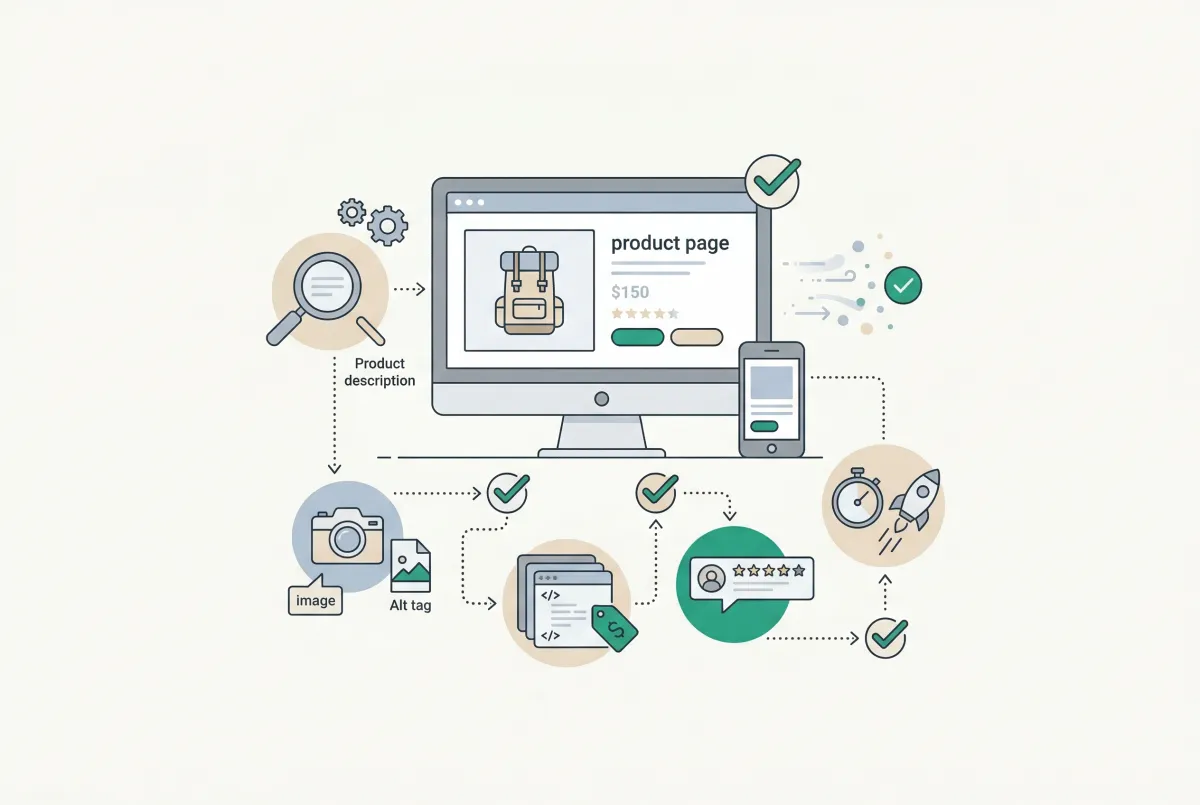
Most Shopify product pages are missing at least three core SEO elements. This 2026 checklist covers title tags, schema markup, images, and more.