
Shopify SHEIN Integration: How to List Your Catalog on SHEIN Marketplace (2026)
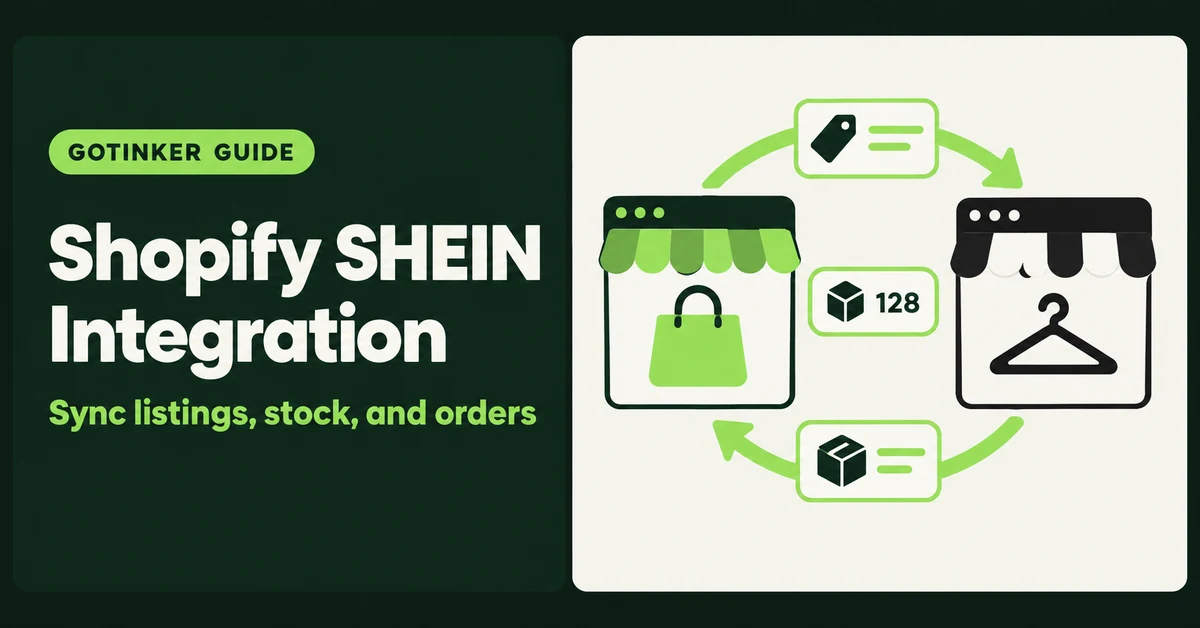
A Shopify SHEIN integration connects your Shopify catalog to SHEIN Marketplace so listings, stock, prices, and orders stay in sync without double entry. In 2026 there is no SHEIN-built sales channel inside Shopify, so the connection runs through a third-party connector, a multichannel hub, or SHEIN's own developer API. This guide covers who can actually sell on SHEIN, which connection routes exist, and the setup steps that keep you from overselling on day one.
One quick check before you read on. People type "Shopify SHEIN integration" for three different jobs. If you want to pull SHEIN product pages into your Shopify store, read our guide on importing products from Shein to Shopify. If you want SHEIN star ratings on your product pages, see how to import reviews from Shein to Shopify. This page is about the third job: selling your own Shopify products on SHEIN Marketplace.
What Does a Shopify SHEIN Integration Actually Do?
A Shopify SHEIN integration treats Shopify as the source of truth and pushes your products to SHEIN Marketplace, then pulls SHEIN orders back into Shopify. You edit a product or sell a unit once, and both channels update.
The connectors you will find all do roughly the same four jobs:
- Listing: publish Shopify products to SHEIN, usually through category templates that map your fields to SHEIN's requirements.
- Linking: match products you already sell on SHEIN to their Shopify versions, typically by SKU or product ID, so you do not create duplicates.
- Inventory and price sync: push stock and price changes from Shopify to SHEIN, close to real time.
- Order import: create each SHEIN sale as a Shopify order so stock drops in one place and fulfillment runs from one admin.
That flow matches what M2E's Shein Shopify setup guide and CedCommerce's SHEIN docs describe. What none of them do is get you approved to sell on SHEIN. That part is on you, and it comes first.
Does SHEIN Have an Official Shopify App?
Not as of October 2026. We could not find a SHEIN-built sales channel on the Shopify App Store, and Shopify's own multichannel tool does not list SHEIN either.
Shopify Marketplace Connect connects to Amazon, Target Plus (US only), Walmart (US only), and eBay. Shopify's help page also notes that new Etsy connections cannot be made right now. SHEIN is not on the list.
That is different from Temu. Temu has an official Temu app on the Shopify App Store, listed as launched October 20, 2025. If you saw "connect Temu in a few clicks" and assumed SHEIN works the same way, it does not.
What SHEIN does do is promote partners. SHEIN's US seller site hosts a partner page for M2E, and the SHEIN Marketplace US LinkedIn page has reposted and co-hosted events with tools like 4Seller and Goflow. So the official path runs through SHEIN-promoted third parties, not a native Shopify channel.
Who Can Sell on SHEIN Marketplace From a Shopify Store?
Approved sellers only. SHEIN describes its US marketplace as "an exclusive, invite-only platform" on its official SHEIN Marketplace US page, and US businesses apply through the seller signup at seller-us.shein.com.
The marketplace itself is not new. SHEIN announced its global integrated marketplace on May 4, 2023, with the US named as the next launch after Brazil. Sellers agree to SHEIN's Marketplace Services Agreement and policies, including a code of conduct. Read those before you apply, not after your first listing gets pulled.
Region matters for the connector too. CedCommerce says its SHEIN connection is open to EU, UK, and US local sellers, while M2E's setup guide points European sellers to a separate registration guide. Confirm your country is supported on both sides before you pay for anything.
You will see blog posts quoting hard revenue minimums for SHEIN approval. We could not confirm any of those numbers on a SHEIN-owned page, so treat them as rumor. What is clear from SHEIN's own pages is the audience: the LinkedIn description pitches a Gen Z crowd into fashion, beauty, and lifestyle, and recent posts talk about moving into sneakers and streetwear. If your catalog sits far from that, expect a harder application.
Hot take: do not install or pay for any SHEIN connector until SHEIN has approved your seller account. The integration is the easy part of this project. Getting accepted, matching SHEIN's category rules, and keeping stock honest are the hard parts, and no app does those for you.
Which Shopify SHEIN Integration Options Exist in 2026?
You have four realistic routes: a dedicated Shopify app, a dedicated non-App-Store connector, a multichannel hub, or SHEIN's developer API. Most small Shopify brands should start with one of the first two.
1. M2E Shein Integration (Shopify App Store)
Shein Integration by M2E installs like any Shopify app. Its listing says it syncs orders, prices, product details, variants, SKUs, and barcodes, links products individually or in bulk, and consolidates SHEIN orders in one place. Pricing starts at $19 per month for the Starter 2K plan, which covers up to $2,000 in monthly order sales, with $6 charged per additional $1,000. Every listed plan shows a 30-day free trial. The listing dates the app to August 28, 2025 and showed a single review at the time of writing, so the review history is thin. Test support responsiveness during the trial.
2. CedCommerce SHEIN Integration
CedCommerce offers a Shopify SHEIN integration with a dashboard, near real-time product, price, and inventory sync, product linking to avoid duplicate listings, and listing templates built around SHEIN's bulk requirements. CedCommerce's docs walk through installation, then connecting your SHEIN seller account and your Shopify store. If you run more than one SHEIN account, ask about multi-account support before you start.
3. Multichannel hubs (Base, Goflow, 4Seller, and similar)
Hubs sit between Shopify and several marketplaces at once. They make sense when SHEIN is your third or fourth channel, not your first. Some hubs connect to Shopify through API credentials from an app you create yourself. Note that since January 1, 2026, new custom apps can't be created in the Shopify admin. New ones are built in the Dev Dashboard and then installed on your store, so older hub tutorials with "Settings, then Develop apps" screenshots are out of date.
4. SHEIN Open Platform (developer route)
The SHEIN Developer Platform offers APIs to publish products, manage orders fulfilled through SHEIN's logistics, and upload tracking for orders you ship yourself. Access runs through an account application, app creation, review, and authorization. This route fits brands with a developer on staff or an existing custom middleware. For everyone else it is more build than it is worth.
How Do You Connect Shopify to SHEIN Step by Step?
Get approved by SHEIN, clean your Shopify catalog, install one connector, link existing listings, then turn on inventory sync and order import before you list anything new. The order matters because sync settings decide whether SHEIN sales reduce your Shopify stock.
Here is the sequence, based on the M2E and CedCommerce setup docs:
- Apply and get approved on SHEIN. Use SHEIN's seller signup for your region and finish onboarding in Seller Center, including payout and shipping settings.
- Pick one connector. Running two SHEIN connectors against the same catalog is how duplicate listings and double-counted orders happen.
- Install and connect your SHEIN account. In the connector, choose the option to connect your marketplace account and authorize access when prompted. M2E then shows a setup checklist so you can see which steps are still pending.
- Link products you already sell on SHEIN. Connectors try to auto-match by SKU or product ID. Review the unmatched list and link the rest by hand or by CSV. M2E warns that only linked products sync.
- Turn on inventory sync. Start with a small batch of linked products, confirm the stock numbers match on both sides, then sync the rest.
- Turn on order import. In M2E this is the setting that creates SHEIN orders in Shopify. If it stays off, SHEIN orders will not reduce Shopify stock, and you can oversell.
- List new products. Use the connector's listing flow or templates to publish Shopify products that are not on SHEIN yet. Then check each listing's status in SHEIN Seller Center instead of assuming it went live.
- Run a five-order test. Watch the first few SHEIN orders land in Shopify, ship them, and confirm tracking flows back before you push your full catalog.
What Should You Fix in Your Shopify Catalog Before You Sync?
Fix SKUs, variants, images, and stock counts first, because a connector copies your mess to a second channel faster than you can clean it. Auto-matching usually runs on SKUs or product IDs, so every variant needs a unique SKU.
- Unique SKUs on every variant. Blank or repeated SKUs break auto-linking and turn into duplicate SHEIN listings.
- Barcodes where you have them. M2E lists barcodes among the fields it syncs. Fill them in before the first push.
- Clean variant structure. Size and color names should be real labels, not "Option 1". A vague size grid invites returns.
- Images that pass a marketplace review. Clean main images, the right image on each color variant, and size charts kept out of the main slot.
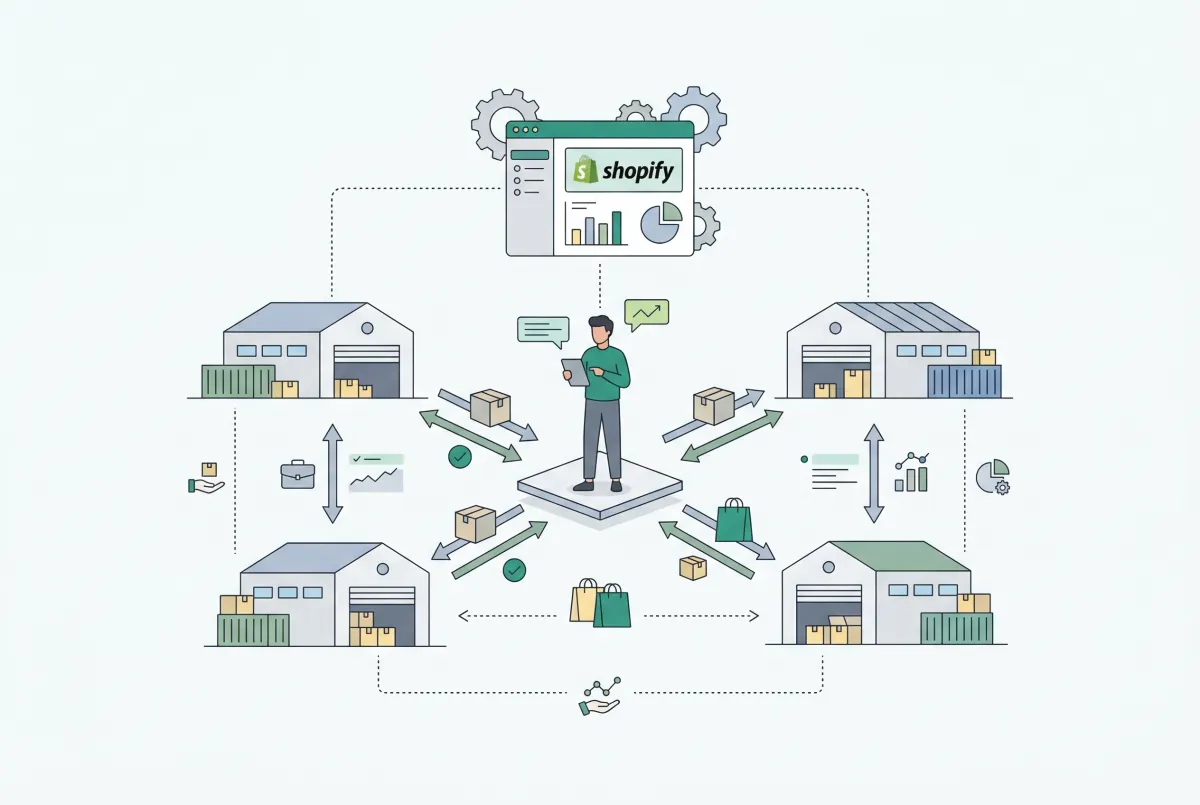
- Accurate stock by location. If your counts are off in Shopify today, a SHEIN connector will sell stock you do not have. Our guide to managing Shopify inventory across multiple locations covers the routing, transfers, and cycle counts that keep those numbers honest.
- Bulk fixes before, not after. If dozens of products need SKU or option cleanup, do it in one pass with a Shopify CSV. See how to import products to Shopify from a CSV without errors.
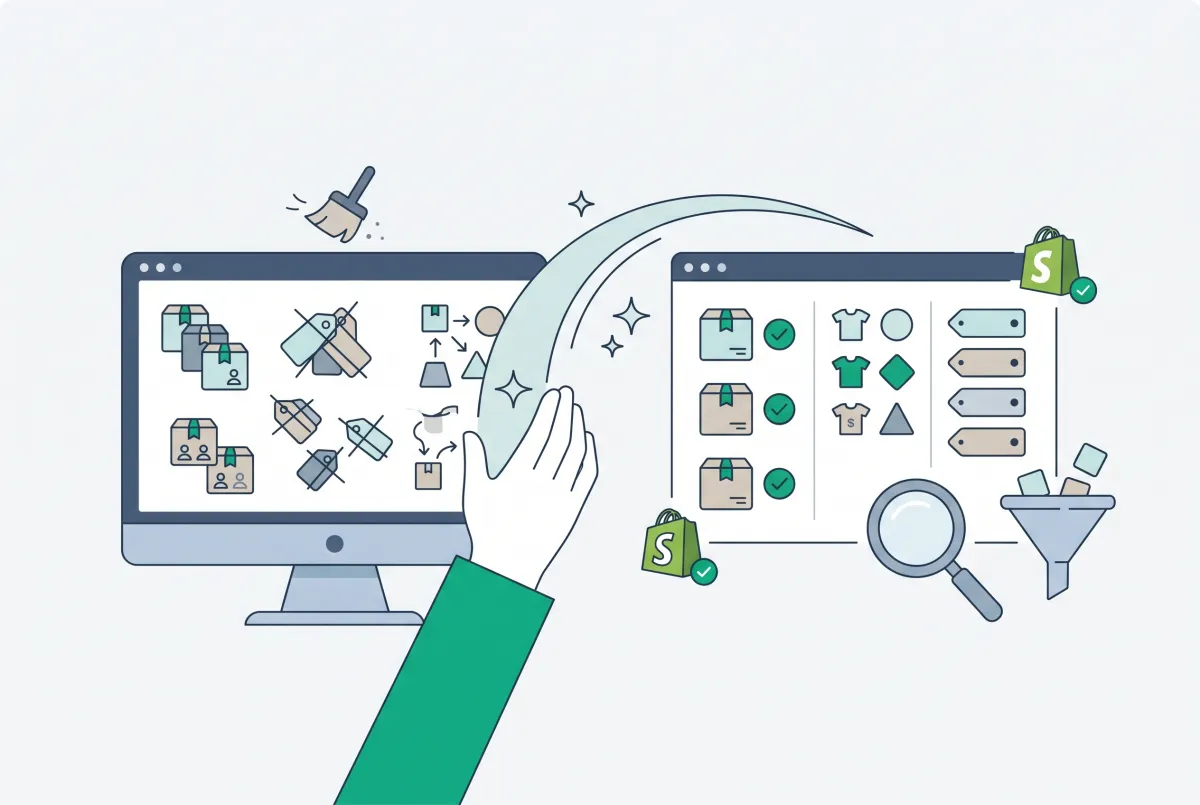
If your catalog came from an older platform move, run the duplicate and tag cleanup in how to clean up product data after a Shopify migration before you connect anything. SHEIN will not fix a messy feed for you.
How Do Orders, Inventory, and Fulfillment Work After You Connect?
With order import on, each SHEIN sale shows up as a Shopify order, stock drops in Shopify, and the connector pushes the new stock level back to SHEIN. You fulfill from Shopify like any other order, and tracking flows back to SHEIN.
Fulfillment can run two main ways on SHEIN's side. The SHEIN Developer Platform separates orders shipped through SHEIN's integrated logistics from orders sellers ship themselves, where the seller uploads a tracking number and updates the order status. Your connector has to support the mode you use, so ask before you commit.
Three habits keep the channel healthy:
- Keep a stock buffer. Sync is close to real time, not instant. Holding back a unit or two on fast sellers protects you during busy hours.
- Price per channel on purpose. M2E's listing mentions flexible pricing strategies. Use them to cover marketplace costs instead of copying your Shopify price one to one.
- Check failed orders daily. CedCommerce has a dedicated failed and unprocessed orders area for a reason. An order that never reached Shopify is an order you will ship late.
Is Selling on SHEIN Worth It for a Shopify Brand in 2026?
It can be, if your products fit SHEIN's audience and your stock is accurate enough to run two channels. The reach is real, but the platform is under pressure, so treat SHEIN as an extra channel, not a replacement for your own store.
On reach, SHEIN reported 291 million active customers in the 12 months to June 30, 2026, up from 254 million a year earlier, according to WWD's coverage of its first-half 2026 results. The same report shows the strain: US net revenue fell 6% to $2.47 billion in the second quarter, and adjusted net profit dropped 55.6% for the half. Founder Sky Xu said the product mix is shifting toward brands at higher price points, which is a reason for branded Shopify sellers to pay attention.
The tradeoff is the usual marketplace deal. SHEIN owns the shopper relationship, the rules, and the review system. Your Shopify store owns the email list and the margin. We walk through the same rent-versus-own question for handmade sellers in Etsy vs Shopify in 2026, and it applies here too.
A simple way to decide:
- Go for it if you sell fashion, beauty, lifestyle, or streetwear products, already have clean SKUs and accurate stock, and can ship US orders quickly.
- Wait if you are still fixing inventory accuracy, have no stock buffer, or rely on a single warehouse with tight capacity before peak season.
- Skip it if your margins cannot absorb marketplace costs or your brand position depends on never sitting next to low-price fashion.
If you get approved, start small: link the products you already understand, run a few weeks of clean sync, then widen the catalog. The connector is not the bottleneck. Your data is.
Related Articles

How to Import Products from Shein to Shopify (3 Methods That Work)
Import products from Shein to Shopify with 3 methods that work: Chrome extension apps, CSV bulk upload, or manual. Keep variants, images, sizing honest.

How to Import Reviews from Shein to Shopify (3 Methods That Work)
Learn how to import Shein reviews to Shopify with 3 methods that work: Chrome extension for CAPTCHA, curated CSV upload, and paid Shein importer apps.

Etsy vs Shopify in 2026: Fees, Traffic, and When to Move
Compare Etsy vs Shopify in 2026: current fees, who actually sends you traffic, and when handmade sellers should stay on Etsy, add Shopify, or fully move.
How to Manage Shopify Inventory Across Multiple Locations (The Complete Guide)
Learn how to set up and manage Shopify inventory across multiple locations, from order routing rules to stock transfers and preventing costly stockouts.

How to Import Products to Shopify from a CSV File (Without Errors)
Learn how to import products to Shopify from a CSV file without errors. Covers formatting, variants, images, and detailed fixes for every common issue.
How to Clean Up Product Data After a Shopify Migration (Duplicates, Variants, Tags, and More)
Duplicate products, broken variants, orphaned metafields? Here's how to clean up product data after a Shopify migration, fast and without wrecking SEO.