
OpenBot for Shopify is not something you install from the Shopify App Store. OpenBot is a general desktop workspace for AI agents, and a search of its code finds no Shopify store features. This guide covers what a merchant could still do with it, what Shopify says about connecting AI tools, and the license and security checks to make first. Everything below was checked on October 28, 2026.
The short version: it can run helper agents around your store, but it does not connect to your store, your orders, or your customer inbox by itself, and its license needs a closer look before a business uses it.
What is OpenBot, and is it a Shopify app?
OpenBot is a local-first desktop workspace for persistent AI teammates, not a Shopify app. Its GitHub README says each agent gets its own workspace and conversation, backed by Codex, Claude Code, Grok, OpenCode, Gemini, Cursor, or Cline, with local queues, an embedded browser, and agent-to-agent messaging in one app.
The project runs on macOS 13 or newer, Windows 10 or newer on x64, and Linux as an AppImage. A code search of the repository for "shopify" returns seven files, and all seven reference Shopify's open source graphics library for React Native, not store features. So any Shopify work has to come from tools and connections you add yourself.
What can OpenBot do for a Shopify store today?
It can run always-ready helper agents for jobs around your store, with no store-specific features of its own. These are the pieces the README and docs describe:
- Persistent agents: each agent keeps its own workspace and conversation, so you could keep one agent for catalog copy and another for order questions.
- Agent to agent messages: agents can message each other and hand work over, and shared channel chats have one task owner with explicit delegation.
- An embedded browser: a persistent browser that agents can open, inspect, and control.
- Routines: a routine can start on a schedule or from a signed webhook request.
- Local skills: you can ask an agent to save a repeatable workflow as a skill that other agents can add.
If you already built agents in Grok Bot, OpenBot can import them with their instructions, skills, routines, and memories, though chat history is not copied. Our Grok Bot store ops guide shows what those agents looked like for Shopify work.
Can OpenBot handle customer support for a Shopify store?
Not by itself. The README lists no inbox, helpdesk, or storefront chat feature, so OpenBot does not receive or send customer messages. An agent can draft or summarize text you give it, but your replies still go out through the support tool you already use.
If support is the main job you want automated, start with the tools Shopify already offers. Our guide to using AI to run a Shopify store covers copy, photos, and admin tasks, and our Sidekick Canvas explainer covers Shopify's built-in assistant.
What does Shopify say about connecting AI tools to a store?
Shopify says to use its official connectors and not to build your own. Its help page lists ChatGPT, Claude, Gemini, Grok, Perplexity, Muse, and Microsoft Copilot as tools you can connect, plus a Shopify CLI connector for developers working from their own machine (Shopify Help Center). OpenBot, Claude Code, Codex, and other MCP clients are not mentioned there.
The authorization guide is direct: "don't create an API access token or build your own integration to connect an AI tool to your store" (authorizing access). It also says tools are limited by the permissions of the person using them. Giving OpenBot a custom Admin API token would go against that guidance, so treat it as unsupported by Shopify.
Shopify's considerations page adds three rules for any connected tool: data you share is no longer processed by Shopify, actions are not reviewed or approved by Shopify, and "if an AI tool makes an incorrect change to your store, then you're responsible for that change" (considerations). For what the official connectors cannot do, such as refunds and live theme edits, see our Perplexity connector guide.
Can Shopify events start an OpenBot agent?
Not directly, as far as the documentation shows. OpenBot's webhook routines need three headers from the sender: a timestamp, a delivery ID, and an HMAC signature that the sender computes with the routine's secret (OpenBot webhooks). Shopify's HTTPS webhooks arrive with Shopify's own headers, such as X-Shopify-Hmac-SHA256 and X-Shopify-Webhook-Id, and the page does not describe custom headers (Shopify webhooks).
That means a small relay would sit in the middle: verify Shopify's signature, then re-sign the event in OpenBot's format. We did not test this setup. Two more limits from the docs: the computer running OpenBot must be online, and the relay does not keep requests while it is offline, so a missed event is lost unless the sender retries. Event data also goes to the model provider of the routine.
Can a store use OpenBot commercially, and what does it cost?
The license is the first question to settle. OpenBot uses the PolyForm Noncommercial License 1.0.0, and its README says commercial use requires a separate license from the copyright owner, with licenses@openbot.run listed as the contact (README license section). A store that sells products is a commercial setting, so ask the owner before you rely on it. This is not legal advice.
The README adds that versions up to and including 0.1.11 remain available under Apache-2.0. Each agent also needs a model provider, and the README says OpenCode's free models need no account, while other providers use their own plans or keys, such as a Google AI Pro or Ultra plan for Gemini.
How risky is it to run store work through OpenBot?
Risky enough to start small. The README calls OpenBot a development preview and warns that agents currently run with danger-full-access and approvalPolicy set to never, so they can read and change files, run commands, use the network, and control the embedded browser without per-action confirmations after the first-launch consent. It also says local-first is not offline-only: Codex connects to OpenAI, Claude to Anthropic, Grok to xAI, and Gemini to Google, and visited pages use the network.
If you still want to test it on a store, these safeguards are our suggestions, not OpenBot or Shopify rules:
- Use the narrowest staff role. Shopify lets you create roles with only the permissions people need, and any account an agent touches should get the smallest one.
- Start with text, not the admin. Begin with jobs that only read text you provide, such as summarizing a week of support emails you paste in, before any agent goes near your store.
- Keep customer data out. Once you share data with a third party it is no longer processed by Shopify, so avoid pasting names and addresses.
- Use a separate computer user. Run OpenBot under its own account so it cannot reach your personal files and sign-ins.
- Keep backups. The README tells users to run only agents and tasks they trust and to keep backups.
Hot take: OpenBot is a fine place to run helpers around a store and a poor place to hand over the keys to one. Until it has Shopify-specific guardrails, keep it away from refunds, order edits, and customer records.
Who should use OpenBot for Shopify, and who should skip it?
Try it if you are comfortable with developer tools, have a license or a noncommercial test store, and want helper agents for drafting, research, and file work around your catalog. Skip it if you want an assistant that works inside your admin with Shopify's own guardrails.
- Solo merchant, non-technical: skip it and start with Sidekick or an official connector. Our Jev AI back-office guide shows another route.
- Technical founder or agency: try it on a development or noncommercial store, with a license sorted out first.
- Already using Grok Bot agents: OpenBot can import them, so a test costs little setup.
- Support first: skip it, because it has no inbox or helpdesk.
OpenBot is still a development preview and changes quickly, so re-read its README before you rely on any detail here.
Related Articles
How to Use Perplexity with Shopify (Back-Office Guide for 2026)
Use Perplexity with Shopify in 2026: connect the official connector, pick safe access, run sales and stock prompts, and see what it still can't change.
How to Use AI to Run a Shopify Store in 2026 (Copy, Photos, and Admin)
How to use AI to run a Shopify store after launch: write copy, generate product photos, then stop doing titles, tags, CSVs, and email drafts yourself.
How to Use Grok Bot with Shopify (Back-Office Guide for 2026)
How to use Grok Bot with Shopify for store ops: research, copy, and CSVs first, then a custom app token. Skip the admin login; use a scoped API token.
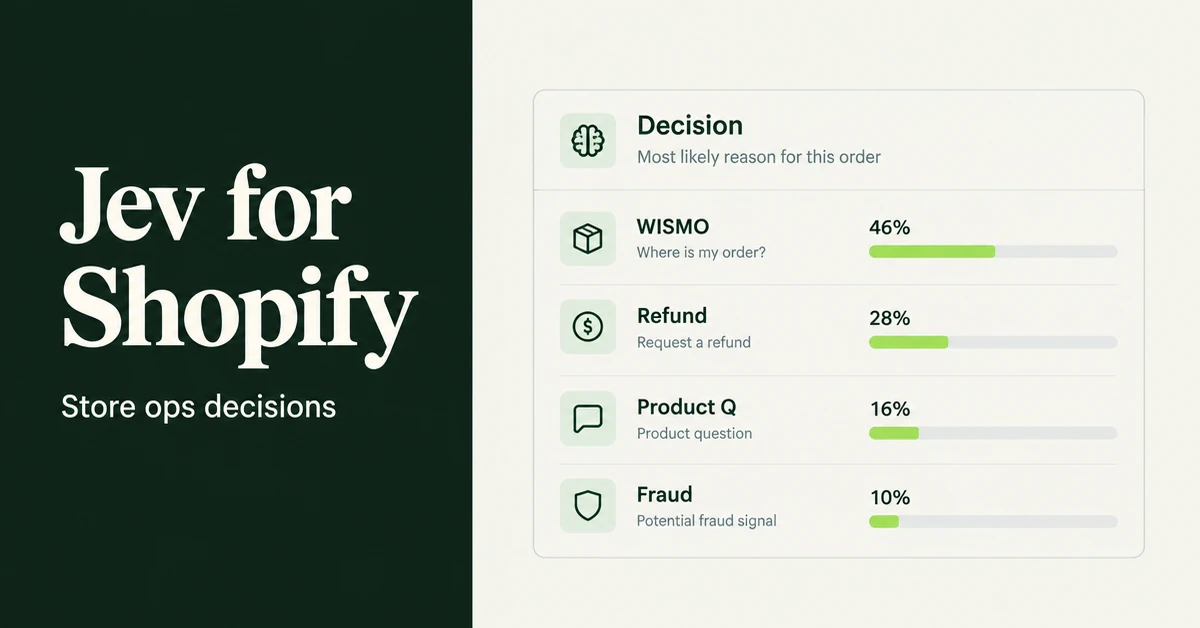
How to Use Jev AI with Shopify (Back-Office Guide for 2026)
How to use Jev AI with Shopify for store ops: route tickets, triage refunds, score review quality, and guardrail LLM agents with calibrated probabilities.

Shopify Canvas Explained: What Merchants Get From Sidekick's New Design Surface (2026)
Shopify Canvas explained for SMB merchants: what Sidekick's new design surface is, how it differs from the theme editor, and careful 2026 adoption tips.

How to Automate Shopify Store Ops Workflows with OpenAI Dots (2026 Guide)
Automate Shopify store ops workflows with OpenAI Dots in 2026: plugins, Slack/Teams digests, approvals, and honest limits versus Sidekick and Catalog.