
Hulk Product Options Alternative: How to Switch on Shopify (2026)
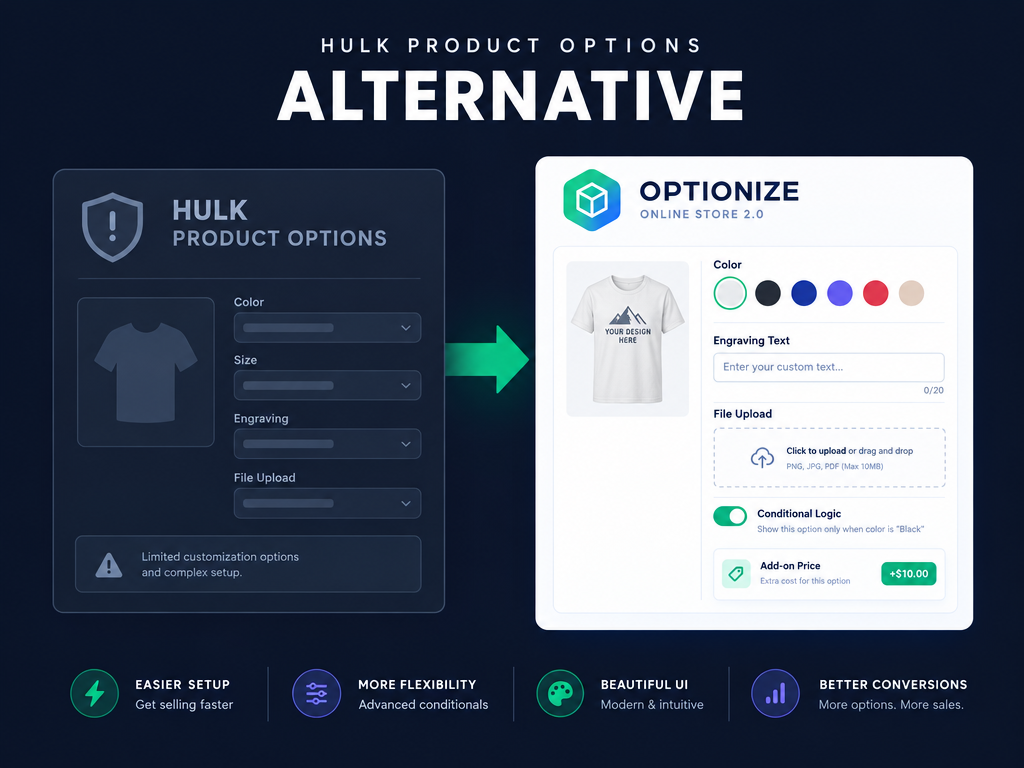
Finding a dependable Hulk Product Options alternative became a priority for thousands of Shopify stores after the app was delisted from the Shopify App Store on October 15, 2026 following a confirmed security compromise. When you sell engraved jewelry, custom apparel, or gift boxes, product options sit right between your product page and checkout. This guide covers what happened in October 2026, how to audit your store before removing Hulk, and how to switch to Optionize Product Options or another Built for Shopify replacement without slowing down your theme.
Why are Shopify merchants searching for a Hulk Product Options alternative in October 2026?
Merchants are switching because Hulk Product Options was delisted from the Shopify App Store on October 15, 2026 after an October 10 security exploit injected unauthorized checkout-redirect code into the app's vendor-side custom JavaScript settings. Even though the vendor removed the malicious configuration, the incident exposed the risk of relying on external dashboard scripts and left the app unavailable for new App Store installs.
As documented in Netalico's analysis of the October 2026 Hulk Product Options checkout redirect and traced by security researcher Roman Zipp, the exploit did not modify the merchant's Liquid theme files. Instead, the app's storefront script requested store settings from HulkApps' servers on every page load, and an unauthorized 22 KB payload inside a custom JavaScript settings field redirected some shoppers to a counterfeit external checkout page.
Because the payload lived in a vendor settings response rather than the store's theme repository, routine theme code reviews could not spot it. With Black Friday weeks away, merchants are moving to Built for Shopify Online Store 2.0 apps that render via standard app embeds without modifying theme code.
What should you check on your storefront before removing Hulk Product Options?
Before uninstalling Hulk Product Options, you must audit your active checkout flow in a private browser window, clear any unrecognized custom JavaScript in your app settings, and document every option set and add-on price your catalog relies on. Uninstalling first without recording your option logic forces you to reconstruct conditional rules from memory.
Run this five-step pre-switch audit before touching your theme or removing the app:
- Test checkout in an incognito window: Add customized products to the cart and proceed to checkout three times to confirm shoppers reach your real Shopify checkout URL.
- Inspect custom JavaScript and HTML fields: Check your Hulk dashboard settings for unrecognized scripts, rotate passwords, and verify two-factor authentication on all staff and collaborator accounts.
- Document active option sets: Record each option set name, assigned products or collections, required fields, and conditional logic rules.
- List paid add-on surcharges: Note every option value that adds an extra fee (such as +$5.00 for gift wrap or +$12.00 for engraving) so you can recreate those surcharges or linked products.
- Check for legacy theme snippets: Online Store 2.0 app embeds turn off cleanly, but stores that installed Hulk years ago on vintage themes should check sections/main-product.liquid and theme.liquid for leftover hulkcode render tags.
What features must a Hulk Product Options alternative cover on Shopify?
A capable Hulk Product Options alternative must bypass Shopify's native three-option ceiling without creating thousands of cluttered variants, while supporting conditional logic, file uploads, and add-on pricing on Online Store 2.0 themes. Relying on native variants alone works for basic size and color matrices, but it breaks down as soon as shoppers need text engraving, custom dimensions, or image uploads.
According to Shopify's official variant documentation, Shopify natively supports up to 3 option categories per product (such as Size, Color, and Material) and up to 2,048 total variants per product. We cover why native variants cannot collect open-ended customer inputs in our guide to Shopify product options limitations and how to fix them.
When replacing Hulk Product Options, make sure your new app covers these five essentials:
- Unlimited non-variant options across 20+ input types: You need text boxes, number boxes, multi-line text areas, color and image swatches, dropdowns, checkboxes, radio buttons, file uploads, date pickers, and dimension calculators that pass selections as line-item properties without cluttering your Shopify variant inventory.
- Conditional logic within option sets: Your form should hide engraving text boxes or rush-processing fees until the customer ticks the corresponding checkbox or selects a matching option value.
- Transparent add-on pricing and product linking: Paid extras should either attach a clear add-on price or link directly to an active Shopify product so the surcharge appears as a real line item at checkout and on packing slips.
- Online Store 2.0 app embed architecture: The app must integrate through Shopify's native theme extension system (app embed plus optional placement app block) so zero code is injected into your theme files.
- Fast setup with templates and option-set import/export: When switching under a deadline, ready-made templates, one-click option set duplication, and JSON option-set export and import across stores save hours of manual setup.
Hot take: Most merchants think they need an enterprise $49.90/month options plan to get file uploads, dimension pricing, and conditional logic, when modern Built for Shopify apps now include unlimited option sets and all core field types on a free plan or a flat $9.99/month Pro tier.
Which Hulk Product Options alternative fits your store best in 2026?
There is no single winner for every catalog, so the right replacement depends on whether you want all 21 option types included on a free plan, a visual live-preview canvas, or legacy bundle workflows. We checked every app's live Shopify App Store listing, Built for Shopify status, rating, review count, and pricing on October 27, 2026. For a wider eight-app breakdown, read our comparison of the best Shopify product option apps, or check our Color Swatch King alternative guide if you are also replacing delisted variant swatch tools.
1. Optionize Product Options: Best for fast Online Store 2.0 setup, 21 option types on Free, and flat $9.99/mo Pro pricing
Optionize Product Options carries Shopify's Built for Shopify badge and holds a 4.4-star rating across 95 reviews on the Shopify App Store when we checked on October 27, 2026. It is built for merchants who want unlimited custom product options beyond Shopify's 3 native product options without creating extra variants or slowing down Online Store 2.0 storefronts.
According to the Optionize option types documentation, Optionize includes 21 option types grouped into three categories:
- 8 Input options: Text box (single-line engraving or names), Number box (with min/max validation), Dimension (width, height, and/or length in mm, cm, m, in, ft, or yd priced per unit, area, or volume), Text area (multi-line notes), Email, Date picker, Time picker, and File upload (supports PNG, JPEG, PSD, PDF, Excel, images, videos, and ZIP files).
- 7 Choice options: Dropdown, Radio button, Checkbox, Button, Color swatch, Image swatch, and Switch (an on/off toggle with custom labels).
- 6 Layout and content options: Heading (h1 to h6), Paragraph (rich text), Divider, Spacer, Modal (for popup size guides), and Html.
Optionize keeps pricing simple across two plans:
- Free plan ($0/month forever): Includes unlimited options and option sets, all 21 option types (including file uploads, swatches, date pickers, and dimension inputs), duplicate option values, live preview inside the editor, multi-currency support, custom CSS, and email and chat support.
- Pro plan ($9.99/month with a 7-day free trial, or $89.99/year at about 25% off): Includes everything in Free plus add-on prices, product linking to Active Online Store products, conditional logic (Show/Hide with Any/All operators), duplicate options and option sets, JSON option-set import and export, bulk add-on price adjustments with history and revert, widget translations, and priority support.
Trade-offs to know: Optionize does not currently offer an automated Hulk CSV importer, so switching today means rebuilding option sets with Optionize's 9 templates, AI drafting, and option-set duplication (plus JSON export and import across stores you run). Also, Optionize snapshots a linked product's price when you save the option set, so re-save the set whenever you change that product's price in Shopify.
2. Easify Custom Product Options: Best for real-time visual personalizer previews on higher tiers
Easify Custom Product Options is Built for Shopify certified and holds a 4.9-star rating across 3,188 reviews on the Shopify App Store as of October 27, 2026. Its Free plan includes 15 option types, unlimited option sets, and basic conditional logic for Easify options, while paid plans start at $9.99/month (14-day free trial) for 28 option types, add-on prices, and conditional logic with Shopify variants.
Trade-offs to know: Unlike Optionize, which includes all 21 option types on the Free plan, Easify locks 13 of its 28 option types, add-on pricing, and Shopify-variant conditional logic behind paid tiers, and its live visual product personalizer with background removal requires upgrading beyond the entry tier.
3. Globo Product Options, Variant: Best for low-cost entry with Shopify Functions add-on pricing
Globo Product Options, Variant is Built for Shopify certified and holds a 4.9-star rating across 5,211 reviews on the Shopify App Store as of October 27, 2026. Its Free plan covers 15 option types and unlimited option sets, while paid plans start at $4.95/month (14-day free trial) for 20 option types, price add-ons, file uploads up to 20 MB, and import/export, with a higher tier for 30+ option types, live preview, edit-in-cart, and POS support.
Trade-offs to know: Globo restricts file uploads, date/time pickers, and color pickers on its Free tier (capping Free at 15 basic field types), and merchants with complex multi-rule sets sometimes find the dense admin interface slower to navigate than lighter Online Store 2.0 builders.
4. Infinite Options by ShopPad: Best for established stores wanting a classic paid line-item tool
Infinite Options carries the Built for Shopify badge and holds a 4.7-star rating from 2,621 reviews on the Shopify App Store as of October 27, 2026. It offers a single paid tier, The Essential Plan, at $12.99/month with a 14-day free trial.
Trade-offs to know: Infinite Options has no free plan for live stores, costs more per month than Optionize Pro ($9.99/month) or Globo ($4.95/month), and lacks native dimension-rate calculators (width by height area pricing) out of the box.
How do add-on prices, product linking, and Shopify Markets work in Optionize?
When you replace Hulk Product Options on a store that charges extra for engraving, gift wrapping, rush production, or custom dimensions, understanding how your new app handles cart line items, taxes, and discounts prevents fulfillment headaches. In Optionize Pro ($9.99/month), you can charge for options using flat add-on prices, dimension rates, or linked Shopify products.
- Flat add-on prices on choice options: When you enter an add-on price (such as +$10.00) on a Checkbox, Dropdown, Radio button, Button, Color swatch, or Image swatch value, the displayed product price updates live on the product page. At checkout, each selected paid add-on appears as its own line item alongside the main product, powered by hidden helper products that Optionize manages automatically (do not delete those helper products in your Shopify admin).
- Product linking for inventory-tracked add-ons: If an extra option consumes real stock (such as a velvet gift box), click the link icon next to the value's Add-on price field and pick an existing product in your catalog. The linked product must be set to Active in Shopify and published to the Online Store channel (Draft, Archived, or Unlisted products are excluded).
- Dimension rate calculations: For custom-cut banners, curtains, glass, or rugs, the Dimension option lets shoppers enter Width, Height, and/or Length in mm, cm, m, in, ft, or yd. One enabled field charges by length, two fields charge by area, and three fields charge by volume (for example, 100 by 200 cm at $25 per square meter adds $50.00 automatically).
- Shopify Markets, taxes, and discounts: Optionize sets add-on prices in your store's base currency and applies your Shopify Markets catalog price adjustments and rounding rules for international buyers. By default, Add-on products require shipping is enabled in Settings so Shopify Tax taxes physical add-ons the same way as your main product (toggle it off for digital or service add-ons). Keep in mind that Shopify spreads product-level discounts across bundled add-on line items at checkout.
How do you switch from Hulk Product Options to Optionize step by step?
Switching a live store from Hulk Product Options to Optionize takes five steps and requires zero Liquid edits on Online Store 2.0 themes. Because Optionize renders only after you enable its app embed, you can build and preview every option set inside the Optionize admin before disconnecting Hulk on your live product pages.
Follow the official Optionize setup guide to complete the transition without downtime:
- Start from a template or build your core option sets: In Optionize, open Option sets and click Create option set. Open the templates gallery and pick one of the 9 pre-built templates (Basic T-shirt, Custom Jersey, Personalized Jewelry, Gift Box, Custom Phone Case, Custom Mug, Wedding Dress, Product Bundle, or Order Note), or use AI-assisted drafting. Add your input, choice, or layout fields, set widths from 25% to 100% for side-by-side fields, and assign the option set to specific products or conditions like collection or tag. For inventory best practices, see our guide on how to add custom product options to Shopify without breaking inventory.
- Configure add-on prices, dimension rates, or linked products (Pro): On the Pro plan ($9.99/month), select any choice value to enter a flat Add-on price, or click the link icon next to the price field to link an Active Online Store product. If you collect customer artwork, follow our Shopify product page file upload guide to configure accepted file types and size limits.
- Add conditional logic rules and test in the live preview (Pro): Select any dependent option, tick Enable conditional logic, and set it to Show or Hide when Any or All conditions match (using operators like is equal to, is not equal to, contains, does not contain, is greater than, or is less than). Avoid marking a conditionally hidden field as Required without a default value so shoppers are never blocked from adding to cart. See our walkthrough on how to set up conditional product options on Shopify for multi-step chaining tips.
- Duplicate or export option sets across products and stores: On Pro, duplicate finished option sets to adapt them for other collections, use bulk price adjustment to update add-on fees across sets with one-click revert history, or open More actions and select Import option sets or Export to move your JSON option sets from a staging store to your production store (re-verify product assignments and linked add-on products after importing into a second store).
- Enable the Optionize app embed, disable Hulk, and place a test order: Click Enable app embed on the Optionize home page (or go to Online Store, then Themes, then Customize, and open App embeds), toggle Optionize on, optionally place the Options app block in your product template to control exact vertical placement, and toggle the old Hulk embed off. Place a test order from your storefront and verify in Shopify admin that every selected option and add-on line item appears on the order and packing slip.

Optionize Product Options
SponsoredUnlimited product options for your store. Easy, powerful customization.
Related Articles
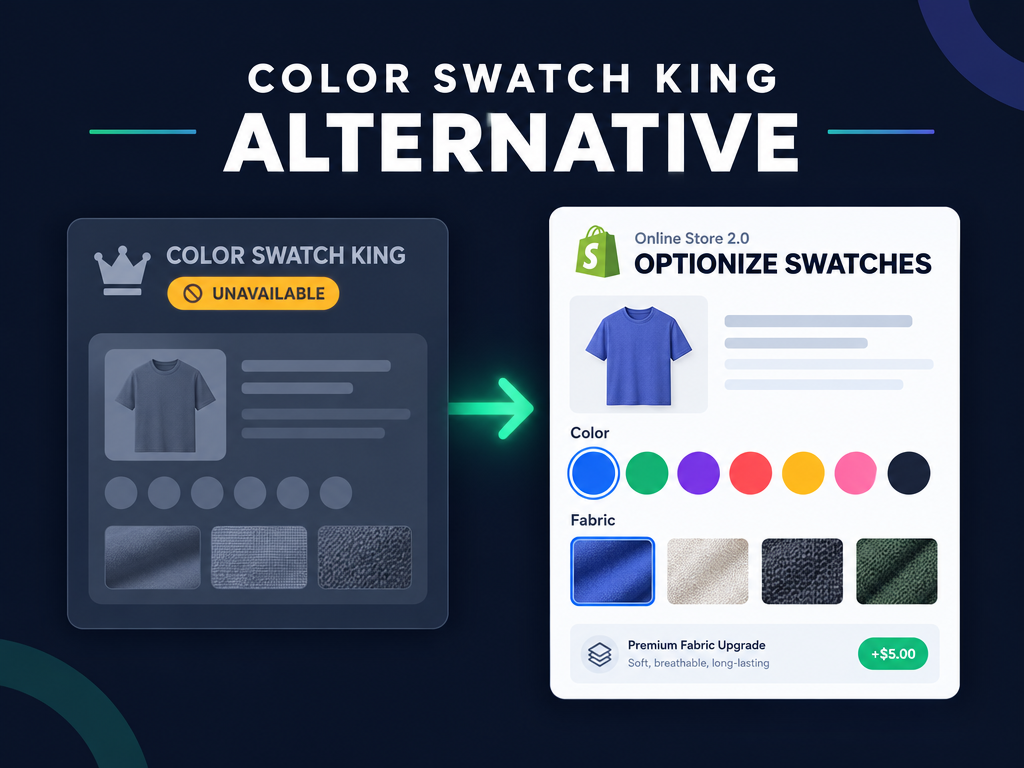
Color Swatch King Alternative for Shopify: Best Replacements (2026)
Need a Color Swatch King alternative after its October 2026 removal? Compare native OS 2.0 swatches, Optionize custom swatches, and variant picker apps.

Best Shopify Product Option Apps Compared (2026): 8 Tools Tested
We tested the best Shopify product option apps of 2026 on pricing, features, and inventory syncing so you can pick the right one for your growing store.
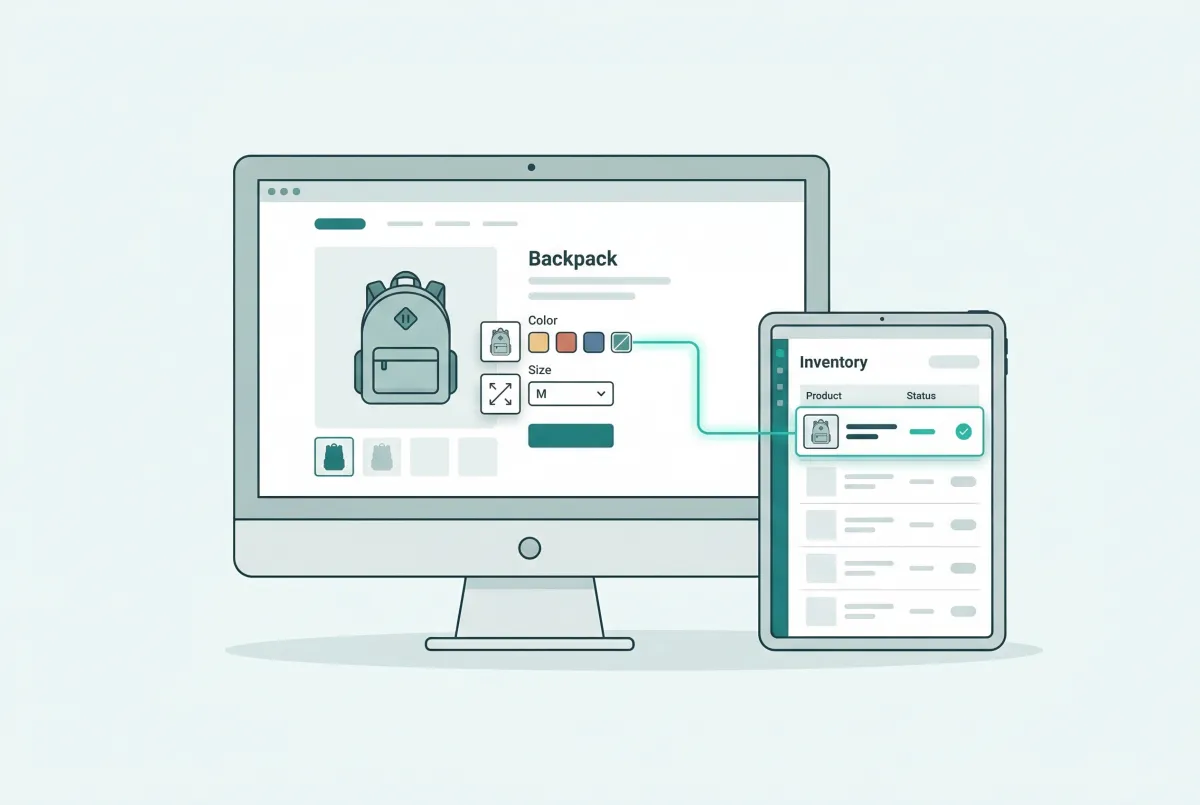
How to Add Custom Product Options to Your Shopify Store (Without Breaking Inventory)
Learn how to add custom product options to your Shopify store using native settings, apps, or line item properties, plus what the 2,048 variant limit means.
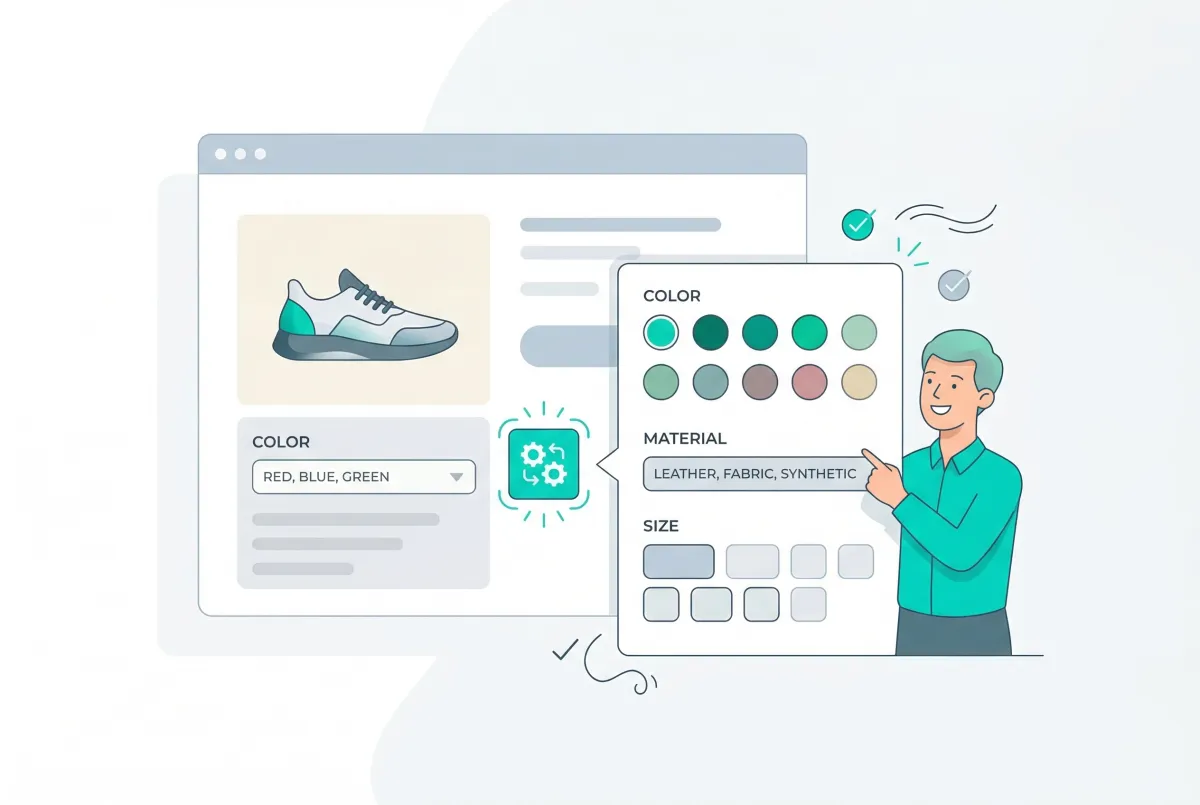
Shopify Product Options Limitations: What Merchants Can't Do Natively (And How to Fix It)
Shopify product options limitations block text inputs, file uploads, and conditional logic natively. Here is every restriction explained and how to fix it.
How to Set Up Conditional Product Options on Shopify (2026)
Show or hide Shopify product options based on what shoppers pick. Native variants cannot do this; here is how conditional logic works and how to set it up.
How to Add a File Upload to Shopify Product Pages (3 Methods for 2026)
Add a file upload to Shopify product pages with theme code, a product options app, or an upload app. Compare limits, costs, and where files land on orders.