
Color Swatch King Alternative for Shopify: Best Replacements (2026)
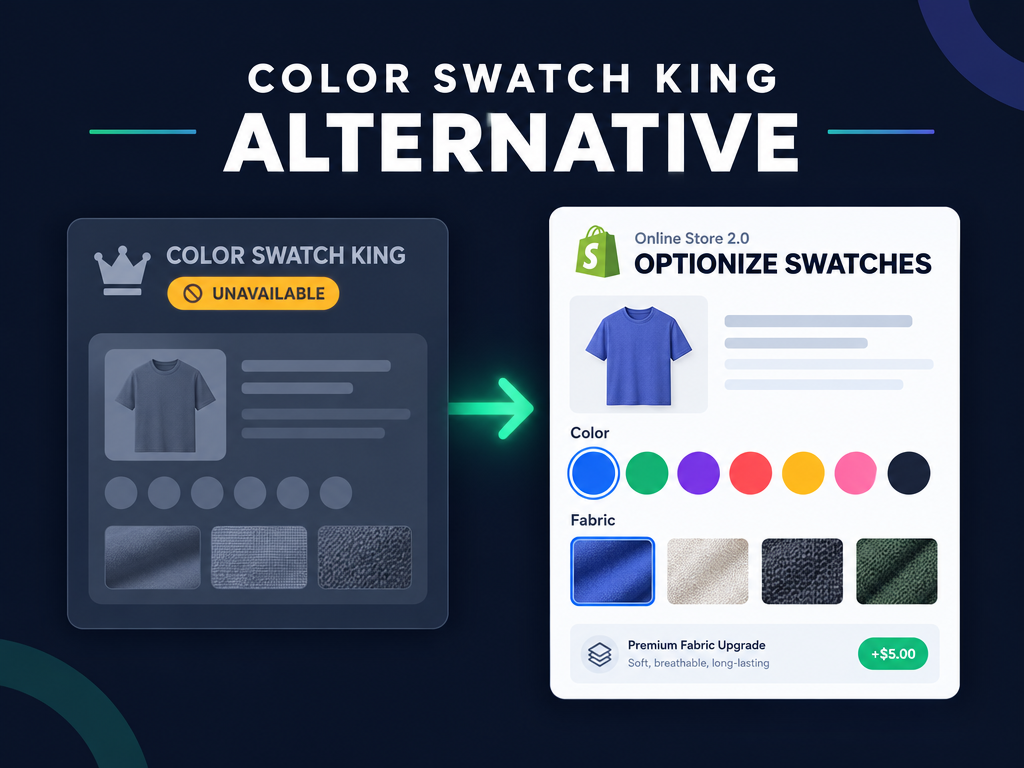
Finding a reliable Color Swatch King alternative became an unexpected priority for thousands of Shopify stores when StarApps' Color Swatch King: Variants listing became unavailable on the Shopify App Store on October 18, 2026. Because visual color and fabric swatches sit directly inside the product buying flow, leaving an unlisted app in charge of your variant pickers creates unnecessary risk right before peak holiday traffic. This guide explains what happened in October 2026, breaks down the three architectural ways to handle swatches on Shopify, and shows how to switch to Optionize Product Options or a dedicated variant picker replacement without slowing down your storefront.
What happened to Color Swatch King on the Shopify App Store in October 2026?
On October 18, 2026, Color Swatch King: Variants (developed by StarApps, with 3,194 reviews and a 5.0-star rating at removal) was delisted from the Shopify App Store. Visiting the listing URL now returns Shopify's standard unavailable app notice, meaning new stores cannot install it and existing merchants must decide whether to keep running an unlisted storefront script.
According to Revenue Shield's tracker of the 478 Shopify apps removed between October 14 and October 22, 2026, Shopify gave no public reason for Color Swatch King's removal, and StarApps was not among the three vendors that confirmed unauthorized code in the October checkout hijack. Even so, running a delisted app on your product and collection templates carries real operational risks during fourth-quarter promotions.
When an app is delisted from the Shopify App Store, theme updates, Online Store 2.0 block changes, or new catalog imports can cause swatch scripts to fail silently without App Store billing or update support. If you already replaced other delisted customization tools this month, pair this guide with our Hulk Product Options alternative and switching checklist so your entire product form runs on verified Built for Shopify extensions.
Do you need a Variant Swatch King alternative or native Online Store 2.0 swatches?
Choosing the right Variant Swatch King alternative starts with separating three different jobs that merchants often lump together: restyling native Shopify variant dropdowns, adding unlimited custom option swatches without creating variants, and linking separate product URLs together as color swatches. Picking the wrong tool type either wastes monthly app fees on features your theme already includes for free or forces you into Shopify's three-option ceiling.
Before installing another app, check which of these three architectures matches how your catalog is built:
- 1. Native Online Store 2.0 category metafield swatches (Free, built into Shopify): Modern free Shopify themes like Dawn and Horizon now support native color and image swatches tied to Shopify's standard product taxonomy and category metafields. If your product only has 1 to 3 options (such as Size and Color), stays under 2,048 total variants, and uses a current Online Store 2.0 theme, you may not need a third-party app at all for basic variant circles.
- 2. Custom product option swatches and linked add-on products (Optionize): If your products need more than 3 option categories, custom image or fabric swatches that do not multiply your variant count, conditional logic that reveals matching trim swatches based on an earlier choice, or paid swatch upgrades (such as +$10.00 for metallic foil or linking an Active accessory SKU), a custom product options app like Optionize solves the job cleanly.
- 3. Dedicated variant-picker and collection-grid swatch apps (GLO, Swatches Dotify, Swatchy): If your catalog splits each color into a separate Shopify product URL for collection-grid SEO and you want collection cards to display clickable variant image thumbnails with automatic out-of-stock strikethroughs, a dedicated variant-picker app is built for that workflow.
Hot take: Half the stores searching for a Color Swatch King replacement only needed visual circles for a basic Size and Color matrix that Online Store 2.0 category metafields now render for free, while the other half were fighting Shopify's 3-option limit and actually needed a non-variant custom options app all along.
How do Shopify's 3-option and 2,048-variant limits affect color and image swatches?
Shopify allows up to 2,048 variants per product across all plans, but it still enforces a strict maximum of 3 native option categories per product. Whenever you add a fourth customization choice, or when combining multiple swatch groups would create thousands of unmanageable SKUs, native variant swatches hit a hard wall.
We break down the math behind variant multiplication in our guide to Shopify product options limitations and how to fix them. Suppose you sell a custom leather bag where shoppers pick Base Leather (15 colors), Lining Fabric (12 patterns), Hardware Finish (4 metals), Strap Style (6 options), and Monogram Foil Color (8 swatches). That is five separate option categories and 34,560 possible combinations.
Native Shopify variants fail on both counts: you cannot add options four and five natively, and you cannot exceed 2,048 combinations. By moving your non-SKU customization choices (such as Lining Fabric, Strap Style, and Monogram Foil Color) into custom product options that do not break inventory, your core product keeps a clean variant list while shoppers still click visual color and image swatches on the product page.
Which Color Swatch King alternative fits your Shopify store best in 2026?
No single swatch tool fits every catalog, so the strongest replacement depends on whether you need unlimited custom option swatches with conditional logic and add-on pricing, or a dedicated collection-grid variant restyler. We checked every app's live Shopify App Store listing, Built for Shopify status, rating, review count, and published pricing on October 27, 2026. For a broader look at product personalizers, see our comparison of 8 Shopify product option apps.
1. Optionize Product Options: Best for unlimited color and image swatches beyond 3 options, conditional logic, and flat $9.99/mo Pro pricing
Optionize Product Options carries Shopify's Built for Shopify badge and holds a 4.4-star rating across 95 reviews on the Shopify App Store when we checked on October 27, 2026. It is the strongest pick when your swatches are custom product options, material upgrades, or conditional selections rather than basic 3-option native variants.
According to the Optionize option types documentation and option values guide, Optionize gives you complete control over visual swatches and choice layouts:
- Color swatch and Image swatch option types on Free: Optionize includes all 21 option types on its Free plan ($0/month forever), including dedicated Color swatch circles, Image swatch thumbnails (for fabric textures, wood grains, or print patterns), Button rows, Dropdowns, Radio buttons, Checkboxes, File uploads, and Text boxes.
- Flexible layout and selection rules: Every swatch option can be sized from 25% to 100% width so two swatch pickers can sit side by side, marked Required, pre-selected with a Selected by default value, or configured with minimum and maximum selected values.
- Add-on pricing and Active product linking on Pro ($9.99/month): On the Pro plan ($9.99/month with a 7-day free trial, or $89.99/year at about 25% off), any color or image swatch value can carry a flat Add-on price (such as +$5.00 for metallic thread) or link directly to an Active Online Store product in your Shopify catalog so inventory is tracked on the linked SKU and out-of-stock linked options can be greyed out automatically via the Disable unavailable options setting.
- Conditional logic and reusable templates: On Pro, you can show or hide entire swatch groups based on earlier answers, start from 9 pre-built templates, and export or import option sets via JSON across stores.
Trade-offs to know: Optionize adds custom product options and linked add-on products on product pages rather than restyling collection-grid cards or grouping separate parent products into native variant URL switchers on collection pages. If your only goal is showing clickable color dots under every product card on a collection grid, pair native variants with a collection swatch tool below.
2. GLO Color Swatch Variant Image: Best for collection-page variant swatches and grouping separate products
GLO Color Swatch Variant Image is Built for Shopify certified and holds a 4.9-star rating across 1,911 reviews on the Shopify App Store as of October 27, 2026. Its Free plan covers unlimited products, basic color swatches, collection-page variant display, out-of-stock hiding, and 1 product group, while paid plans cost $9.90/month (Silver, adding image swatches, variant image preview, and 6+ display styles) and $19.90/month (Gold, adding unlimited product groups and bundle combos) with a 7-day free trial.
Trade-offs to know: GLO is built around native Shopify variants and product grouping. It locks image swatches and automated variant image previews behind the $9.90/month tier, and it does not provide non-variant custom inputs like engraving text boxes, file uploads, or dimension calculators.
3. Swatches Dotify: Best for straightforward product and collection dropdown replacement
Swatches Dotify by Webyze carries the Built for Shopify badge and holds a 4.5-star rating across 79 reviews on the Shopify App Store as of October 27, 2026. It offers a single Standard Plan at $7.99/month (or $79.99/year) with a free trial, automatic color variant detection, collection page swatches, and sold-out variant styling.
Trade-offs to know: Swatches Dotify has no free plan, does not bypass Shopify's 3-option limit with non-variant custom option sets, and does not include conditional logic trees or custom file upload fields.
4. Swatchy Color Swatches: Best for budget 1-product testing and variant image switching
Swatchy Color Swatches by OrichiCommerce is Built for Shopify certified and holds a 4.6-star rating across 26 reviews on the Shopify App Store as of October 27, 2026. Its Free plan covers 1 product, while its paid tier costs $8.99/month (with a 7-day free trial) for unlimited product variants, product grouping, and collection/home page swatch display.
Trade-offs to know: Like GLO and Swatches Dotify, Swatchy is a variant-picker display utility rather than a full custom product options builder, and its Free tier is limited to a single product.
How do you switch from Color Swatch King to Optionize without theme clutter?
Switching your product-page customization swatches to Optionize takes four steps and injects zero code into your Liquid theme files. Because Optionize uses Online Store 2.0 app embeds and optional app blocks, your theme stays fast and clean even if you switch templates later.
Before you build your first swatch set, decide whether your color choices should change the main product photo or simply attach a customization choice to the order. When a color choice represents a stocked base item with its own gallery photo and SKU, keep that choice as one of your three native Shopify options and let your Online Store 2.0 theme render the native variant swatch. When the swatch represents a made-to-order finish, trim, thread color, gift box ribbon, or hardware upgrade that applies across dozens of products, building it as a reusable Optionize option set saves hours of catalog maintenance and prevents variant bloat.
You can also assign a single Optionize swatch set to an entire collection or product tag automatically. Instead of editing fifty product listings one by one when a seasonal leather color goes out of stock, you update the swatch once inside your shared Optionize option set and every assigned product page reflects the change immediately.
Follow this step-by-step workflow to replace your product page swatches cleanly:
- Audit and disable leftover Color Swatch King embeds: In your Shopify admin, go to Online Store, then Themes, then Customize, and open the App embeds panel. Toggle off the old Color Swatch King embed before enabling your replacement so two scripts do not fight over your product form.
- Create your Color swatch and Image swatch option sets in Optionize: Open Optionize, go to Option sets, and click Create option set (or pick one of the 9 ready-made templates). Add a Color swatch option for solid colors or an Image swatch option for textured thumbnails, add each option value with its label and color or image, and drag values to reorder them.
- Connect conditional logic, add-on prices, or linked products (Pro): If certain swatch choices should only appear after a customer selects a specific base style, enable conditional product options on Shopify inside the option settings. If a premium swatch costs extra, enter an Add-on price or link an Active Online Store product (and turn on Disable unavailable options in Settings so out-of-stock linked items grey out automatically). Need customers to upload custom print artwork alongside their color choice? Add a File upload field using our Shopify product page file upload walkthrough.
- Enable the Optionize app embed and verify checkout: Click Enable app embed on the Optionize home page, save your theme, and place a test order on mobile and desktop to confirm every selected swatch label and add-on line item flows cleanly into your Shopify order and packing slip.

Optionize Product Options
SponsoredUnlimited product options for your store. Easy, powerful customization.
Related Articles
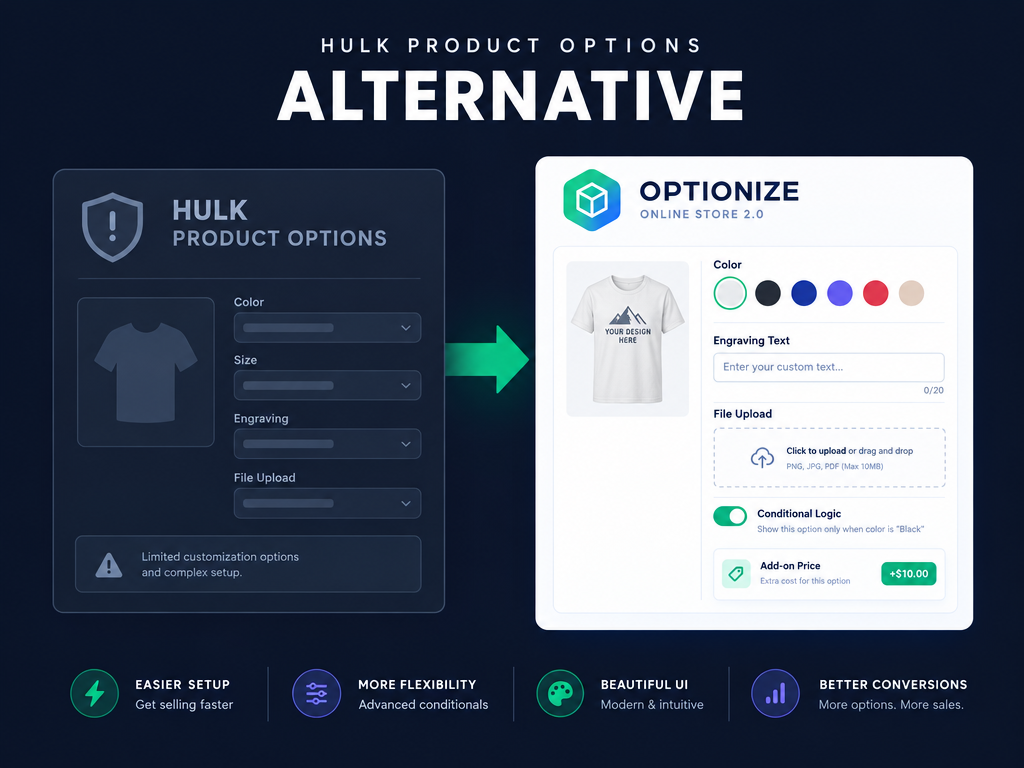
Hulk Product Options Alternative: How to Switch on Shopify (2026)
Looking for a Hulk Product Options alternative on Shopify? Compare top replacements, audit your storefront, and rebuild custom option sets and add-on fees.

Best Shopify Product Option Apps Compared (2026): 8 Tools Tested
We tested the best Shopify product option apps of 2026 on pricing, features, and inventory syncing so you can pick the right one for your growing store.
How to Add Custom Product Options to Your Shopify Store (Without Breaking Inventory)
Learn how to add custom product options to your Shopify store using native settings, apps, or line item properties, plus what the 2,048 variant limit means.

Shopify Product Options Limitations: What Merchants Can't Do Natively (And How to Fix It)
Shopify product options limitations block text inputs, file uploads, and conditional logic natively. Here is every restriction explained and how to fix it.
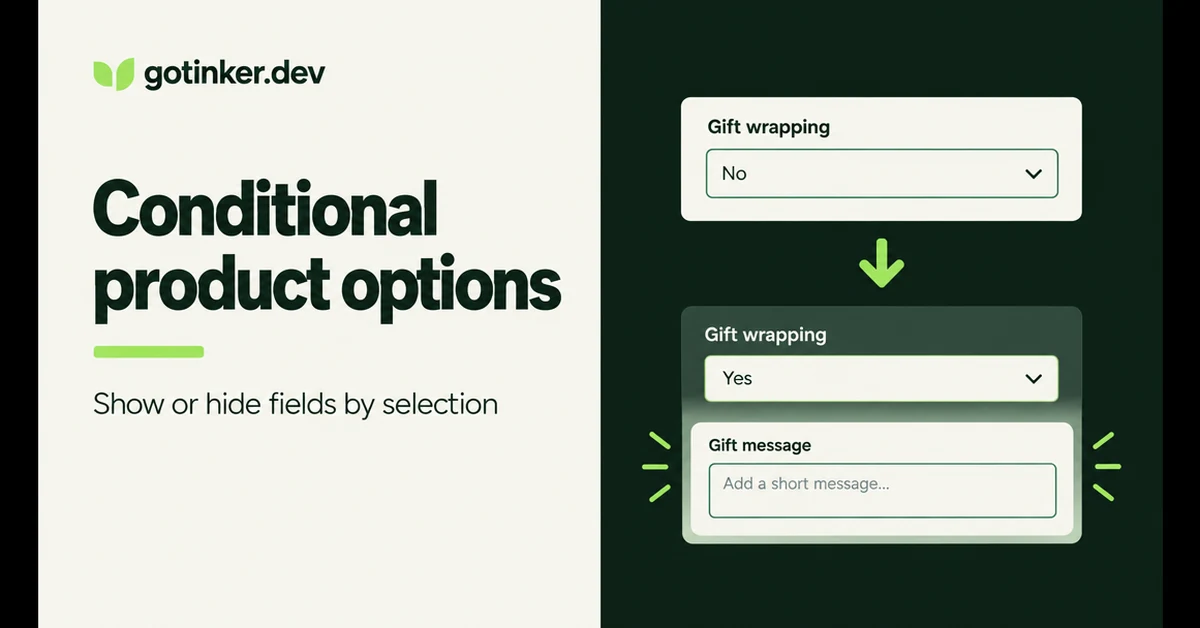
How to Set Up Conditional Product Options on Shopify (2026)
Show or hide Shopify product options based on what shoppers pick. Native variants cannot do this; here is how conditional logic works and how to set it up.
How to Add a File Upload to Shopify Product Pages (3 Methods for 2026)
Add a file upload to Shopify product pages with theme code, a product options app, or an upload app. Compare limits, costs, and where files land on orders.