
Bold Discounts Alternative for Shopify: Schedule Flash Sales (2026)
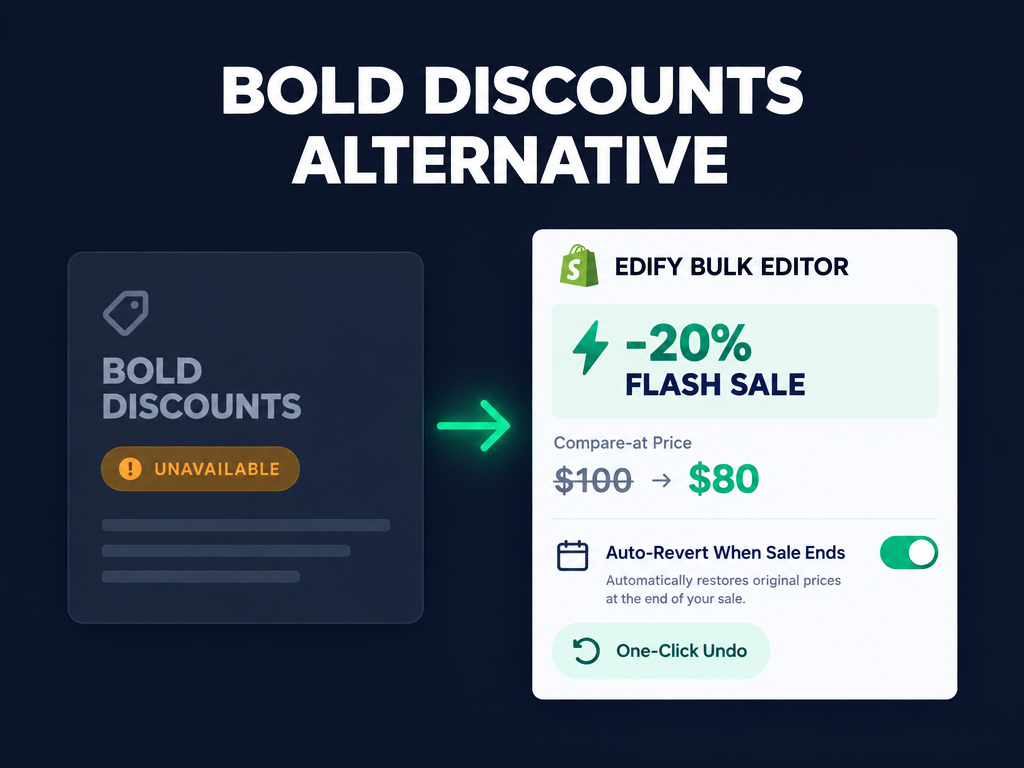
Finding a reliable Bold Discounts alternative became an urgent pre-holiday task for hundreds of Shopify merchants when Bold Discounts: Flash Sales (517 reviews) and Bold Custom Pricing (571 reviews) were both delisted from the Shopify App Store on October 15, 2026, followed by Tag Genie (14 reviews) on October 21, 2026. With Black Friday and Cyber Monday weeks away, running storewide markdowns or collection flash sales on an unlisted app is a gamble your margins cannot afford. This guide explains what changed in the October 2026 App Store removals, why true compare-at price edits outperform checkout-only discounts, and how to schedule auto-reverting flash sales and bulk tag edits with Edify Bulk Product Editor.
What happened to Bold Discounts and Tag Genie on the Shopify App Store in October 2026?
On October 15, 2026, Bold Discounts: Flash Sales (517 reviews), Bold Custom Pricing: Wholesale B2B (571 reviews), and Bold Bundles (266 reviews) were removed from the Shopify App Store, and Tag Genie: Edit and Automate (14 reviews) was delisted six days later on October 21, 2026. Visiting their App Store pages now shows that each app is currently unavailable for new installations.
According to Revenue Shield's audit of the 478 Shopify apps delisted between October 14 and October 22, 2026, neither Bold nor Tag Genie was named among the three vendors that confirmed unauthorized checkout-redirect code. However, because delisted apps stop receiving public App Store listing updates and can run into API or theme conflicts during high-concurrency sales, merchants preparing Black Friday campaigns are actively switching to supported Built for Shopify and modern bulk-editing tools.
If your promotional workflow relied on Bold Discounts to drop prices for a 48-hour flash sale and Tag Genie to apply collection tags like bfcm-deal or clearance, you do not need two separate apps to replace them. A modern bulk product editor handles both scheduled price markdowns and bulk tag automation in one dashboard, which we cover alongside our guide to running a Shopify sale without destroying your margins.
Why do compare-at price flash sales convert better than native automatic discounts?
Editing variant prices and compare-at prices directly on your catalog displays visible strikethrough savings on collection grids, search results, and Google Shopping feeds, whereas native Shopify automatic discounts often hide the markdown until the shopper adds the item to their cart. Shoppers scanning a Black Friday collection page decide whether to click in seconds based on the visible price tag.
We break down the psychology of strikethrough anchoring in our guide to compare-at pricing on Shopify and how to show discounts that convert. When you evaluate how to run a flash sale on Shopify in 2026, you have three technical mechanisms to choose from:
- 1. Native Shopify automatic discounts and Rollouts: Native automatic discounts apply in the cart or at checkout without changing your catalog prices. As we explain in our walkthrough on scheduling Shopify discounts with Rollouts, native discounts are fast to set up for cart-level rules, but many themes do not render strikethrough compare-at prices on collection cards for automatic discounts alone.
- 2. Legacy draft-order or storefront script discount apps: Older discount apps used variant duplication or storefront JavaScript overlays to fake sale prices. Those approaches often broke inventory syncing, conflicted with Shopify Markets, or left orphan variants behind if an app crashed mid-sale.
- 3. Scheduled bulk price edits with automatic revert (Edify, GetSale, Disco): Modern bulk price editors update the real Shopify Price field on each matched variant, round it to clean endings like $X.99 or $X.95, record the exact pre-sale price in a task log, and automatically restore every variant's original price at the scheduled end time.
Hot take: Most merchants who think they need a dedicated $29.99/month flash-sale widget app actually just need a $9.99/month scheduled bulk editor that drops real variant prices, rounds them to .99, adds a sale tag for their automated collection, and auto-reverts the whole task when the clock runs out.
What should you look for in a Bold Discounts alternative before Black Friday?
A dependable Bold Discounts alternative must let you filter products or variants precisely, preview every old-to-new price change before execution, schedule start and auto-revert times in your store timezone, and undo any completed task in one click. Running blind bulk price changes without a per-variant preview is the fastest way to misprice a catalog on Black Friday morning.
Before installing a replacement app, verify that it covers these five operational safeguards:
- Granular Product and Variant filtering with AND/OR logic: Can you target whole products by Collection, Vendor, Tag, Product type, or Status, or switch to Variant mode to filter by SKU, Barcode, Charge tax, Inventory, or variant-level Price?
- Item-by-item preview before running or scheduling: Does the app lock the Run and Schedule buttons until the preview finishes loading, and can you click any product to inspect each variant's exact old value and new value before a single price changes?
- Chained price math plus psychological rounding: Can you decrease prices by a percentage (such as 20% off) and round the result to $X.99, $X.95, or $X.00 in the same task, while chaining a Tags action so discounted items automatically enter your Sale collection?
- Timezone-aware scheduling with automatic revert: Can you set a Run at start time and tick Automatically revert changes after a specified time so prices return to their exact pre-sale numbers without midnight manual work?
- Verified rollback and retry on partial failures: When a sale ends or you click Revert in History, does the app read every item back from Shopify to confirm each price, compare-at price, and tag is marked Restored, with a Retry failed items button if Shopify rate-limits a large catalog?
Which Bold Discounts alternative fits your Shopify store best in 2026?
The right replacement depends on whether you want an all-in-one catalog bulk editor that handles scheduled price sales, tags, metafields, and CSV imports for a flat $9.99/month, or a storefront-timer app priced by variant count. We checked each app's live Shopify App Store listing, rating, review count, and pricing on October 27, 2026. For a broader look at catalog editors, see our comparison of the best Shopify bulk product editor apps.
1. Edify Bulk Product Editor: Best for scheduled flash sales with auto-revert, chained tag automation, and one-click undo at $9.99/mo
Edify Bulk Product Editor holds a 4.0-star rating across 3 reviews on the Shopify App Store when we checked on October 27, 2026. It replaces both Bold Discounts and Tag Genie in a single workspace by combining scheduled price and compare-at price edits, bulk tag management, SEO and metafield updates, and verified one-click task rollback.
According to the Edify bulk price editing documentation and scheduled edits guide, here is what each plan includes:
- Free plan ($0/month forever): Includes 10 bulk edits per calendar month, up to 200 products per task, 14-day task history, all standard product and variant fields (including Price, Compare at price, Cost per item, Tags, Status, Title, Description, Vendor, Product type, Product category, SKU, Barcode, Charge tax, Inventory quantity, Image alt text, and Option renames), searchable AND/OR filters, full item-by-item Preview, and one-click manual Revert from History.
- Pro plan ($9.99/month with a 14-day free trial): Includes unlimited monthly edits, up to 10,000 items per task, 90-day task history, Scheduled tasks with Automatically revert changes after a specified time, saved and recurring tasks (daily, weekly, or monthly), CSV product export and import, and bulk editing for Product/Variant Metafields and Google Shopping attributes.
Why former Bold Discounts and Tag Genie users pick Edify: you can chain multiple actions in one scheduled task. For example, in a single task you can decrease Price by 20%, round Price to $X.99, and use Tags and Add tags to add flash-sale so matched products appear in your automated Sale collection when the sale starts and automatically lose the tag and return to their exact original prices at the Revert at timestamp.
Trade-offs to know: Edify is a back-office catalog, price, and tag bulk editor rather than a storefront banner app, so it does not inject countdown timers or pop-up badges onto your theme. Also, as noted in Edify's price documentation, Edify does not automatically copy a variant's current price into an empty Compare at price field during a percentage decrease (operations other than Set to value skip empty compare-at prices), so if your variants do not already have compare-at prices populated, set them first via Compare at price and Set to value or Edify's CSV import/export before scheduling your percentage markdown.
2. GetSale Bulk Discounts and Sales: Best for stores wanting built-in countdown timers and EU Omnibus tracking
GetSale Bulk Discounts and Sales carries the Built for Shopify badge and holds a 4.9-star rating across 331 reviews on the Shopify App Store as of October 27, 2026. Its Free plan covers up to 75 variants and 3 campaigns, while paid plans cost $9.99/month (up to 500 variants and 10 campaigns), $19.99/month (up to 1,500 variants and 30 campaigns), and $29.99/month (unlimited variants, discount code blocking, and Market-specific discounts) with a 5-day free trial.
Trade-offs to know: GetSale meters its lower tiers strictly by variant count (capping the $9.99/month tier at 500 variants, whereas Edify Pro covers up to 10,000 items per task for $9.99/month), and it cannot bulk edit product tags, descriptions, metafields, inventory, or Google Shopping fields.
3. Disco Flash Sale Bulk Discount: Best for auto-generating a dedicated flash-sale landing page
Disco Flash Sale Bulk Discount is Built for Shopify certified and holds a 4.8-star rating across 106 reviews on the Shopify App Store as of October 27, 2026. Its Starter plan is free for up to 30 discounted products and 2 campaigns, while standard paid tiers run $9.99/month (Lite, 300 products), $17.99/month (1,500 products), and $25.99/month (7,500 products and discount code blocking), with promotional first-month trial pricing and a 3-day free trial.
Trade-offs to know: Like GetSale, Disco charges more as your catalog grows and focuses exclusively on sale campaigns rather than general catalog, tag, and metafield bulk editing.
4. Smart Bulk Price Editor: Best for budget single-field price scheduling
Smart Bulk Price Editor is Built for Shopify certified and holds a 4.7-star rating across 17 reviews on the Shopify App Store as of October 27, 2026. Its Free plan covers up to 100 products and 1 active campaign, while Pro costs $8/month (or a $50 one-time lifetime charge) for unlimited products and scheduled price reverts.
Trade-offs to know: Smart Bulk Price Editor is limited to price and compare-at price adjustments and does not support chained tag edits, SEO updates, metafields, option renaming, or CSV catalog round-tripping.
How do you schedule an auto-reverting flash sale and bulk tag edit in Edify?
Scheduling a flash sale that automatically restores your original prices and tags takes six steps in Edify. For additional ways to structure promotional price updates, see our guide to scheduling bulk price changes on Shopify.
- Confirm your scheduling timezone: In Edify, open Settings and check the Scheduling timezone card to make sure your store timezone is selected before setting sale times.
- Choose Products or Variants and set your filters: Open Bulk Edit. Keep Products selected if you want to discount every variant of matched products (filtering by Collection, Vendor, Tag, or Product type with AND or OR), or switch to Variants to filter by variant-specific Price, SKU, or Inventory (keep the filter toggle on AND when using a Price filter in Variants mode).
- Stack your Price, Rounding, and Tag actions: In Edit actions, set Action 1 to Price and Decrease by % (for example, 20). Click Add action and set Action 2 to Price, Round price, and $X.99 so discounted numbers end cleanly. Click Add action again and set Action 3 to Tags and Add tags (for example, bfcm-flash-sale) so discounted products populate your automated sale collection.
- Inspect the item-by-item Preview: Wait a moment for the Preview panel on the right to load (Edify keeps Run now and Schedule disabled until the preview finishes). Click any product in the preview list to verify each variant's exact starting price and final rounded sale price.
- Schedule the start and auto-revert times (Pro): Click Schedule, set Run at to your flash sale launch time, tick Automatically revert changes after a specified time, set Revert at to when the sale ends, and click Schedule.
- Monitor History or undo anytime in one click: Open History to see your task marked Scheduled (and later Completed and Reverted). When the revert runs, Edify reads each item back from Shopify to verify every price and tag is marked Restored, and you can export the full before-and-after change log to CSV or follow our Shopify bulk edit recovery guide if you ever need to roll back a manual edit early.
Related Articles

Best Shopify Bulk Product Editor App in 2026: 4 Compared on Undo and Price
Which Shopify bulk product editor app fits your store in 2026? Matrixify, Ablestar, Hextom, and QuickEdit compared on undo, backups, pricing, and limits.
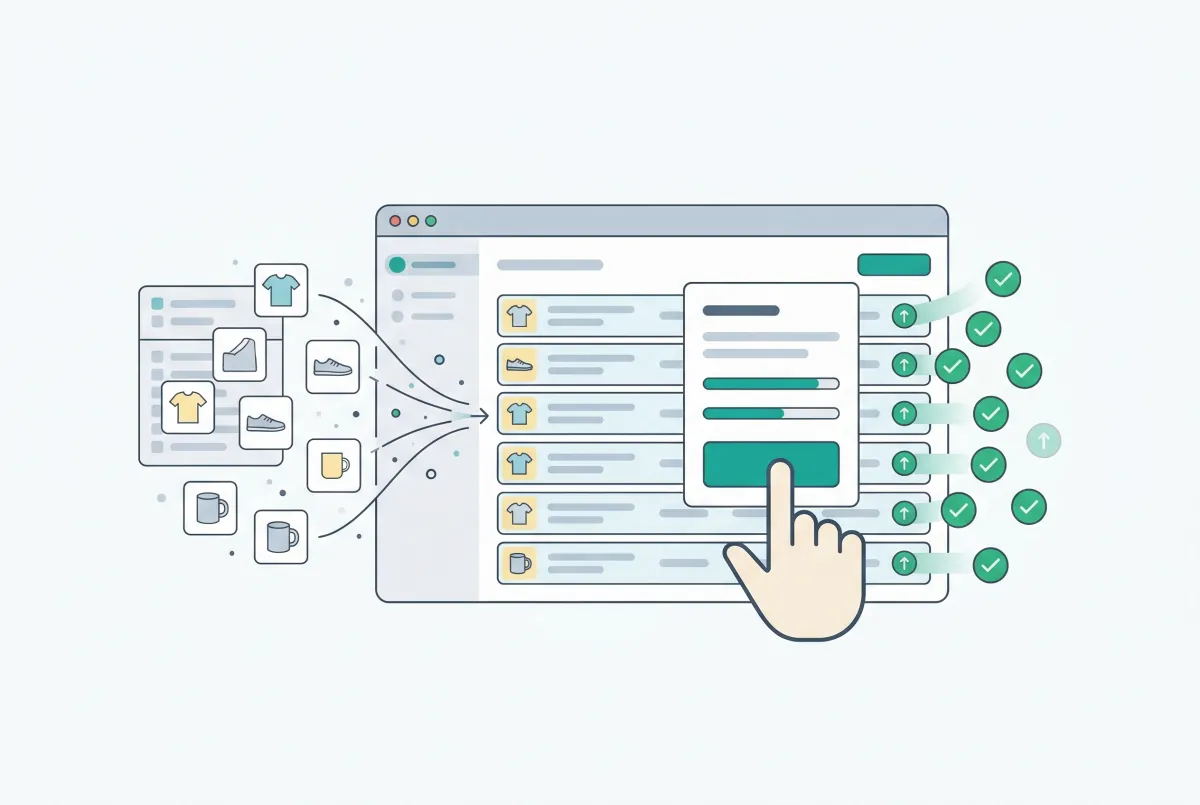
Shopify Bulk Product Editing: The Complete Guide to Updating Your Catalog Fast
Master Shopify bulk product editing with the native editor, CSV imports, and third-party apps. Update prices, tags, and descriptions across your catalog fast.

How to Schedule Bulk Price Changes on Shopify (3 Methods That Actually Work)
Three methods to schedule bulk price changes on Shopify: native bulk editor, CSV import, and dedicated apps. Stop updating prices one by one at midnight.
How to Undo a Bulk Edit in Shopify (2026 Recovery Guide)
Undo a bulk edit in Shopify with CSV restore or an app that logged before-values. Revert safely and prevent the next catalog mishap. Keep a CSV backup.
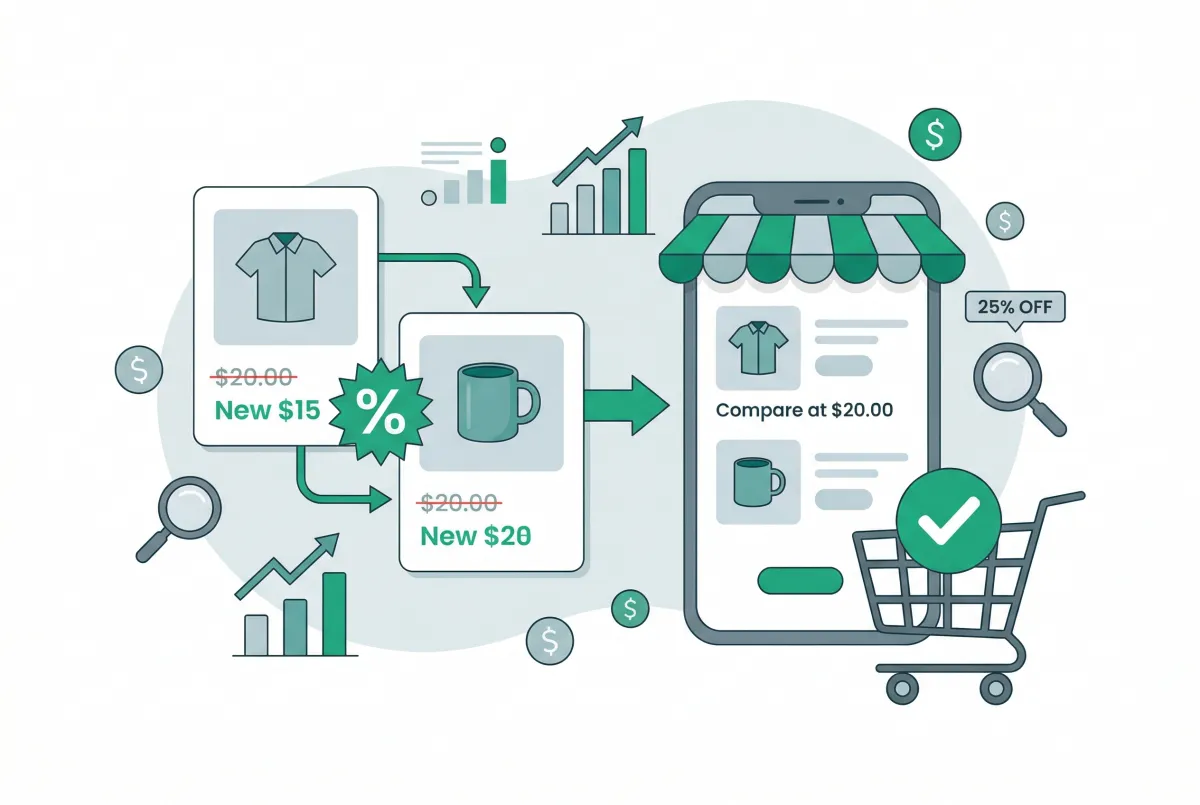
Compare-at Pricing on Shopify: How to Show Discounts That Actually Convert
Learn how compare-at pricing on Shopify works, how to set it up correctly, and the strategies that turn strikethrough pricing into real conversions.
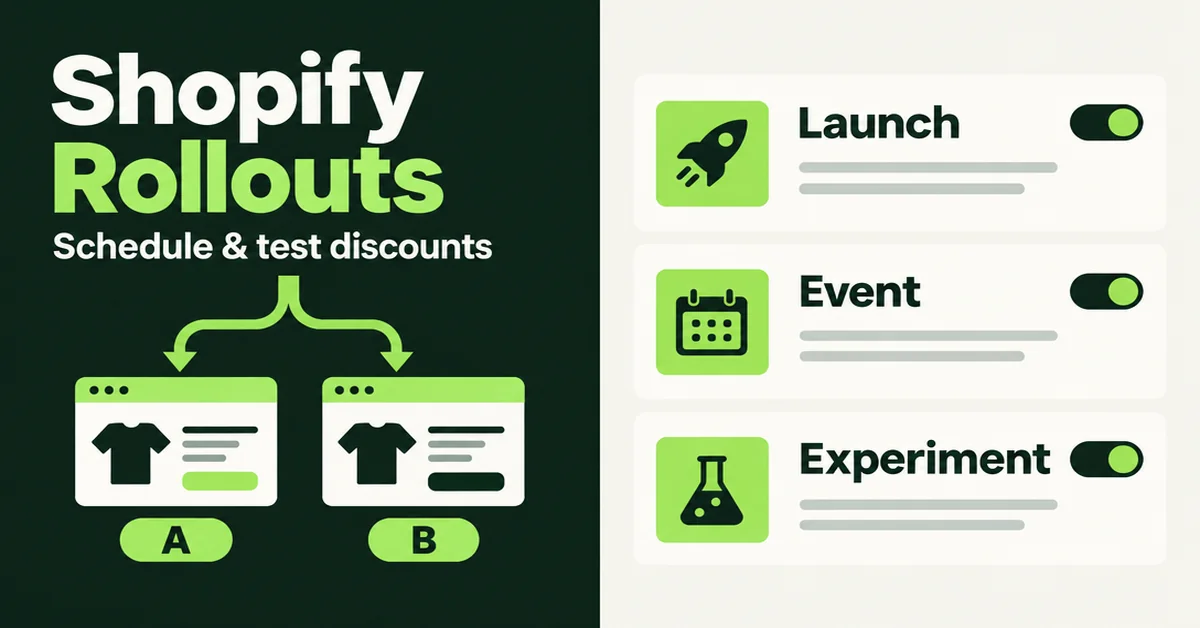
How to Schedule and Test Shopify Discounts with Rollouts (2026)
Schedule and test Shopify discounts with Rollouts in 2026: Launch, Event, or Experiment setup, analytics limits, and margin checks before you scale up.