
Shopify Variant Limit Reached? 2,048 Cap, 3 Options and Daily Limit (2026)
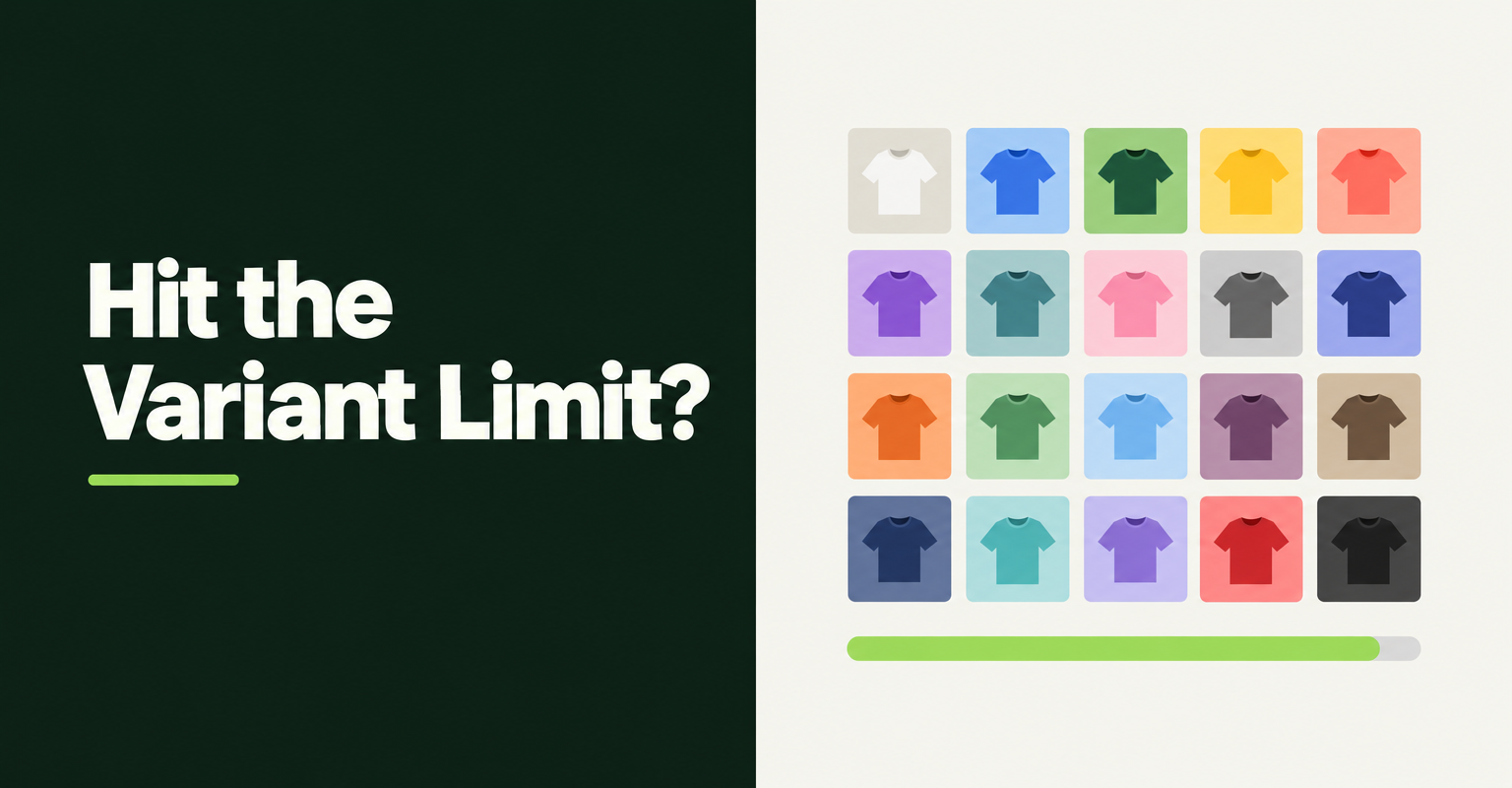
The Shopify variant limit is 2,048 variants and three options per product, and very large stores also face a separate daily cap on uploading new variants. If an import stopped with a "variant creation limit reached" message, you almost certainly hit the daily cap, not the per-product limit. This guide shows which one you hit and how to get past it. Facts checked on Nov 4, 2026.
What is the Shopify variant limit in 2026?
A Shopify product can have up to 2,048 variants and up to three options, according to the Shopify Help Center. Shopify announced the raise from 100 to 2,048 variants on October 15, 2025, and the Admin API docs list 2048 as the default per product.
The page we checked states no separate cap on values per option, so the combined total is what counts. Three options with 12 values each make 1,728 variants and fit. Three options with 13 values each make 2,197 and do not.
Which Shopify variant limit did you hit?
Match the symptom to the limit before you change anything.
- Cannot add a fourth option: the three-option cap. It applies to every product.
- Cannot add more combinations to one product: the 2,048 variants per product cap.
- Import pauses with a "variant creation limit" message: the daily creation cap on the whole store.
The first two are fixed by changing how the product is built. The third is fixed by timing and batching.
What does "daily variant creation limit reached" mean?
It means Shopify is throttling how many new variants your store can create in 24 hours. The Shopify Help Center says stores with 500,000 or more variants face a daily rate limit of 10,000 new variants when uploading by app or CSV import, and Shopify Plus stores are exempt.
Older posts quote a tighter rule of 1,000 per day once a store passes 50,000 variants. Matrixify's page on the limit still lists both sets of numbers, and a merchant in a June 2026 Shopify developer community thread reported the 1,000 per day figure (user-reported). We could not confirm which applies to your store, so treat the number in your importer's message as the one to plan around.
The cap counts new variants only. Matrixify's docs say updates to existing products do not count against it.
How do you fix the daily variant limit during an import?
Stop retrying, let the limit reset, and finish the import in smaller batches. Migratify's documentation says the daily limit resets on its own, products already imported are safe, and you re-run the remaining URLs after a few hours.
- Wait: Migratify pauses importing and shows a banner for up to 24 hours.
- Re-run the leftovers: only the products that did not land need another pass.
- Batch across days: split very large imports so no single day creates too many variants.
- Automate the retry: Matrixify's "Continue importing the next day" option reschedules failed items after 24 hours.
- Ask for an exemption: a Shopify staff reply in the thread above says the only current exemption is generally for Plus, with non-Plus cases reviewed individually by support and not guaranteed.
Hot take: A product that needs thousands of variants is usually a catalog design problem, not a Shopify problem. Splitting by the attribute shoppers compare first, such as color, gives cleaner pages and avoids the cap.
Can you get more than three options on a Shopify product?
Not natively. Shopify caps every product at three options, so the fix is to move a dimension elsewhere. Shopify's combined listings link up to 60 separate products into one listing with up to 3 listing-level options, but the Combined Listings app is available only on Plus and enterprise plans.
On other plans, a product options app can capture extra choices as order data instead of variants. Our guide to Shopify product options limitations covers the trade-offs.
If you are weighing a plan change only to escape these limits, compare the cost against simply batching. Plus removes the daily upload cap, but it does not raise the 2,048 variant or three option limits that the Help Center lists without a plan exception.
How do you avoid variant limits when migrating products to Shopify?
Count variants in the source catalog first, then import as drafts in batches. Migratify's documentation says products from Amazon and Etsy carry at most 100 variants each, a single Shopify-store import handles up to 10,000 products, and turning off "Set product as active" creates drafts you can review before publishing.
Plan limits matter too. Migratify's Free plan imports up to 5 products in total, and the Standard plan at $14 per month has unlimited imports (checked in its help center and its App Store listing, which shows prices in your billing currency). Shopify's own CSV importer and Matrixify are the usual alternatives for catalogs you already hold as files.
For method choices, see our comparison of Shopify store migration apps and the guide to importing products from a CSV file. If variants arrive wrong rather than blocked, read CSV variant images missing or duplicated and cleaning up product data after a migration. Magento stores can start with configurable products to variants.
How do you audit variant counts before a big import?
Count variants per product in your source file or export, then compare the totals to the limits above. In a CSV, each variant is one row, so a spreadsheet pivot on the product handle column gives the count per product in seconds.
- Per product: flag any handle with more than 2,048 rows, and any product that needs a fourth option.
- Per day: add up the rows you plan to upload in one run. If the total is near the number your importer warned about, split the file.
- Dead combinations: remove size and color pairs you never stocked. Fewer variants import faster and keep the product page easier to shop.
- Test batch: import five to ten products as drafts first and check options, prices, and images before you commit the rest.
What should you do after the import finishes?
Check that the variant counts in Shopify match your source, then publish the drafts in groups. Open a few high-variant products and confirm that every option value, price, and SKU came across, since a product that looks right in the list can still have a missing value or a wrong price.
Keep the import history and the list of URLs or handles that failed so you can re-run only those. Once everything has landed, set the products to active, spot-check the storefront on mobile, and make sure collections and redirects are in place before you promote the new catalog.

Migratify: Copy Products + AI
SponsoredProduct import made easier! Effortlessly migrate products from 100+ platforms.
Related Articles
How to Migrate Magento Configurable Products to Shopify Variants (4 Methods)
Migrate Magento configurable products to Shopify variants with 4 methods: CSV, Matrixify, apps, and URL import. It includes the 3-option audit for 2026.

How to Import Products to Shopify from a CSV File (Without Errors)
Learn how to import products to Shopify from a CSV file without errors. Covers formatting, variants, images, and detailed fixes for every common issue.

Shopify Product Options Limitations: What Merchants Can't Do Natively (And How to Fix It)
Shopify product options limitations block text inputs, file uploads, and conditional logic natively. Here is every restriction explained and how to fix it.

How to Clean Up Product Data After a Shopify Migration (Duplicates, Variants, Tags, and More)
Duplicate products, broken variants, orphaned metafields? Here's how to clean up product data after a Shopify migration, fast and without wrecking SEO.
Shopify CSV Variant Images Missing or Duplicated? How to Fix (2026)
Shopify CSV variant images missing or duplicated after import? Learn why Files re-uploads and ignored columns cause it, and how to fix each one safely.
Best Shopify Store Migration App in 2026: 5 Options Compared
Pick the right Shopify store migration app in 2026. Shopify's free Store Migration app vs LitExtension, Cart2Cart, Matrixify, and Migratify, by what moves.