
Shopify AI Chatbot Giving Wrong Answers? 7 Causes and Fixes (2026)
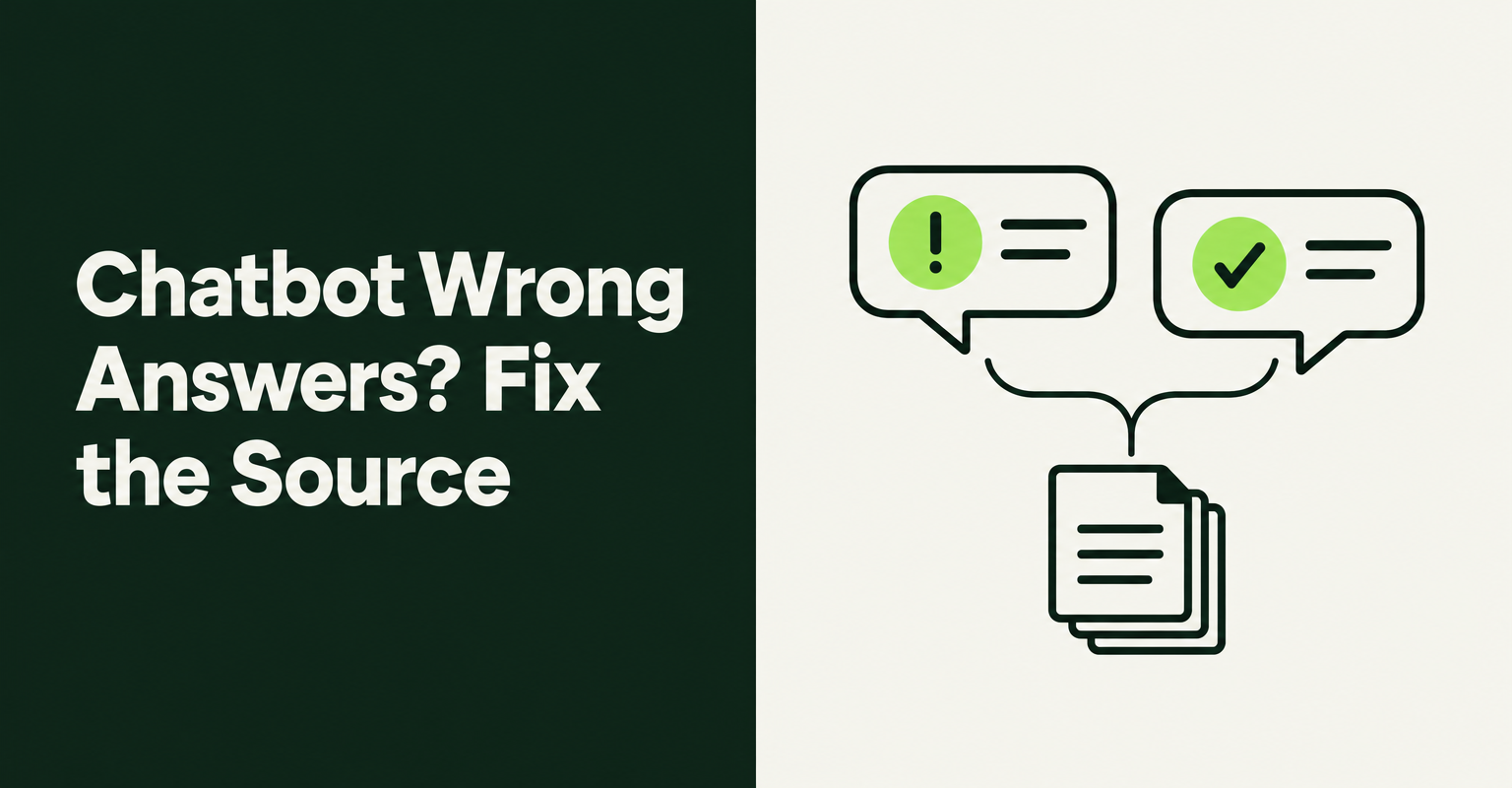
A Shopify AI chatbot giving wrong answers is almost never a mystery. In most cases it is reading a stale page, missing a fact, or allowed to guess when it should hand off. This guide shows how to find which one it is, fix it at the source, and test the bot before shoppers see the next mistake.
We checked the setup and correction tools in Shopify Inbox, Tidio and RagChat on November 19, 2026. GoTinker is an independent publication, and none of these tools is crowned here. The right one depends on your catalog size and how much control you want over sources.
Why is your Shopify AI chatbot giving wrong answers?
A chatbot gives wrong answers when it lacks the right fact, reads an outdated or conflicting one, or is allowed to fill the gap with a guess. Language models are trained in a way that rewards a confident guess over "I don't know", so a gap in your content rarely shows up as silence.
That is the core finding of the research paper Why Language Models Hallucinate (arXiv, September 2025), which argues that "training and evaluation procedures reward guessing over acknowledging uncertainty." Even when a model has the right document in front of it, it can still add details. On Vectara's hallucination leaderboard, which measures how often models add unsupported facts while summarizing a supplied document, rates ran from 1.8% to 24.2% in its October 22, 2026 update.
For a store, the practical takeaway is simple. You cannot remove the guessing tendency, but you control what the bot reads, what it is allowed to answer, and when it must pass the chat to a person.
Are you responsible for what your chatbot tells customers?
Yes, you should assume you are. In Moffatt v Air Canada (2024 BCCRT 149), a Canadian tribunal held the airline liable after its website chatbot described a bereavement refund rule that contradicted the airline's own policy page.
The tribunal said Air Canada "remains responsible for all the information on its website", whether it comes from a static page or a chatbot, and ordered it to pay $812.02 in damages, interest and fees. It is a small-claims decision from one province, not a rule for every country, but it shows how a tribunal treats a bot that promises something the policy page does not.
Shopify merchants report the same pattern on a smaller scale. In a Shopify Community thread started in October 2026, posters (some of whom build AI support tools) said stale store data, wrong delivery dates and refund promises led to refunds, reships and second tickets. Those are user reports without figures, but the lesson is consistent: the cleanup costs more than the original chat.
What are the most common causes of wrong chatbot answers?
Check seven causes, in this order: missing knowledge, stale sources, conflicting sources, products the bot never learned, outside information, loose instructions, and live data answered from memory. Each one has a different fix, so diagnose before you change anything.
1. The answer is not in its knowledge at all
If nobody wrote down your engraving turnaround or your warranty for international orders, the bot has nothing to read and may invent a plausible answer. Fix it by writing the fact once, in a page or Q&A entry the bot reads, and by setting it to say it does not know and offer a handoff. Our guide to building a Shopify FAQ page customers actually use covers which questions to write down first.
2. The source changed but the bot's copy did not
Many tools index a page once and keep that copy until you refresh it. If you changed your return window from 30 to 14 days last month, the bot may still quote 30. Check whether your tool re-reads pages on its own or needs a manual re-sync after every edit.
3. Two sources disagree
An old blog post says free shipping over $50, and the shipping policy says $75. The bot may pick either. This is the Air Canada problem in miniature. Delete or update the old page, or remove it from the bot's sources, so only one version of each rule exists.
4. The product is outside what the bot learned
Some apps cap how many products the AI learns per plan. If your catalog is larger than the cap, the bot cannot find the missing items and may recommend something close but wrong. Compare your active product count with the plan limit before you blame the model.
5. The bot is pulling information from outside your store
Some agents can search the web for certain questions. Shopify's Help Center says the Inbox agent answers from your catalog, policies, Knowledge Base app facts and published storefront content, and can use "cited web search" for reviews and social proof about a specific catalog product. Outside sources are useful for social proof but can bring in claims you never made, so know which of your tool's settings allow them.
6. Instructions push it to please the shopper
A custom instruction such as "always help the customer complete the purchase" can turn a gap into a promise. Write instructions as limits instead: "Never promise delivery dates. Never offer refunds or exceptions. If the answer is not in our pages, say so and offer a person."
7. Live facts answered from memory
Order status, stock and current prices change by the minute. A bot that answers these from an indexed copy will drift. Look for a tool that reads these values from Shopify at answer time, or turn those topics off and route them to a person.
Hot take: A longer system prompt is the most common fix and the least useful one. If you cannot point to the page or Q&A entry that should have produced the right answer, the problem is your content, and no amount of "be accurate" in the instructions will change that.
How do you trace a wrong answer back to its source?
Open the conversation, find the reply that was wrong, and check which source the bot used or which source should have covered it. Then fix that one source, not the instructions, and retest the same question.
The tools differ in how much they show you. Tidio's help center describes a "Review sources" button beside each Lyro reply that lists the knowledge it used, plus a "Create answer" button to add a Q&A pair from the failed chat. RagChat's docs describe a "Correct this answer" action in the inbox that saves your corrected reply as a Q&A override, which then takes priority over generated answers. Shopify's Inbox page points merchants to agent settings, persona and training, but does not describe a per-reply source view.
Use a simple log while you work: the shopper's question, the wrong answer, the cause from the list above, the fix, and the date you retested. After a few weeks the log shows which cause keeps coming back, which tells you where your content process breaks.
How do you test a Shopify chatbot before shoppers see it?
Build a list of 30 to 50 real questions from your past emails and chats, include the awkward ones, and run them through the tool's test chat before you switch the bot on. Mark each answer right, wrong or "should have handed off".
Many tools have a test area that uses your real settings. Tidio calls it the Playground, and its help article recommends testing the FAQ there "before launch to identify gaps." RagChat also has a Playground on its AI settings page that its docs say never appears in the inbox or stats. Whatever you use, include these question types:
- Policy edge cases: returns after the window, international returns, sale items, damaged goods.
- Delivery promises: "Will this arrive by Friday?" The right answer is usually a range plus a handoff, not a date.
- Products near the edge of the catalog: discontinued items, variants that are out of stock, new launches added this week.
- Requests for exceptions: "Can you give me a discount?" or "Can you refund the shipping?"
- Questions you never answered anywhere: to see whether the bot admits it does not know.
Rerun the same list after every big content change, such as a new shipping policy or a theme switch. For the wider launch steps, see our live chat and AI support setup checklist.
Which questions should a chatbot never answer alone?
Anything that commits money, makes a promise about a specific order, or bends a policy should go to a person. A bot can explain the rule, but a human should decide the exception.
- Refund and return exceptions: the bot explains the policy, a person approves anything outside it.
- Specific delivery dates: quote the carrier estimate or policy range, never a guarantee.
- Damage and fraud claims: photo evidence needs a human look.
- Safety, allergy and medical questions: answer only from the exact product label text, or hand off.
- Discounts outside approved codes: let the bot share only codes you set up in advance.
Check how the handoff actually behaves. RagChat's docs, for example, say its "Pause AI when a customer asks for a human" setting is off by default, so the AI keeps replying until a team member joins unless you turn it on. Our AI chatbot for Shopify guide covers which support tasks to automate first and which to keep human.
How do Shopify Inbox, Tidio and RagChat handle corrections?
All three let you shape what the AI knows, but they differ in where knowledge comes from and how you correct a single bad reply. Here is what each vendor's own documentation says, checked on November 19, 2026.
- Shopify Inbox agent: opt-in, answers from your catalog, policies, Knowledge Base app facts and published storefront content, with cited web search for product social proof. Training and settings live on the Inbox page in your admin (Shopify Help).
- Tidio Lyro: answers from the knowledge you give it, such as Q&A pairs, shows "Review sources" beside each reply, and lets you "Create answer" from a failed chat, then test in the Playground (Tidio help).
- RagChat: products sync automatically, and policies and collections are read live from Shopify. Prices and stock are fetched at answer time. Sources you add (URLs, files, Shopify pages) are indexed once and need "Re-sync now" after edits. A Gaps tab lists questions it answered with low confidence. The AI learns up to 200 products on Free ($0), 1,000 on Standard ($14/month) and 5,000 on Pro ($39/month), per its docs. Adding your own sources and custom instructions needs Standard or higher. The App Store listing launched July 3, 2026 and had no reviews when we checked.
The trade-off is control versus setup work. A tool that reads policies live removes the stale-policy cause, while one built on manual Q&A pairs gives you precise control but needs more upkeep. If you are still choosing a chat tool, our Shopify Inbox alternatives comparison covers pricing and limits in more detail.
How often should you audit your chatbot's answers?
Read a sample of real conversations every week for the first month, then every two weeks once the error rate settles. Weekly is enough for most small stores, and it takes less time than handling the tickets a bad answer creates.
Focus each audit on three things. First, the questions the bot could not answer, which some tools collect in a gaps or unanswered list. Second, any reply that mentions money, dates or exceptions. Third, any chat where the shopper asked for a person. Those three groups hold most of the risk.
The transcripts are also a demand signal. Repeated questions about a size, a material or a missing product tell you what your product pages leave out. Our guide to what chatbot logs reveal about product demand shows how to turn those patterns into page fixes, which in turn give the bot better material to answer from.

RagChat: AI Chatbot & Livechat
SponsoredAI chat that answers from your real products. Unlimited AI replies on the free plan.
Related Articles

AI Chatbot for Shopify: How to Automate Customer Support and Increase Sales
Learn how an AI chatbot for Shopify automates customer support, recovers abandoned carts, and boosts sales with 24/7 replies and smart product upsells.
Shopify Inbox Alternatives (2026): Inbox vs Tidio vs RagChat on Limits
Shopify Inbox alternatives for 2026 compared on AI limits, human handoff, and cost: Inbox vs Tidio vs RagChat, and which fits your store's chat volume.

How to Set Up Live Chat and AI Customer Support for a New Shopify Store (2026 Checklist)
Learn how to set up live chat and AI customer support for a new Shopify store, step by step, with the best AI app to automate support around the clock.
How to Create a Shopify FAQ Page Customers Actually Use (2026)
Build a Shopify FAQ page from real customer questions, set it up without an app, skip outdated FAQ schema, and reuse the answers in chat and AI agents.

What Your Shopify Chatbot Logs Reveal About Product Demand (And How to Use That Data)
Your Shopify chatbot logs are a market research goldmine. Learn how to read chat transcripts for real product demand signals and smarter roadmap calls.

Shoppers with sizing, spec, or fit questions bounce without answers. See how AI product Q&A chat lifts Shopify conversion rates on complex catalogs now.