
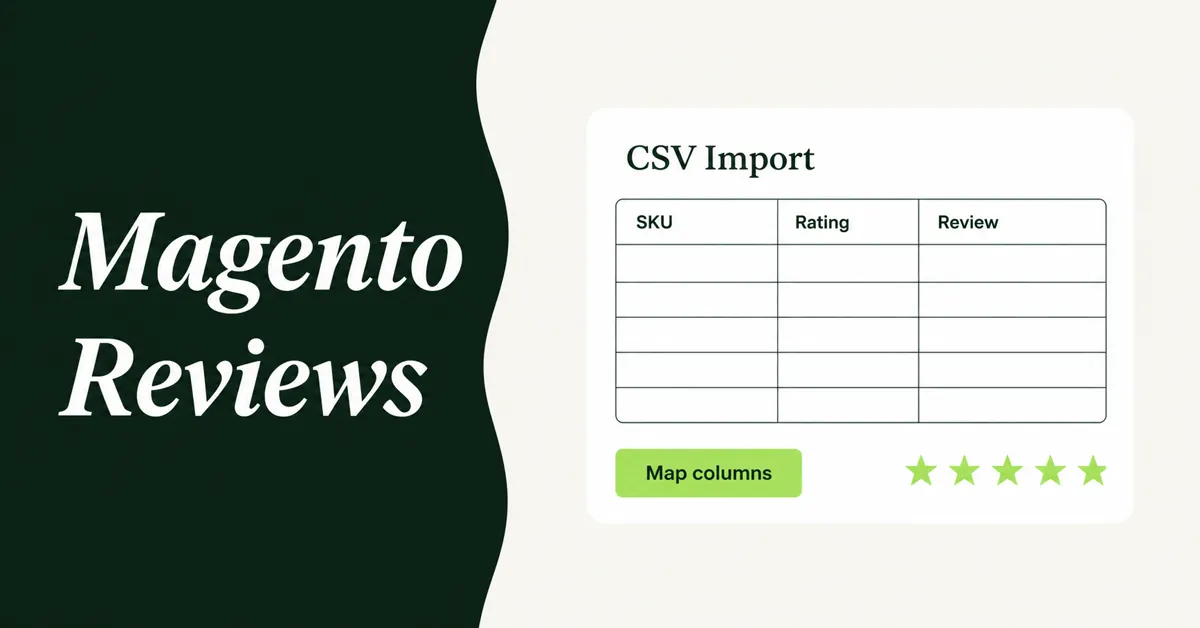
You can import Magento reviews to Shopify, but not by pasting a Magento product URL into a marketplace importer. Magento stores reviews in its own review tables. You export those rows as a CSV, map SKU to a Shopify product handle, then upload the file into a Shopify review app.
Shopify will not do this for you. Its product CSV covers catalog data, not customer feedback. Magento's native System > Data Transfer > Export list is products, pricing, customers, and stock sources. Reviews are missing from that menu. That is the whole job: get a file out of Magento, then map it.
If you are still planning the rest of the move, keep this page for reviews only. The wider catalog, logins, and 301 work lives in the Magento to Shopify migration guide for 2026.
Why Should You Import Magento Reviews Instead of Starting Over on Shopify?
Empty product pages convert worse than pages that already show real buyer feedback. Northwestern's Spiegel Research Center found that a product with five reviews has a 270% greater purchase likelihood than a product with none.
That lift is larger on expensive items. The same study measured a 190% conversion increase on lower-priced products and a 380% increase on higher-priced ones once reviews appeared. Magento merchants who sell considered goods feel this first. A Shopify store that launches with zero stars looks like a new brand, even when the catalog is ten years old.
Shoppers also treat reviews as a default research step. A June 2025 PowerReviews survey of 21,279 consumers found that 95% regularly read product reviews, and only 43% said they would buy a product with zero ratings. 96% called ratings and reviews the most influential factor in the purchase, ahead of photos, search results, and advice from friends.
85% of those shoppers said they are less likely to buy a product with no ratings at all. You already paid to collect that proof on Magento. Leaving it behind is optional, and it is a bad option.
Reviews also feed on-page SEO. Fresh buyer language sits on the product page and can support rich results once a Shopify review app outputs structured data. We cover the conversion math in more detail in how product reviews increase Shopify conversion rates.
Can Magento Export Product Reviews as a CSV?
Yes, but not from the default Data Transfer screen. Adobe's official export entities are Advanced Pricing, Products, Customer Finances, Customers Main File, Customer Addresses, and Stock Sources. Product reviews are not on that list.
Magento still has a native review system. You turn it on under Stores > Settings > Configuration > Catalog > Catalog > Product Reviews, and you moderate submissions at Marketing > User Content > All Reviews or Pending Reviews, per Adobe's product reviews docs and the moderation guide.
To get a CSV, you add an export path:
- A Magento review-export extension. Firebear's Improved Import & Export, Webkul's Product Review Import Export, and similar modules add a Review entity or an Export button on the All Reviews grid. Firebear's job path is System > Improved Import / Export > Export Jobs, with Entity set to Review and format set to CSV.
- A database export. Reviews sit across review, review_detail, rating_option_vote, and catalog_product_entity (for SKU). A developer or host can join those tables and download the result as CSV. Do this on a copy, not on a live production box you are guessing at.
A typical Magento review file includes sku, nickname, title, detail, status, created_at, and rating columns such as vote:Quality, vote:Value, vote:Price, or vote:Rating. That structure is what you will map later. Keep only Approved rows unless you plan to re-moderate every pending comment on Shopify.
Magento's missing native review export is the real migration tax. Shopify is not the villain here. Adobe never shipped a Reviews entity on System > Data Transfer, so every Magento merchant who wants a CSV has to install an extension or query the database. Budget an afternoon for that file, not a week of agency theater.
Does Shopify Import Magento Reviews on Its Own?
No. Shopify has no Magento review importer and no review column in the native product CSV. Shopify's product CSV docs cover titles, handles, variants, and images. They do not cover star ratings or review text.
Shopify Help treats reviews as a separate job on other platform moves. The WooCommerce migration guide lists reviews as an optional import step after products and customers, not as a column in the product CSV. Magento is the same job with a different source file.
Two Shopify review features still confuse people in 2026:
- Shop app reviews. After a Shop customer receives an order, they can leave a 1 to 5 star rating and a comment in the Shop app. That is new feedback from Shop buyers, not a Magento import. See Shopify's Shop product reviews help.
- The standard product_review metaobject. Shopify gives approved review apps a shared schema so ratings can live in Shopify and surface in Shop. It is infrastructure for apps, not a file uploader you click in Admin.
Shopify also retired its first-party Product Reviews app in May 2024. If you are hunting for a free native CSV box that used to live in that app, it is gone. You pick a review app, then you import.
The same CSV-plus-app pattern shows up when people move marketplace feedback. The steps look like our Shopee reviews how-to and the wider Amazon and AliExpress review import guide: export the source, match each row to a Shopify handle, then upload.
How Do You Import Magento Reviews to Shopify?
Use one of three methods. Method 1 (CSV mapping into a review app) is the default for most SMB catalogs. Method 2 is for merchants already paying a Magento-to-Shopify migration service. Method 3 is the fallback when Magento has no export extension installed.
Products must exist on Shopify first. A review row with no matching handle is a skipped row. Import the catalog, confirm SKUs and handles, then move reviews. The Shopify migration checklist is the place to put this in sequence with customers and 301s.
Method 1: Map the Magento CSV into a Shopify review app
This is the method that actually matches the data. You export Magento reviews, you rewrite columns, you upload. Any Shopify review app that accepts CSV can do the last step. Judge.me documents a CSV template, and Wise Reviews maps columns after upload. None of them is "best overall." Pick the app you already plan to keep for widgets and review-request email.
Magento is not a URL source for Wise Reviews. That app's URL importer accepts AliExpress, Amazon, CJdropshipping, eBay, Etsy, HktvMall, Lazada, Shein, Shopee, Temu, Tokopedia, and Wish. A Magento product page is not on that list. For Magento, use the CSV import.
Steps:
- Export approved Magento reviews to CSV with an extension or a database query. Confirm you have SKU, nickname, rating, date, title, and body.
- Export your Shopify products (Products > Export) so you have Handle and Variant SKU in one sheet. The handle is the last part of /products/blue-widget.
- In Google Sheets, VLOOKUP or XLOOKUP the Magento SKU to the Shopify handle. This is the step people skip, and it is why imports fail.
- Keep rating as a number from 1 to 5. If Magento stored Quality, Value, and Price as separate votes, average them or pick the overall vote:Rating column if you have one.
- Filter to Approved. Drop empty nicknames or fill a placeholder only if your app allows it.
- Install the review app, download its template, and map columns. For Wise Reviews: go to Reviews > More actions > Import via CSV, upload the file, keep headers checked, then map Product handle, Rating, Review date, and Reviewer name. Optional fields can be set to Not applicable.
- Import a 20-row test. Spot-check stars, dates, names, and the right product. Then import the rest in batches.
Wise Reviews caps a file at 3,000 rows. Split bigger Magento tables. Imported rows count toward the plan: 100 on Free, 50,000 on Standard, unlimited on Plus, matching the Shopify App Store listing (Free, $9.95/month Standard, $19.95/month Plus). If a handle is invalid, sync products in the app and retry those rows.
Method 2: Use a Magento-to-Shopify migration service that includes reviews
Pay a service only if you are already moving products, customers, and orders through the same vendor. Reviews are an extra entity, not a reason to hire the whole project.
Cart2Cart documents review migration to Shopify. You install a Shopify review app first, then include reviews in the entity list. Cart2Cart's Magento guide lists product reviews as an additional module. LitExtension can move reviews when you tick Reviews and Products together. Ask for a demo store that already shows Magento reviews on Shopify before you pay.
Keep a CSV backup anyway. Migration tools attach reviews to products by SKU. If a configurable parent and its simples do not map the way you expect, reviews land on the wrong page or nowhere. The backup lets you fix those rows with Method 1 instead of opening a ticket and waiting.
Method 3: Export reviews from the Magento database when you have no extension
If you cannot install a Magento module (agency lock, old Open Source box, or a host that blocks Marketplace installs), export from the database. Magento stores the review id and created date on review, the title, body, and nickname on review_detail, star votes on rating_option_vote, and SKU on catalog_product_entity.
Have a developer or your host run a SELECT on a replica, then export the grid as CSV from phpMyAdmin or a similar tool. Do not run untested UPDATE statements on production. You only need a read.
Once you have SKU, nickname, title, detail, created_at, rating, and status, you are back on Method 1. The database path is how you get the file, not how you publish it on Shopify.
How Do You Map Magento Review Columns to a Shopify Import File?
Map Magento fields to the review app's required columns, not to Shopify's product CSV. The product file is only there so you can look up handles. If you have never exported Shopify products, use how to import products to Shopify from a CSV as the handle and SKU reference.
Use this mapping as the working sheet:
- sku (Magento) > look up Shopify Handle. Never paste the Magento SKU into a handle field unless they already match character for character.
- nickname > Reviewer name (required in Wise Reviews).
- created_at > Review date. Keep a real date. If the app wants ISO format, convert 2019-07-24 09:08:36 to that format in the sheet.
- vote:Rating or an average of vote columns > Rating, integer 1 to 5.
- title > review title, if the app has that optional field.
- detail > review body. Optional in some apps. Import it anyway. Stars without text look thin.
- status > filter, do not map. Only Approved rows should be in the upload file.
Media is the awkward leftover. Native Magento reviews are text. If an extension stored photo URLs, put them in the app's media column (Wise Reviews accepts comma-separated image or video URLs). If you do not have URLs, skip media. Do not invent image links.
Guest reviews are fine. Magento allows guests when Allow Guests to Write Reviews is Yes. Those rows still have a nickname. They just will not match a Shopify customer account, and they do not need to.
What Usually Breaks During a Magento Review Import?
Most failed imports are handle mismatches, not broken apps. Magento keys reviews by SKU. Shopify review apps key them by product handle. If you imported configurables as split products, or if you changed handles during the catalog move, the lookup sheet is wrong before you upload.
Check these before you blame the importer:
- Wrong product. A simple child SKU on Magento may now live as a variant on a parent handle. Attach the review to the parent handle shoppers actually open.
- Rating stored as text. "5 stars" or "Excellent" will fail. Coerce the column to a number from 1 to 5.
- Pending rows. They import, then sit hidden, or they publish comments you never approved. Filter first.
- Date formats. US dates, EU dates, and Magento timestamps in one column will shift review order. Normalize before upload.
- File size. Split at the app's row cap. Wise Reviews stops at 3,000 rows per file.
- Import allowance. A 4,000-review Magento catalog will not fit on a 100-review free plan. Count rows against the plan before you start.
After a failed batch, do not re-upload the same file on top of partial success unless the app skips duplicates. Export what already landed, subtract those rows, and import the remainder.
What Should You Check After the Reviews Are Live?
Open 20 products that had the most Magento reviews and confirm the widget, the average rating, the oldest date, and the reviewer name. Then open a product that should have zero reviews and confirm it stayed empty.
Install the review widgets on the product template if the app uses theme app blocks. Collection-page stars are a separate toggle in many apps. Turn them on if your theme supports the block. Reply to a couple of older 1-star reviews so the thread does not look abandoned on a brand-new Shopify URL.
Set up review-request email for new Shopify orders. Imported Magento reviews are your starting proof. They are not a substitute for fresh, dated feedback. Shoppers notice recency. PowerReviews found that 88% of consumers regularly consider how recently a review was written.
Keep the Magento review export. If you switch review apps later, you will map this file again. Do not treat the first successful import as the only copy of that history.

WiseReviews ‑ Reviews Importer
SponsoredImport Photo & Video Reviews from your favorite e-commerce platforms easily!
Related Articles

Learn how to import product reviews to Shopify from Amazon, AliExpress, Etsy, and more. Step-by-step guide with app recommendations and best practices.
How to Import Reviews from Shopee to Shopify in 2026 (3 Methods)
Import reviews from Shopee to Shopify with a Chrome extension, CSV, or review app. Free options, CAPTCHA limits, and what data still transfers in 2026.

How to Migrate Product Reviews from Etsy to Shopify Without Losing Star Ratings
Star ratings vanish in most Etsy imports. Learn how to migrate product reviews from Etsy to Shopify with ratings, photos and rich snippets fully intact.

How to Import Reviews from AliExpress to Shopify (2026 Walkthrough)
Learn how to import reviews from AliExpress to Shopify the right way in 2026, with a video walkthrough, FTC compliance rules, and top import apps compared.

How to Import Trustpilot Reviews to Shopify (Step-by-Step)
Want to import Trustpilot reviews to Shopify? Learn the CSV export route, API access limits, and why a TrustBox widget won't help your product page SEO.

Magento to Shopify Migration: The Complete Step-by-Step Guide for 2026
A Magento to Shopify migration for 2026: compare tools, map configurables to variants, import reviews via CSV, reset passwords, and upload 301 redirects.