
How to Import Products from CJdropshipping to Shopify (3 Methods That Work)
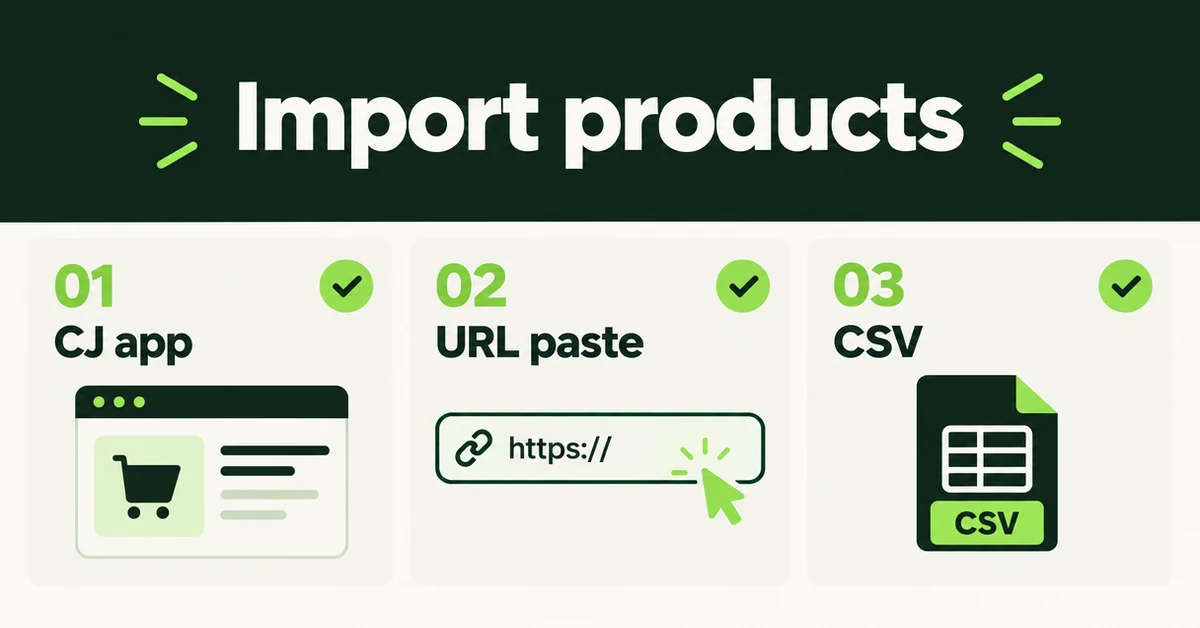
If your supplier catalog already lives on CJdropshipping and you are opening a Shopify store, the slow part is not finding products. It is rebuilding titles, images, and variants by hand. You can import products from CJdropshipping to Shopify with the official CJ Shopify app, a URL product importer, or a Shopify-format CSV. This guide walks through all three so you can pick the path that matches whether you also want CJ to fulfill orders.
U.S. retail ecommerce reached about $1.23 trillion in 2025, and Shopify reports $378 billion in merchant GMV for 2025 across millions of merchants in 175+ countries. Plenty of those merchants source from CJ while selling on a branded storefront. If you also need social proof on day one, treat reviews as a second job with our guide on importing reviews from CJdropshipping to Shopify. Product data and reviews do not travel in the same tool.
Why Do CJdropshipping Sellers Move Product Catalogs to Shopify?
Most CJ sellers open Shopify to own the customer list, control branding, and run ads on a domain they control. They rarely quit the supplier on week one.
CJ remains the sourcing and fulfillment layer for many catalogs: product research, warehousing options, and order forwarding. Shopify becomes the brand home for email, SMS, and paid traffic you paid for yourself. A clean Shopify catalog lets you rewrite titles for Google, set margins that survive ad spend, and publish honest shipping windows instead of marketplace boilerplate.
There is also an ops reason. CJ listings are written for a supplier catalog. Shopify pages need unique handles, collection membership, and image sets that work without CJ's gallery rules. Importing the product shell saves hours. Rewriting the copy is still your job.
Another quiet reason is inventory truth. On CJ, stock can look fine while your ads, email flows, or a second sales channel tell a different story. Shopify becomes the system of record once you sell branded traffic. That only works if the products you import are the same SKUs you actually fulfill, with prices that survive returns and payment fees.
Hot take: the official CJ app is the right pick when you want CJ to fulfill. Treating every product import as a fulfillment marriage is how merchants end up with CJ-managed inventory they cannot cleanly exit. If you only need the listing shell, paste the public CJ product URL into a product importer and keep fulfillment as a separate decision.
How Do You Import Products from CJdropshipping with the Official CJ Shopify App?
Install the official CJdropshipping app, authorize your store, then use List (or List It Now / Edit Before Listing) to push catalog rows into Shopify. This is the default path when you want products, inventory sync, and order forwarding in one connection.
CJ's own connect guide walks the authorization flow: create a free CJ account, install CJdropshipping from the Shopify App Store, log in inside the app, and confirm the store shows as authorized under Store Authorization. After that, browse the CJ catalog (in the app or on the CJ site), open a product, and list it to your store.
- Install the CJdropshipping app and complete authorization so Shopify and CJ can exchange products and orders.
- Find a product in CJ's catalog or Hot Selling section. Check warehouse location, cost, and shipping window before you list.
- Click List. Use List It Now for all variants, or Edit Before Listing when you only want some variants.
- Set retail price, shipping method, destination, and vendor (many merchants put their store name in Vendor). Then confirm the list.
- Open Shopify Products and verify the item landed. Rewrite the title and description before you publish.
This path shines when CJ will fulfill. Orders can sync to CJ after a sale, you pay CJ for product plus shipping, and tracking can push back to Shopify when inventory is managed correctly for the CJ fulfillment service. It is the wrong path if you only wanted a branded catalog and plan to fulfill elsewhere, because you now have a supplier integration to maintain.
Keep the first import small (about 15 to 25 SKUs). CJ copy often reads like a warehouse label. Edit titles, trim descriptions, and confirm variant images before you scale.
How Do You Import CJdropshipping Products with a URL Importer?
A URL importer skips the CJ fulfillment marriage. You install a product importer on the destination Shopify store, paste a public CJ product URL (or use a Chrome extension if the page is protected), preview the listing, then create the product as a draft or live item.
Migratify lists CJdropshipping under Works with on the App Store and holds a 4.5-star rating across 56 reviews. Per Migratify's URL import docs, most public product pages work by pasting a link. Captcha-protected sites such as Shopee, AliExpress, Temu, and Shein need the Chrome extension instead. Start with URL paste for CJ; switch to the extension only if validation fails on a protected page.
- Install Migratify on the Shopify store that will receive products. Migratify requires a paid Shopify plan; trial stores can install but cannot import until Shopify is upgraded.
- Open the Import page and paste one or more CJ product detail URLs. Wait for validation and the product preview.
- Set import options: add to a manual collection if you want, price multiplier (use 1 to keep source prices), create as active or draft, shipping/tax flags, and inventory tracking. Optionally add a Magic Edit prompt.
- Click Start migration. The job runs on Migratify's servers, so closing the browser does not cancel it. Only one import runs at a time.
- Spot-check the product in Shopify admin before you publish.
Plan limits matter while you test. Migratify Free allows up to 5 products in total (not per month), with 5 Magic Edit credits. Standard is $14/month with unlimited imports and 25 Magic Edit credits. Plus is $29/month with 5,000 Magic Edit credits. What usually comes across: title, description, images (variant images when the source provides them), options, price and compare-at price, weight when present, SKU and barcode, tags (up to 30), vendor, and product type. Videos are not imported. Customers, orders, and reviews are not imported either.
Use this method when you want catalog speed without committing every SKU to CJ order sync, when you are building a multi-source catalog (CJ plus Amazon, Etsy, or another Shopify store), or when you already fulfill through another 3PL. For captcha-heavy marketplaces the same pattern shows up in our guide on importing products from AliExpress to Shopify.
If URL validation fails on a CJ product page, confirm you are on a product detail URL (not a search grid or category page), the link is complete, and the listing is still public. Then retry with the Chrome extension from Migratify's Extension page: install the extension, paste your Extension app key, open the product page, and click Import product. Do not treat every CJ failure as a reason to install a second fulfillment app.
How Do You Import CJdropshipping Products to Shopify with a CSV File?
CSV is the bulk path when you need spreadsheet control, custom mapping, or a catalog too large to click through page by page. You build a Shopify product CSV, then upload it from Products → Import.
Shopify's docs are clear: your product CSV cannot exceed 15 MB, column headers are case-sensitive, and UTF-8 encoding prevents mojibake. Imports cannot be canceled once they start, and Shopify does not keep a friendly import history for rollback. Test five variant-heavy SKUs first.
- Download Shopify's sample product CSV from Products → Import.
- Map CJ fields you are allowed to use into Shopify columns: Title, Body (HTML), Vendor, Type, Tags, Option names/values, Variant SKU, Variant Price, Image Src.
- Keep every variant row for one product under the same Handle. Image URLs must be publicly reachable over HTTPS.
- Strip supplier boilerplate from descriptions. Set retail prices that cover CJ cost, shipping, and ad spend.
- Upload under Products → Import, review the preview, then import. Leave new products unpublished until you spot-check.
CJ does not hand you a ready-to-upload Shopify CSV by default. You either rebuild the sheet from listing data you export or license, or you use CSV only after a small URL/app import when you need metafields and bulk edits later. For column-by-column failure modes, use our walkthrough on importing products to Shopify from a CSV without errors.
CSV wins for audit trails and for merchants who already clean catalogs in Sheets. It loses when image URLs die mid-import or when option names drift ("Color" vs "Colour") and split products.
What Product Data Usually Transfers from CJdropshipping, and What Does Not?
Expect the product shell to move. Do not expect marketplace-only assets or non-product data to follow automatically.
Usually transfers with the CJ app or a URL importer: title, description, image set, variant options, prices, SKUs when present, vendor, and type.
Often needs hand work: SEO title and meta description, collection membership beyond a single destination collection, inventory quantities by location, shipping profiles, and metafields your theme depends on.
Does not transfer via Migratify: customers, orders, reviews, gift cards, store settings, and source-page videos. Collections are not imported as objects, though you can drop imported products into one existing manual collection during import settings.
Shopify raised the per-product variant ceiling to 2,048 variants for all merchants on October 15, 2025, but you still only get three option names per product. If a CJ listing uses four attributes, split the product or demote one attribute to a metafield before you publish.
Also remember the job split. Product importers move catalog data. Review importers move social proof. Full-store migration suites move customers and orders. Our 2026 Shopify migration apps comparison maps which tool fits which entity.
What Should You Clean Up After a CJdropshipping to Shopify Product Import?
Publish nothing until you finish a cleanup pass. Supplier imports create drafts that look finished and still convert poorly.
- Handles: Replace auto-generated slugs that include CJ SKU junk or long promotional phrases.
- Pricing: Confirm retail price covers product cost, shipping, payment fees, and ad spend. Do not publish CJ cost as your storefront price.
- Images: Drop watermark-heavy shots, set alt text, and attach the right image to each variant.
- Copy: Remove supplier-only phrases and shipping claims you cannot keep. Write for Google and your brand voice.
- Shipping honesty: If fulfillment ships from China in multi-week windows, say so on the product page. US or EU warehouse stock can be faster; verify per SKU.
- Inventory: Turn on tracking only when numbers are real. Stale CJ snapshots create oversells.
- Duplicates: Search for near-identical titles created when you listed the same SKU twice.
- Mobile PDP: Spot-check the first screen on a phone before you spend on ads.
For a deeper cleanup playbook covering duplicates, tags, and broken variants, use how to clean up product data after a Shopify migration. The same habits show up after Temu or other marketplace catalog pulls in our guide on importing products from Temu to Shopify.
Should You Keep Using CJdropshipping for Fulfillment After You Import?
Yes for most dropshipping catalogs. Importing products does not require you to shut off CJ fulfillment, and shutting sourcing off on launch day usually cuts options before Shopify SEO and ads catch up.
Run clear rules:
- Use the official CJ app path when CJ will fulfill and you want order sync and tracking updates.
- Use a URL importer when you only needed the product shell, or when fulfillment will live elsewhere.
- Send owned traffic (email, social, brand search) to Shopify, not to the CJ product page.
- Sync inventory carefully so one channel cannot oversell the shared pool.
- Differentiate Shopify copy so Google has a reason to rank your domain instead of a supplier mirror.
When the Shopify store converts paid and organic traffic on its own, prune weak CJ SKUs. Until then, treat CJ as a supplier network and Shopify as the brand home. Product import is the mechanical slice. Pricing, shipping honesty, and review seeding are still separate afternoons.
A practical sequence for most CJ catalogs: import as drafts, spot-check 20 SKUs across categories, fix handles and images, build collections, then publish. Inventory counts drift during any move, so reconcile quantities before you open ads on the new storefront.

Migratify: Copy Products + AI
SponsoredProduct import made easier! Effortlessly migrate products from 100+ platforms.
Related Articles

Learn how to import reviews from CJdropshipping to Shopify with 3 methods that work: product URL paste, CJ CSV export, and other CJ-ready review apps.
How to Import Products from AliExpress to Shopify (3 Methods That Work)
Import products from AliExpress to Shopify with 3 methods that work: Chrome extension apps, CSV bulk upload, or manual. Preserve titles, images, variants.
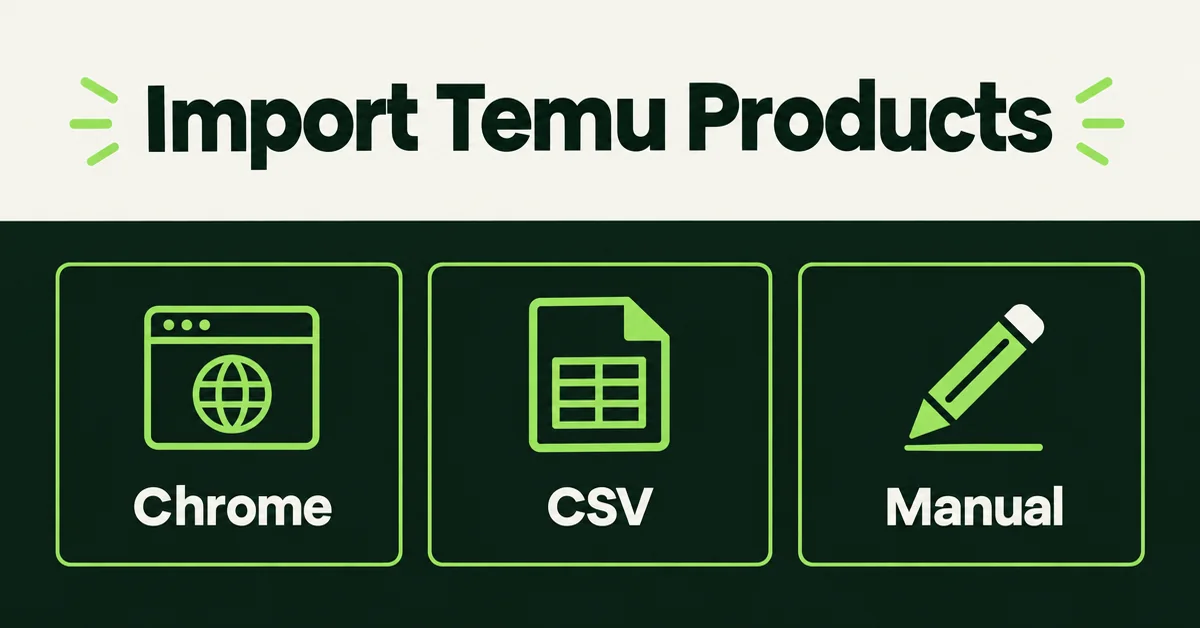
How to Import Products from Temu to Shopify (3 Methods That Work)
Import products from Temu to Shopify with 3 methods that work: Chrome extension apps, CSV bulk upload, or manual. Preserve titles, images, variants too.

How to Import Products from Shopee to Shopify (3 Methods That Work)
Import products from Shopee to Shopify with 3 methods that work: Chrome extension apps, CSV bulk upload, or manual. Preserve titles, images, variants.

How to Import Products to Shopify from a CSV File (Without Errors)
Learn how to import products to Shopify from a CSV file without errors. Covers formatting, variants, images, and detailed fixes for every common issue.
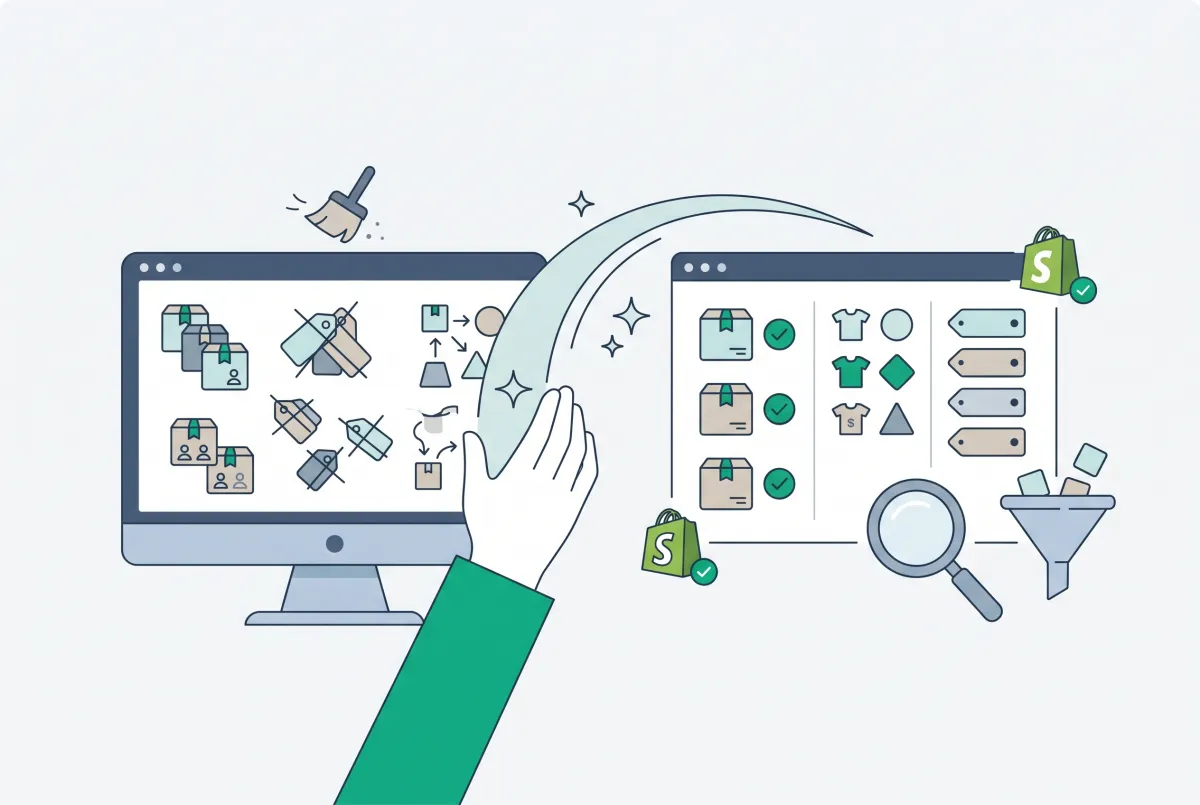
How to Clean Up Product Data After a Shopify Migration (Duplicates, Variants, Tags, and More)
Duplicate products, broken variants, orphaned metafields? Here's how to clean up product data after a Shopify migration, fast and without wrecking SEO.